Images on saved blocks are visible in Brizy editor but not on live site

Hi,
I have encountered a problem with a site I am working on.
I have a website (site A) which uses Divi. I have another site (site B) which uses Brizy. I took a copy (ie, copied all site files and database) of site A and set it up under a new domain (site C). The site seemed to work fine. I then removed Divi theme and builder from it and installed Astra theme and Brizy Pro builder, with the intent of redeveloping the site under Brizy.
I saved a bunch of my modules on site B to the Brizy cloud, and imported them into pages on the new site C. This seemed to go fine.
But I find that although everything looks good within the Brizy editor, once I save the page and go and look at it, some images do not show up.
Here is within the Brizy editor:

Here is the published page:
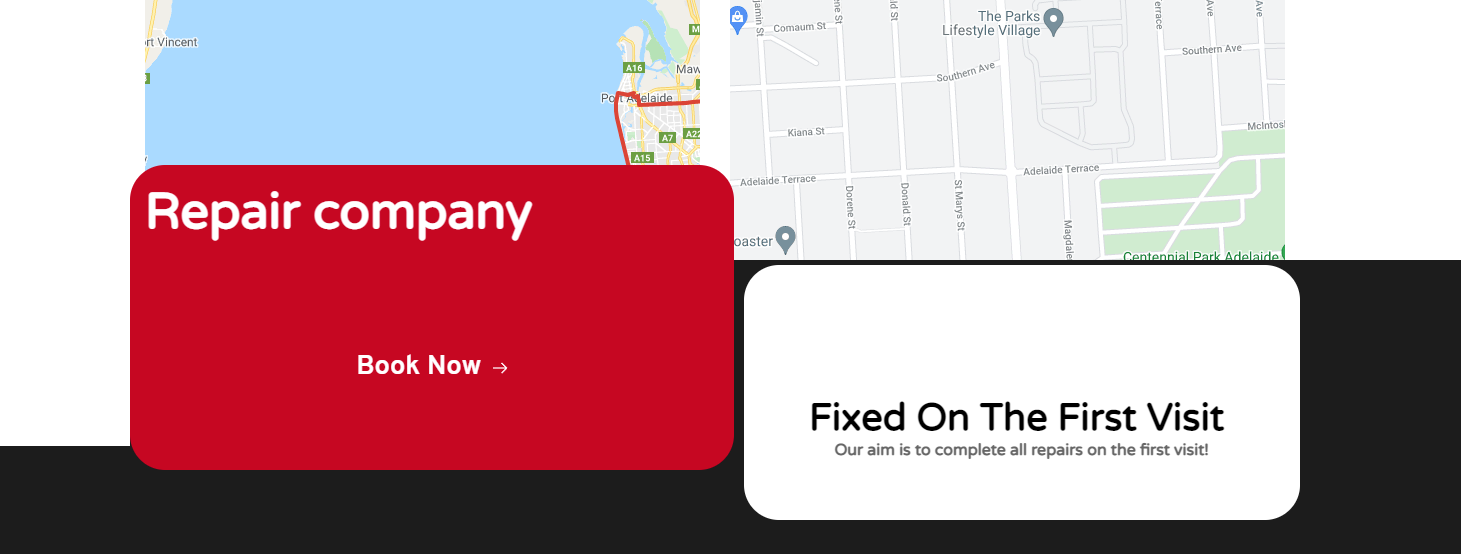
The background image is missing, as is the little truck icon. One is a JPG, the other is a PNG.
There are also some SVG images missing elsewhere on the page.
Things I've tried:
- Re-uploading image directly to site C through Brizy editor.
- Replacing the image with one uploaded into the WP media library instead of through Brizy.
- Re-inserting block from Brizy Cloud saved blocks library .
- Deactivating all plugins except Brizy.
- Switching to one of the default WP themes.
The site is hosted on a Litespeed server running cPanel. Site B is hosted on an identical server.
The pages are set to use "Brizy Template" setting for page template but I have not created any actual Brizy templates -- all content is just edited per page in the Brizy editor.
I tried an experiment -- saving the blocks locally on site B again, then immediately adding them to the page on site B, and this also seemed to result in missing images. So it may not be Brizy Cloud at fault. What might cause that?
Checking the code of the page revealed that the block was there somewhere, as was the image, but it was not showing:
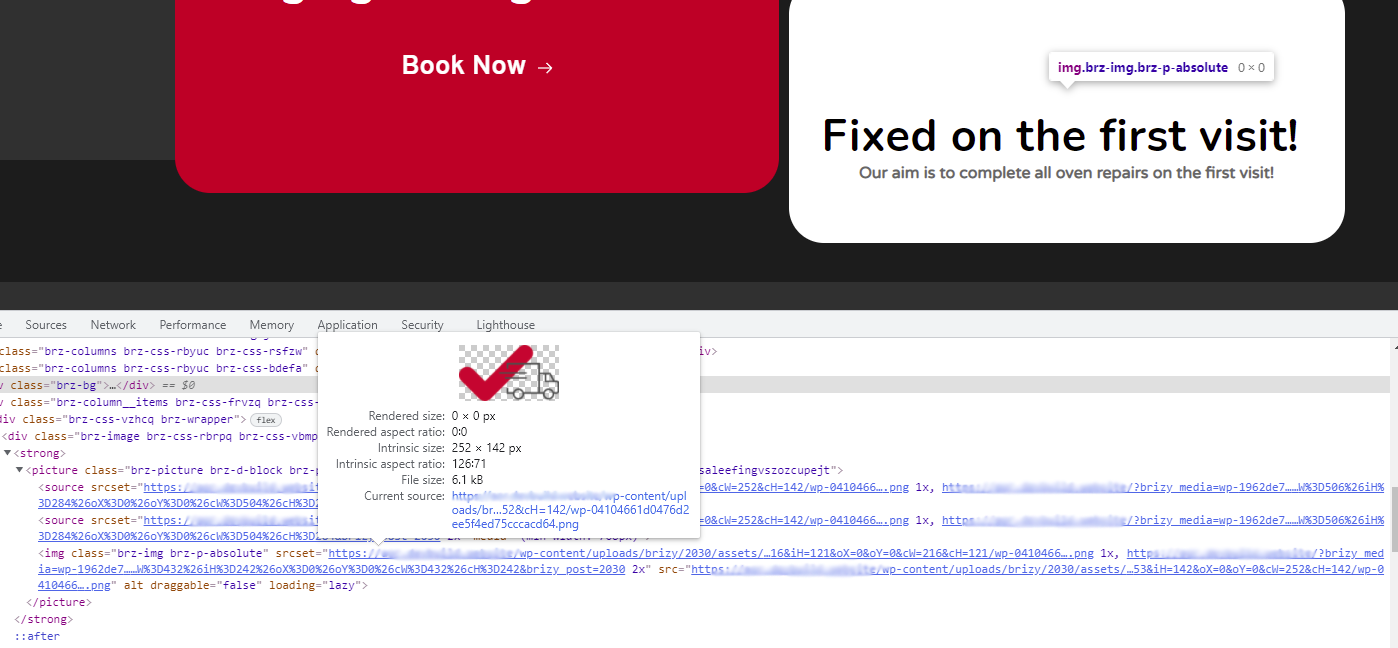
Deactivating this bit of CSS code made the image appear (though the overall layout was of course ruined as a result):
.brz .brz-css-vzhcq {
display: flex;
}
Changing the display value to 'inline', 'block', 'initial', 'revert', or 'list' made the image appear without destroying the overall page layout.
I'm not sure what the ".brz-css-vzhcq" CSS element refers to.
Any advice on how to fix this?
Many thanks.
-

Hi Paul,
Thank you for getting in touch with us.
We would like to check this problem from your dashboard. Could you please send us the WP credentials to this site? We have created a private ticket for this request. You had to receive a notification regarding this by email. Could you send us in that private message the WP credentials to this site?
Also, please send us the URL link of the page where you receive this inconvenience.
Best regards, Nelea.
0 -
Thanks Nelea, I have replied to the email from Natalia.
Cheers,
Paul.0
Please sign in to leave a comment.
Comments
2 comments