Images not showing

Hello,
I can't add any new images with Brizy for WordPress. My images are showing up in media. I can't even use images that are showing up fine on other pages.
I have updated Brizy and Brizy Pro.
I have disabled all other Plugins.
I have also changed the theme.
You can see the problem with the logo next to the home menu in the screenshot.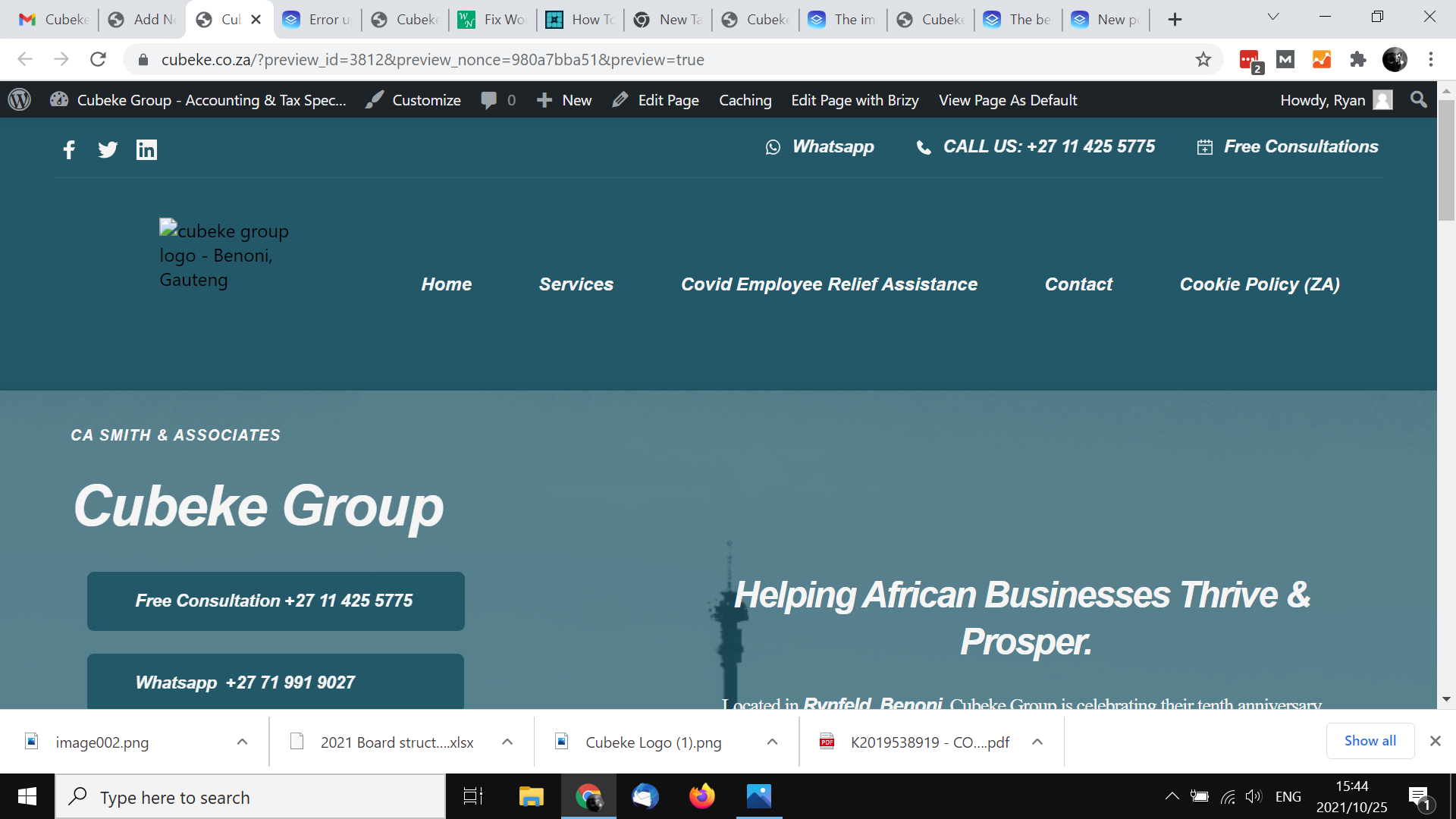
Thoughts?
-

Hello Ryan,
Thank you for your message!
Could you please say what actions did you make before this problem happen? Did you migrate the site or change some site settings or add a new plugin? At the same time, could I ask you what hosting provider do you have for this site where you encounter this problem? Hope to hear from you soon!
Kind regards,
Doina
0 -
Hi Doina,
The site was migrated over a month ago. This was the first time I've tried to change an image. I removed an image and tried to put up the new image with no success. I tried to go back to the original image and had the same trouble.
Also, I tried setting up a page using an image without in the WordPress builder without Brizy and the images showed up fine.
Thank you for your help!
0 -
Sorry. "using an image in wordpress builder without using brizy.
0 -
Hello Ryan,
Thank you for your message!
I will create a ticket and one of my colleagues will write to you as soon as possible! Please make sure to give them all the details that they need. Till then, if you have any other questions, feel free to ask! We will be happy to help.
Have a nice day and kind regards,
Doina
0 -
Mulțumesc!
0 -

Buna Ryan :)
Thank you for your credentials. I will post the comment here, for all users.
In this dashboard, an image can not be edited - https://jmp.sh/y4ndHpj; This means that the PHP image functions are not enabled. In this case, it's necessary to ask the hosting provider to check and enable the PHP image GD and Imagick.
Regards, Natalia
0
Please sign in to leave a comment.
Comments
6 comments