Contact form "app integration" button missing

I receive a "your email was not sent" message when I use the contact form. Your support forum talks of an "app integration" button to be found on the contact form but it is not there when I go to edit.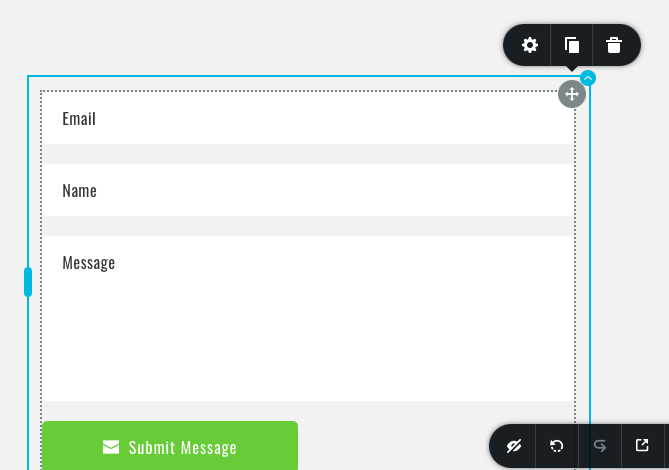
-

Hi,
do you have this issue in WordPress? If so here are some useful links: https://support.brizy.io/hc/en-us/articles/360043670132-Contact-form-integrations- You can start with the WordPress send method configuration: https://support.brizy.io/hc/en-us/articles/360043678972
0 -
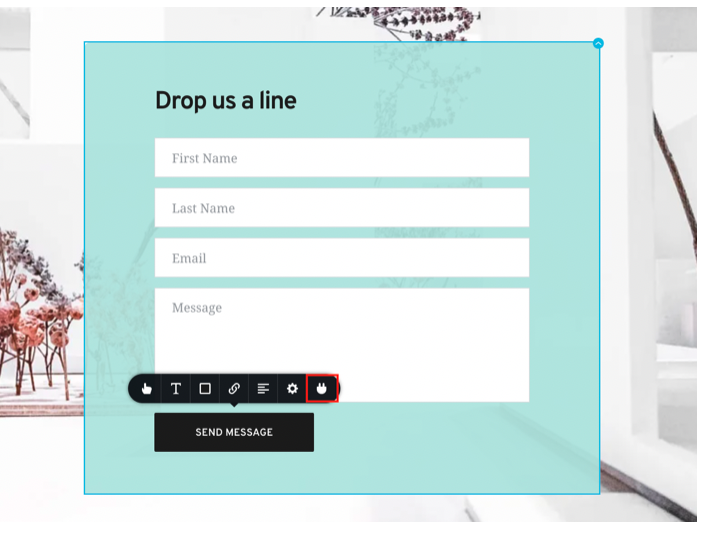
The problem is that the "app integrations" button doesn't exist so none of those above links help. Did you see my picture? Yes, it's wordpress.
This icon that you outlined in red doesn't exist on my contact form:
 0
0 -
That's strange. Can you please confirm that we are talking about the latest Brizy versions - Free 2.3.18. and PRO 2.3.14?
0 -
Yes, it's Brizy pro 2.3.14
0 -
and Brizy Free 2.3.18? It is important that both are the latest versions.
btw: Is this form imported from any pre-made layout? Do you have the same problem if you add a new form element to the page?
0 -
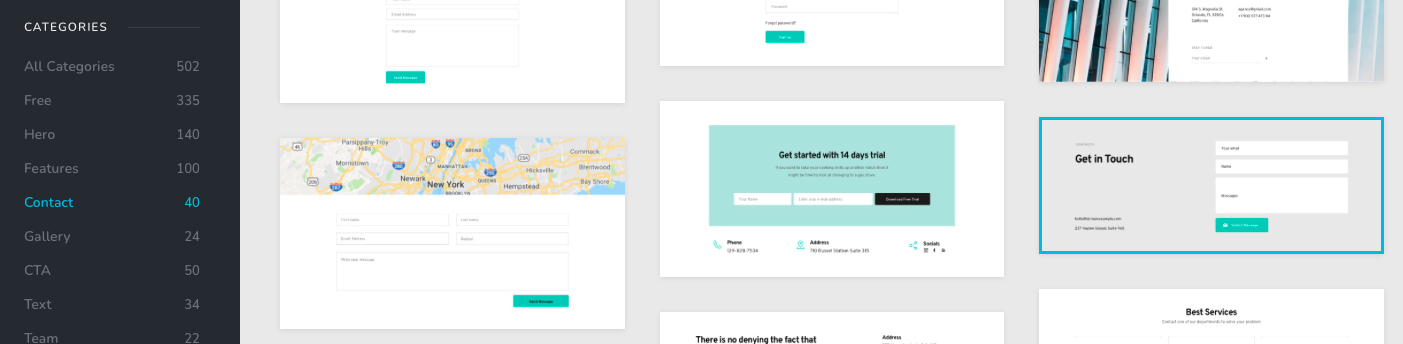
Yes, both the Brizy free and Brizy Pro are up to date and installed. This contact form is taken from the Brizy "Contact" category shown below. I'm not sure what you mean by "add a new form element to the page." I just need a "contact us" of some sort. I tried others in that list and didn't see the "app integration" icon either. You're free to check yourself if you'd like my UN and PW
 0
0 -
Oh, I see what I did wrong now. You have to hover over the "button". I was clicking on the arrow over the entire form. Sorry about that.
0 -
I'm glad to hear that.
Let us know if you need anything else.0 -
Hello. Unfortunately, after following directions for the Gmail set up I still get the "You Email was not sent" notice. I have allowed "less secure apps" access in my gmail account settings. It is a "workspace" account though. Not sure if that matters or if you've had a user use that before.
0 -
Hi,
sorry for not getting back to you sooner. Support is limited on weekends.
Can you please confirm you have correctly entered your Gmail username and password? (Username is your Gmail address) -> https://jmp.sh/x1qrfoU
Does another send method work? Have you tried the WordPress default option?0 -
Hello,
So I gave up on Gmail and tried the WordPress option. By the way, I can't seem to unselect gmail. Both wordpress and gmail option are selected.
Anyway, I set up the Wordpress Option and it does send. I received the email. Unfortunately it tells the user that the email did not send. Suggestions?
0 -
Hi,
can you please duplicate that form and reconfigure only the WordPress send method? Let me know if you have the same problem when a form has only one send method selected.
0
Please sign in to leave a comment.
Comments
12 comments