Schema for SEO

Hi,
Is it possible to assign schema markup to parts of the text inside Brizy editor? This is usually possible with plugins like Yoast, but of course Yoast cannot detect all the text inside Brizy.
-

Hi,
you can't do that to the text element but you can use the Embed element to add this text which also contains the relevant microdata: https://jmp.sh/INTM0Nl Here is an article on how to generate this code: https://neilpatel.com/blog/get-started-using-schema/
0 -
Hi, is it possible to FAQPage schema to a Brizy element? For instance here I see a dropdown for HTML tag, it would be nice to be able to pick schema for specific elements:
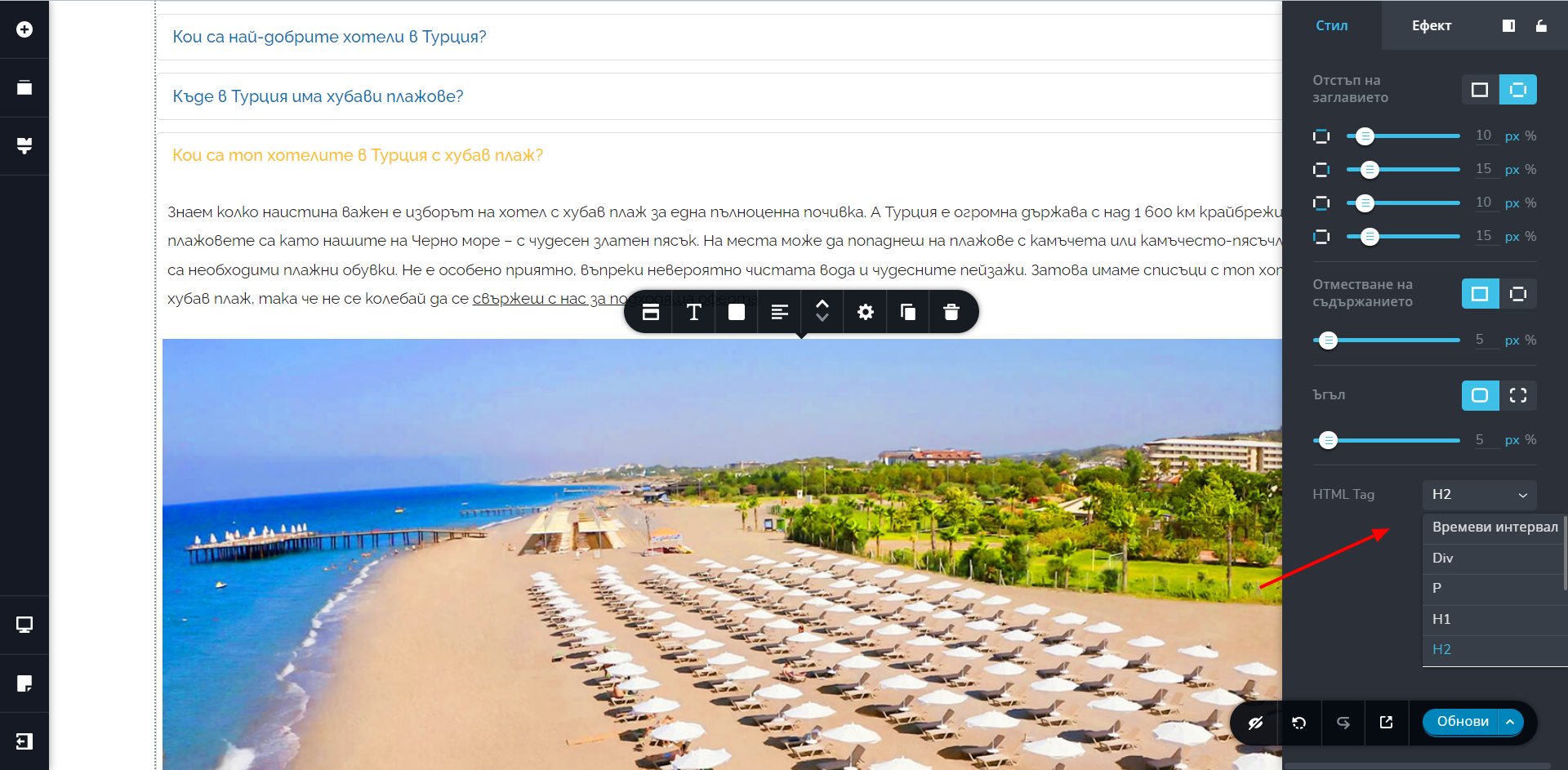
Competitors have already marked elements on their pages and this is recognized by Google:
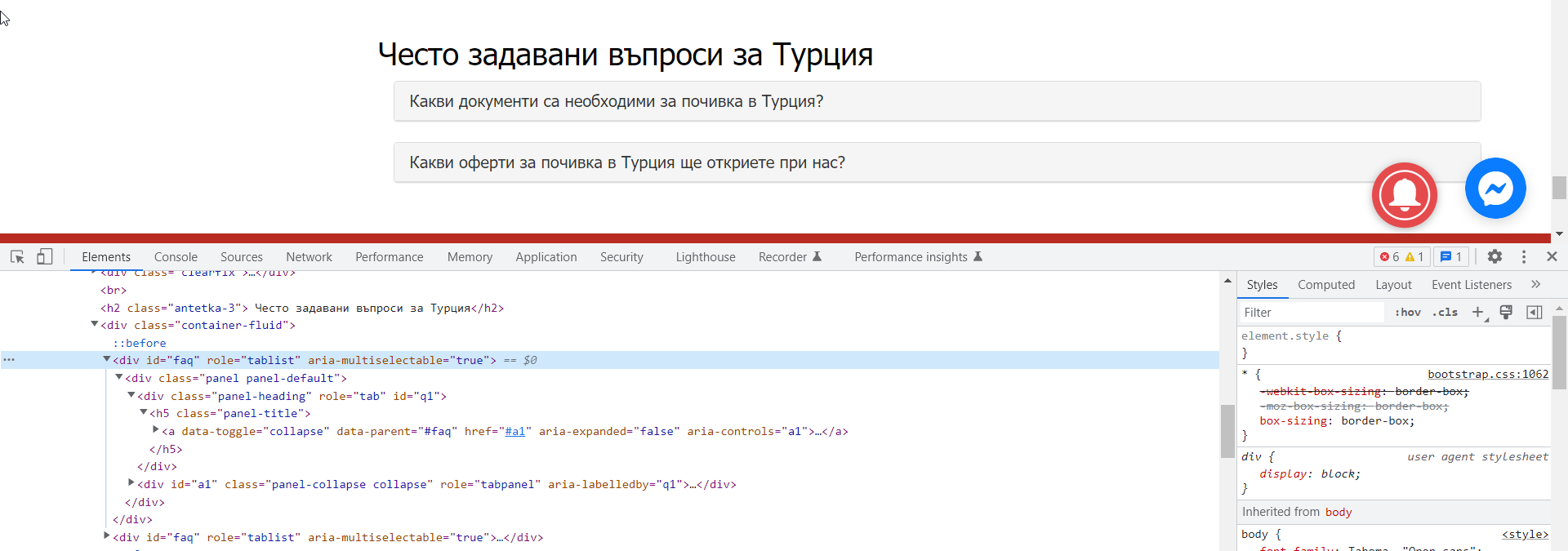
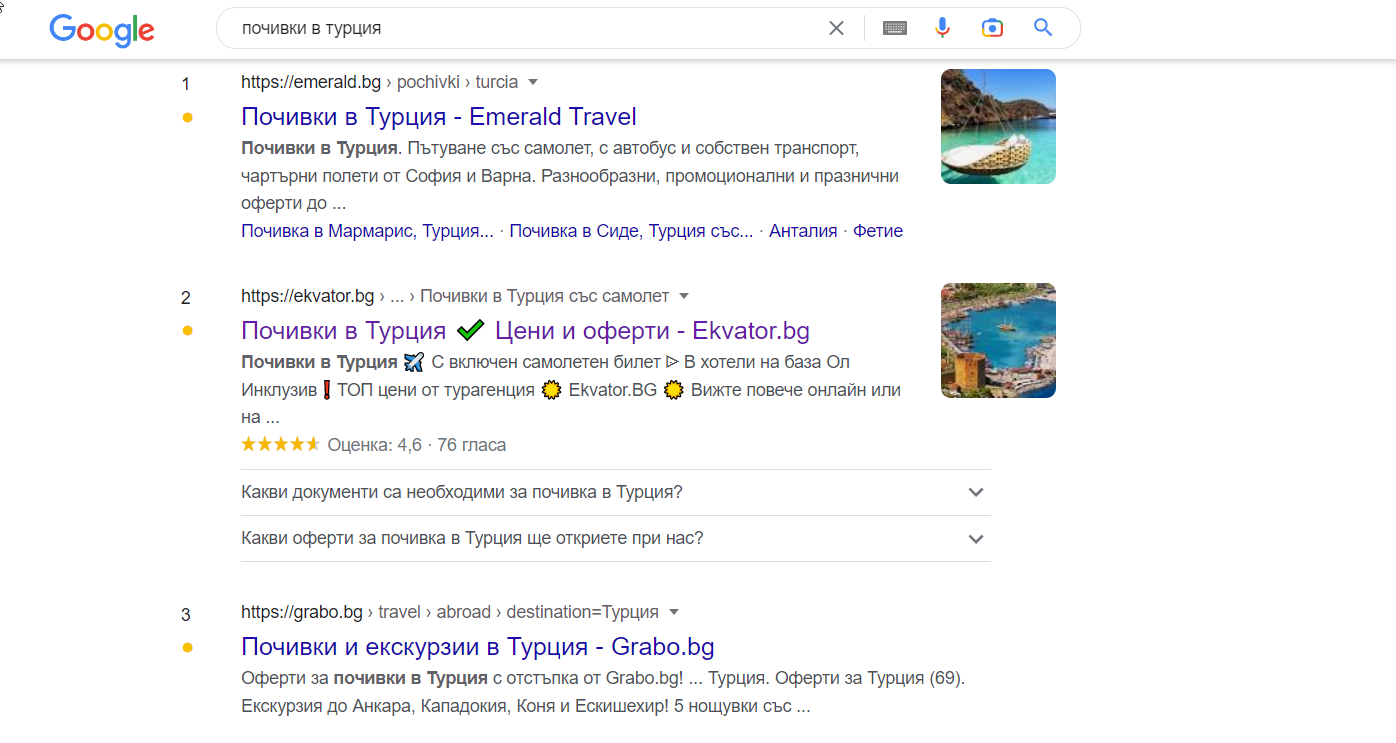 0
0 -

Hi Ivo,
It is not possible to add the FAQ schema to the Brizy Accordion element. However you can use a work around with Brizy WordPress. Please have a look at my test page at https://brizytest.online/faq If you test this URL at https://search.google.com/test/rich-results you will see that the page has the FAQ schema

Please follow these steps to add FAQ schema to your FAQ page developed using Brizy.
- Install the plugin Structured Content
- Add a new page and name it FAQ
- Add a sample question using the plugin and hide the question by clicking on the eye icon and publish the page
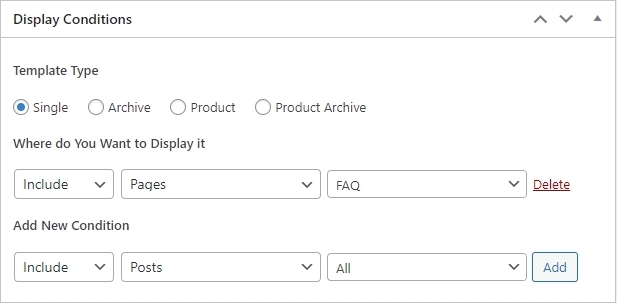
- Add a new Brizy Template and name it FAQ and use the following Display Condition for the template and Publish it
- Edit the Template with Brizy and add the Brizy header and Brizy footer and in the content area, drag and drop the Content element and then design your FAQ page using Brizy
For more detailed instructions, please see this video. https://jmp.sh/m07vmdVO
 0
0
Please sign in to leave a comment.
Comments
3 comments