Not show colored text with link embedded

Hi,
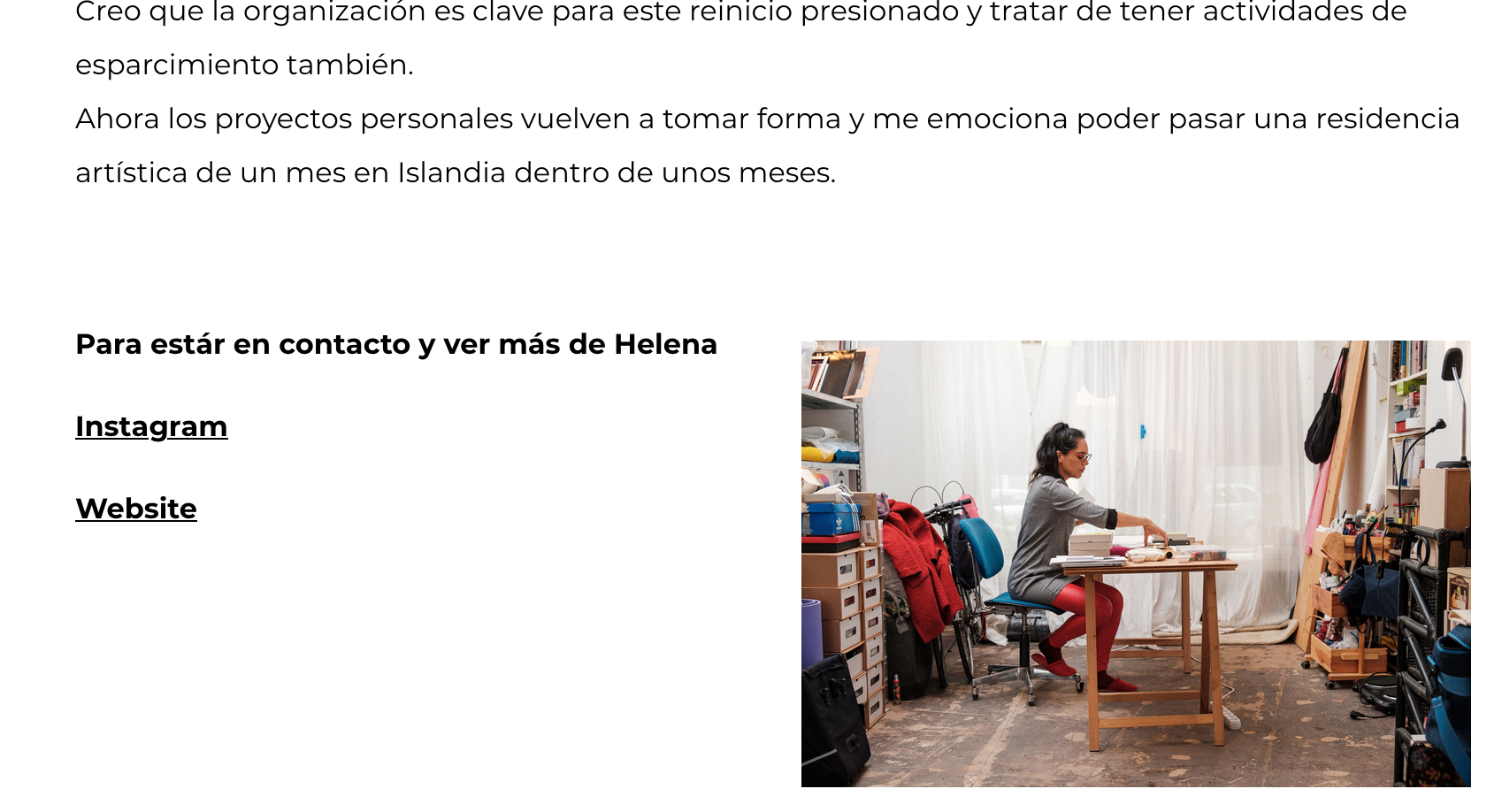
I have an issue with the text with a link embedded in the posts. When I write the post on WordPress the text which has a link is colored red, which is the color I want. But when I go to the post online, there's no color, just an underline.
Is there any way to fix this?
Many thanks.
Manuel
Here is a photo of what I see online
-

Hi Manuel,
Thank you for getting in touch with us.
I'm sorry but we can't reproduce the problem. Please see here. Please, make sure you have the latest Brizy updates: Brizy FREE 2.3.17 and Brizy PRO 2.3.13. Also, please disable all plugins, except Brizy Free and Pro, and check again this issue. Let me know if it works.
Best regards, Nelea.
0 -
Hi Nelea,
following up with issue.
I didn't do what you suggest, because first, I don't want to mess out the website and second, anyway I would have to use all the plug-ins I have active.
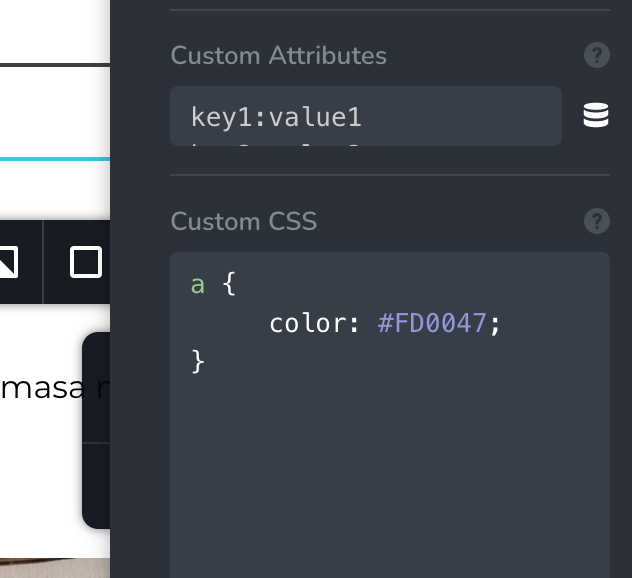
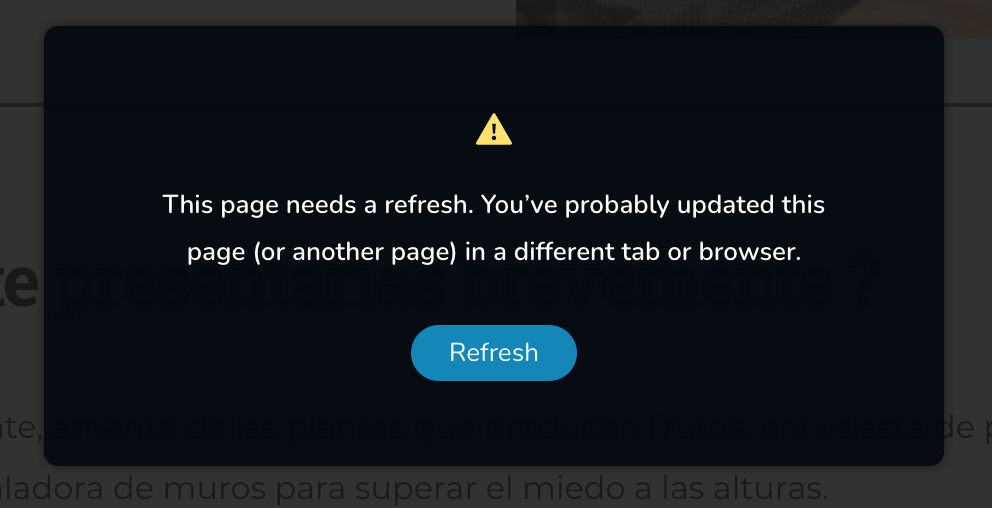
One solution I tried is to add a custom CSS to the Brizy Template for the Post, but when I save the changes, it pops up a screen telling me to refresh the page.
I tried many times in different moments and browsers, but is always the same.
The CSS code I'm using to change the color to my brand Red is:
a {
color: #FD0047;
}Many thanks for your help.
 0
0 -
Hi Manuel,
Thank you for getting in touch with us.
Could you please send us the URL of the page you found this inconvenience?
Best regards, Nelea.
0 -
Hi Nelea,
Sure, here's the link https://alterfocus.de/helena-hernandez/
If you go to the bottom of the page, you'll see the text "Instagram" and "Website" underlined, but in the same color of a normal text.
Thanks.
Best,
Manuel
0 -
Hi,
I created a private ticket on this request. You had to receive a notification regarding this on email. Could you send to us in that private message the WP credentials to this site? We will check this problem from the dashboard.
Best regards, Nelea.
0 -
Hi, I received the email. I'll create a new user for you to do that. Which Role do you need to have to check this problem?
Thanks
0 -
Hi Manuel,
We need Admin user. Thank you.
Nelea.
0 -
Hi, I already emailed you with the credentials. I also created another ticket about another issue we have with Brizy, but your colleague told me to forward this to you.
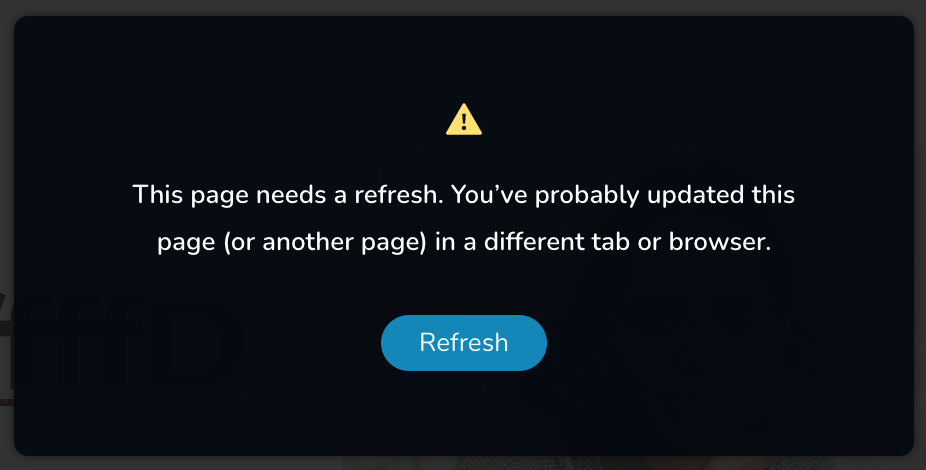
The other problem I have is when I'm trying to save/update my website, when I click on "update" it pops up a screen (see attached) saying "This page needs a refresh. You’ve probably updated this page (or another page) in a different tab or browser."
I tried many times, in different browsers, closing all...but still the same.
I have the latest update of Brizy Free and Pro.
Many thanks!
Best,
Manuel
 0
0 -
Hi,
Please write about the second issue in that ticket, because another colleague will check your project.
Best regards, Nelea.
0 -

I am having the same issue, was there a fix worked out for this?
I also tried the same code and it didn't work.
0 -
Hi Gary,
Thank you for contacting us.
What exactly issue do you have? Can you please give us more information, because there are many issues discussed in this post?
Best regards, Nelea.
0 -
Hi Nelea,
I have an issue with the text with a link embedded in the posts. When I write the post in WordPress the text doesn't change colour or underline and the hover function doesn't work either.
I have inserted the css to the single post template as above and that changed the colour and underlined it, but the hover function still doens't work.
This is the css I inserted to the template post content section -
p a {
color: #3581e4 !important;
text-decoration: underline;}
p a:hover {
color: #fe4800;
}0 -

Hi Gary,
Please try this
p a {
color: #3581e4 !important;
  text-decoration: underline;
}

p a:hover {
    color: #fe4800 !important;
 }
0
Please sign in to leave a comment.
Comments
13 comments