Blog Template Page Gone
Planned
I created a blog archive template and it was working fine. I changed the domain name on the site and when I try to go in and edit the template I get a page error.
I created a new Brizy license for the new domain name and updated that. Then went in and deleted the old template and created a new one. But, I'm still getting a page error.
Is there anything I can do to resolve this?
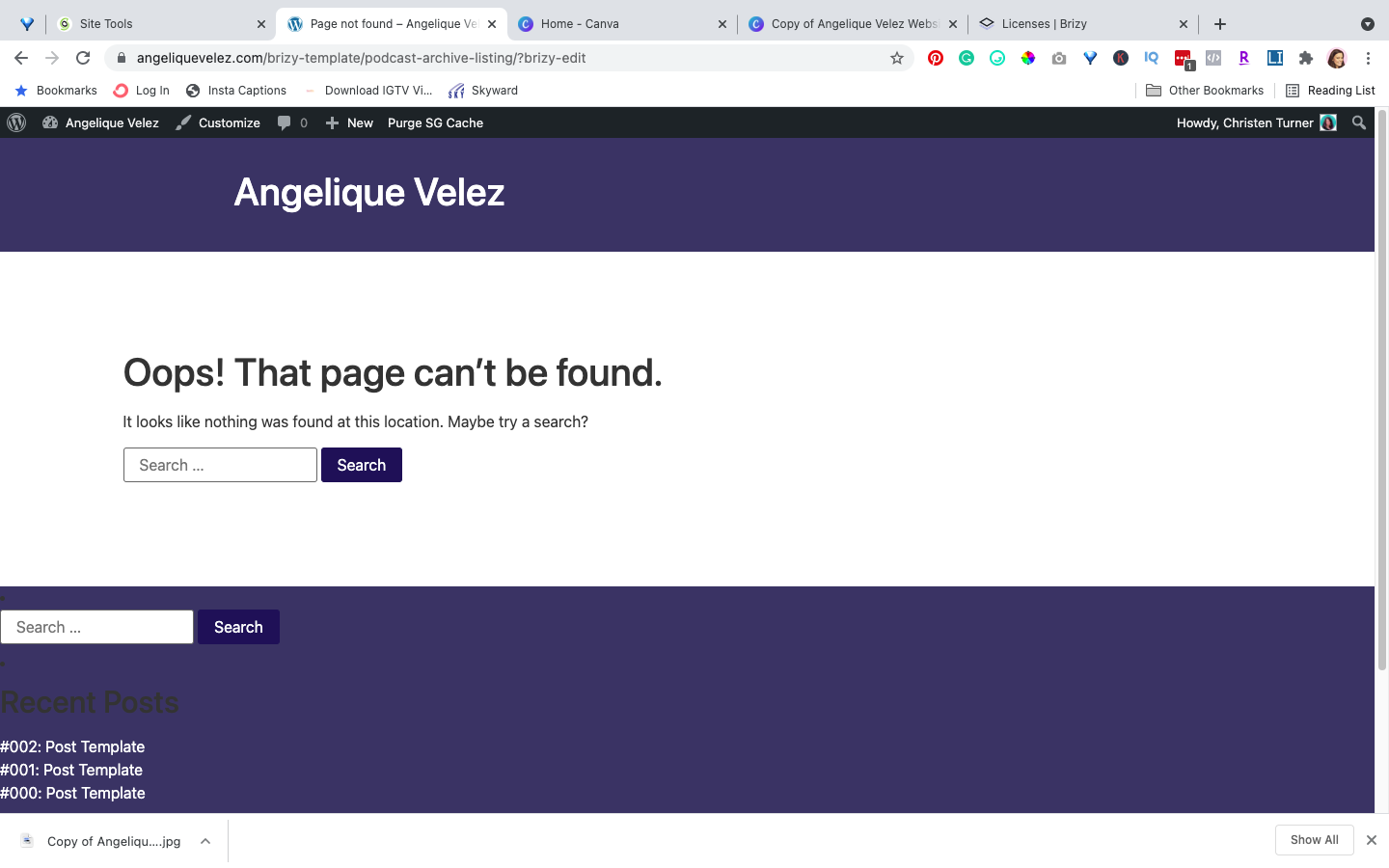
-

Hello Christen!
Please make sure that you are using the latest Brizy plugin versions, which are 2.3.17 for Brizy free and 2.3.13 for Brizy Pro.
Try to fully reinstall plugins (deactivate, remove, install again)
Clear the website cache and check your page again.
After it, go to Settings --> Permalinks and push the save button. In general WordPress settings, I mean.
Let me know the results.
Kind regards,
Mihail
0
Please sign in to leave a comment.
Comments
1 comment