WP Brizy Pro: Elements on the same height (nowrap?)

Hi Brizy Team,
I'm trying to bring the Button and Menu elements on mobile view on the same height / line: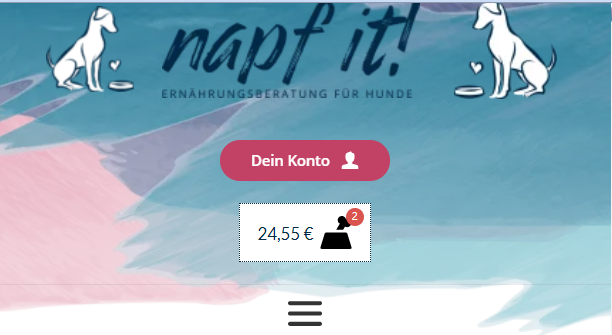 I cannot see options inside the Builder: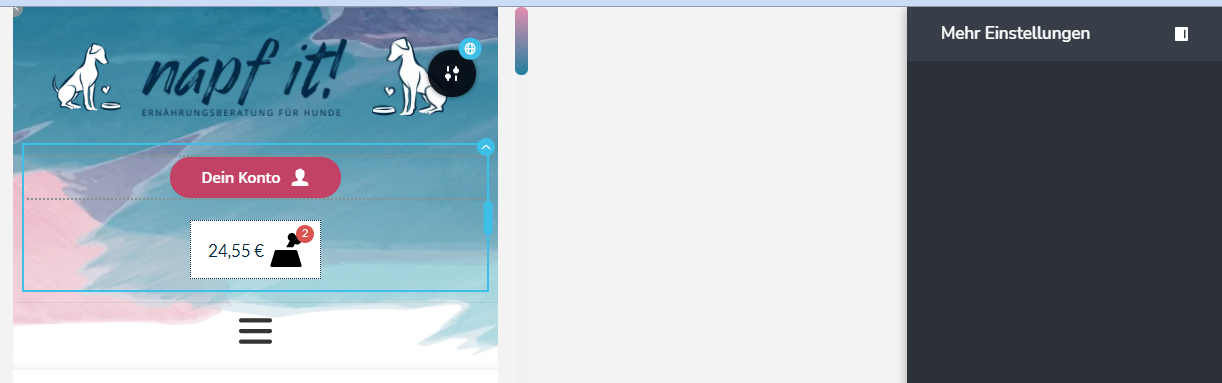
How to do this?
Thanks!
-

Hello Pascal!
Try to place your elements in a few columns in the same row. Here is a small video to explain my idea
Kind regards,
Mihail
0 -
Hi Mihail,
no video is shown... Could you please fix that?
0 -
Hello Pascal!
Sorry for it.
Kind regards,
Mihail
0 -
Hi Mihail,
thanks but this wont work because the element is on the end of the site.
Brizy is totally missing the option to set a flexbox content as row or as column.
Did it through setting IDs/classes to the Elements, added custom CSS and set the flexbox as row in the media queries.
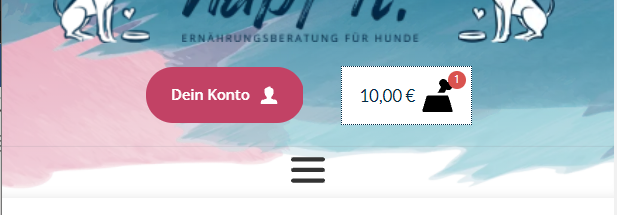
#Konto-Warenkorb-Flex .brz-column__items {
flex-direction: row;
justify-content: center;
align-items: center;
}0
Please sign in to leave a comment.
Comments
4 comments