Menu not working correct after update

Hey following informations to my website:
Brizy: Version 2.3.16
Brizy Pro: Version 2.3.13
WordPress: 5.8.1
Since the latest Update I get over my regular menu (In a lighter violet shade), a second identical menu which was not there before (thinner purple tone), even when I edit the page in Brizy Editor I cannot see this menu only the one in the lighter purple tone.
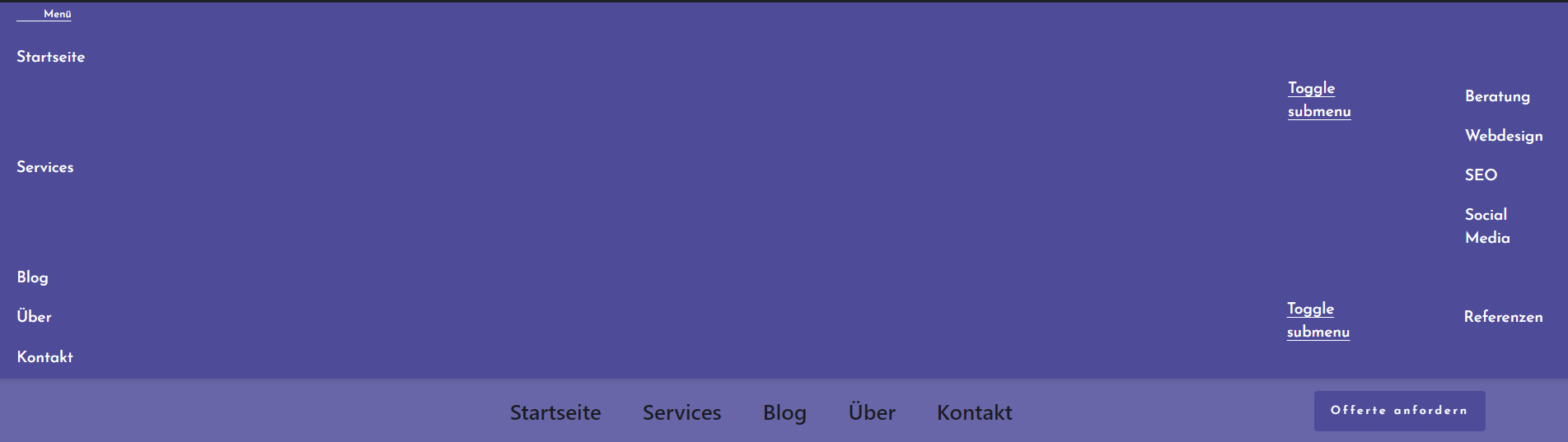
-

Hello Luis!
Are you using some cache plugins? Try to purge the cache, try also to disable these plugins.
Try to fully reinstall Brizy plugins (deactivate, remove, install again)
Clear the website cache and check your page again.
Let me know the results.
Kind regards,
Mihail
1 -

I had the same problem.
1 -

Hi Ben,
Thank you for contacting us.
Do you use any plugin fro cache? If so, which one do you use?
Kind regards,
Denis.1 -
Yes, I use Breeze for cloudways. By the way Brizy.io has the same problem. :)
 0
0 -
Hi Ben,
Sorry for the inconvenience. Problem on our site was solved. Now team is working to deliver this fix to our customers.
Could you try to deactivate cache plugin and check if this will make any difference?
Looking forward to your reply.
Best regards,
Denis.0 -

Hey there, I have this problem on a few of my Brizy websites after updating the plugin to the latest version. It seems to be a flash of unstyled content (FOUC) where some CSS files are not pre-loaded (at least for me, the website looks fine after everything is loaded). The custom font also seems to take a few seconds to load. Like the other user mentioned, I noticed the exact issue on Brizy official website today (26 Sep) as well. There are no cache plugins on my websites as I am still working on them. Please issue a fix soon. Thank you!
Update: This is an issue with Brizy Version 2.3.16. I have updated to Version 2.3.17 and the problem is solved.
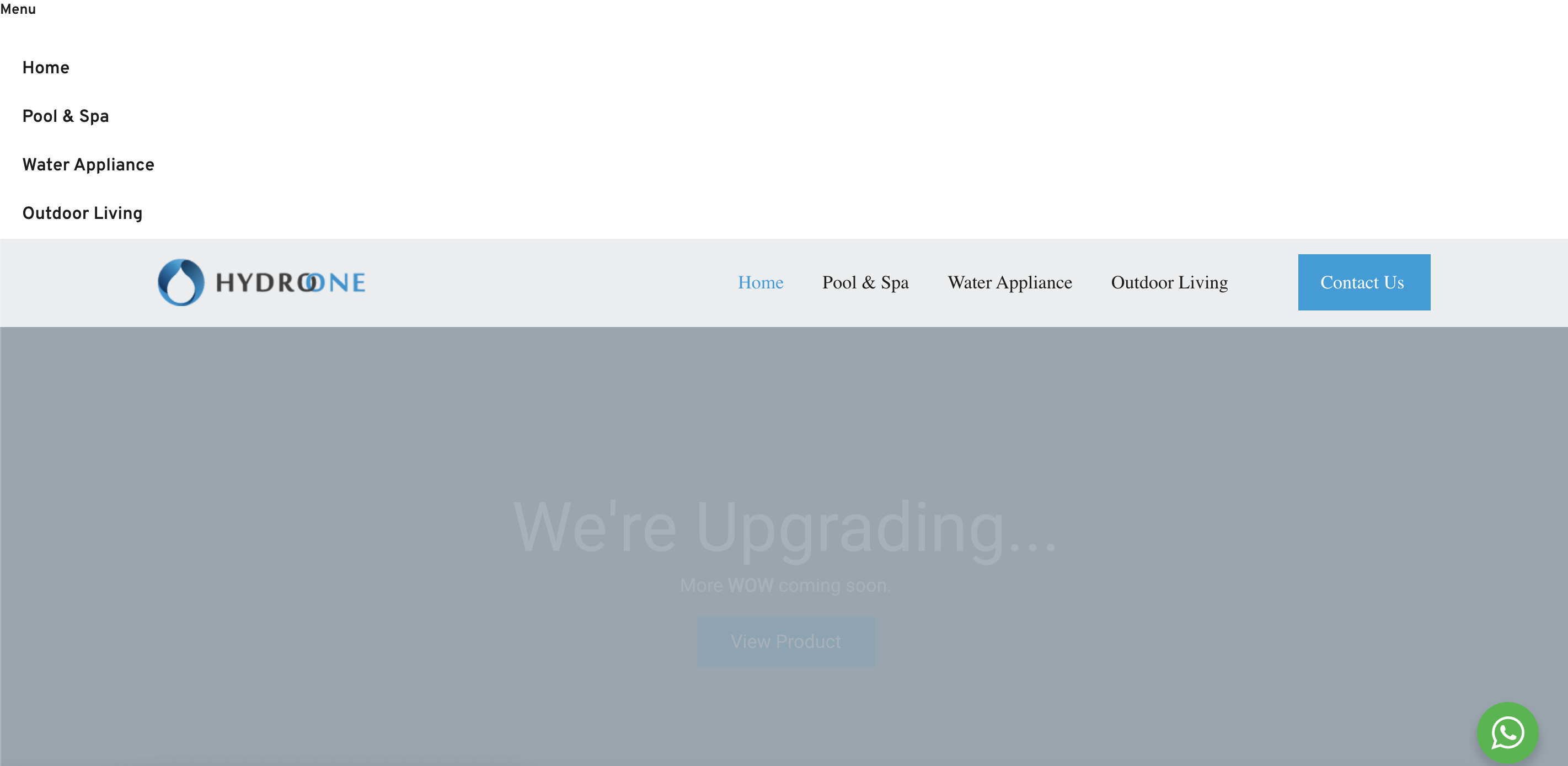
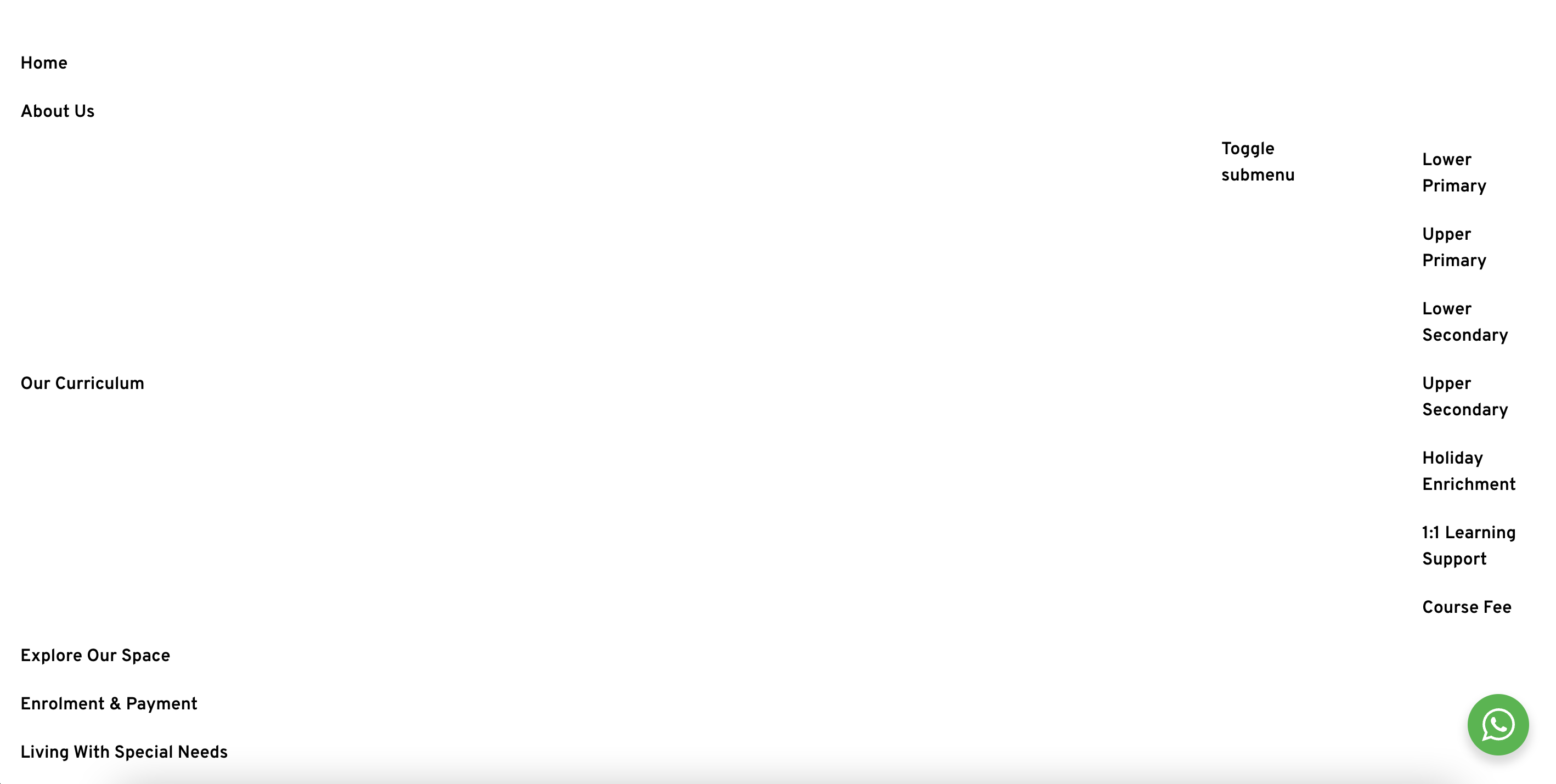 0
0
Please sign in to leave a comment.
Comments
6 comments