Link Preview error

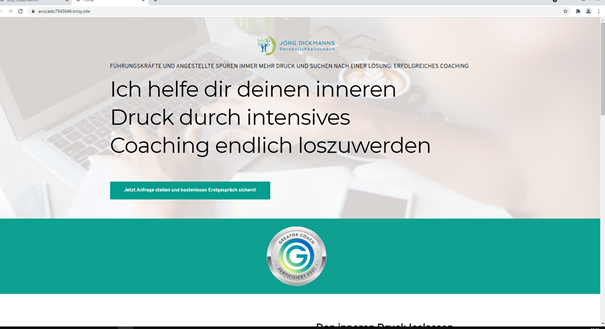
Step1:
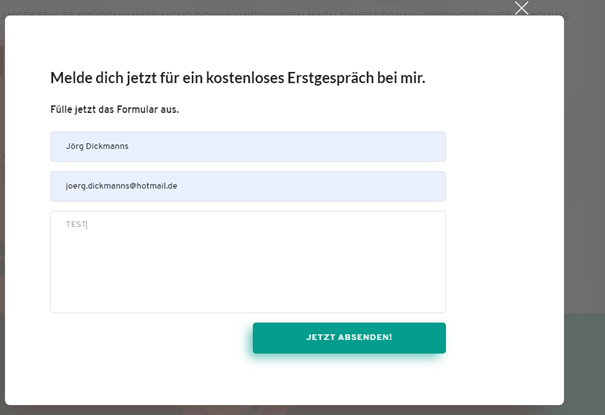
Step2:
Step3:
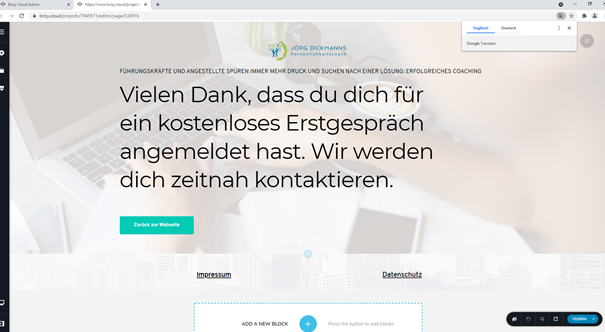
On this step is no preview! What can I do? My browser cache is clear
Thank you for your help
-

Hi,
On the third image you have preview mode, please see here. This element is the preview mode. The first two images are too small, please send us a full-page screenshot with all the elements.
Best regards, Nelea.
0 -
Hi, ist it normal, that the following page does not appear in the preview via the landing?
Page 1:
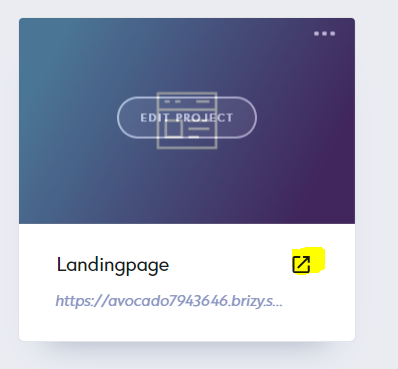
Page 2:
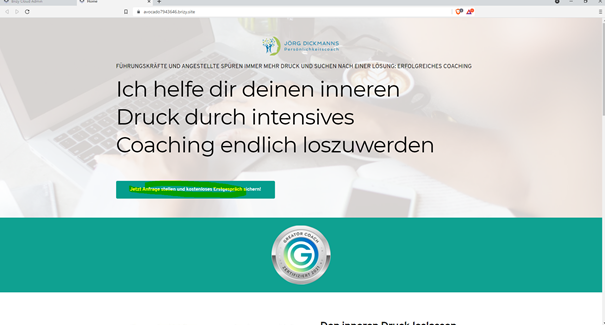
Page 3:
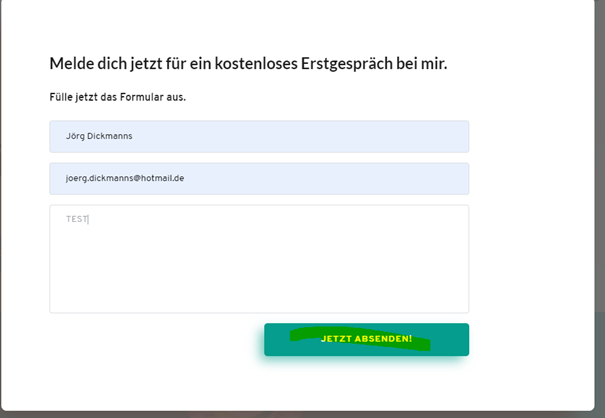
Page 4:
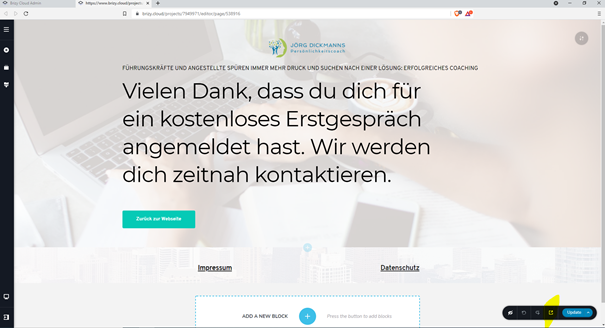
Doesn't a preview appear on the linked second landing page?
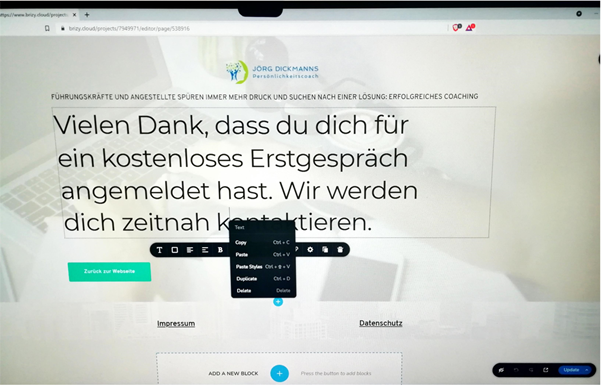
Thank you for your help!
0 -
Hi,
Yes, it is normal. You can not preview the page from the landing page. We should enter to the landing page first, then preview the page. If you can not preview your page, please check if the page is not saved in DRAFT mode, then please Publish the page, click on the Update, and after this on the Preview. Also, I have checked your project and in the second page there is a preview mode, please see here.
Best regards, Nelea.
0 -

Hi Nelea, I would expect that a preview function would show you what a page looks like after saving as draft but not yet publishing. Isn't that the norm? After publishing, you are not previewing it - just seeing it live on the site like everybody else. I don't seem to be able to to do this with Brizy Cloud though. If I'm mistaken, I'll gladly be corrected as an actual preview option would be great!
0 -
Hi Tes,
Thank you for getting in touch with us.
Sorry, unfortunately, we don't have such an option in Brizy Cloud. If you need to preview a Draft page you should publish it first.
Best regards, Nelea.
0 -
Ok thanks Nelea, but in this case it is not "preview", but just "view" (since it is published). Please can you add the draft preview function to your feature request list and roadmap? Thanks.
0 -
Hi Tes,
I will send it to our managers and they will add it to a Feature Request list, however, I cannot guarantee that it will be implemented.
Best regards, Nelea.
0
Please sign in to leave a comment.
Comments
7 comments