The Wordpress Archives Element Not Showing Up

The Wordpress Archives Element isn't showing up in the Brizy sidebar for me. I have both the free and Lifetime plugin installed and it just isn't there.
I have to have a way to filter the exact products that will show up based on how our Woocommerce store works. I can currently do this with the Kadence Woocommerce Elementor Pro plugin, but I'm hoping to accomplish this with Brizy since I will no longer be using anything Elementor soon.
Any ideas?
-

Hi,
the Archives element is available only in a template with the "Archive" or "Product Archive" condition: https://jmp.sh/CVTl6NL Can you please confirm you have the right condition and the Archives Element doesn't appear?
0 -
Regarding the filter: could you please send us an example of such a filter?
0 -
Thanks Alex and yes, I did figure out how to get the Archives condition to show up. As for the plugin I have been using to filter products and categories in a template, this is the plugin, but it only works with Elementor.
https://www.kadencewp.com/product/kadence-woocommerce-elementor/
It works like a charm, but will not work with Brizy unfortunately. I think you guys could build this in if you could reverse engineer it somehow (lol!)
Our website is unique in how we sell band and orchestra rentals and accessories and I have to create a separate template for each product because every school uses something different product wise, so all of the product pages are custom. You can see it here;
https://ntunemusic.com/product-category/choose-school/
This page and every school page was created using the Kadence plugin.
0 -
Hi Rick,
we have the Products element where you can set the category to appear: https://jmp.sh/dSCbfvz Doesn't that help you create different templates for different product categories?
0 -
I think the way you've shown me will work for the individual school pages, but I have to be able to create the Choose Your School page and populate it with all of the schools we service.
Seriously, take a look at my structure here; https://ntunemusic.com/product-category/choose-school/
Then click through a couple of the schools to see how we have them created to show both Rental instruments and accessories. Each of those are built as a product and then I created a template for each school with Kadence. The rental instruments have a contract attached with Woocommerce Product Add On plugin, and then that information is passed to GravityPDF from Gravity Forms.
Our site is certainly a case study...
0 -
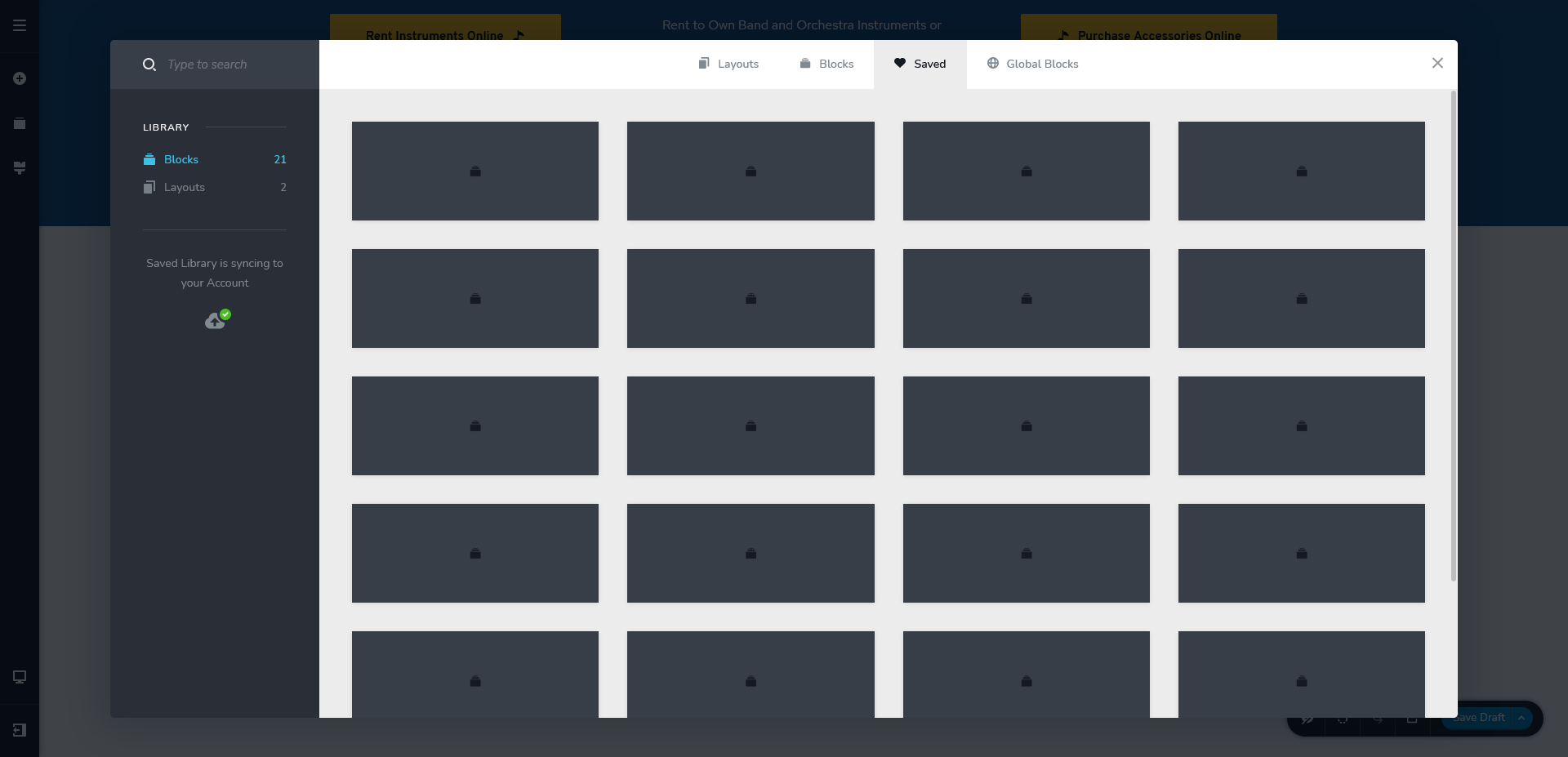
On a different issue, none of the thumbnails for my saved blocks are showing up in my site on my staging site, or on my Brizy Cloud site. I have synced them and it's been this way from the beginning. I have no idea what blocks are what. Need a way to save them with a name too. Sorry to be such a pain.
 0
0 -
This is getting really long, BUT, I have figured out how to target my instruments and accessories for each of our schools. I have created subcategories under each school category and named them
Rentals
Accessories(i.e Abell Junior High Rentals)
That allows me to target as needed.
I will keep you posted, as my next thing will be to try to figure out how to create the Choose Your School page and populate it with all of our Schools.
0 -
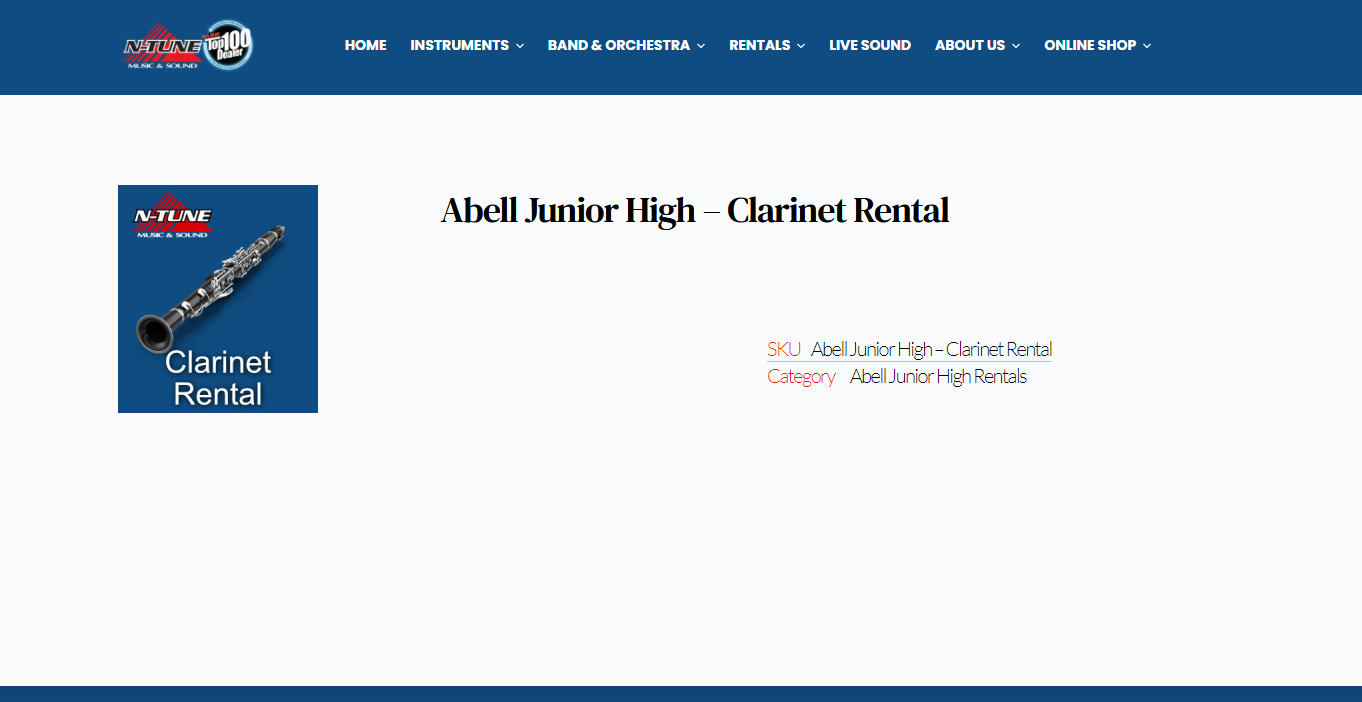
So now a new thing, and perhaps I'm not setting something up right in the single product template, but my Rental products are all variable subscription with a Gravity Form attached as an Product add on. Nothing but the title and product image are showing for these when I view them;
This is the information that should be showing up; https://ntunemusic.com/shop/choose-school/abell-junior-high-school/abell-junior-high-clarinet-rental/
 0
0 -
Hi Rick,
I'm glad you found a solution. Indeed, subcategories are what can solve your problem with the current Brizy options.
Regarding the Product addon: I don't know how this addon works and I'm not sure if you can display it through a Brizy Template. These are the elements available with which you can extract information from WordPress and display it in Brizy Template: https://jmp.sh/M8q2tSk You can try the content element, but I'm not sure if the plugin you have uses content to display their attributes or not.
Regarding thumbnails: these are created by the browser. Did you check this in a different browser? Do you have the same problem?
0 -
Hi Alex,
I really think that the Gravity Form is pulled from the Add To Cart module, at least that seems to be what is showing it in my Elementor templates. I did get it to show up today in Brizy for a moment, but then all of the elements stop showing in the Brizy template editor... I expect it to work in a live site.
As for the thumbnails, have tried in Firefox, Edge, Brave and Chrome... they do not appear in the browser or in the Cloud in any of these browsers for me. I have tried syncing several times and to no avail.
0 -
Hi,
It could be an incompatibility but to make sure we have to check this. Can you please confirm that we are talking about the latest Brizy versions - Free 2.3.15 and PRO 2.3.12? Once confirmed, I will create a private ticket for you and we will look into it. Thanks.
btw: please make sure you have the same problem with the thumbnails, even if you have disabled all external plugins. So we can exclude a third-party cause.
0 -
Yes Alex, I have the latest of the plugins installed.
0 -
I have created a private ticket for you so please send your login details there and we will look into it. Thanks.
0 -
Thank you Alex. Where will I find the ticket?
0 -
You can find it here: https://jmp.sh/RaYMihn
0 -
I believe I sent you the login to the staging site last night.
0 -
One of my colleagues will return to you with a private message. On weekends the support is limited so the answer is a bit delayed.
0
Please sign in to leave a comment.
Comments
17 comments