The top and header performance is different after duplication

We want the performance of the first picture, but do not know why it is different after duplication as second picture. And did not find any settings about this. Could you kindly help me? Thanks a lot. charlie@dimox.cn 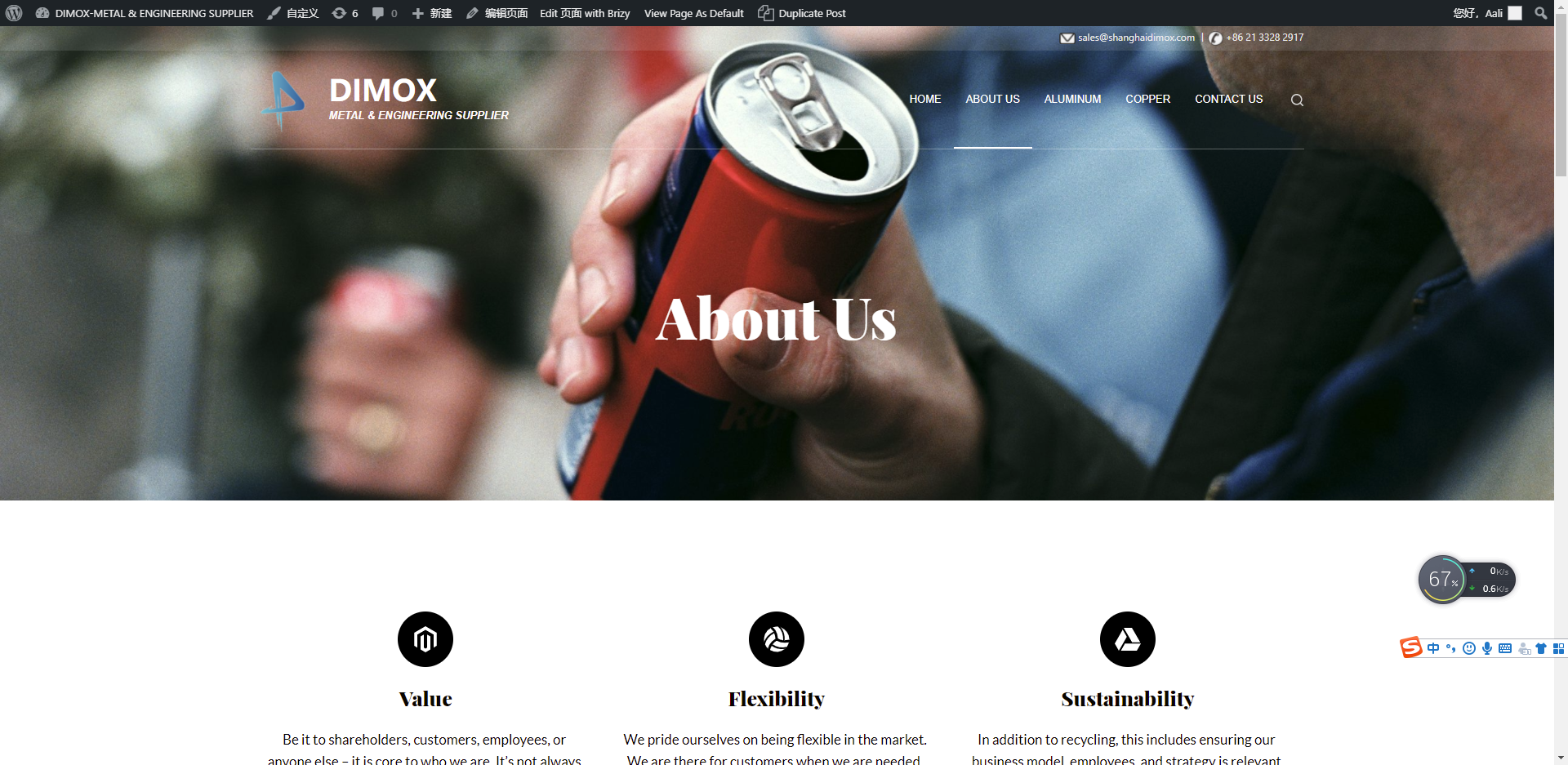
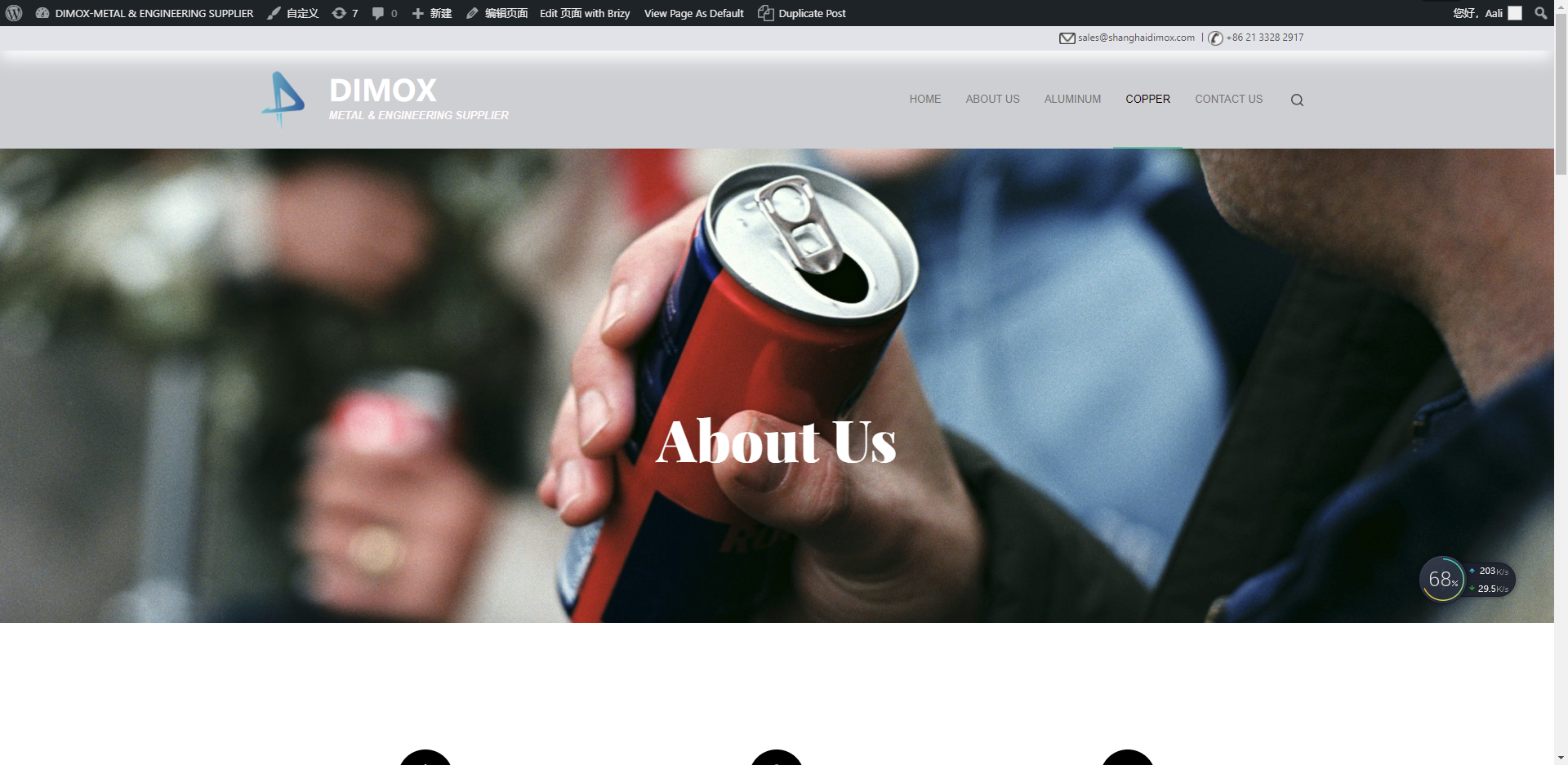
-

Hello!
Can you please provide us links to both pages?
Also, please, make sure your Brizy plugins are up to date ( Brizy Free to 2.3.14 And Brizy Pro to 2.3.12 )
Kind regards,
Mihail
0 -
Yes, the Brizy plugins are already up to date ( Brizy Free to 2.3.14 And Brizy Pro to 2.3.12 ).
http://www.dimoxgroup.com/index.php/about-us/
 0
0 -
Hello!
Thank you for the link.
Please check carefully plugin versions. Should be Brizy Free 2.3.14 And Brizy Pro to 2.3.12
Also, As I can understand, You are using Blocksy theme?
Please check if your Cooper page is not excluded from the transparent settings of theme
Kind regards,
Mihail
0 -
Hi Mihail,
It works referring to settings in your pictures.
Thanks a ton! Really appreciated! Have a nice day!
Welcome to China!
Charlie
0 -
Hi Mihail,
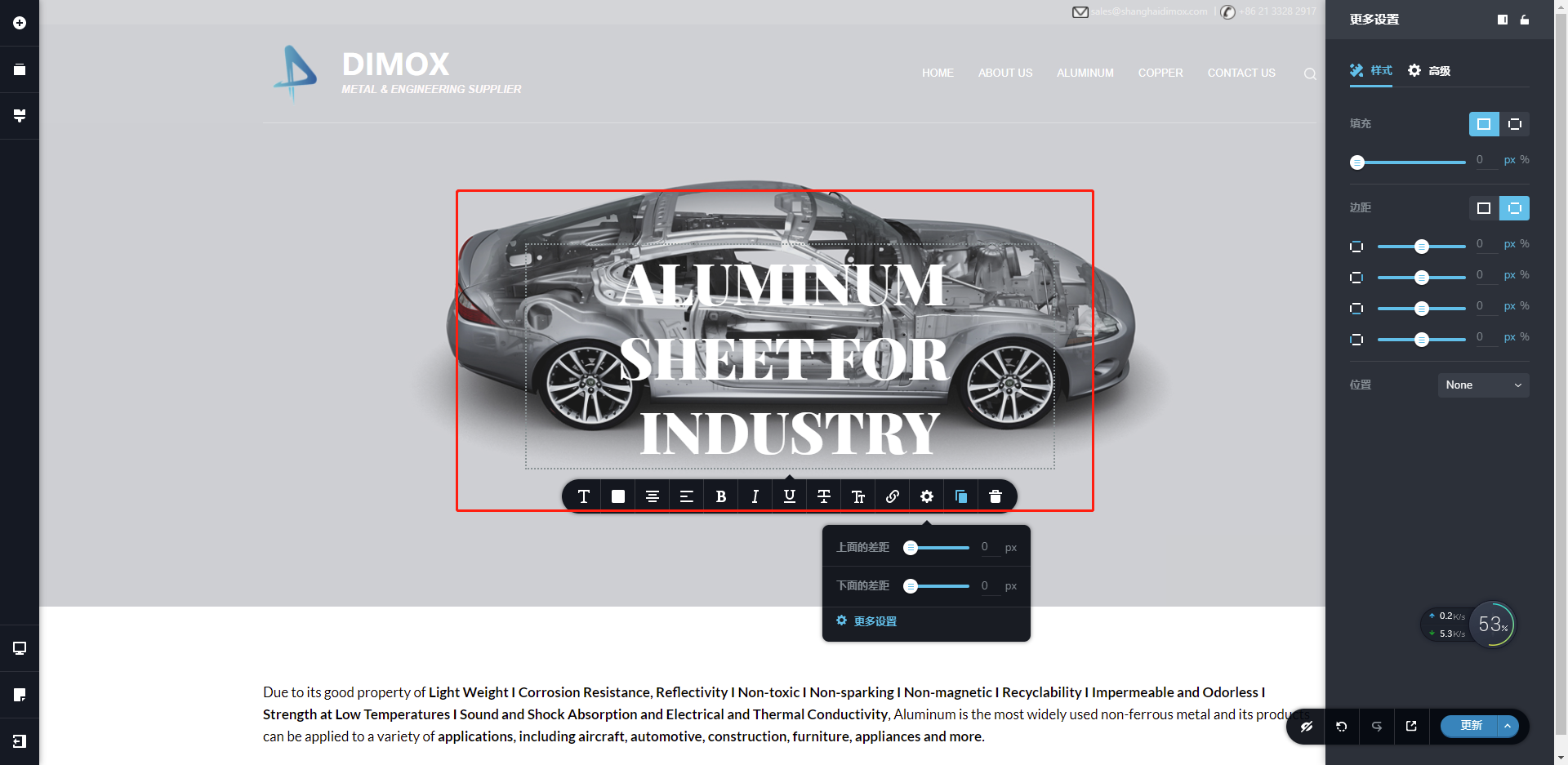
Another question today, how to make the title in one line no matter how long it is?
 0
0 -
Hi Mihail,
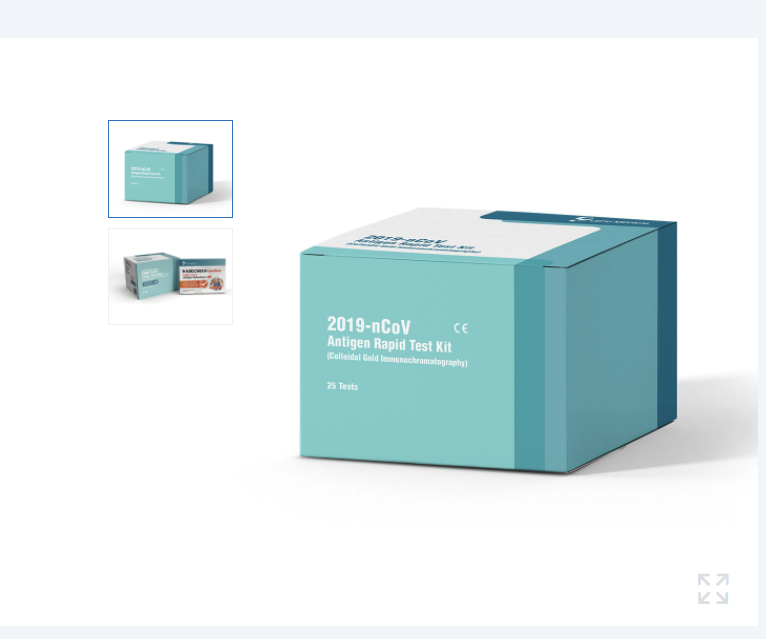
How to achieve the picture performance like this?
 0
0 -
Hi Mihail,
The Thumbnail is not updated as the new page after preservation.
And the second thumbnail is a whole part, not able to separate to several parts? So I can do customized settings to each part.
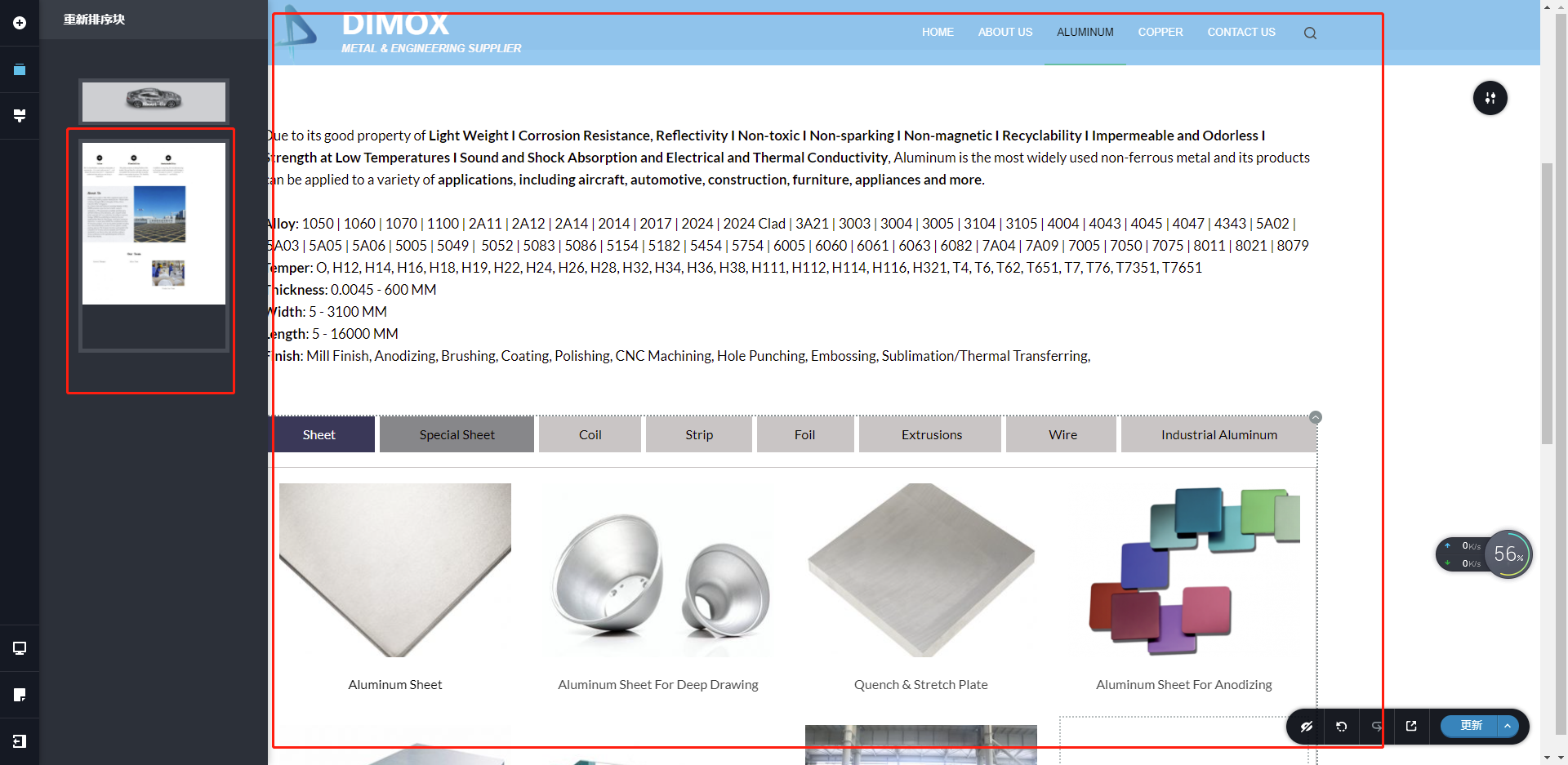
And also I can not add all the elements below the second part.
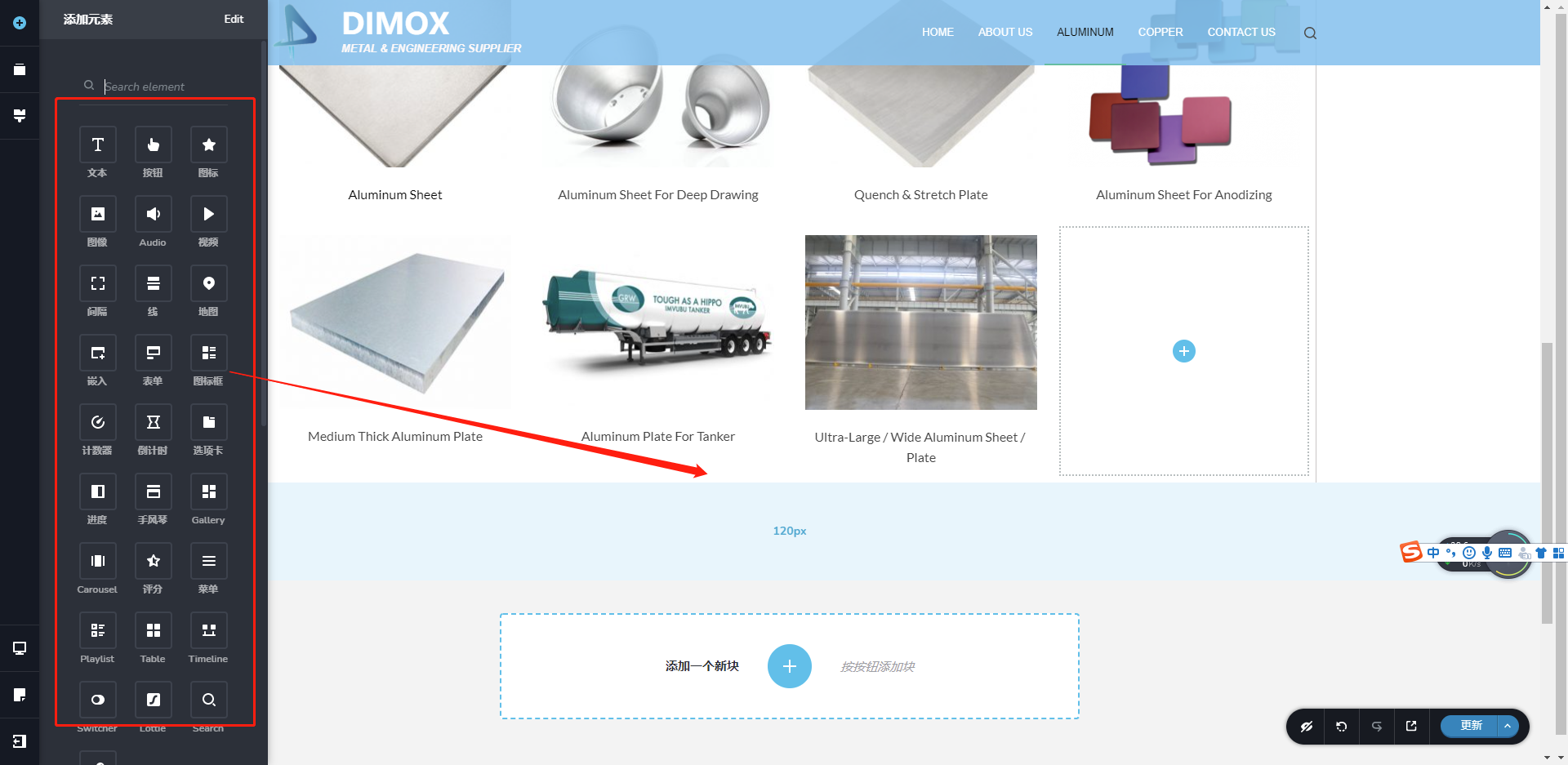 0
0 -
Hello!
1. Try to increase the width of your text block and decrease the font size.
2. Not sure that understand your picture performance question/ Can you please explain more?
3. Even if you can't add elements in existing block you can add it in a new one, but I am pretty sure you simply miss the place to add it.
Di Zhu, may I ask you to provide the link to a page with your issue?
Kind regards,
Mihail
0 -
Hello!
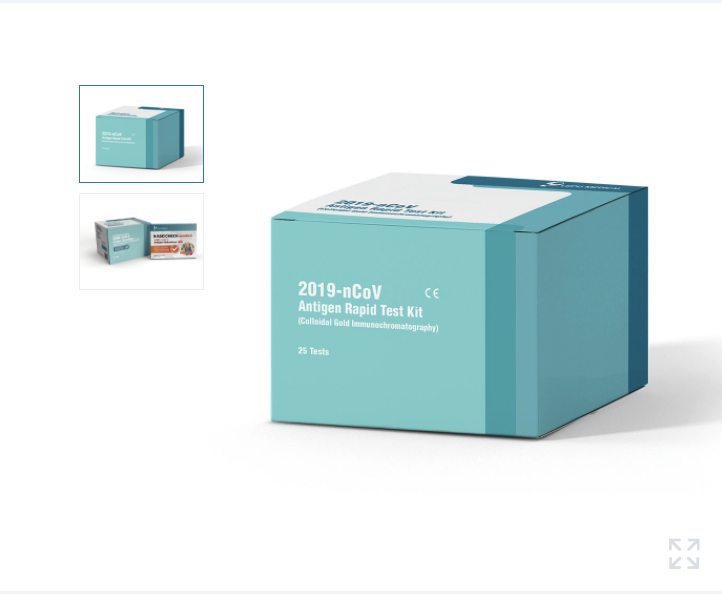
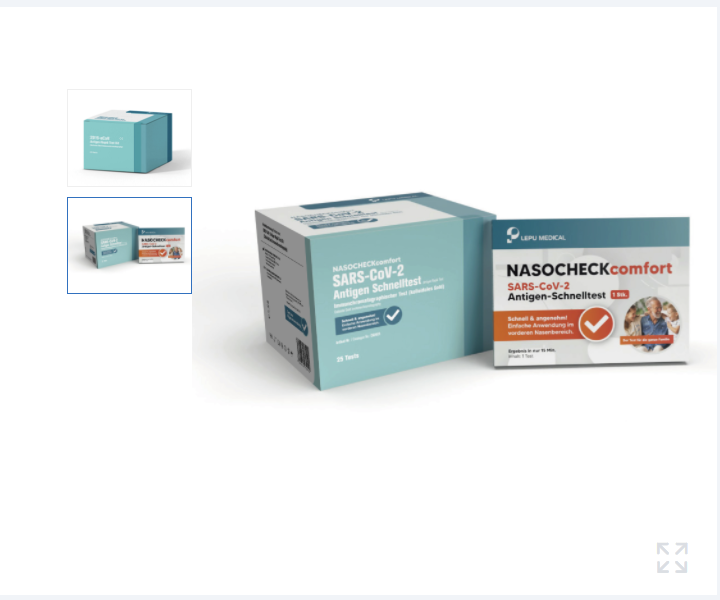
I want Picture performance like this, with thumbnails on the side. https://en.lepumedical.com/products/sars-cov-2-antigen-rapid-test-kit-colloidal-gold-immunochromatography/
 0
0 -
Hello!
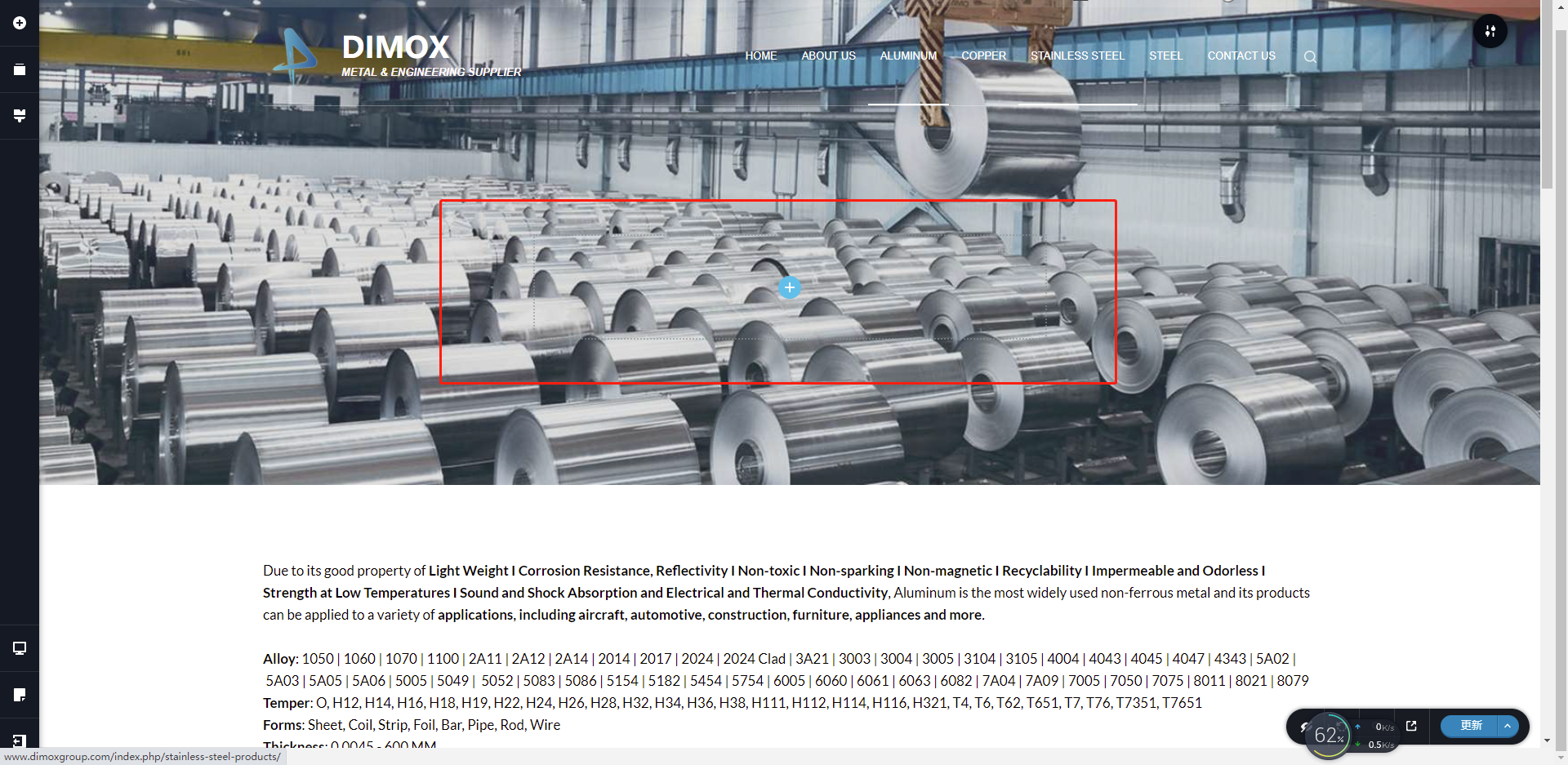
The title needs to be large as current size, even needs to be larger.
The title is not able to increase the width. http://www.dimoxgroup.com/index.php/aluminum-products/?brizy-edit

 0
0 -
Hello!
1. Looks like you need to add some gallery plugin for your needs.
2. I think the Text position will be changed depending on screen size. You can do it in one line for a wide screen, but it will be in two lines for smaller.
You can Also change block layout to fullwidth
Kind regards
0 -
Hello!
Thanks for your help. Question 2: Solved now as your suggestions.
Question 1: Which gallery plugin do you suggest that can achieve this function.
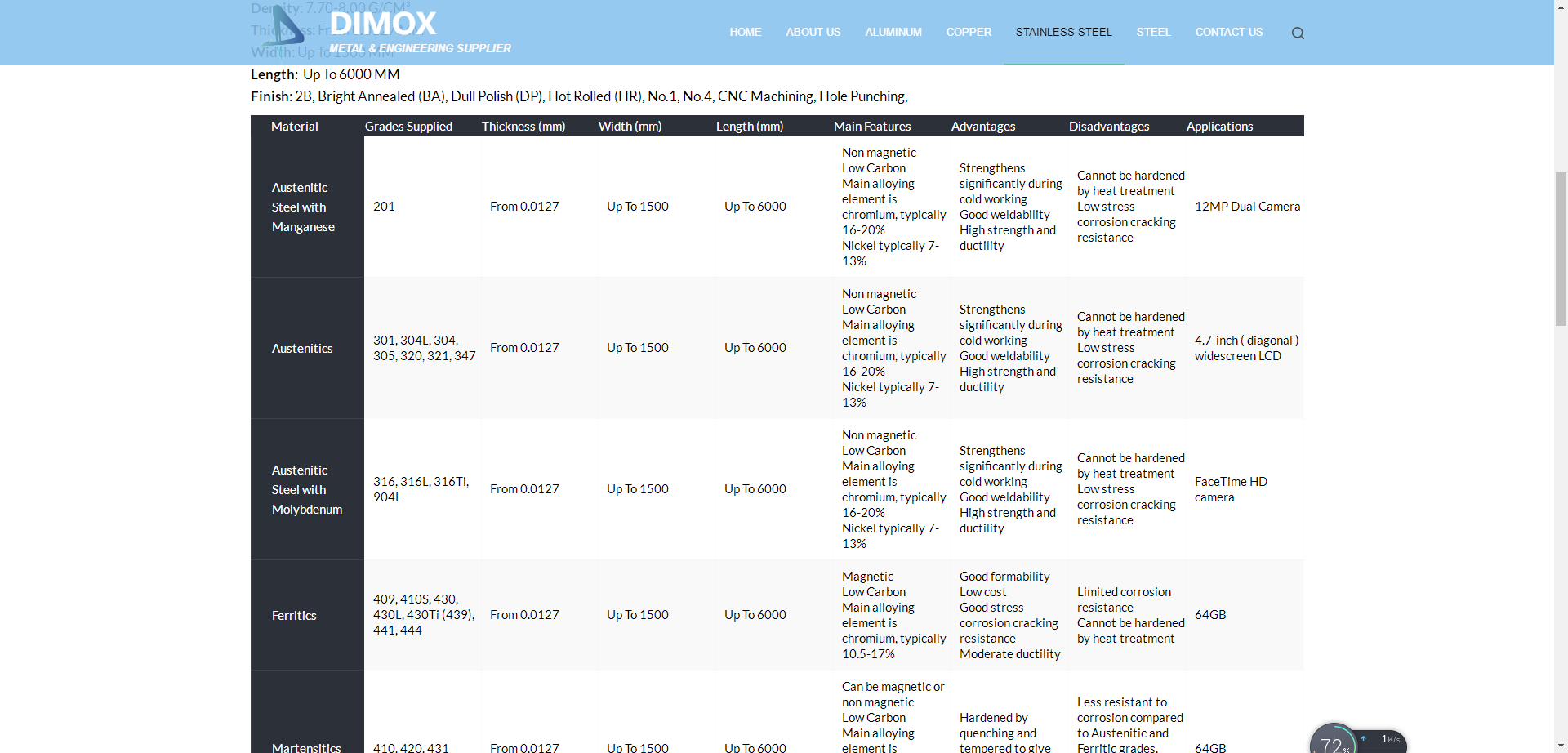
New question: I inset a Table into this page, the width of each column is same now, not able to be changed and customized referring to its contents. http://www.dimoxgroup.com/index.php/stainless-steel-products/
I want the width of "main features, advantages, disadvantages" to be longer and others narrower, to make the Table smaller.
 0
0 -
Hello!
1. I am afraid I can't recommend any of the plugins, you should try it by yourself.
2. How is your table added? Did you used some shortcode or embed code?
Kind regards,
Mihail
0 -
Hello!
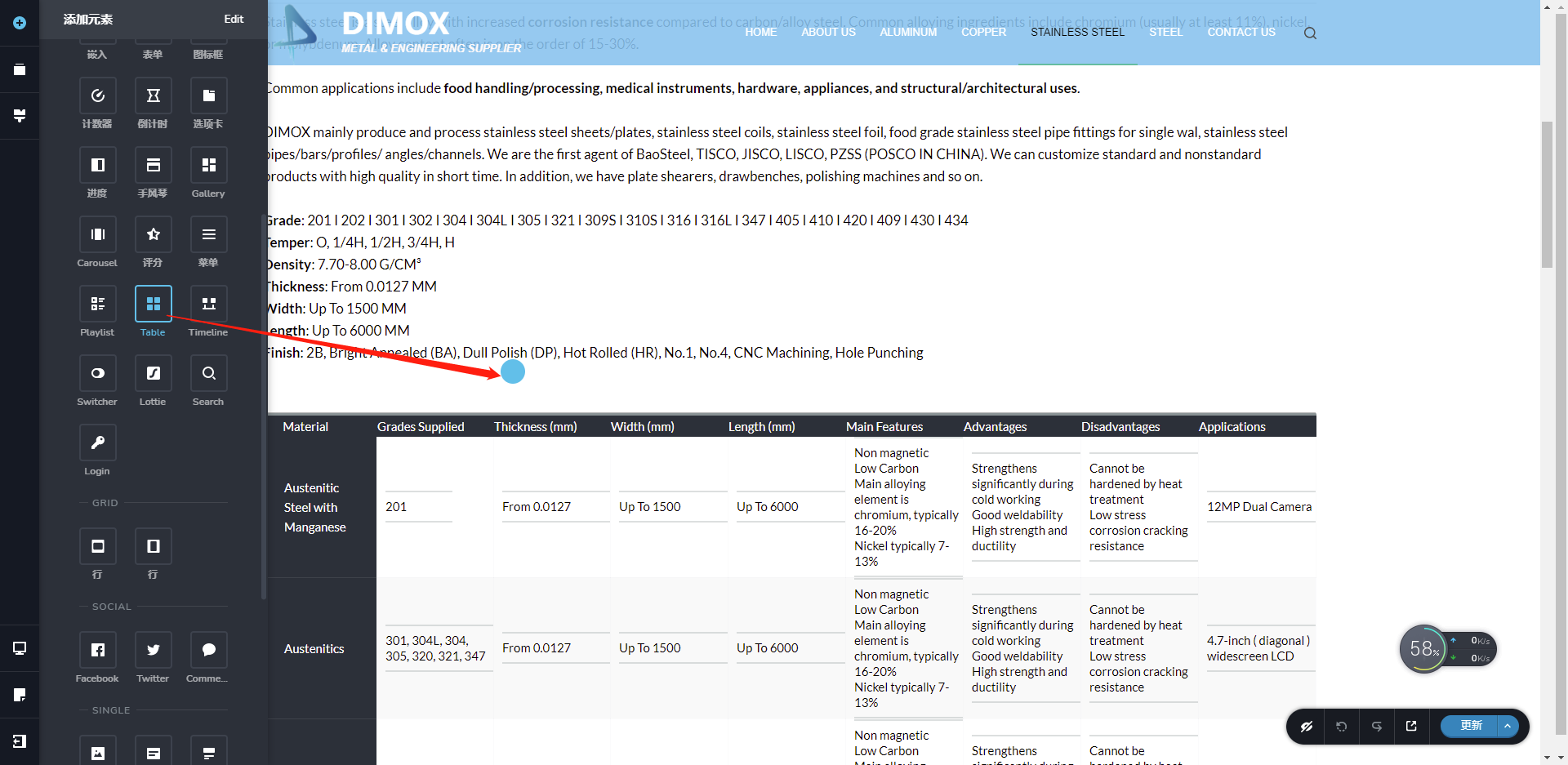
Just drag the Table to the page, without any shortcode or embed code.
 0
0 -
Hello!
Thank you for your explanation.
You can easily change the column width of the sidebar area only.
All other columns have predefined sizes, and there are no options to change them. But you can increase the width of your table by changing the block layout to fullwidth
Kind regards,
Mihail
0 -
Hi,
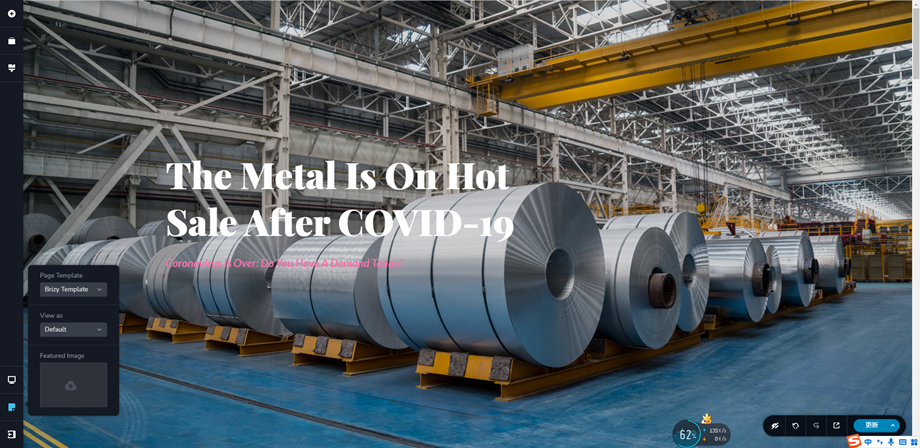
We met a new problem today, the head and bottom of Home Page is suddenly disappeared, we do not know where to recover it.
BR, Charlie
0 -
Hello Charlie!
Do your header and footer has been created thru Brizy?
Try to change the page template to default: https://jmp.sh/YgWOwaA
Kind regards,
Mihail
0 -
Hi Mihail !
The header and footer comes with the template, not thru Brizy.
I followed your advice, but still no change.
 0
0 -
Hi Mihail!
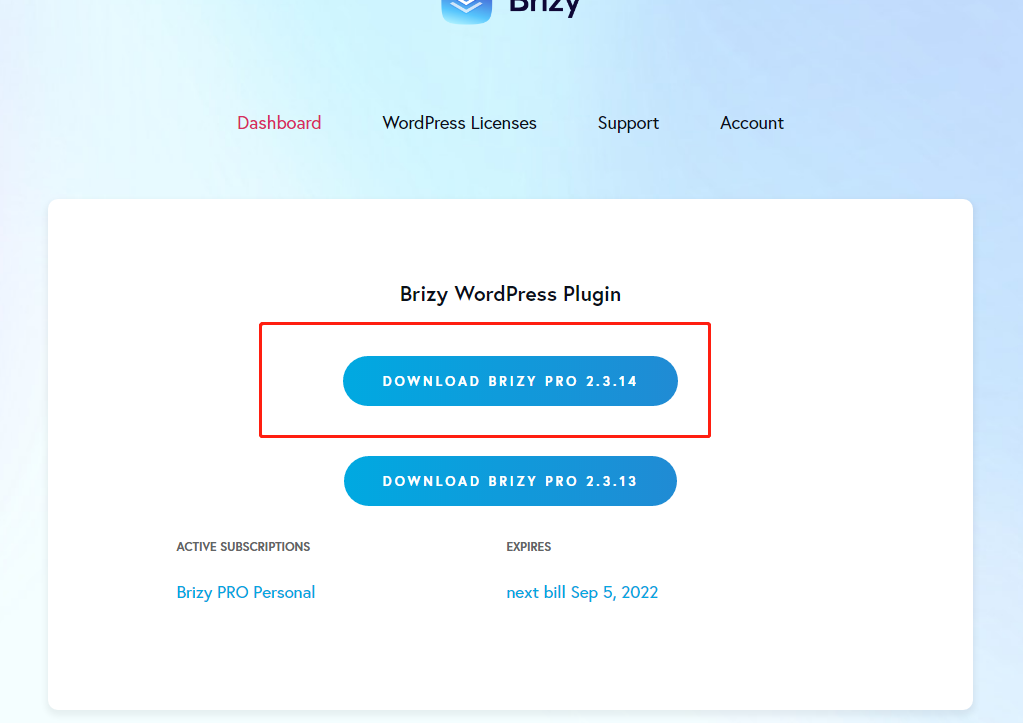
We just download and install Brizy Free 2.3.14, but it appears that only Brizy Free 2.3.18 or newer can work?

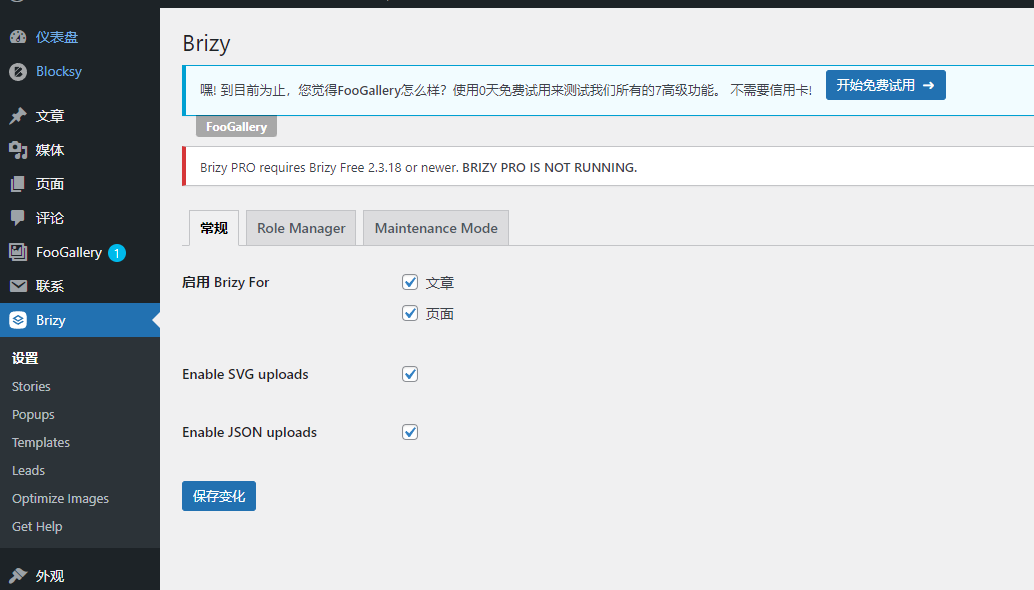 0
0 -
Hello!
Try to use the Default template. Not Brizy template.
Regarding Brizy updates: Please make sure that you are using the latest Brizy plugin versions, which are 2.3.18 for Brizy free and 2.3.14 for Brizy Pro.
Kind regards,
Mihail
0 -
Hi Mihail!
We solved both problems. Appreciated very much.
BR,
Charlie
0 -
Hi Mihail,
We met a new problem today when attaching the pictures.
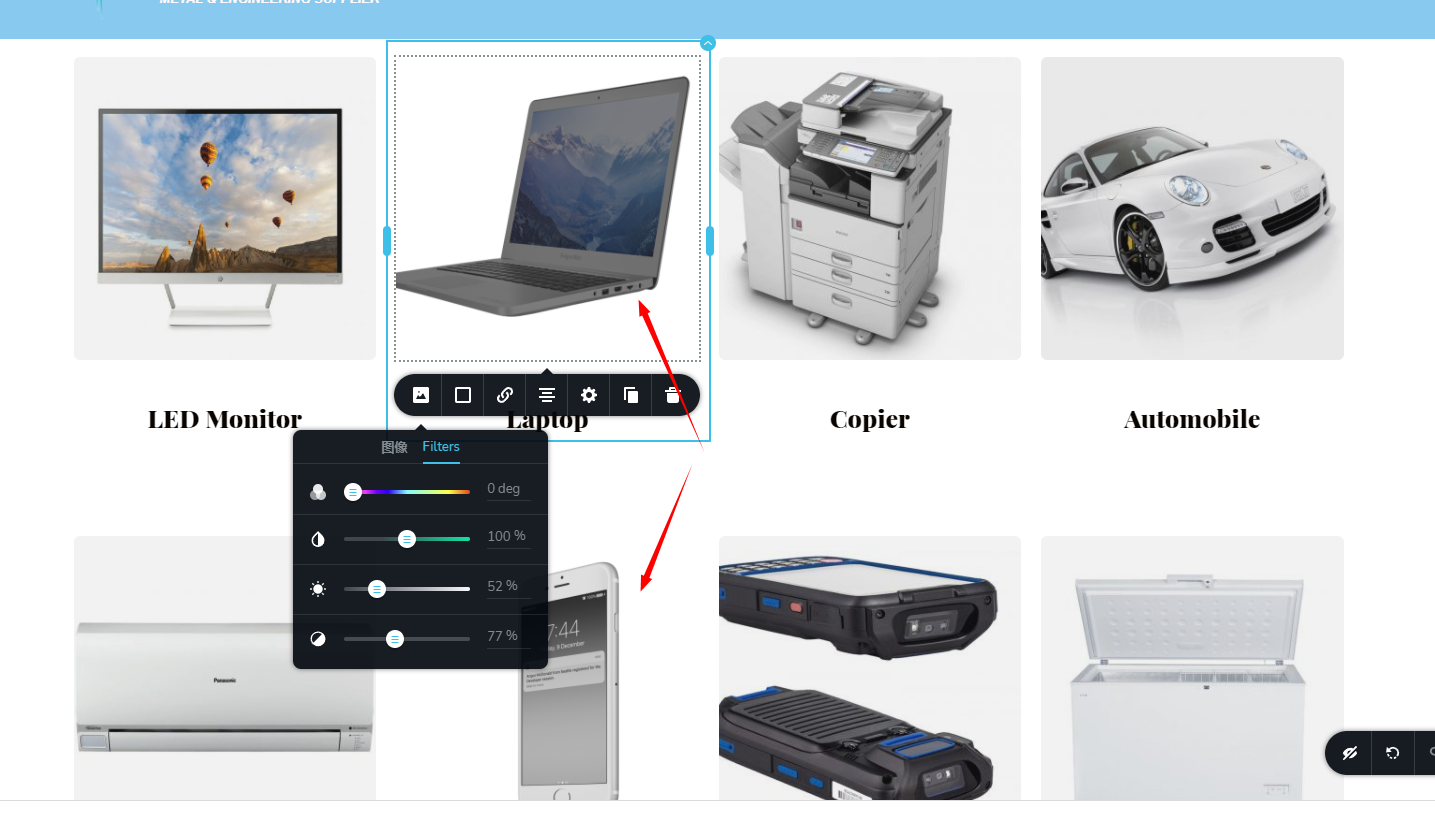
We want to change the color of background to be little grey, but these two pictures are not working, only changes of the pictures themselves. http://www.dimoxgroup.com/index.php/aluminum-foil-tape/
BR,
Charlie
0 -
Hello!
Looks like your images are some with white background and some are with transparent. Use the same images.
Kind regards,
Mihail0 -
Hi Mihail,
The definition is different while attaching the same picture.
https://shanghaidimox.com/military-aluminum/
http://www.dimoxgroup.com/index.php/military-aluminum/
BR,
Charlie
0 -
Hi Mihail,
And all the news links are with index.php, how can I delete it?
BR,
Charlie
0 -
Hello!
The Permalinks structure is configured by your WordPress, not Brizy.
So Please access your Settings --> Permalinks options. Use the "Post name" Setting.
https://wordpress.org/support/article/settings-permalinks-screen
Kind regards,
Mihail
0 -
Mihail,
Noted with thanks, what about another question?
BR,
Charlie
0 -

Hi Charlie,
another question is about index.php? If so, you probably have a modified version of .htaccess file. Please refer to this article: https://wordpress.org/support/topic/remove-index-php-from-my-url/
If another question refers to images then the images that have a gray background on the site come with a white background(the images themselves) and through the filter, you changed their color. The two images that appear with a white background de facto are with a transparent background and the filter will not work for them. You could try to add background color to the column or add all the images in the same format.
0 -
Hi Mihail,
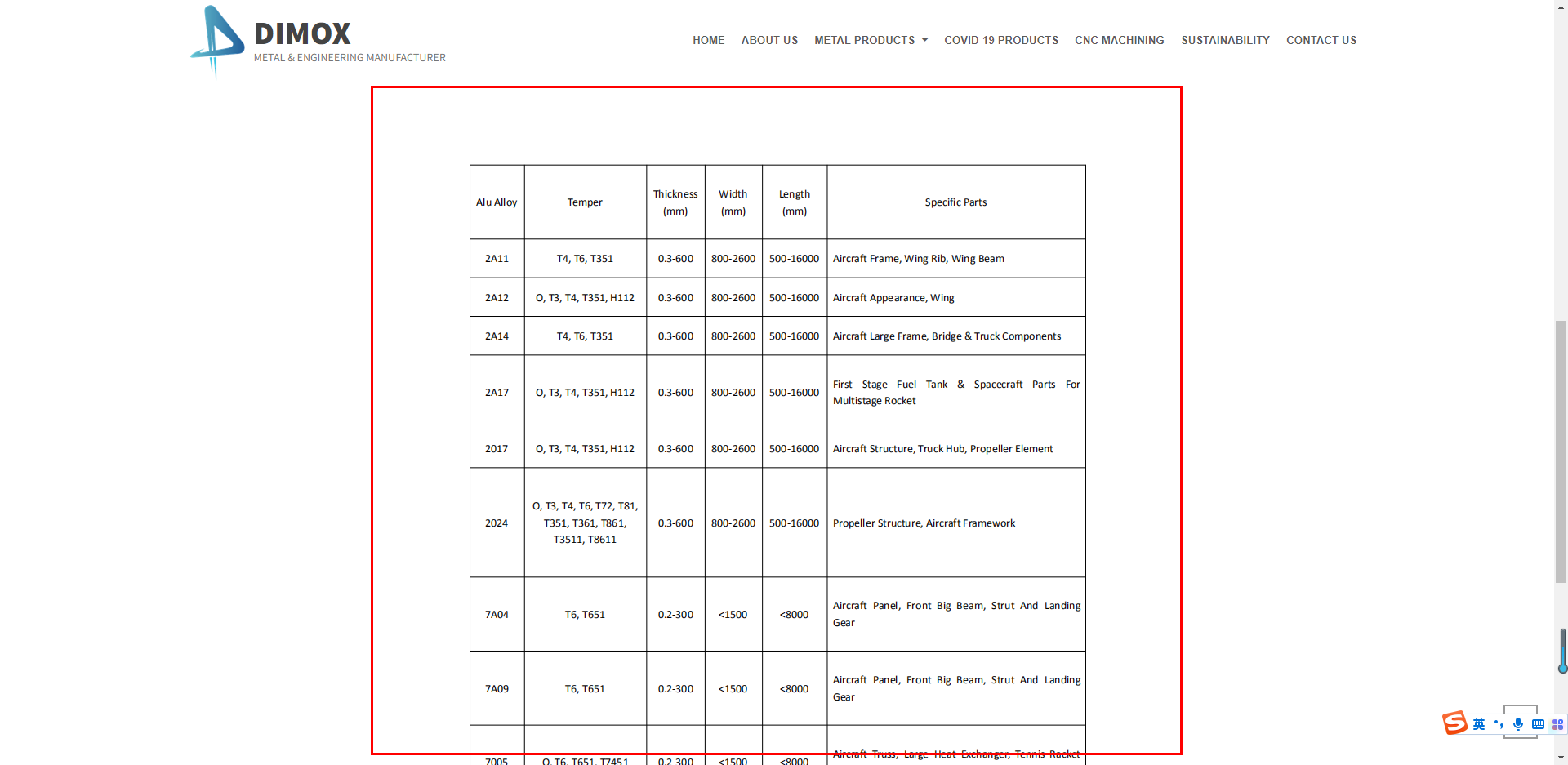
The definition is different while attaching the same picture.
https://shanghaidimox.com/military-aluminum/
http://www.dimoxgroup.com/index.php/military-aluminum/
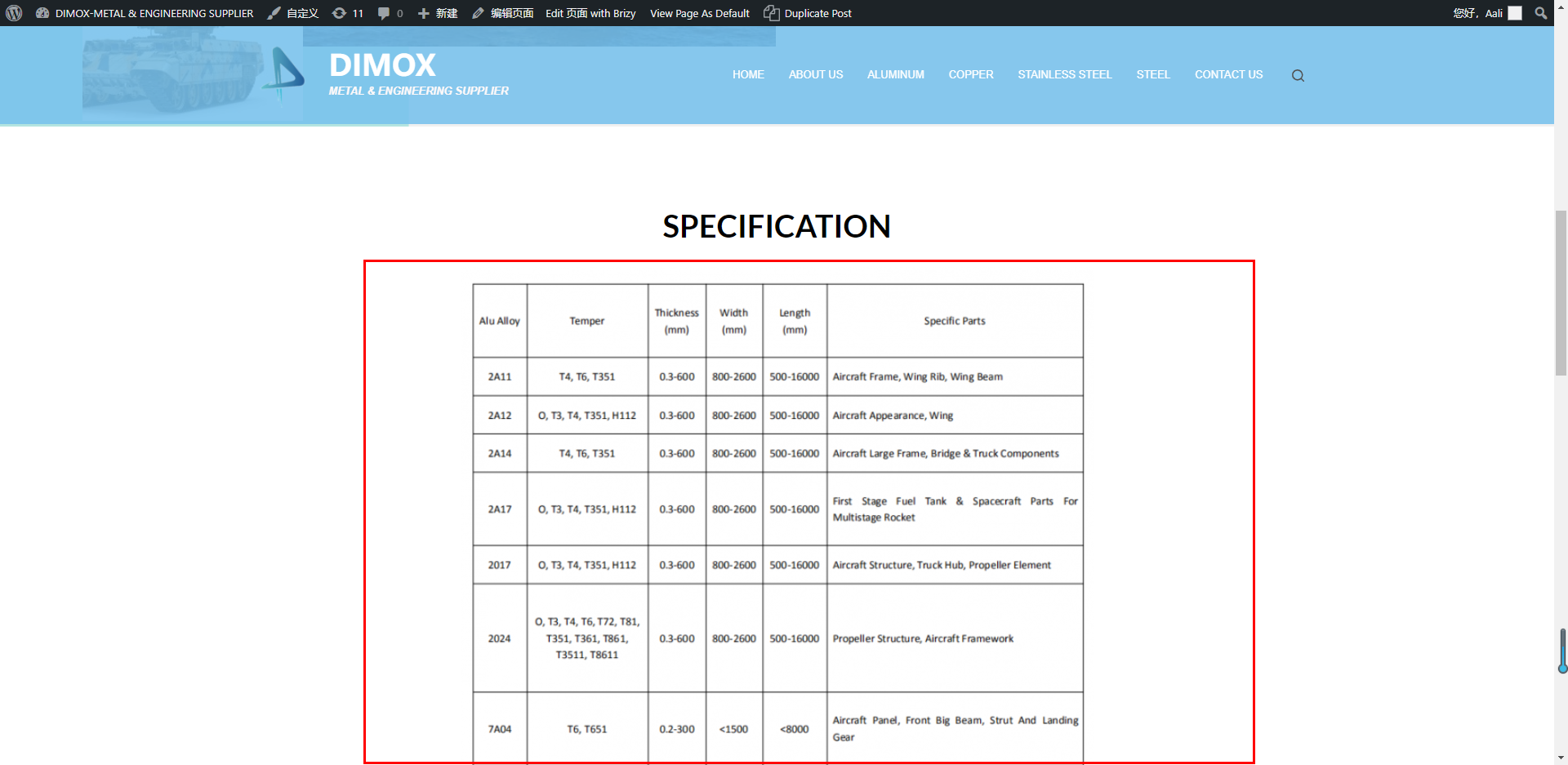
BR,
Charlie
0 -
Hello!
It is two different pictures with different resolutions.
Please make sure that you are using the latest Brizy plugin versions, which are 2.3.20 for Brizy free and 2.3.15 for Brizy Pro.
Upload the same picture to both sites after it again.
Clear the website cache and check your pages.
0
Please sign in to leave a comment.
Comments
43 comments