Strange behavior in Edge

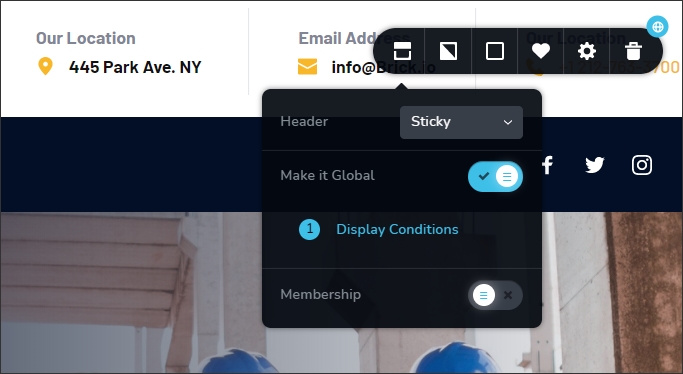
I use Microsoft Edge (Version 93.0.961.38) for my work. So I used a template which had a header. I changed this header to be "Sticky" and when I wanted to add a menu to this sticky header, I noticed that the menu was not showing up.
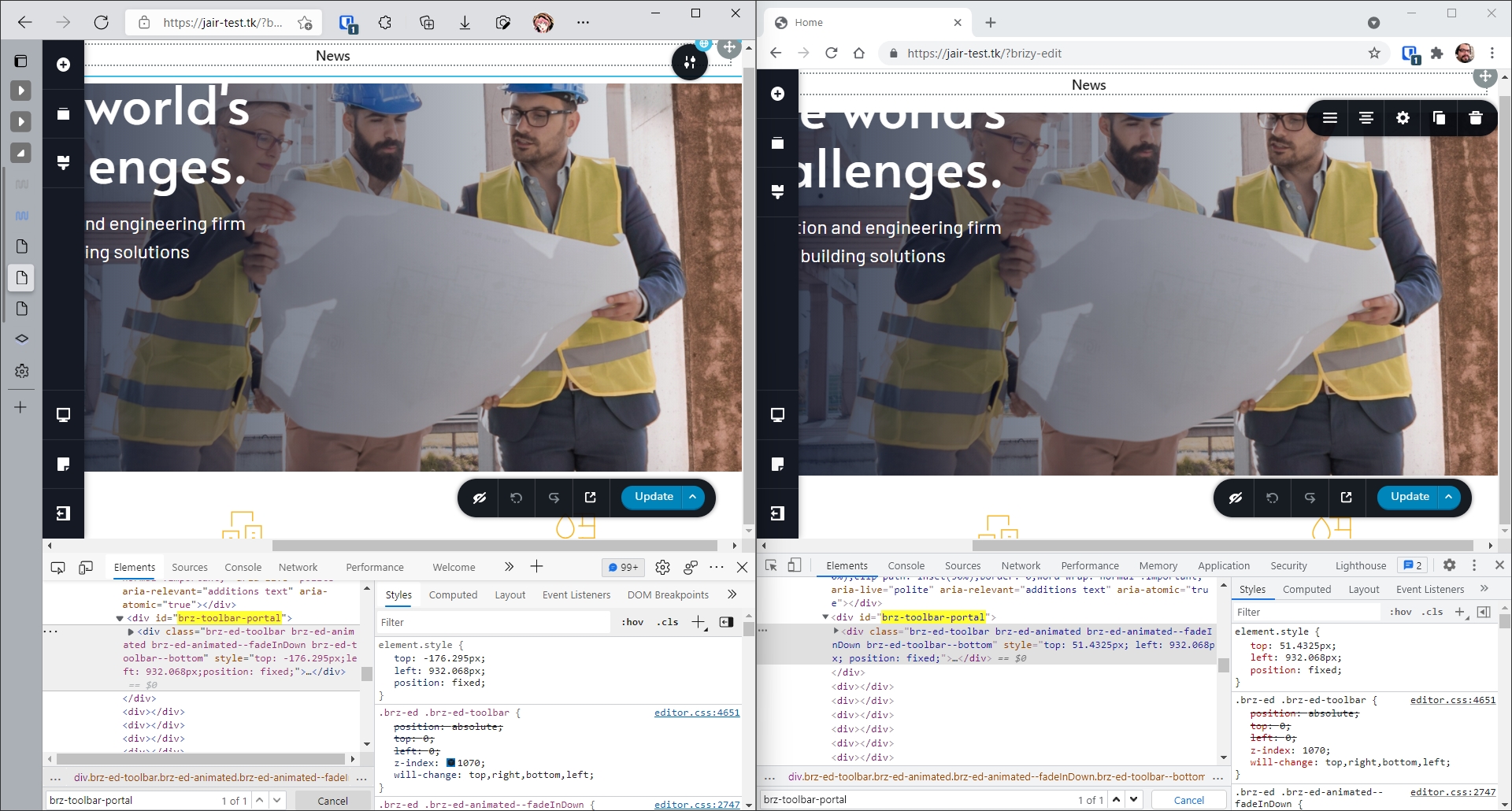
Tried all sort of things to make the menu appear, and then I noticed that the menu appears on Google Chrome. Intrigued, I found that for some reason, the menu on Microsoft Edge has a negative CSS "top" property that moves the menu way above the screen size for me to see, here is the comparison between two browsers, notice the CSS "top" rule for this element is different:
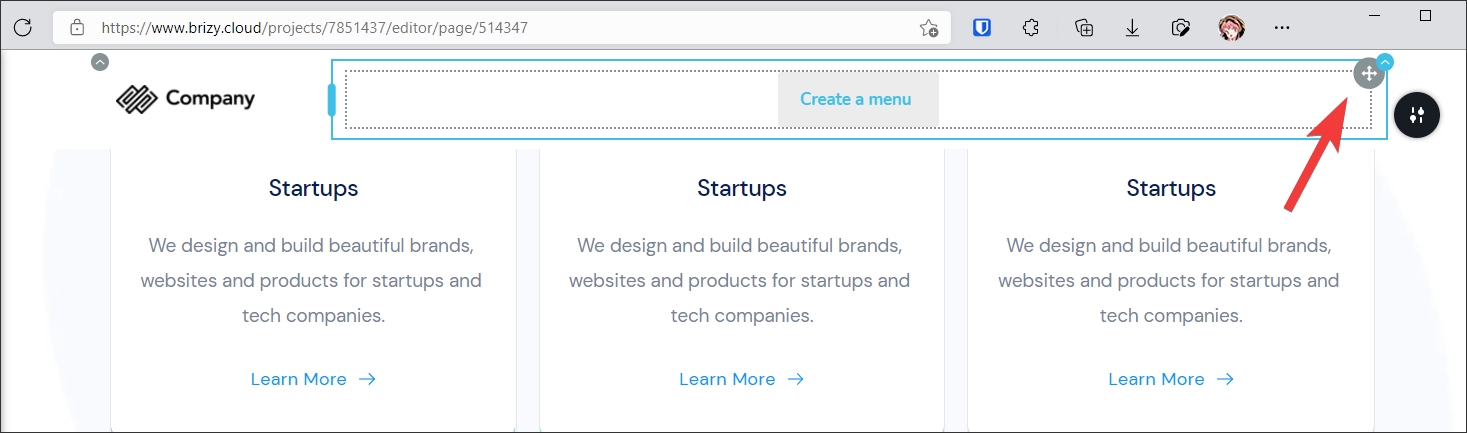
This issue also happens on Brizy Cloud:
Thanks for checking this.
-

Hello Jair!
Thank you for reporting this issue.
But Microsoft Edge is not a supported browser.
Sorry for the inconvenience.
Kind regards,
Mihail
0 -
That's a pretty odd inconvenience. It's the official browser for Windows systems and it has the same engine as Google Chrome.
Where can I find the list of supported browsers? The issue I found was from the editor, but does this policy also applies to the pages made with the product? Should I expect no tech support for unexpected behavior in the frontend pages viewed in non-supported browsers?
0 -
Hello!
I understand your feelings.
But the only thing I can say is that we highly recommend using Google Chrome and Safari Browsers to use editor.
Kind regards,
Mihail
0
Please sign in to leave a comment.
Comments
3 comments