Login to Brizy to save blocks

Hi there,
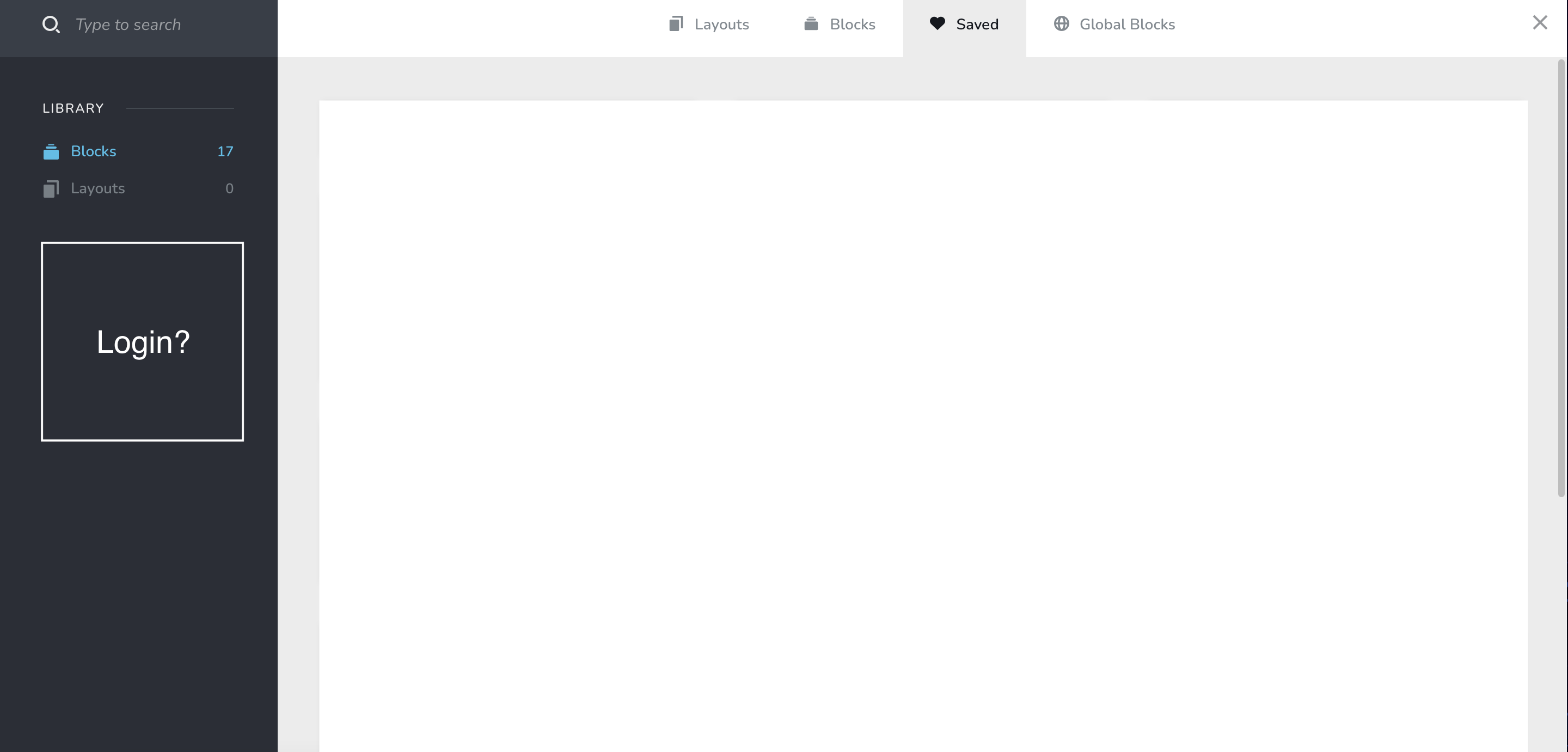
I am using Brizy on websites hosted on other platforms (not Brizy Cloud). I am looking to save blocks of a website and use them on another. Is this possible? I noticed that I do get a prompt to sign in on a fresh Brizy install but I usually skip it and I can't seem to find any button to login in now.
-

Hi,
Thank you for your message.
Could you please tell me where is hosting Brizy websites? If you want to sync Brizy blocks from WP to another WP project then you need to use the All in One Migration plugin, see here. Also, in Brizy WP you can use the Sync option, and Sync all the blocks/layouts to Brizy Cloud or vice-versa.
Best regards, Nelea.
0 -
Hi Nelea,
Thanks for replying. Some of my websites are hosted on Namehero, Siteground and etc. I understand about the migration plugin. I am checking why I am not seeing the login function on my Brizy build to sync blocks to Brizy Cloud. I saw some of the screenshots on this forum and there is a login button on the highlighted section shown on the image I have attached above. Is this feature exclusive to websites hosted on Brizy? Because I usually get a prompt to log in when I try to save a block for the first time. When I skip that, the login function is nowhere to be found.
0 -
HI,
Thank you for your message.
You will not have any log-in button in Brizy Cloud, here is a screenshot from Cloud, and here from Brizy WordPress.You can save the block in Cloud then press Sync on the button from WP, and the image will be saved in WP and Cloud too.
Best regards, Nelea.
0 -
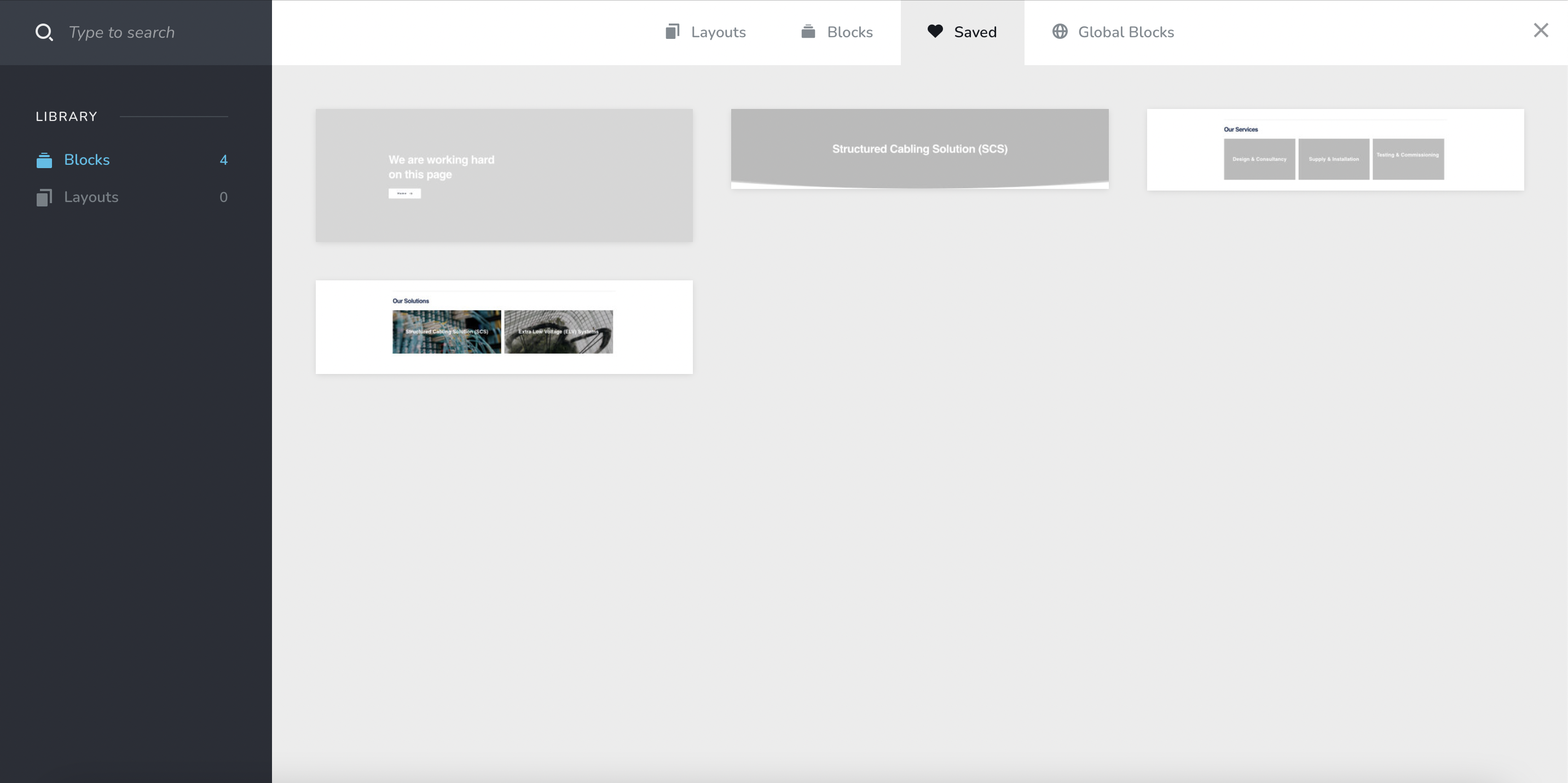
Yes but I do not have the option to login on Brizy Wordpress, how can I login and sync from WP? On your second screenshot, I do not have the section where I can connect or disconnect. Note that I am on the latest version.
To be clearer, how do I connect and sync the blocks from here?
 0
0 -
Hi,
If you have the white label option activated please deactivated it. Then please check if you can sync the blocks.
Best regards, Nelea.
0 -
Hi Nelea,
Thank you. The white label turned on was the issue.
0
Please sign in to leave a comment.
Comments
6 comments