Pro plugin update error

I just tried to update the pro version of Brizy but received an error instead:

However, this site has been activated for many years:
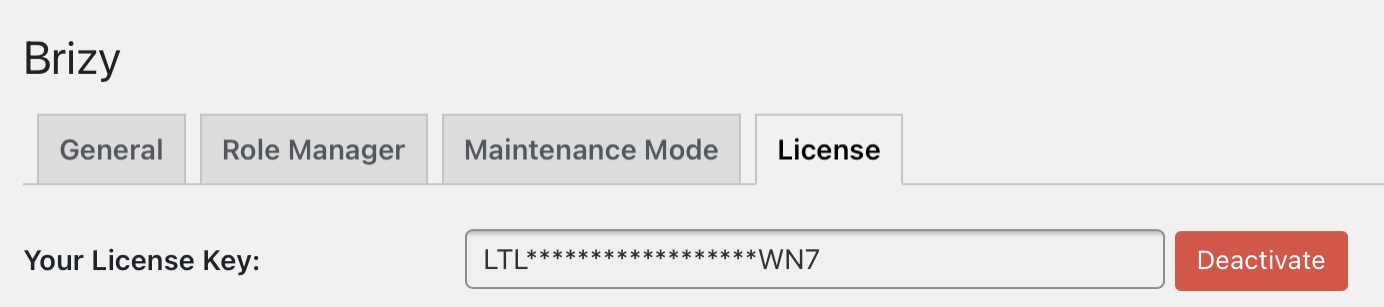
Can you please help, thank you.
1
-

Hi Benjamin,
Thank you for contacting us.
First of all, please, update Brizy Free to latest version. After that try to update Brizy Pro. If you still receive this error, please, install update manually: remove current version of Brizy Pro, download latest version from your Brizy account and install it manually in Plugins > Add New > Upload.
Let me know if this worked.
Best regards,
Denis.0 -
Ok. So, it happens when I push the changes from the staging site, which needs a different License Key.
I need to deactivate and activate again with the right key.
0
Please sign in to leave a comment.
Comments
2 comments