WP Admin Pages Pro & Dynamic Background Images on Custom Post Types No Longer Working

I have de-activated all of my plugins except for Brizy, Brizy Pro and CPT UI. I am facing two problems that seem to have just recently popped up. However, I'm not sure which Brizy version that these issues began. I can confirm that the second issue below is happening on multiple websites.
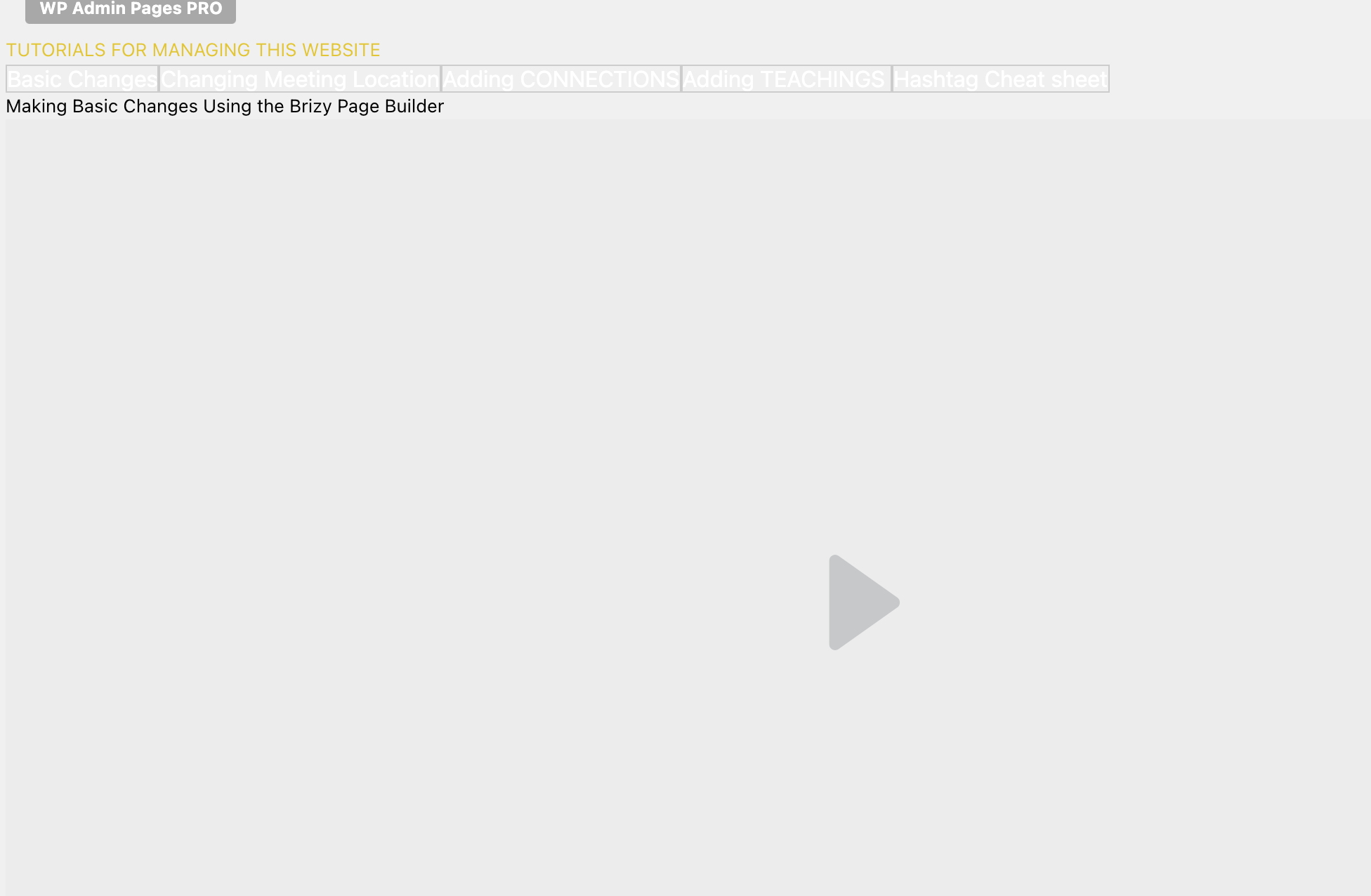
- Backend pages setup using WP Admin Pages Pro using Brizy Templates no longer show any formatting as shown in the screenshot below. It just displays the HTML elements without the accompanying CSS.
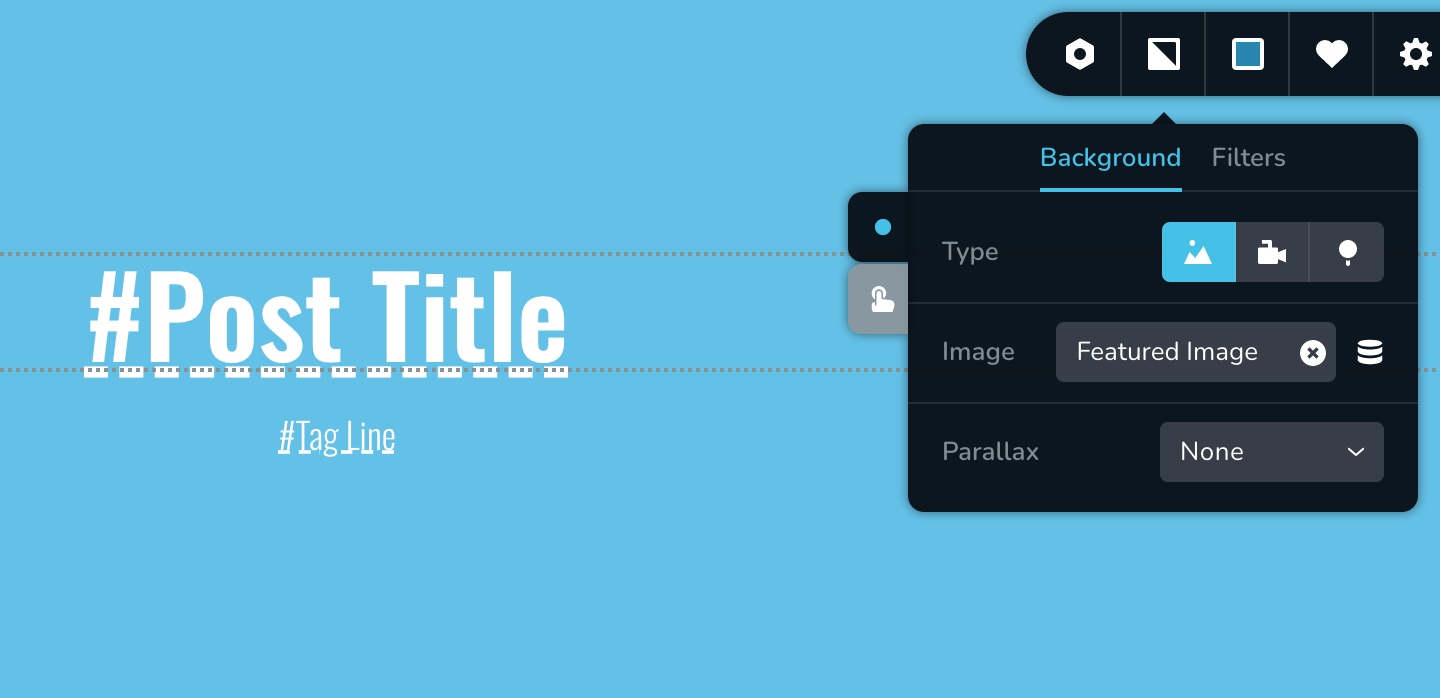
- When using a template for a single/page for a custom-post-type, using the "Featured Image" as a dynamic image background for an element doesn't work. It allows me to select "Featured Image" in the editor selector, but then it just doesn't show the image on the front-end. I have confirmed that the custom post type is set to "support" featured images and that the post has a valid featured image selected.
Screenshot for issue #1
Screenshot for issue #2: note that there is a background color with a 75% opacity here, so it should show the image with a blue shade over it. But even when I completely remove the background color, it still doesn't show the image.
-

Hello!
Thank you for your report.
1. May I ask you to provide us links to the mentioned pages?
2. This is a known issue, and our developers are already working on it. We'll include this fix in one of the next updates. Sorry for the inconvenience.
Kind regards,
Mihail
0 -
Hi Mihail, they're back-end pages through WP Admin Pages Pro, so the links are only available on the backend: /wp-admin/admin.php?page=tutorials
0 -
Hello Kyle!
We did release new plugins updates
Please update your Brizy Free to 2.3.14 And Brizy Pro to 2.3.12
After it, Please clear your website cache and cache of your browser too.
Also, try to manually reinstall both plugins.
Let me know the results.
Kind regards,
Mihail
0 -
I've done that and it solved issue #2, but not issue #1
0 -
Hello!
Got it.
I've created a private ticket, you should receive an email notification regarding this. In this ticket, please, provide us the link to your website, we would like to check the problem from your website directly.
Add some additional info, more screenshots are appreciated.
Kind regards,
Mihail
0
Please sign in to leave a comment.
Comments
5 comments