WP Brizy Pro - Bug: WooCommerce Cart image

Hi there,

as you can see the image inside the cart is overlapping.
Could you fix that please?
Thx.
-
Seems to be the padding of the the right element is set to 15px instead of 15% from your side
With this CSS code it works.
.brz-woocart__sidebar__product-info {
padding-left: 15%;
}Needs to be fixed please :-)
0 -

Hi,
Sorry for not getting back to you sooner.
Could you please check if you have the latest Brizy Free 2.3.13 and Brizy Pro 2.3.11 version? Please send us the URL of the page you found this inconvenience?
Best regards, Nelea.
0 -
Hi Nelea,
thanks for getting back and I hope you had a relaxing vacation.
I'm using the latest Brizy + Pro Version.The site URL is a dev environment, therefore I won't post it in public as the service site is indexed and my dev environment is not.
0 -
Hi Pascal,
This issue could be because the image added in the container is bigger than the container. I can suggest minifying the Image element and set the width and height at 100%. Can you please try? Let us know if all is working fine. Thank you!
Best regards, Nelea.
0 -
Yes, you're right. The image is up to 6xx * 6xx px.
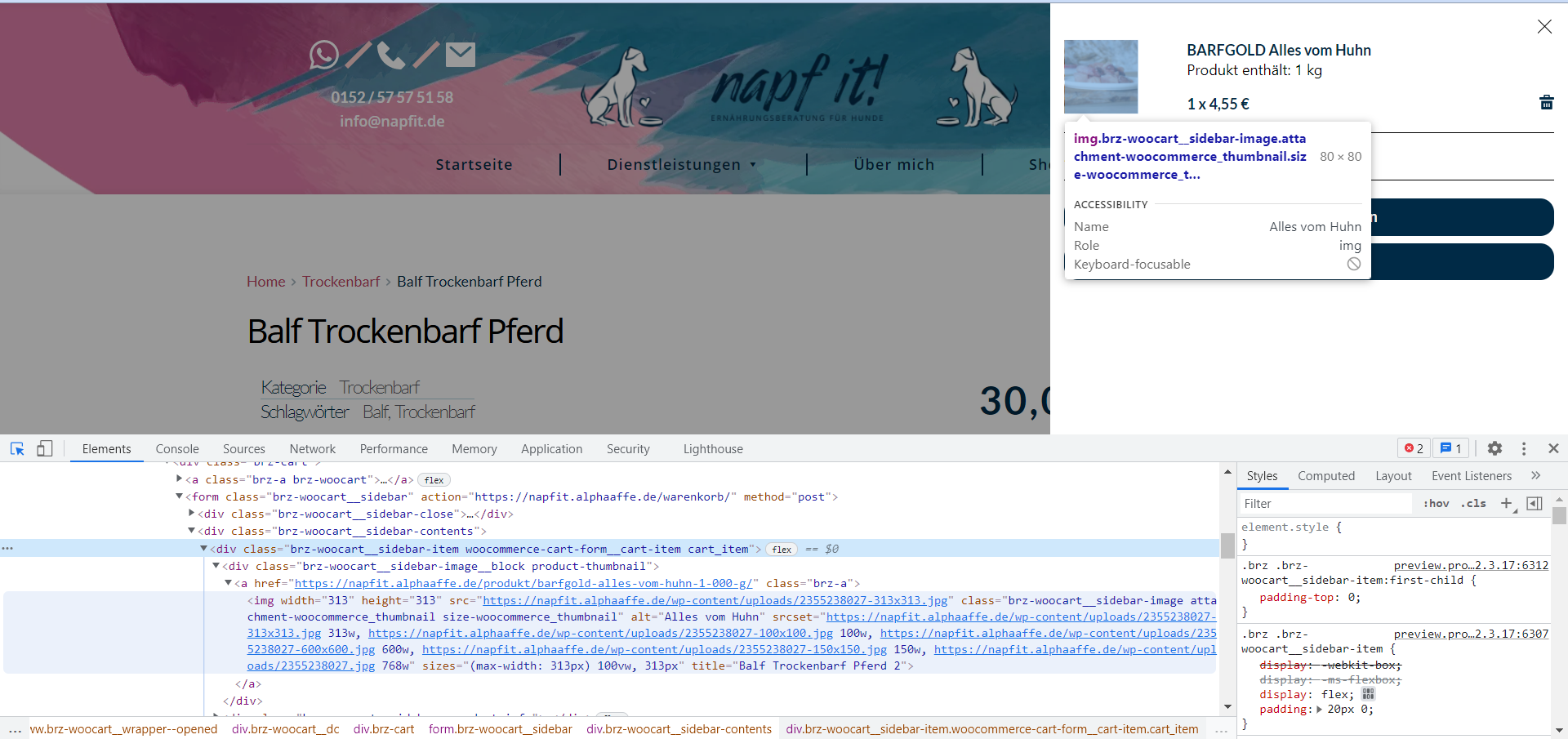
Do Brizy got your a own thumbnail generated for cart preview?
Otherwise which one should I set?: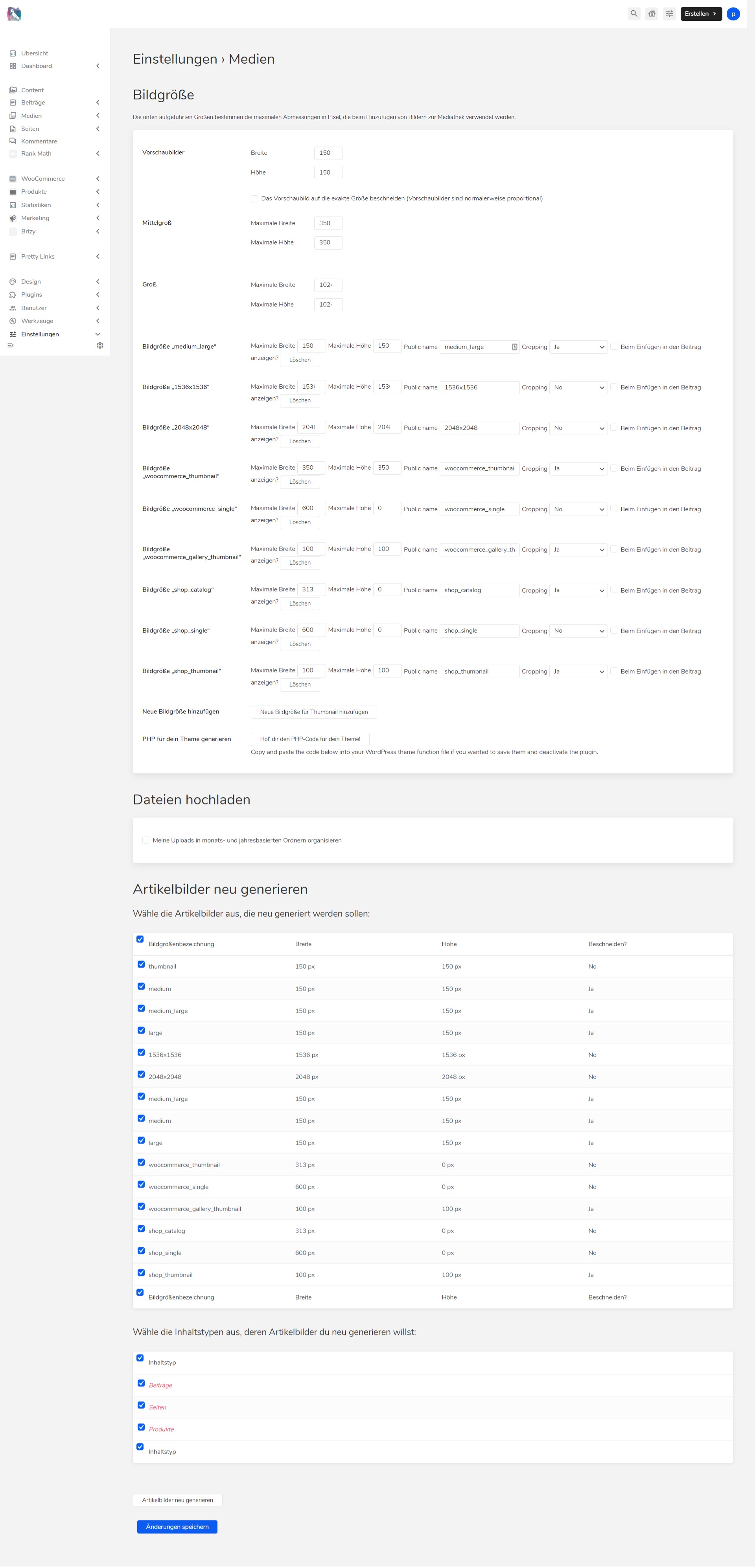 0
0 -
Hi Pascal,
We would like to check this problem from your dashboard. Could you please send us the WP credentials to this site? We have created a private ticket for this request. You had to receive a notification regarding this by email.
Best regards, Nelea.
0
Please sign in to leave a comment.
Comments
6 comments