Brizy Wordpress Plugin - Page "reset" on plugin update

Hi,
On several occasions on, different websites, when the automatic update of the plugin has been done, the website has returned to using the Wordpress editor's page layout on the "start page" instead of sticking to the layout done via the Brizy editor.
(Only the start page, the other pages on the website is ok.)
Br, Magnus
-

Hello Magnus,
Thank you for your message!
Regarding what you said, can you please provide us more information about this? Some screenshots of how it looks vs how it is supposed to or what layout does not stick. This way we can understand the problem better. Thank you in advance!
Kind regards,
Doina
0 -
Hi Doina,
What happens is that the start page ends up with the default editors version of the page and not the Brizy editors version. When it happens we need to go in to the Brizy editor and push update because the design is all there and after that it's all ok again.
Br, Magnus
0 -
Hello Magnus,
Thank you for the details!
Regarding what you said, can you please tell us if you encounter this problem with Brizy latest updates? Brizy Free 2.3.10 and Brizy Pro 2.3.8 In this update we solved some issues, so this should not happen.
Kind regards,
Doina
0 -
Hi again,
It happened on the latest one also, when going up to Brizy version 2.3.9 to 2.3.10 during early morning here.
Did a manual update on PRO now to 2.3.8 and that worked fine.
Is it a known problem that should be fixed now within these updates?
Br, Magnus
0 -
Hello Magnus,
Thank you for your message!
Regarding what you said, we have a new update Brizy Free 2.3.11 and Pro 2.3.8 . Brizy Pro 2.3.9 is not ready yet but soon it will be and the problem will be fixed. Thank you for your message and patience! If you have any other questions or issues that you encounter, please feel free to ask! We will be happy to help!
Have a nice day and kind regards,
Doina
0 -
Hi Doina,
Good that a update is coming, hope for the best with PRO update because the same happened again now when Brizy 2.3.10 updated to 2.3.11.
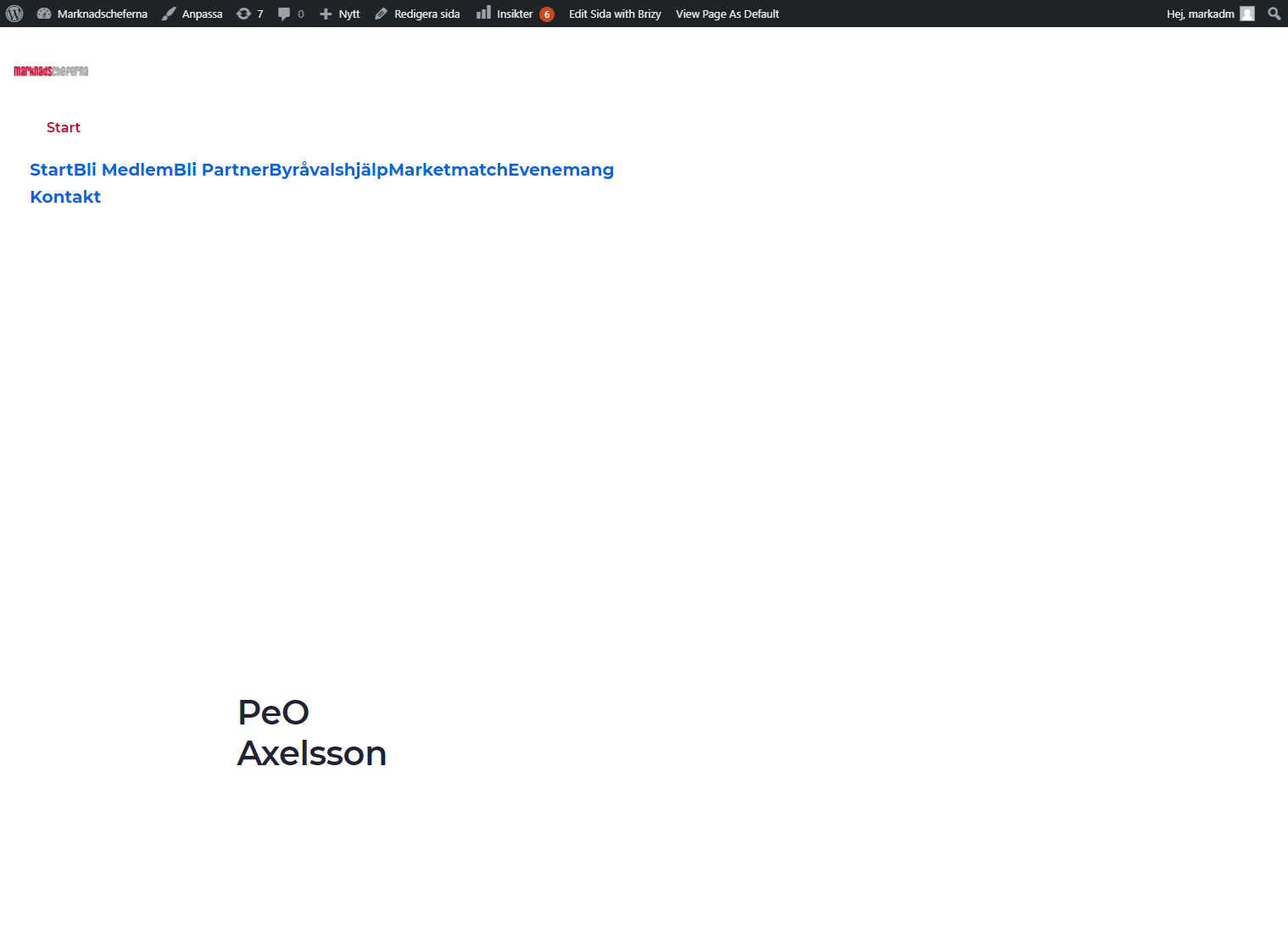
Needed to go in to admin and do a "Update" in the Brizy Editor and all was good again.

Kr, Magnus
0 -
Hello Magnus,
Thank you for your message!
Regarding this, can you please provide an URL and tell us what Pro version do you have? Screenshots are not so useful in this situation. Hope to hear form you soon!
Kind regards,
Doina
0 -
www.marknadscheferna.se
Brizy 2.3.11
Brizy PRO 2.3.80 -
Hello Magnus,
Thank you very much for the details!
We will look into this and come with an update to you! Thank you very much for the patience and understanding! If you have any other questions or problems that you encounter, please feel free to ask! We will be happy to help.
Have a nice day and best regards,
Doina
0
Please sign in to leave a comment.
Comments
9 comments