Global Blocks setting not found

Hi Brizy support,
I am building a block including a row including two columns, one of which includes a menu. this is supposed to be my global header.
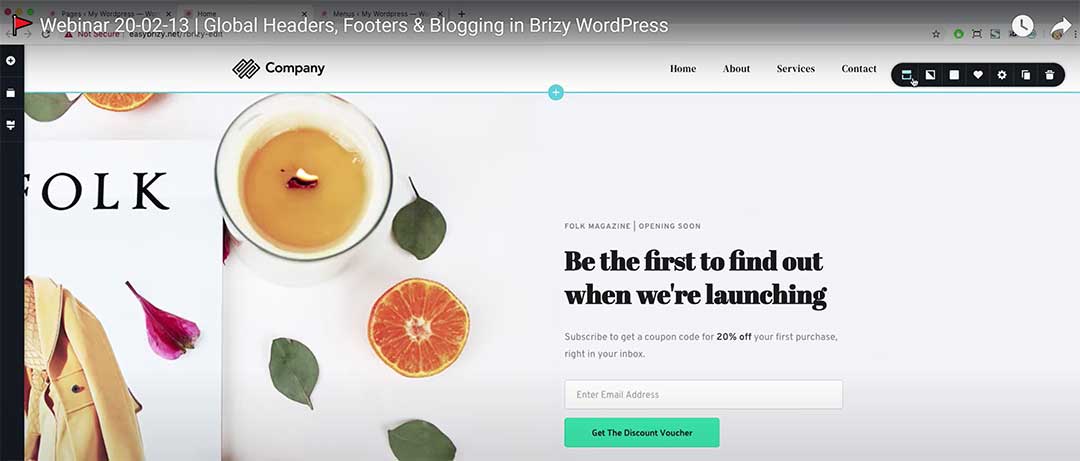
As shown in your tutorial video at min 13:00 I am supposed to simply enter the settings of the block and make it global.
https://www.youtube.com/watch?v=N6SeSbr5lW4
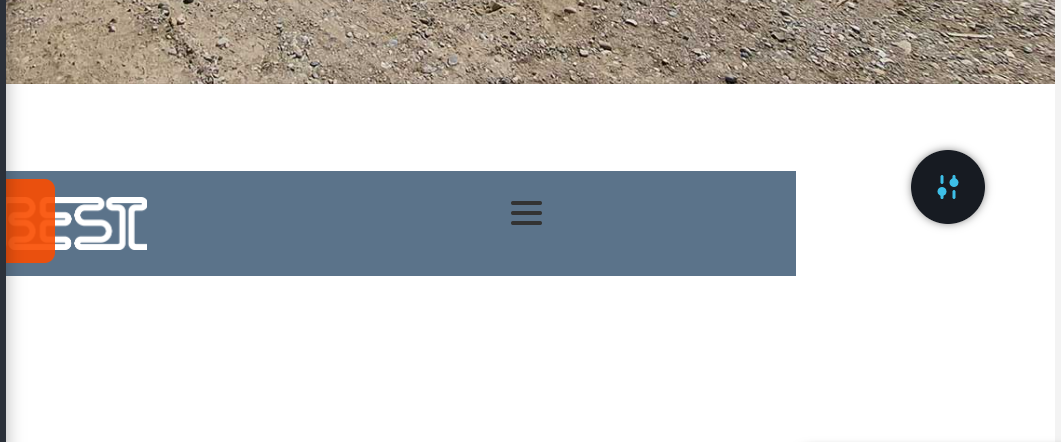
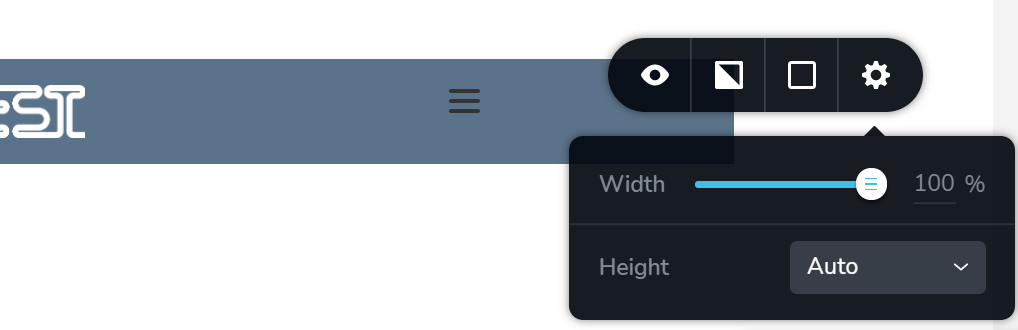
Unfortunately with my block i do not find such a setting as indicated in the screenshots. What am I doing wrong?
I do have the latest versions of Brizy and Brizy Pro plugin activated. I did deactivate all other plugins and using wp oceans as a theme.
Best regards,
Max
-

Hello Max,
Thank you for your message!
Regarding the problem you have, you opened the block in mobile/tablet view. You can not make it global there, just in the desktop. Please go to desktop and make the block you need global as shown in the video. Hope this helps! If you have any other questions or issues that you encounter, please feel free to ask!
Have a nice day and kind regards,
Doina
0 -
Hi Doina,
ah ok I see, this makes sense. See my problem with Brizy is many times that I cannot access the grey "settings" arrow icon to access the settings. They hide from my mouse on the side of the page or even extending the page, so the only possibility to enter the settings is to change the view to mobile/tablet view.
In normal view no chance to find or access them.
Do you know the issue and maybe have a tip how I could deal with it?
Best regards,
Max
0 -
Hello Max,
Thank you for your message!
Regarding what you said, the settings icon can be hidden in case you have elements in the page with negative margins or paddings. Even the block can have the sections with negative margins. If this is not the case, I can create a private ticket and check directly in your page. Hope this made things clear for you! Again, if you have any other questions or issues that you encounter, please feel free to ask!
Kind regards,
Doina
0
Please sign in to leave a comment.
Comments
3 comments