Template shows up perfectly in builder, but is messed up on frontend

This has been happening since yesterday. At first, it only happened with the mobile version of my pages, but then it started happening to both mobile and desktop. (Although it's possible it was always happening to both desktop and mobile but my desktop was showing me a cashed version of the page.)
Even though everything with my plugins was working fine 2 days ago, I still tried deactivating each one to isolate any possible conflicts and couldn't find any. I've also reinstalled Brizy (free) and Brizy Pro.
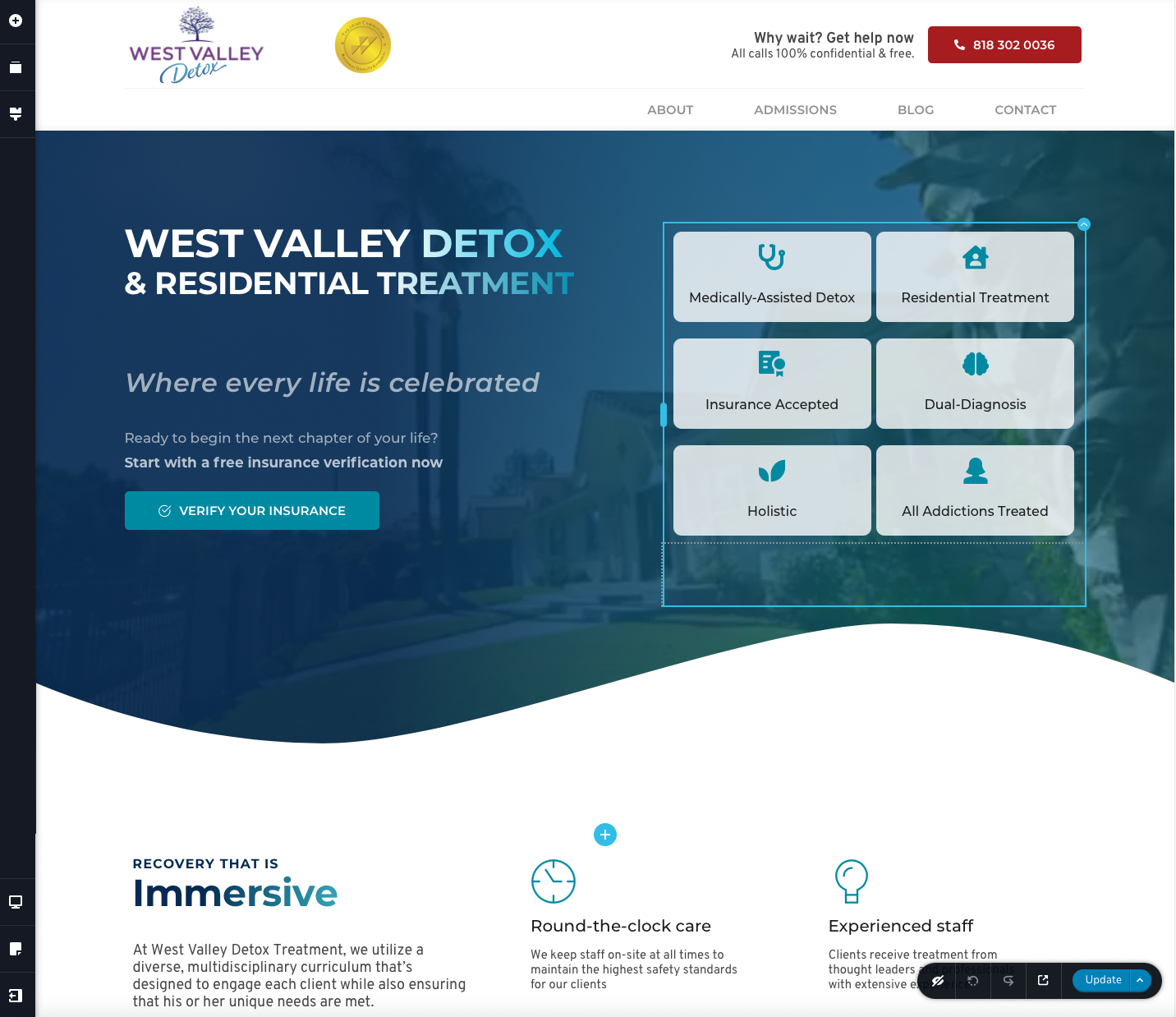
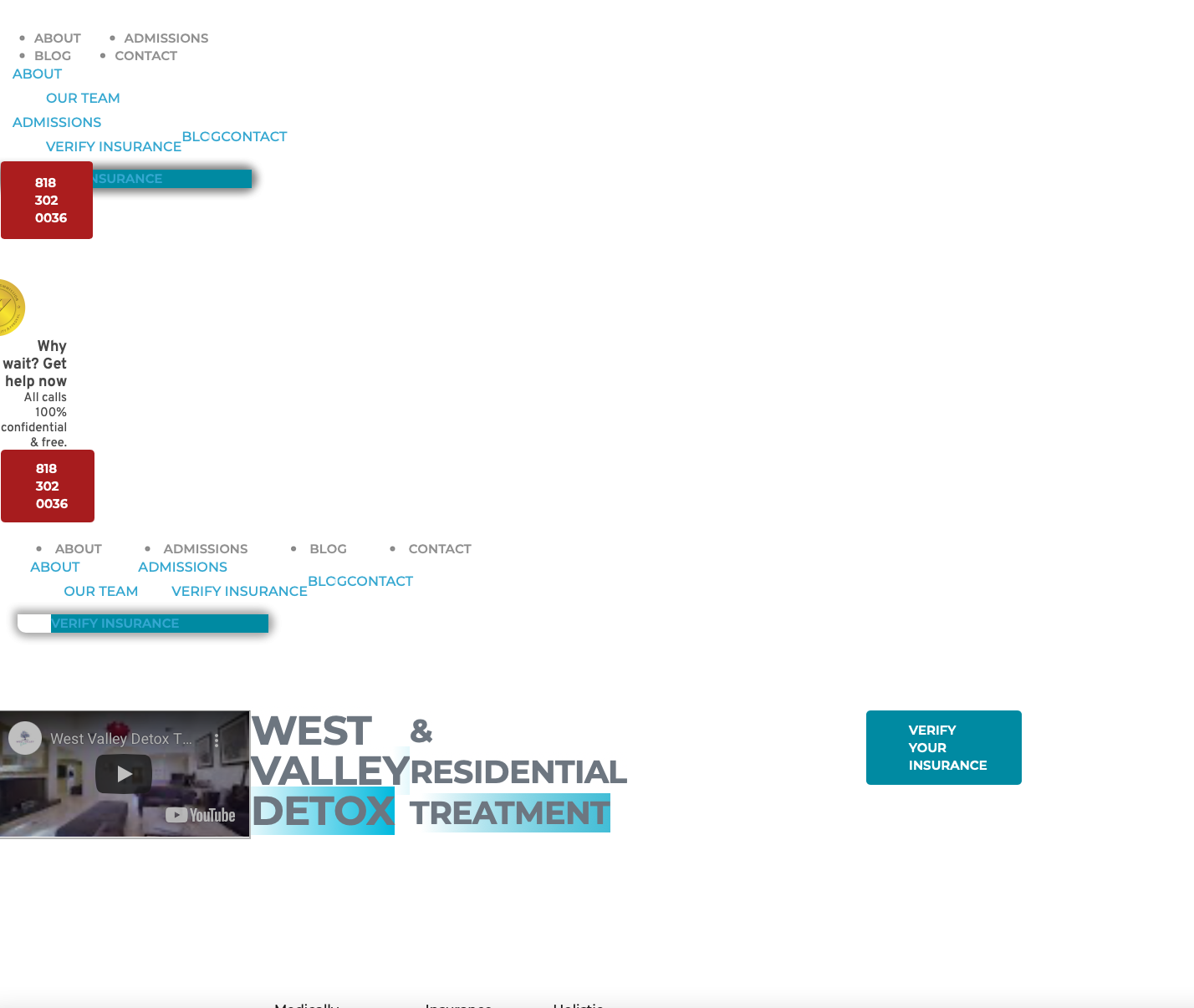
I'd like to provide a login to the account right away to get this solved as soon as possible, but I'd prefer not to provide it publicly. If someone could email me about this, I could provide the login.
-
Also, I just realized that this only seems to be happening on a single page.... the homepage. Which is a problem.
But if you look at our contact page, it looks just as it should.
0 -
I think I've figured out the issue, but I don't understand it...
I was trying to hide the main navbar on tablet and mobile pages, then create a separate menu for tablet and mobile that would be hidden on deskop. After implementing this, I started experiencing the issue as laid out originally. Now that I've gone back to the original navbar that stays the same, it's working again.
Any idea why I can't have a separate menu for tablet and mobile?
0 -

Hi Dane,
Thank you for your message.
It shouldn't be a problem with 2 separate menus. Have you cleared the cache after you did two menus? Also, I could not open your page to inspect it.
Best regards, Nelea.
0
Please sign in to leave a comment.
Comments
3 comments