Content not showing on Stories (Wordpress)

Hello! I'm trying to use the new Stories feature on my Wordpress. I think I have the latest versions of Brizy free (Version 2.3.6) and Pro (Version 2.3.4).
When I create a story, I can add in my own images, etc. but when I publish it, none of my images show up. I only see the Brizy items, such as background color and text. Am I doing something wrong so that my own images aren't showing up?
This is my test link: https://www.anew.hk/editor-story/instagram/
Also, a separate Stories question: How can I change the URL so that it doesn't always show "/editor-story/" in it? I'd like to make it "myurl.com/mystory".
Many thanks!
- Adam
View from within Brizy editor:
View from actual site:

-

Hi Adam,
Thank you for your message.
1. I tried to reproduce the problem you reported but all seems to work fine in our dashboard. Could you please give us some information about how did you upload images? Did you upload them through WP Media Library? All images used in the Brizy pages have to be uploaded through the WP media library. If you add 2 pages to your story do you have the same problem?
2.Unfortunately, at the moment, you cannot change the URL of the stories in WordPress but in the future, we will have improvements in this chapter.
Best regards, Nelea.
0 -
Hi Nelea,
Thanks for your quick reply.
1. I upload my images via the WP Media Library. The standard way - nothing fancy or using other plugins/apps. I do use Filebird plugin to organize my files, but even when I turn it off (and I tried it relating to this issue with the Stories).
1.2 Yes, even when I add extra pages or make a copy of a page, the images don't show up (or not all of them). I also added one of the Brizy template Stories, and it doesn't even load all portions of the image correctly (notice that the red "paint brush" is missing).
2. Ok, that's fine. Thanks for letting me know about the URL.
Here are images of the stories inside Brizy editor:
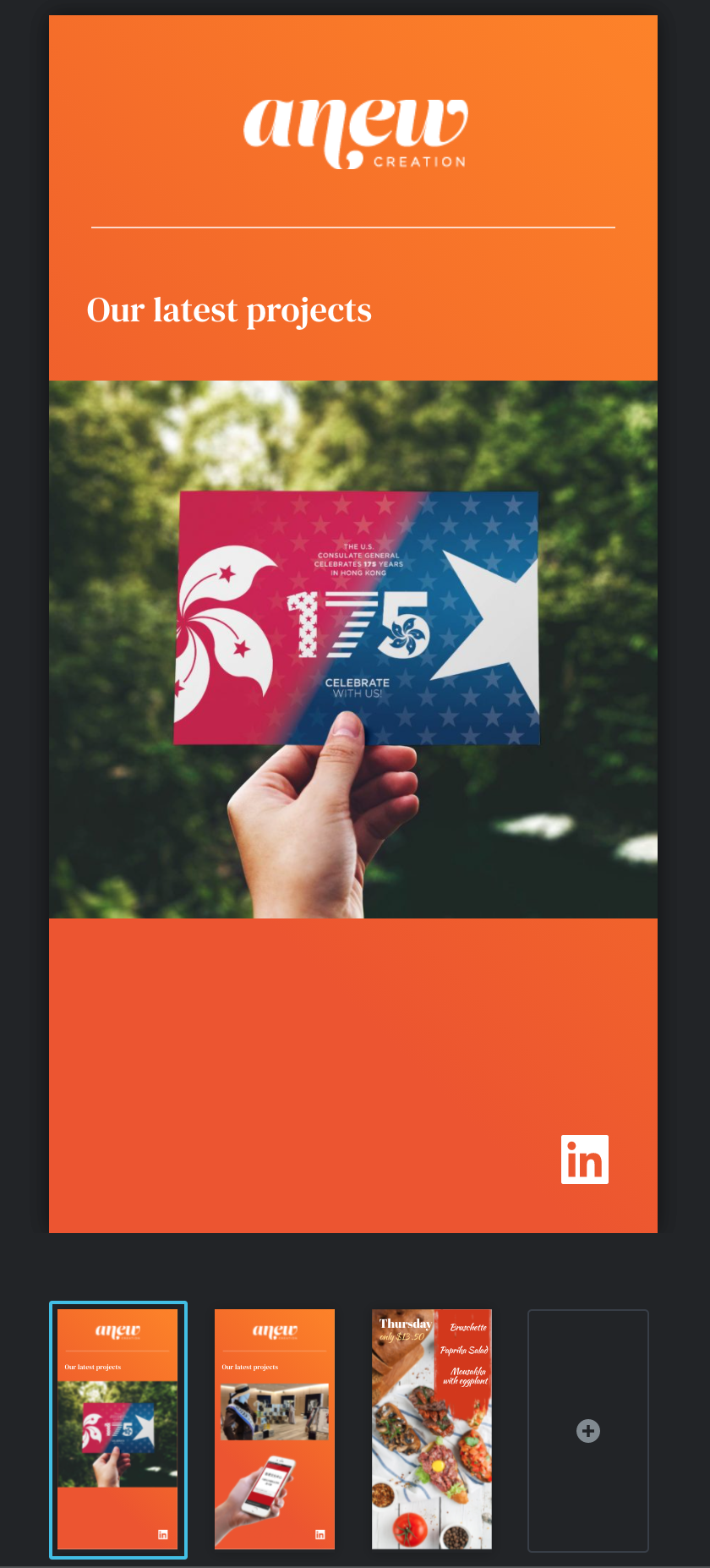
Here's what it looks like "live":

Notice the red missing behind the text below:

Thanks, Nelea!
0 -
Hi Adam,
Thank you for your screenshots and for all these details.
Could you please temporarily deactivate all external plugins (except Brizy Free and Brizy Pro) and activate a WordPress default theme? Then, please clear the browser and server cache and check it again. Do you still have this problem?
Best regards, Nelea.
0 -

I seem to have similar problem.
I can see the images I put to the story, but the background image won't shoe - its like there is just a white background covering the background image - though I have chosen "none".
0 -
Hello,
Thank you for contacting us.
Please change the background color overlay none - after this, the background image will appear. See here.
Best regards,
Nelea.
0 -
Hi Nelea,
I already did - it works in the preview mode, but when going back to wordpress backend panel and using the link - it does only show a white background:
https://www.surferslounge.dk/editor-story/brizy-5507/
0 -
Hi,
Could you, please, check if you are using the latest versions of Brizy Free 2.4.14 and Brizy Pro 2.4.13? Could you please temporarily deactivate all external plugins (except Brizy Free, and Brizy Pro) and check if the problem still occurs? To identify which plugin is faulty, reactivate them one by one until the error reoccurs.
Best regards,
Nelea.
0 -
This solved the problem - Performance Cache plugin removes the background - can I do anything to make those to work together, or should I delete performance cache?
0 -

Hi Anders,
When you say Performance Cache plugin, do you mean Perfmatters? A specific setting in the cache plugin could be removing the background image. You could experiment with different setting in the cache plugin and check if the background image issue gets resolved.
0
Please sign in to leave a comment.
Comments
9 comments