Woocommerce product add ons

Hello,
I have 2 issues:
1| My product add-ons don't show. Normally you should be able to choose the color of the frame and fill in text. It's a simple product but it uses woocommerce add-ons
https://shop.hikkup.nl/product/custom-fotolijst-vintage-collage/ 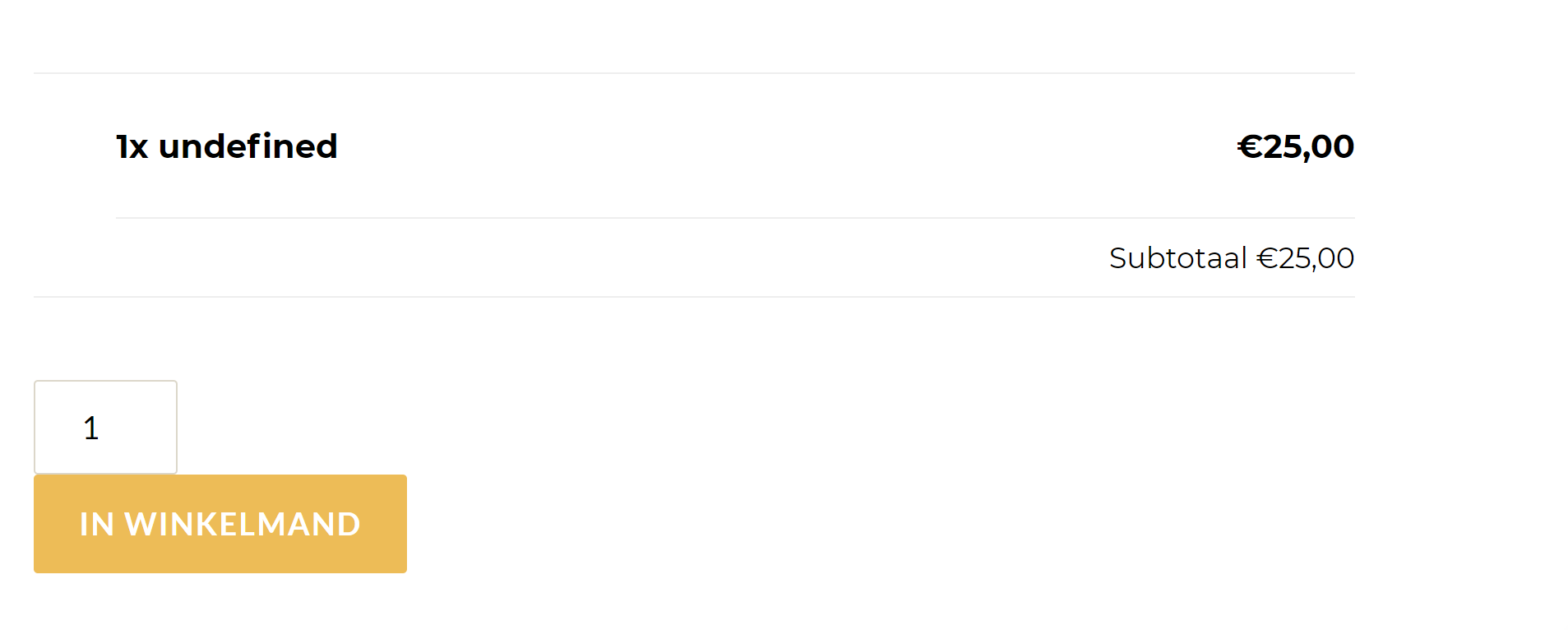
2 My product categories don't show in a hierarchy. It looks like this:
https://shop.hikkup.nl/product-category/alles/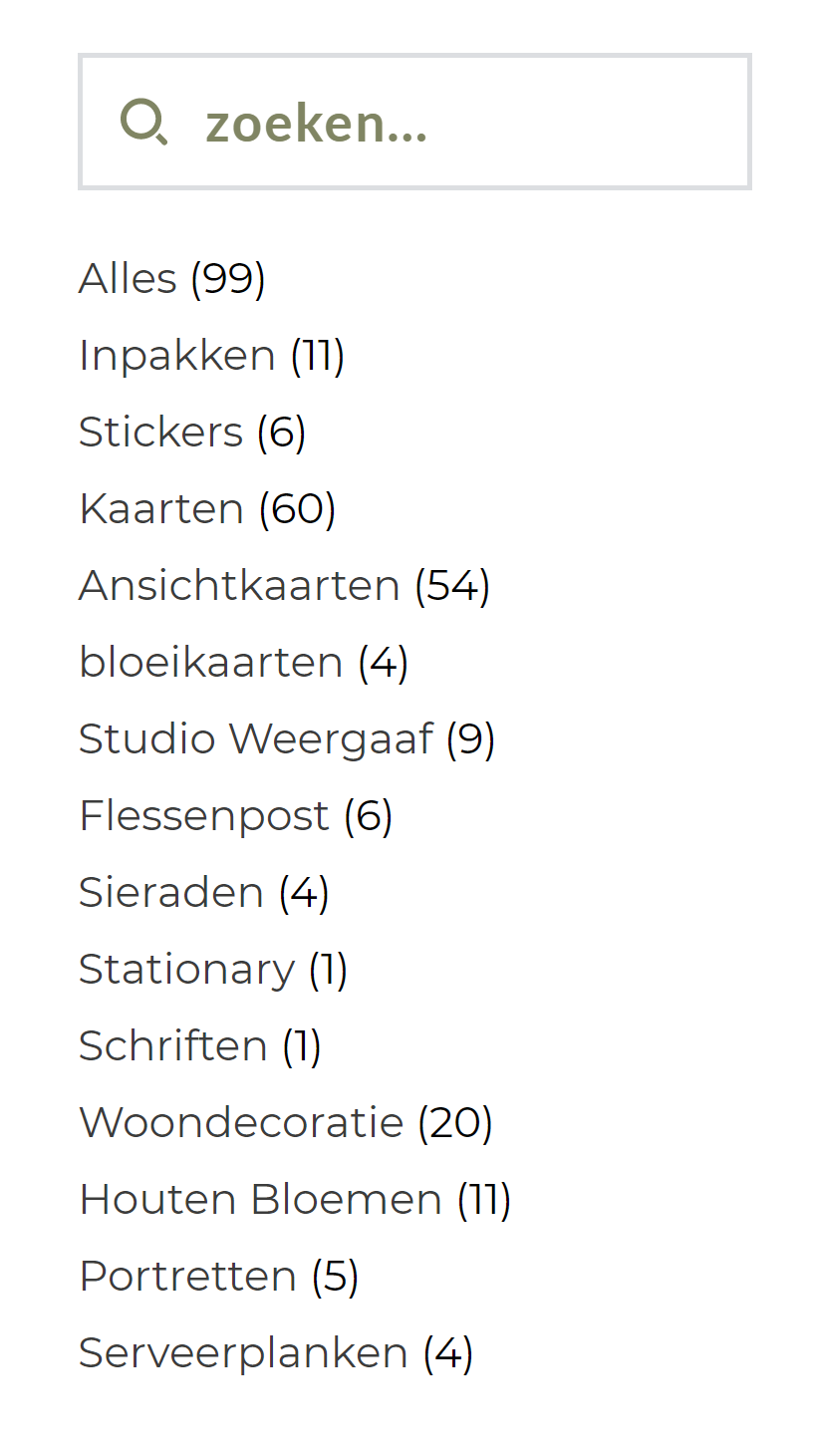
While it should be like this:
All versions are updated to the latest version
-

Hi,
Thank you for contacting us.
- What add-on are you using?
- Please, try to activate any default WordPress theme and check how categories list will be displayed.
Kind regards,
Denis.0 -
1 Woocommerce add-ons (literally it)
2 I use the Core theme, I don't have other themes installed.
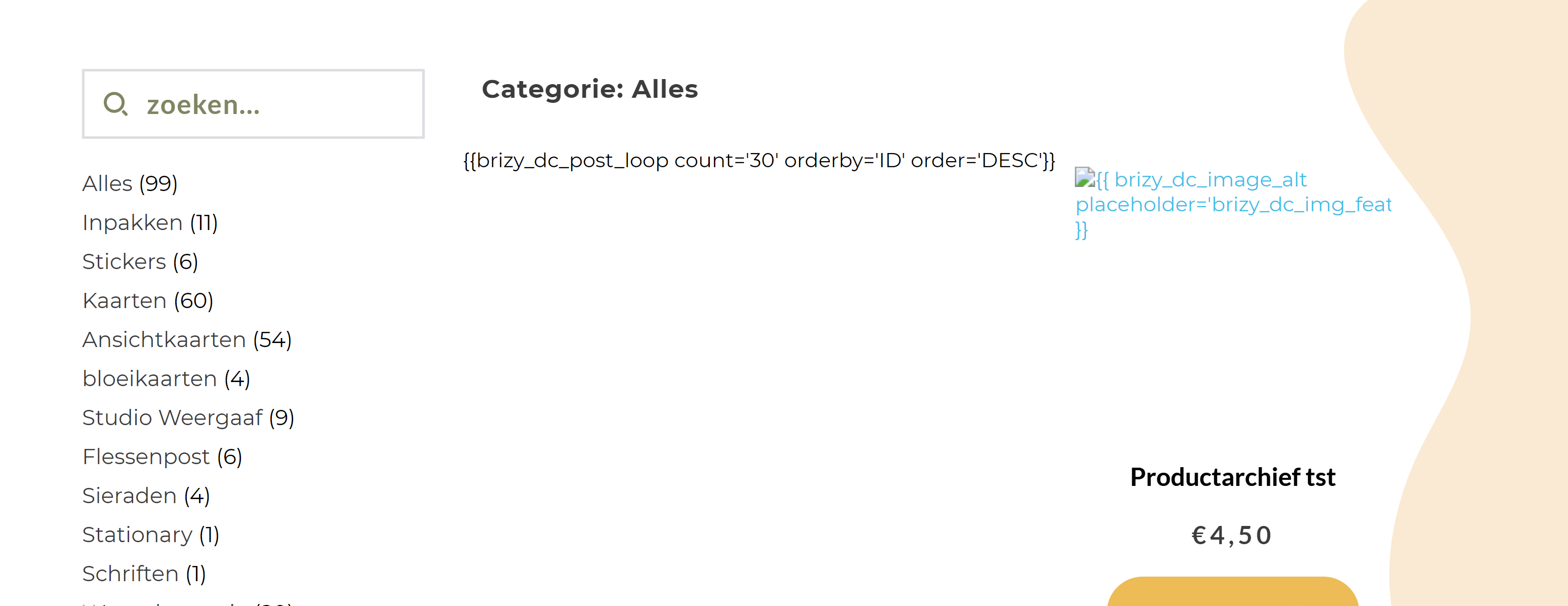
I have now re-updated brizy and brizy pro and now everything is completely ruined.
 0
0 -
Versions: Brizy 2.3.7 Pro 2.3.4
0 -
Hi,
Thank you for your reply.
- Do you mean this one? https://woocommerce.com/products/product-add-ons/
- Please, install default WordPress theme Twenty Twenty-One and activate it. After that check how categories are displayed.
- Please, update Brizy PRO to latest version - 2.3.5. If you do not see available update in Plugins section, go Dashboard > Updates, click "check again" and update Brizy PRO to latest version.
Best regards,
Denis.0 -
1.Yes, that plugin indeed.
2. Categories now show correctly thank you :)
3. I have updated brizy pro, but it still looks the same
0 -
Hi,
Please, update Brizy FREE to 2.3.8 and Brizy PRO to 2.3.6. After that check if everything works correctly.
Looking forward to your reply.
Best regards,
Denis.0 -
Yes it works for the archive :) Thank you
Only the product add-ons still don't show at the product
https://shop.hikkup.nl/product/custom-fotolijst-vintage-collage/
0 -
Hi,
Sorry for late reply.
Have you tried to create product as "Variable" instead of using add-on for this?
Kind regards,
Denis.0 -
I need to have the option to add text and that is not possible with variations
0 -
I have made a variable for now, because else you can't order. But it would be really nice if this could be solved for the user experience of my customers. It has worked before. I disabled brizy (regular) and then I do see the options, so its a conflict with brizy.
0 -
Will this be on your list to solve or will it stay an issue? Else I have to look for other solutions aka rebuilding my website without brizy... Which I prefer not to.
0 -
Hi Meggie,
Sorry for delay.
Sure, I've reported our team about this problem, however, at this moment we can't provide you ETA for this compatibility update.
At this moment you can use "variable" product that is working as it should.Best regards,
Denis.0
Please sign in to leave a comment.
Comments
13 comments