Popup stopped working

Hi,
Since the release of Brizy Version 2.3.6 and Brizy Pro Version 2.3.4 this morning Popups have stopped working. See https://www.mitchinsons.freshhq.co.uk/our-people/.
So this is select an element, Link > Popup. Choose popup.
View Console and see the following errors:
jQuery.Deferred exception: window.Brizy is undefined @https://www.mitchinsons.freshhq.co.uk/our-people/:374:8 e@https://www.mitchinsons.freshhq.co.uk/wp-includes/js/jquery/jquery.min.js?ver=3.6.0:2:30038 l/</t<@https://www.mitchinsons.freshhq.co.uk/wp-includes/js/jquery/jquery.min.js?ver=3.6.0:2:30340 undefined
And:
Uncaught TypeError: window.Brizy is undefined
jQuery 2
et
-
Update on that. We've disabled LiteSpeed Cache and the popups are working.
Next issue is that the popups stackup on top of each other. So go to https://www.mitchinsons.freshhq.co.uk/our-people/ and click on Louise. Irt opens up the Popup for Lucie. If you then close Lucie down, behind it is Ruth - close Ruth, it shows Adam - close Adam, it shows Louise - close Louise and they're all closed.
Only clicking Jenni popup works. Clicking the other 3 doesn't open the popup.
0 -

Hello Darren,
Thank you for your message!
Regarding the problem that you have, I have checked and everything is working alright. No more problems with the popups. Do you still see the problem? Hope to hear from you soon! If you have any other questions or issues, please feel free to ask! We are happy to help!
Have a nice day and kind regards,
Doina
0 -

Hi Doina, Actually, we re-created the popups which resolved the issue. Strange one all the same, especially when it comes to LiteSpeed Cache which we use on all our sites. Many thanks, Darren Nicholls
0 -
Hello Darren,
Thank you for your message!
Regarding what you said, we have an issue opened up for LiteSpeed Cache. The incompatibility will be solved in the next update. Till then, if you have any questions or encounter some problems, please feel free to ask! We are happy to help! Thank you for your patience and understanding!
Have a nice day and best regards,
Doina
0 -

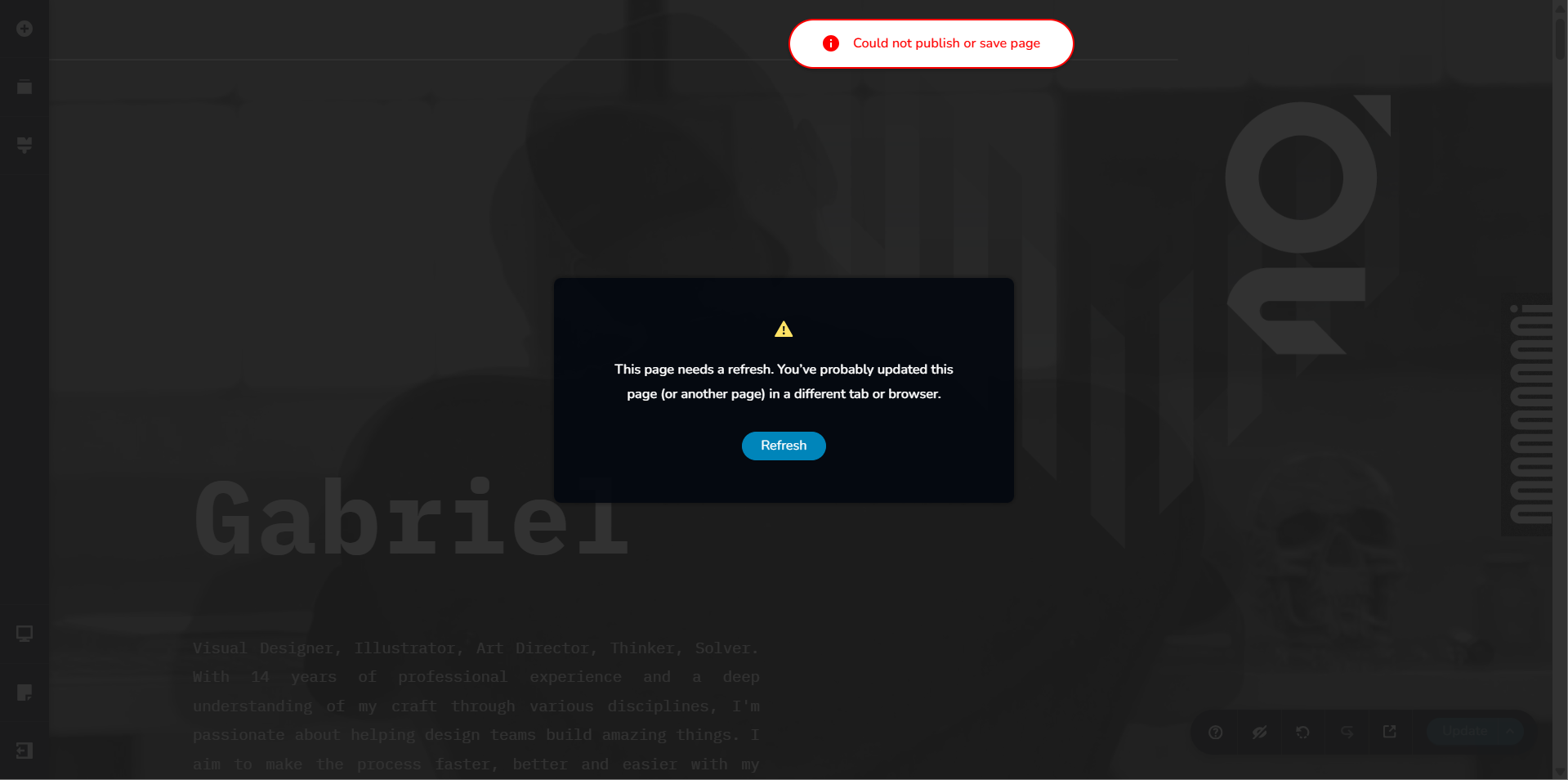
The popup stopped working for me too, i have no plugins / cache whatsoever running. i cant update the page to get it to work again. can you help me?
Here are the site details:
*******
0 -

Hi Georg,
Thank you for reaching out. You should now be able to save your pages without encountering the error. This can be fixed by temporarily setting WordFence to Learning Mode so it can learn Brizy’s actions and stop flagging them.
Regarding the popup, could you please tell us more about how it works on your website? You can also try fixing it now that you’re able to save changes, and let us know if you need any further assistance.
Best regards,
Ariel H.0 -
Here is a video showing the PopUp set in the Editor, but it simply wouldnt work for real. All Plugins are disabled, still its not working.
0 -
Hi Georg,
To fix the issue, you’ll need to make some minor adjustments to the button and the popup — such as adding a bit of padding or changing the width of the container or block. These small changes will trigger a recompilation of the problematic elements and should resolve the issue. This is demonstrated on this screencast: https://youtu.be/YLQhMO4Iwn8
We’ve also added an action to the back button so that it now closes the popup when clicked.
Best regards,
Ariel H.0 -
amazing. thank you so much. brizy really has the best support in the industry!
0
Please sign in to leave a comment.
Comments
9 comments