Editing error brizy layouts Pro

Hello, Brizy Layouts is not being applied correctly when downloaded for editing, as the letters do not appear, check the print:
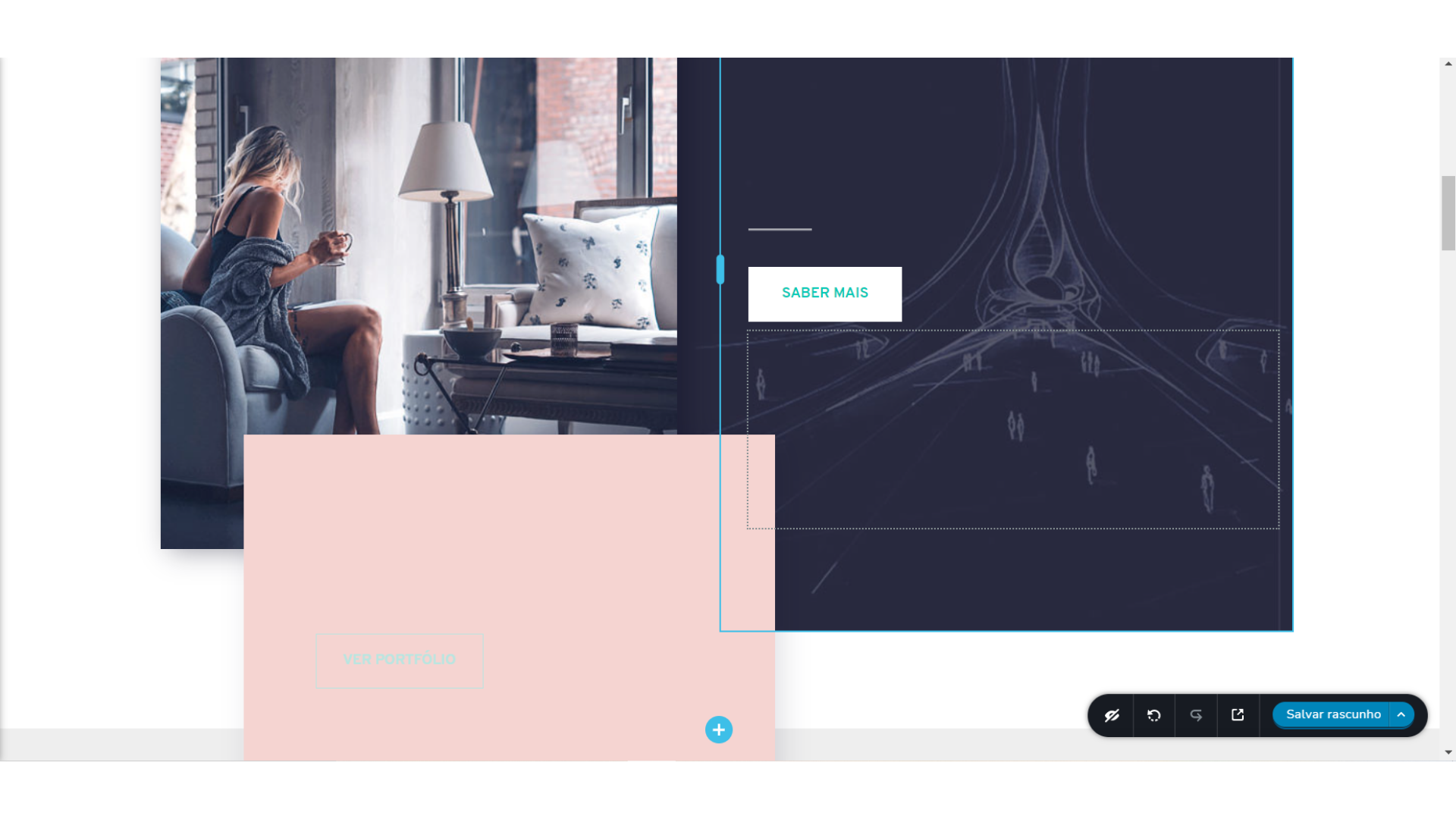
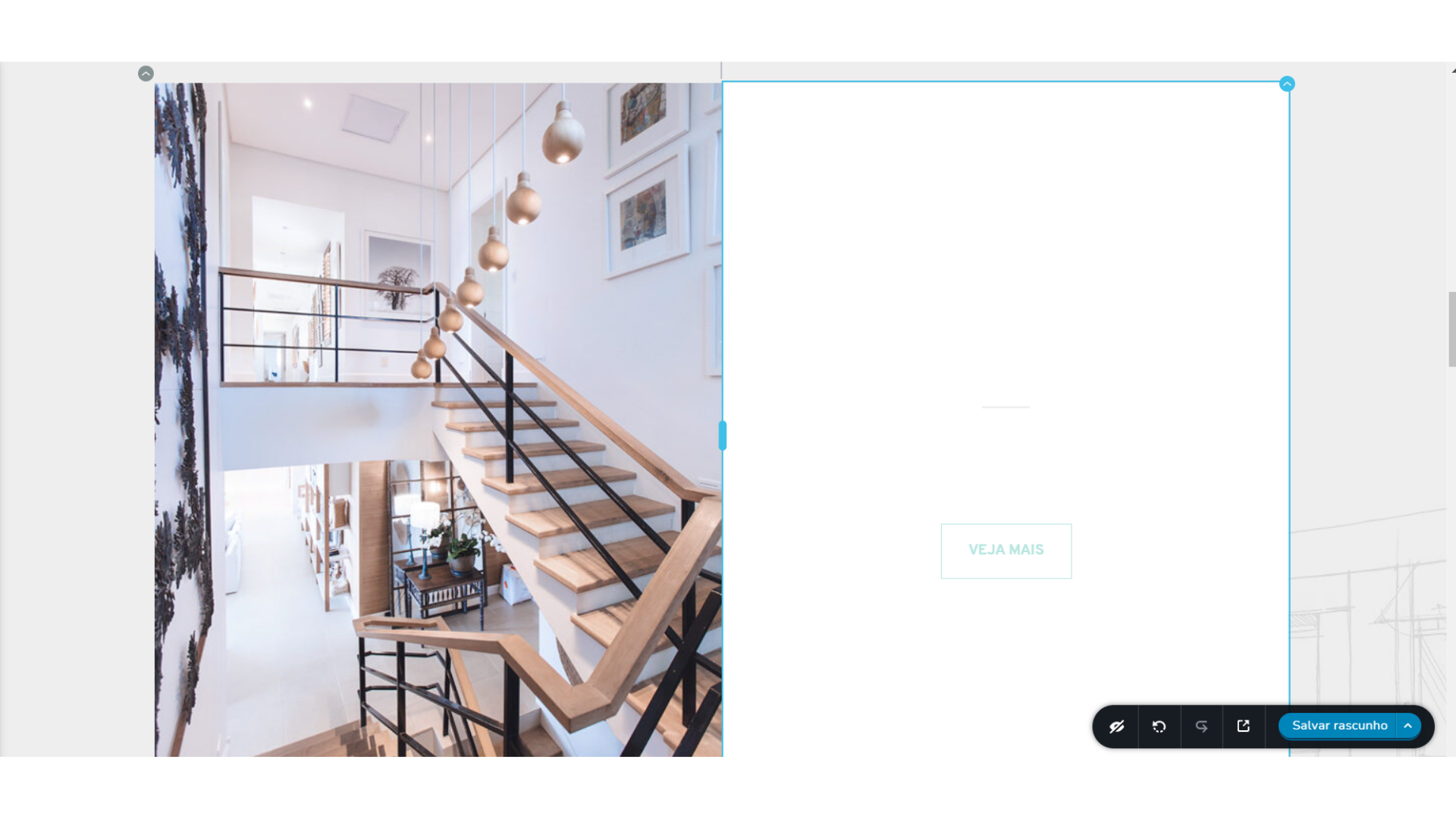
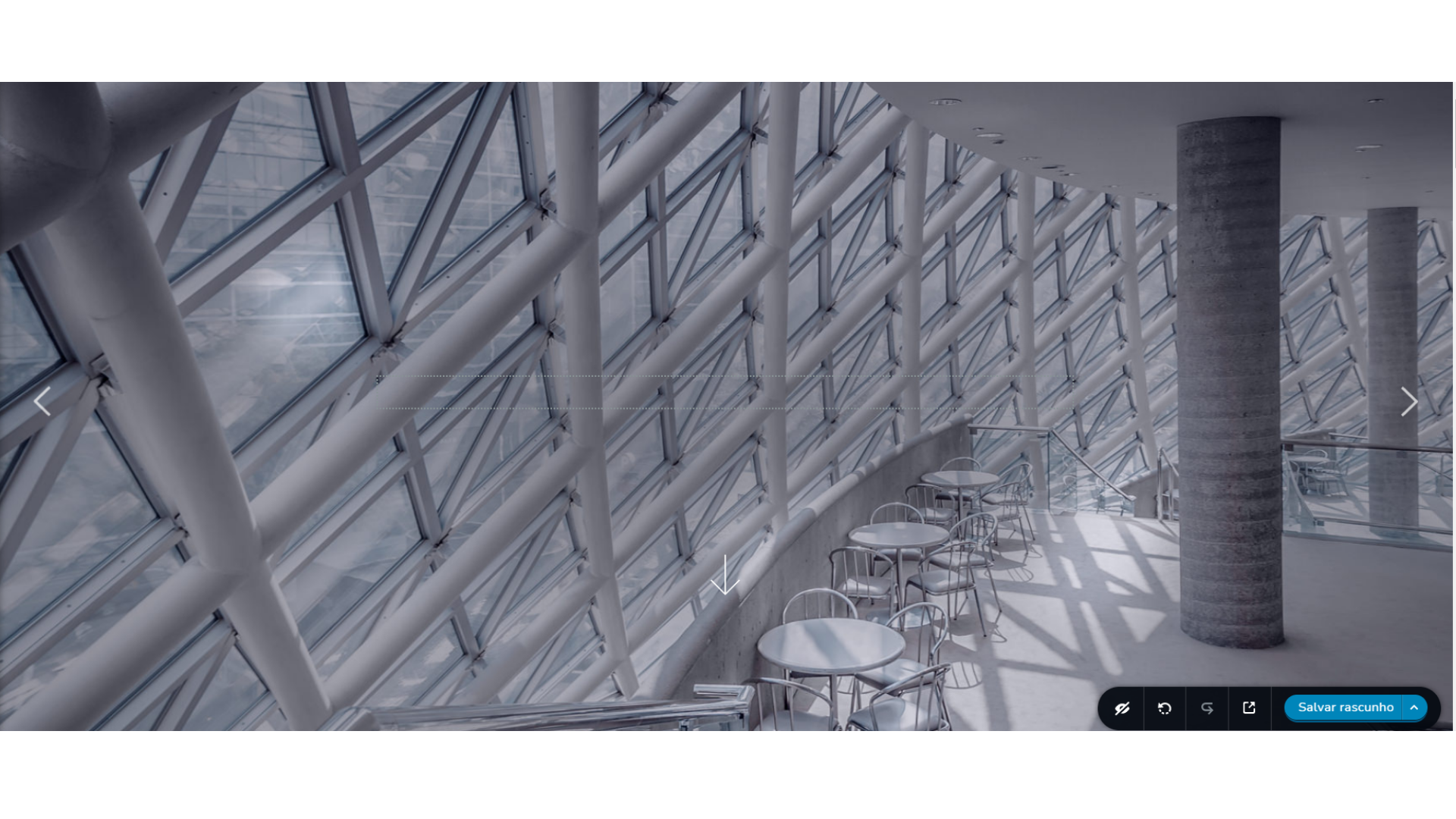
-

Hi Barbara,
Thank you for your message.
I try to reproduce your problem but all works fine in our dashboard. Please see here. Could you please temporarily deactivate all external plugins (except Brizy Free and Brizy Pro) and activate a WordPress default theme? Do you still have this problem?
Best regards, Nelea.
0 -
Nelea, I've already done this process of disabling the plug-ins and it didn't work, for me it's also ok when I'm going to download the layout as it is for you, but when I download it for editing all the letters disappear. A default wordpress theme is already active and I still have this problem. In addition to not being able to access the menu.
Yours sincerely,
Barbara.
0 -
Hi Barbara,
Unfortunately, i could not reproduce this issue. Do you have a browser extension that works with text? For example Google Translate? Try disabling it or testing on another browser. Could you please check if you have the latest Brizy Free 2.3.5 and Brizy Pro 2.3.3 version?
Best regards, Nelea.
0 -
Nelea, I'm sorry, not intending to be rude, I sent you the problem printouts, and as much as you can't reproduce it out there, I still have it. I followed your instructions again and it didn't work. I have other page builders from other companies and this problem never solved, so I really have no idea why I'm having this kind of problem with the Brizy page builder, I believe it's something specific. I have Version 2.3.6 of Brizy Free and Version 2.3.4 of Brizy Pro. Would it be possible to take my wordpress access to help me?
Sincerely, Bárbara.
0 -
**Tenho outros criadores de páginas de outras empresas e nunca tive esse problema
0 -
Hi Barbara,
We have created a private ticket for this request. You had to receive a notification regarding this by email. Could you send us in that private message the WP credentials to this site?
Best regards, Nelea.
0 -
Nelea, I have a new observation to make, after I followed your recommendation to uninstall the translator, as letters did not work again as I said before, however when adding a new block (without google translator) as letters did not disappear. Look without impression:Nelea, I have a new observation to make, after I followed your recommendation to uninstall the translator, as letters did not work again as I said before, however when adding a new block (without google translator) as letters did not disappear. Look without impression:
We've got half the problem fixed. How to solve the question of the letters that don't appear yet?
0 -
Okay, I will email the access.
0
Please sign in to leave a comment.
Comments
8 comments