Could not make a block global & set condition

Hi,
I feel so frustrated when I encountered this bug in Brizy for wordpress. I just cannot create a global block. Last time I could create it but when I clicked on "Display Condition", the screen went white. I couldn't click anywhere.
The idea I'm trying to make is to set the block with the hamburger menu icon (the block in red), global, when users click on the icon, the popup will appear (this is for the sidebar menu since Brizy does not have this yet).
My website has no plugins installed yet. Just Brizy.
Please refer to my screenshot for the issue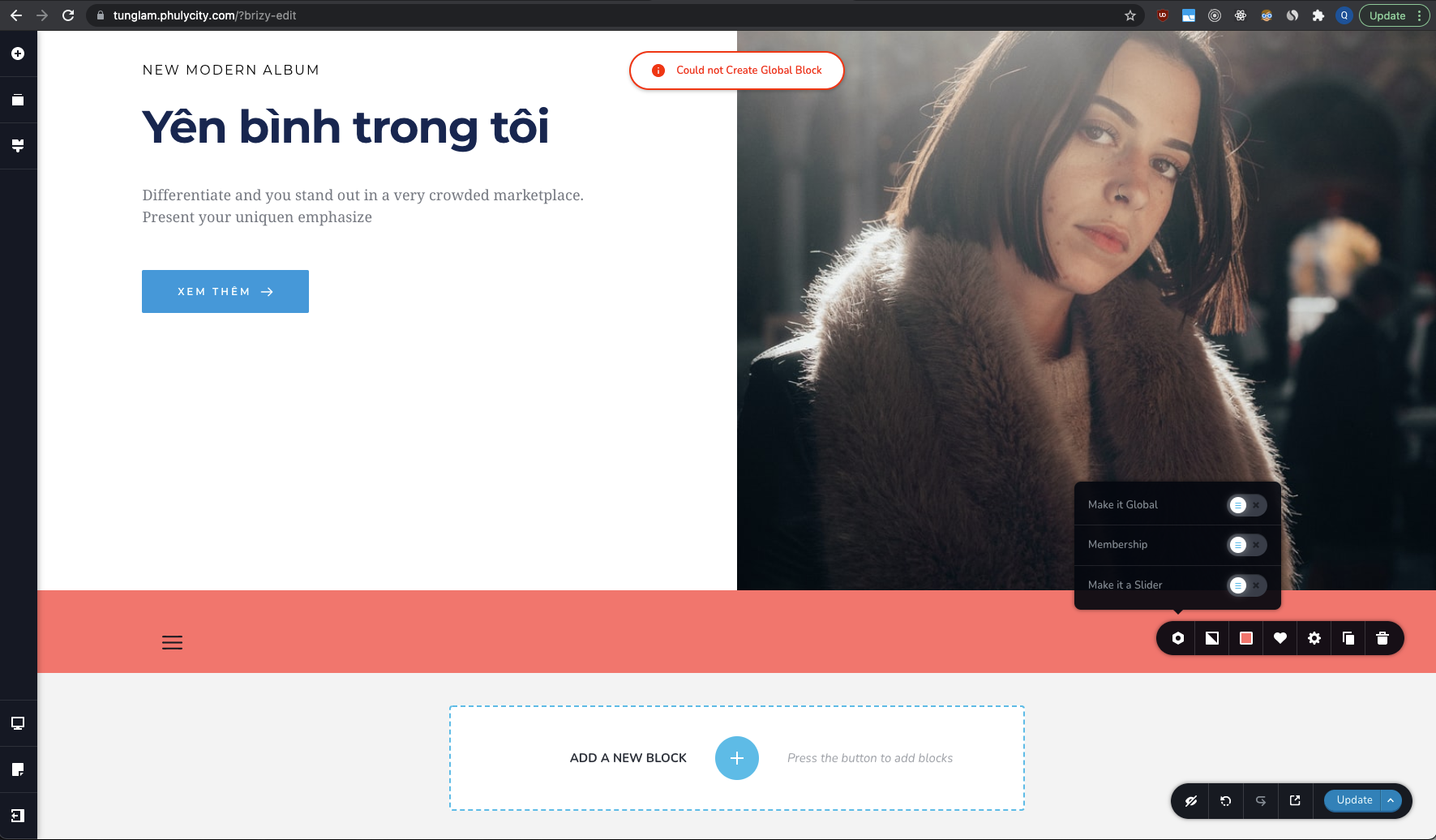
-

Hi,
Thank you for getting in touch with us.
I tried to reproduce the problem you reported but all seems to work fine. See here.
Last week we had an issue with the global block, but it is already fixed. Could you please check if you have the latest Brizy Free 2.3.3 and Brizy Pro 2.3.1 version?
Best regards,
Nelea.
0 -
Hi Nelea,
I just checked my plugins version. I usually keep my softwares up to date. However, what's strange is that I cannot see the update option for Brizy plugins until I disabled to Free version first (so the update for Pro version shows up), then disable the Pro version again (I still cannot see the update for Brizy free until now).... until I search for Brizy plugin in Wordpress store and click 'update' from there.
I am able to solve the issue now. Thanks for your help.
Have a good day!
Regards,Quang Tran
0 -
Hi,
Please let us know if you have any further questions.
Best regards, Nelea.
0 -
Hi Nelea,
All of my concerns are resolved.
Thanks.Regards,
Quang Tran
0
Please sign in to leave a comment.
Comments
4 comments