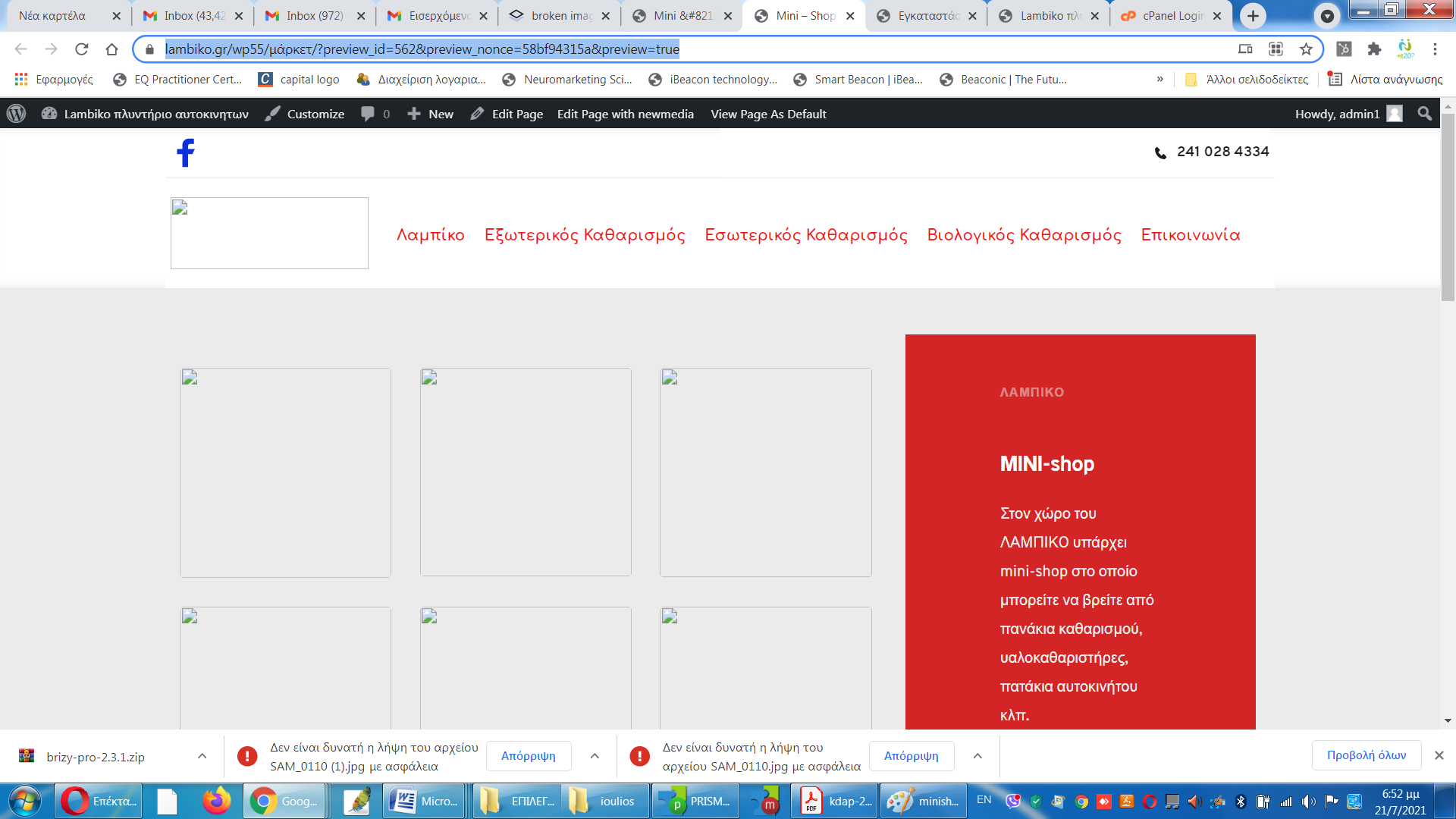
broken images in the website while shown in wp admin (password provided)

Hello
after the update to the latest wordpress 5.8 and brizy 2.3.0 pro this strange thing happen!
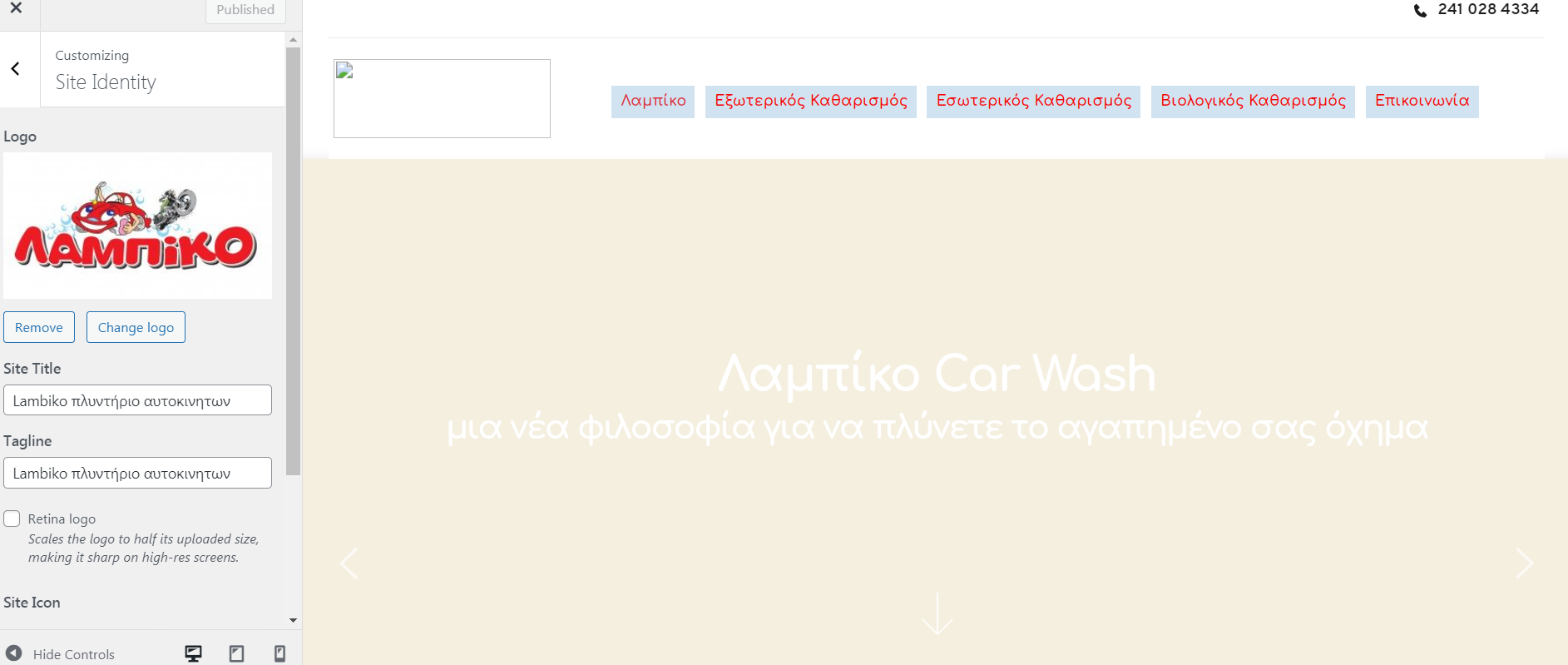
i can see the images as an administrator (via wp-admin) and i cannot see them, i can see only broken images icons, when i see the website as a visitor!
why?
-
Hello
i updated to brizy 2.3.1
now i cannot see the images neither in the admin dashboard!
and also i tried to publish again the website logo and i still cannot see it at the live website!
why every image seems broken?
i checked with my hosting provider and i have free disk space for the website and also we enabled the gd library
please reply today
thanks
Marios
 0
0 -
as you can see also at this page we can see the photos via admin view
https://lambiko.gr/wp55/%ce%bc%ce%ac%cf%81%ce%ba%ce%b5%cf%84/?newmedia-edit
and in preview mode all photos seem broken!
0 -

Hi,
please install Brizy Free 2.3.3 and Brizy PRO 2.3.1 because from what I see you only have an old version of Brizy PRO: https://jmp.sh/ElCgjIG If the problem continues with these versions, please let us know and we will check this.
0 -
Hello
i already have these versions! i just use whitelabel
newmedia A drag & drop front-end page builder to help you create WordPress pages lightning fast.
Version 2.3.3 | By newmediaEnable auto-updates Select newmedia Pro newmedia Pro A drag & drop front-end page builder to help you create WordPress pages lightning fast.
Version 2.3.1 | By newmedia | Visit plugin site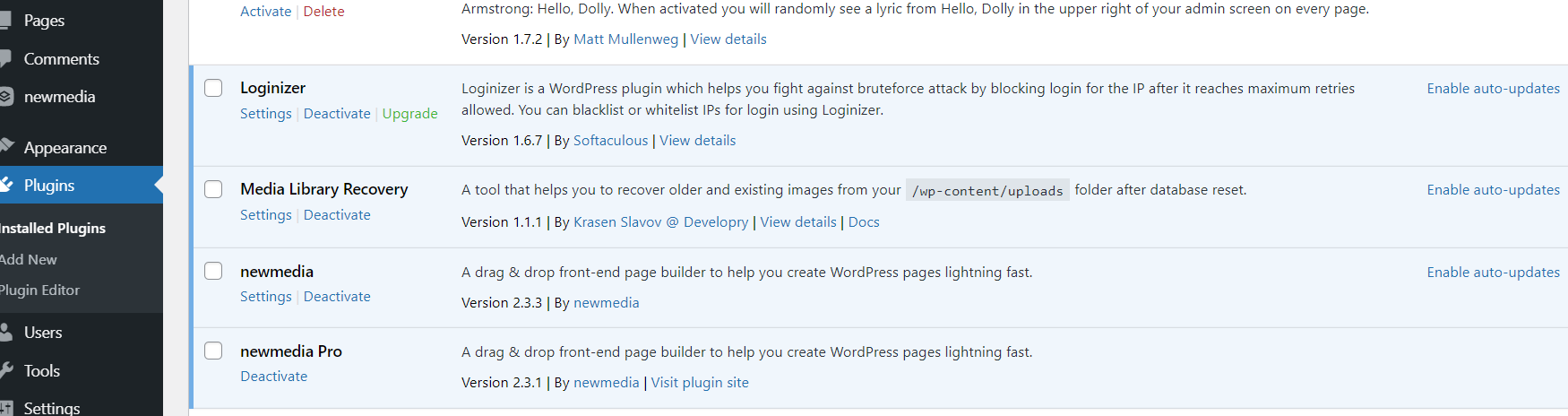 0
0 -
hello, did you change something?
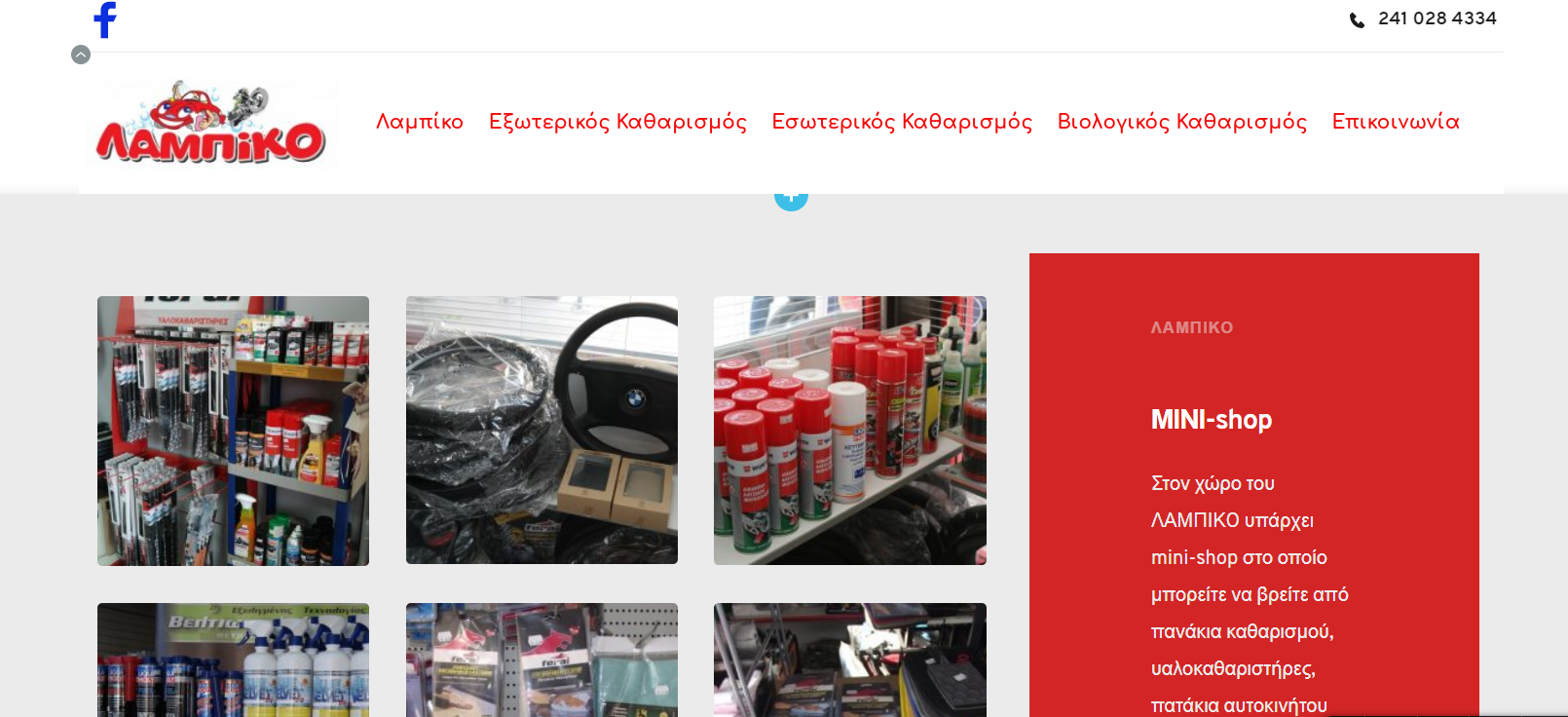
i disabled the whitelabel , i changed the template name to "brizy" and now images are displayed fine..
so, there is some problem with images and the white label settings?
regards
Marios Filippas
0 -

Hello Marios,
Thank you for the message!
Regarding the problem you have, no, we did not change anything (nor in your page) and we do not have acces to your site and we did not make any new releases with the fixes. Besides this, if you have any other questions or problems, please feel free to ask!
Have a nice day and best regards,
Doina
0
Please sign in to leave a comment.
Comments
6 comments