Error

I get a fatal error on my internet site after buying and I stalling Brizy Pro - please see the attached screen dump. 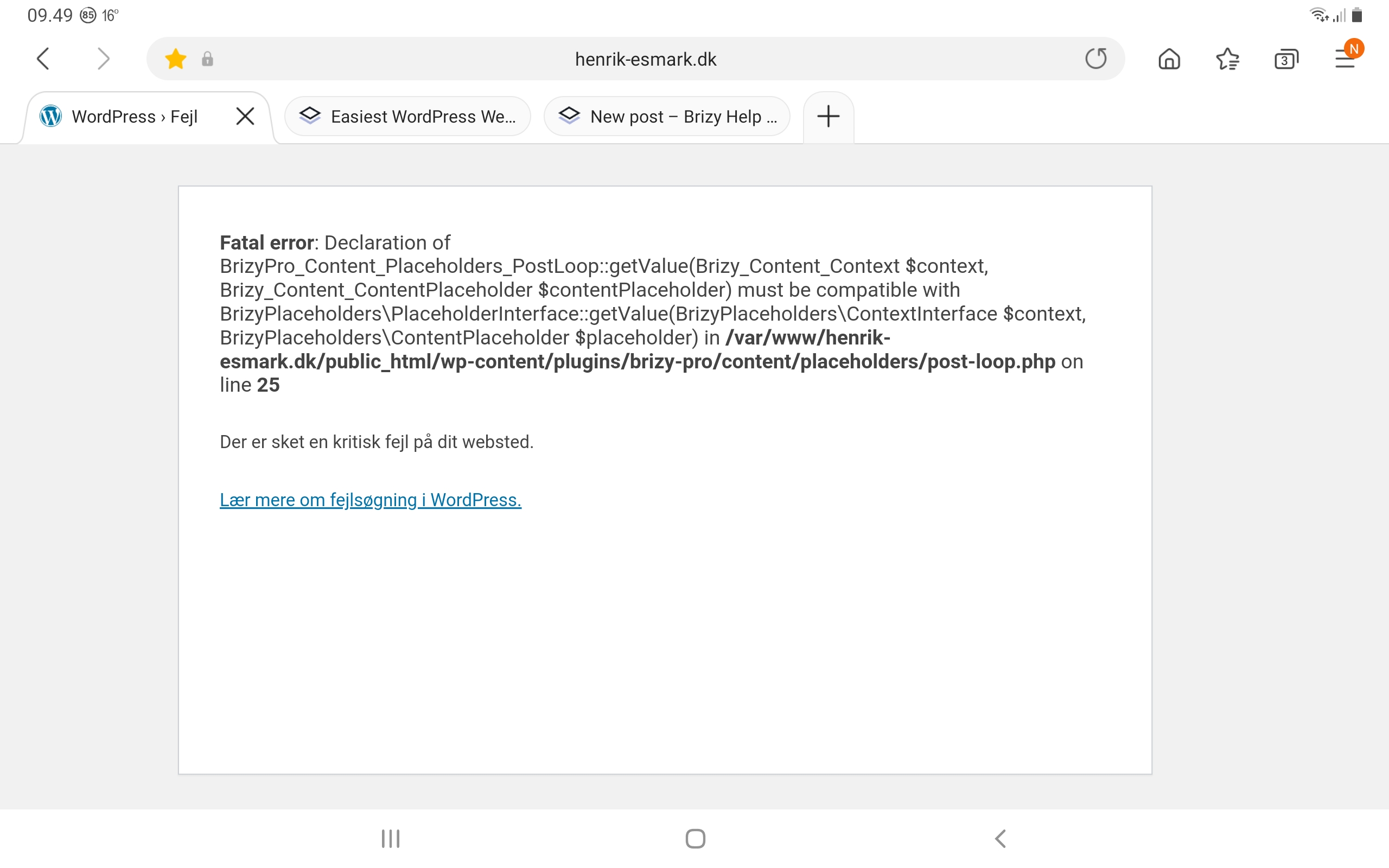
-

Hello Henrik,
Apologies for all these inconveniences caused by the last Brizy update.
You need to update the PRO version right now.
1. Log into your Cpanel or FTP account and delete the Brizy FREE version.
2. You will have access to the WordPress dashboard;
3. Download the PRO version from your Brizy account and upload it into your WordPress dashboard. Do not active, because you need to:
4. Download the FREE version from the WordPress repository. Activate the FREE version and then the PRO version.
You should have:
Brizy FREE 2.3.0
Brizy PRO 2.3.0
If you have any other questions, please let me know.
Regards, Natalia
0 -
Hi Natalia, Unfortunately I am not able to follow your instructions. Please specify first how I get into the Cpanel or FTP account to delete the Brizy installation. I tried to go to Wordpress admin page but I didn’t succeed. Med venlig hilsen/ kind regards Henrik Esmark
0 -
Hello Henrik,
Thank you for your reply.
I created a ticket for this post, you should receive my request for WordPress and cpanel credentials
Thank you!
Natalia
0
Please sign in to leave a comment.
Comments
3 comments