Brizy Cloud not allowing to edit page

That's basically it. I tested it on all browsers.
Nothing happens when I click on the EDIT button for any page, from any project - independently if I use a Brizy or custom domain.
Here it is: https://vimeo.com/576347565/72d68a01de
All is good with the WordPress app.
Thx
Alex
-

Hi Alex,
Sorry for late reply, support is limited on weekends.
I just tried to edit a page in our sandbox cloud project - everything works fine. Could you, please, try to edit any page again and let me know if problem is still present for you. If you still are not able to edit the page, please, provide us link to your website.
Looking forward to your reply.
Best regards,
Denis.0 -
Hi Denis, sorry about the delay in getting back to you. Yep, it is working right now. It was a 1-day issue but all good now.
I am having new challenges, though, all with the Wordpress plugin:
- I cant edit menu items: it's impossible to change the colour or size of menu items because whenever I click on the word/menu item, because it is a link on the frontend, it actually clicks and sends me to another page.
- Please check images attached to this message. The issue happens with I turn a module into a slider. In the builder (and if I click on preview), everything looks perfect, but on the actual site, you can see there is something broken with the slider - it shows a shape with buttons to the different frames.
- The WP plugin has been extremely low to update pages, is that something you guys have been hearing a lot? It used to be super quick before.
PS: I am using the current version of Brizy and Brizy Pro, updated this morning.
PS2: I already deactivated all plugins to see if any was causing the issue, nothing there.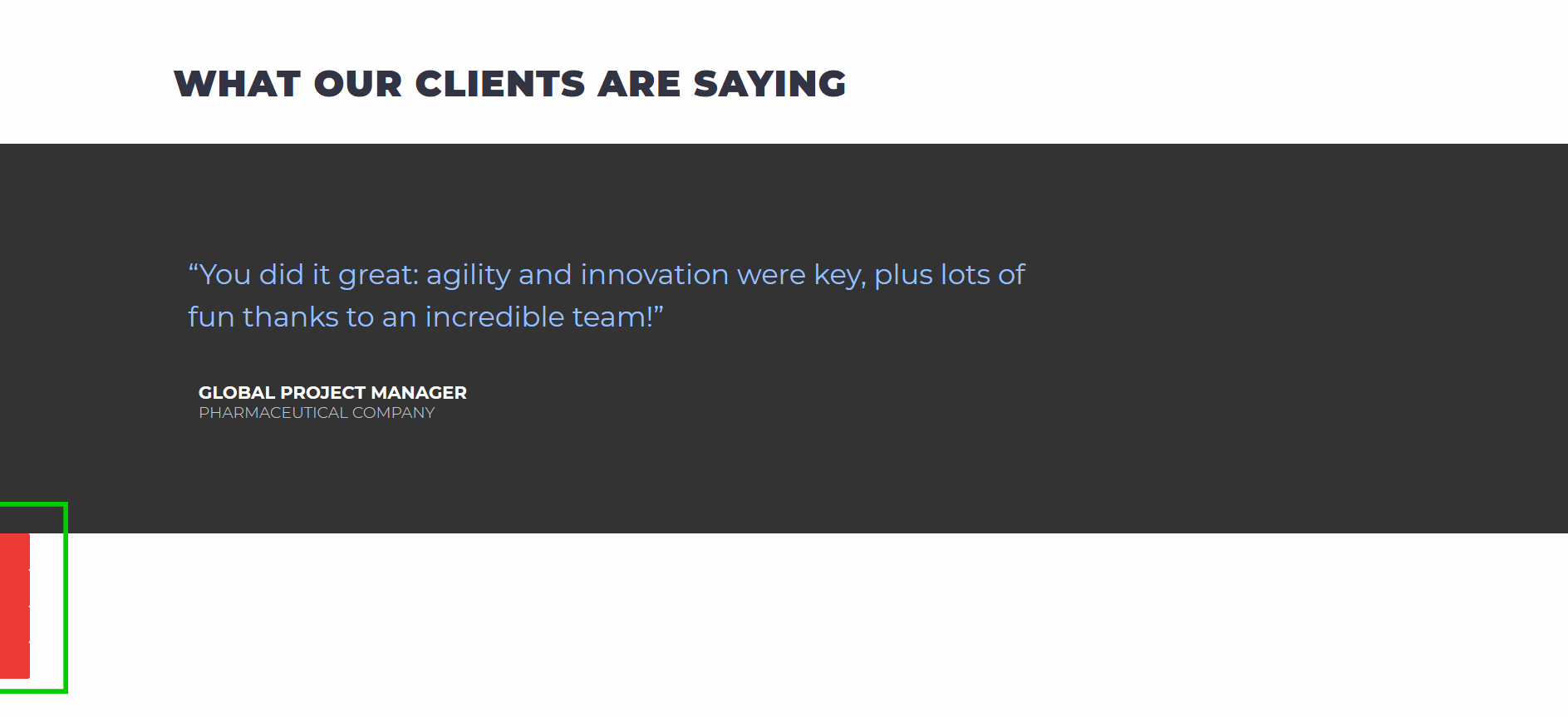
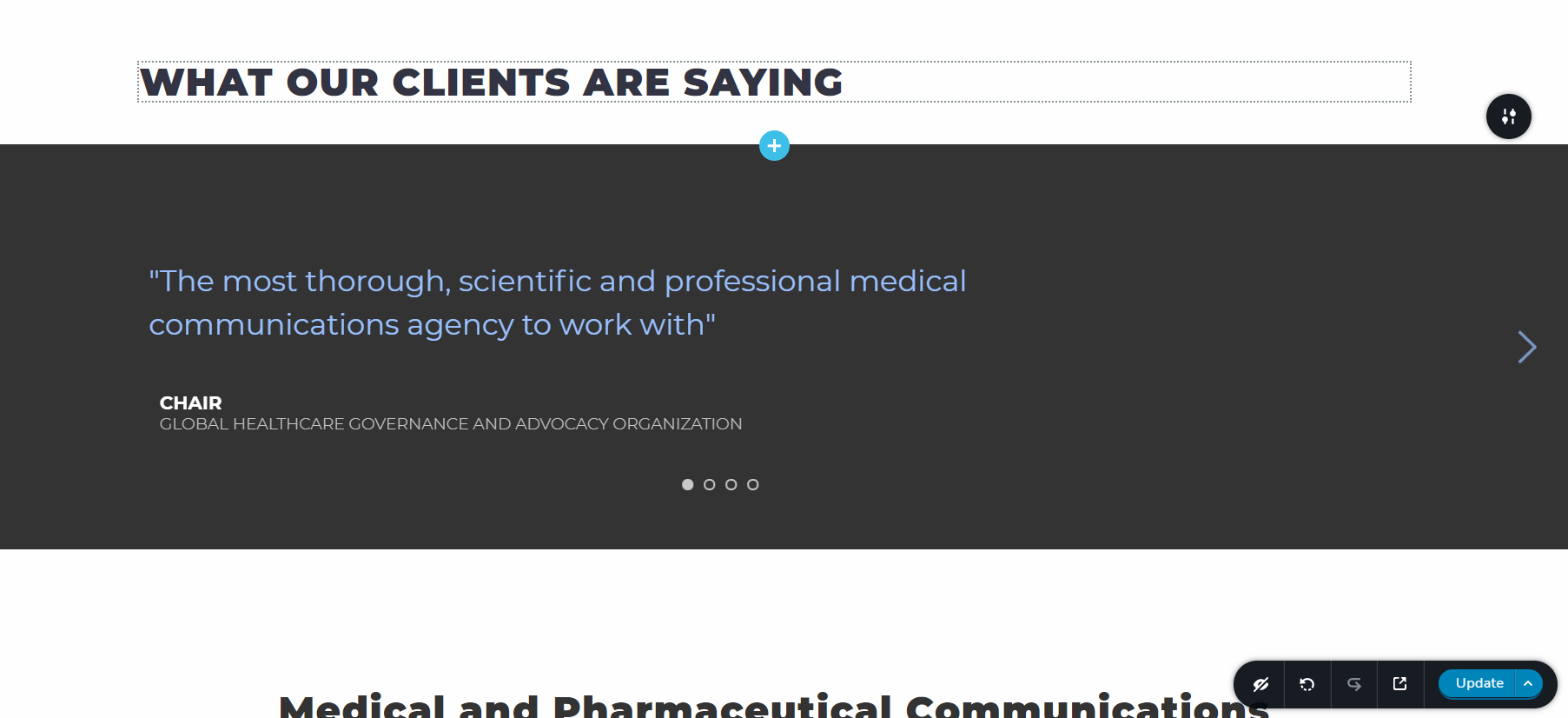
Thanks!
Alex
0 - I cant edit menu items: it's impossible to change the colour or size of menu items because whenever I click on the word/menu item, because it is a link on the frontend, it actually clicks and sends me to another page.
-
Hi Alex,
Sorry for late reply, support is limited on weekends.
Can I ask you to update Brizy FREE and PRO to latest versions that were released today and check how everything works there?
Looking forward to your reply.
Best regards,
Denis.0 -
Hi Denis, I did it before messaging you (read PS1 above).
One info I didn't mention is that I am using Astra as a theme but I just use the base of it, no template associated with it.
Thx
Alex0 -
Hi Alex,
I asked you to update plugins as Monday were released new updates (after you contacted us). Are you using Brizy FREE 2.3.5 and Brizy PRO 2.3.3?
Best regards,
Denis.0 -
Hi Denis.
Yes, that's usually the first thing I check, before contacting you guys.

I think I may be doing something terribly wrong because now, on the Brizy Cloud side, it seems like I am changing a font, but it doesn't get updated on the frontend (click on the link to check it out).
https://vimeo.com/581030467/640a01c756
Thanks,
Alex
0 -
Hi Alex,
Sorry for late reply, support is limited on weekends.
I have created private ticket for this case. Please, in reply to this ticket provide us link to your website and admin access to WP dashboard, I will check the mentioned problems.
Best regards,
Denis.0
Please sign in to leave a comment.
Comments
7 comments