No settings in Brizy Cloud

Hi,
if I click on my settings button in the side bar, the appearing page is empty.
https://www.brizy.cloud/projects/7144356/editor/page/132504
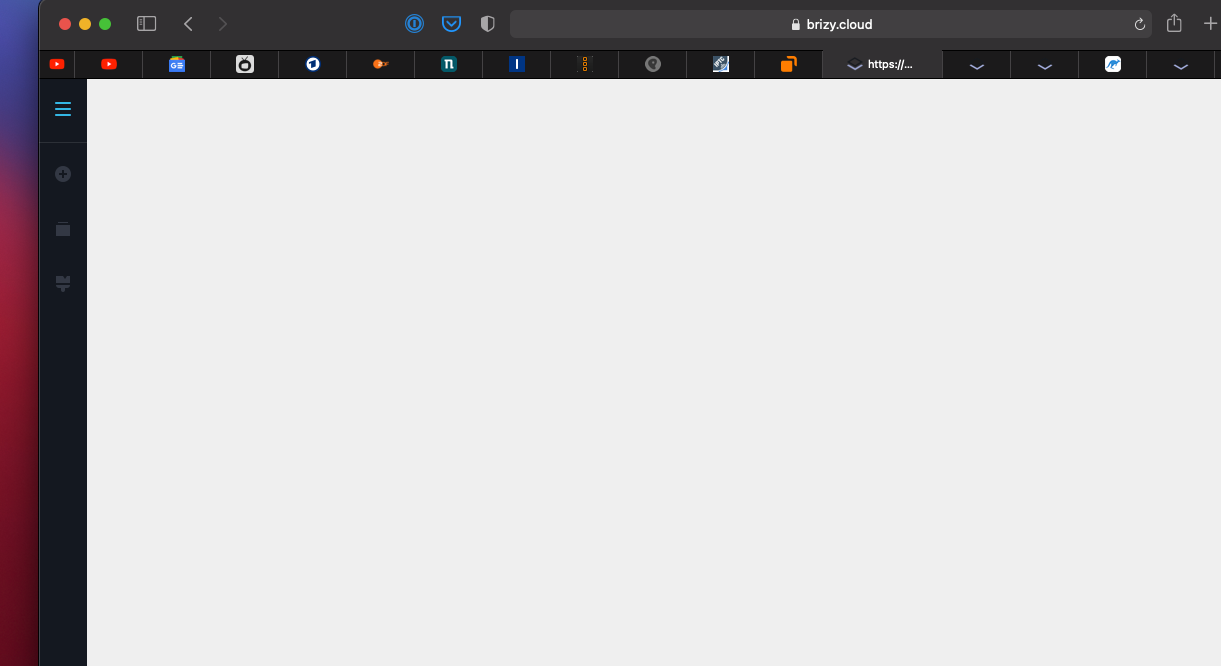
-

Hi Uli,
Thank you for your message.
Please, clear browser cache and check if page will work. Also, could, please, try to open this page in another browser.
Best regards,
Denis.0 -
OK. Both workes. Thanks!
0 -
OK - as I wrote that workes. But now, next, in the project settings menu the pages don’t appear on the right to be available to add to menus. Caches emptied.
0 -
Hi Uli,
Sorry for late reply, support is limited on weekends.
Please, check if you are able to edit page now. On Saturday our developers updated Brizy Cloud. Possibly, you were trying to edit page exactly when Brizy Cloud was updated.
Looking forward to your reply.
Best regards,
Denis.0 -

no clearing the cache does not work for me and I am yet to see the gear icon in the bottom right hand side
0 -
Hi Jose,
Thank you for your message.
Please, provide us link to your project/website, we'll check the problem.
Looking forward to your reply.
Best regards,
Denis.0 -
Solved. Thanks.
0
Please sign in to leave a comment.
Comments
7 comments