My project won't open to edit with a Page 404

Hey there! My project won't open giving me
Oops! An Error Occurred
The server returned a "404 Not Found".
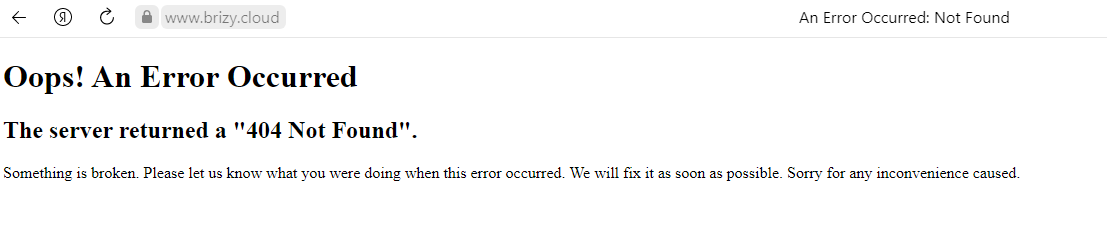
The main problem here is that I even don't have a link *.brizy.site as if it hadn't been published though I have 100% published it before leaving the Edit page.
 It seems like it should be at https://mang7084476.brizy.site/ but it tells me there's nothing there. The edit link is https://www.brizy.cloud/projects/7084476/get-editor-url
If I go to Edit, then I get
Oops! An Error Occurred
The server returned a "404 Not Found".
The most important problem here is I've deleted another website which was a Web Stories (http://kiwi7038715.brizy.site) – due to the fact that I've decided to copy it to a new website mentioned above. And once I've recreated these Web Stories at the website mentioned above, I've deleted the original Web Stories Site. So I no longer have Web Stories website (with all the info), and the new one won't open.
AAAAHHHH!!! It was very important, help me please :)
-

Hi Eugene,
Thank you for reporting this issue.
Apologies for this inconvenience.
We are working on this issue, it will be fixed in a couple of hours.
Thank you for your patience.
Best regards,
Nelea.
0 -
Thank you! It's working now,
0 -
Hi Eugene,
Great to know that all is working fine on your site now.
Have a nice day!
Nelea.
0
Please sign in to leave a comment.
Comments
3 comments