How to embed a google map which I built in mygoogle maps

Hi!
In this forum post the same question was asked: <iframe src="https://www.google.com/maps/d/u/0/embed?mid=1wf-9MZQuibbLW32gvz1vlxpY_77O84Gl" width="640" height="480"></iframe> There is a link to how embed a map with multiple locations, and this is what I tried to do. I also watched a video on how to make a map with multiple locations. Then I copied that code and addeed a block in the WP-editor with that code. In 'WP view' this works and the map shows, but it doesn't show once I work in the Brizy editor and then view the website.
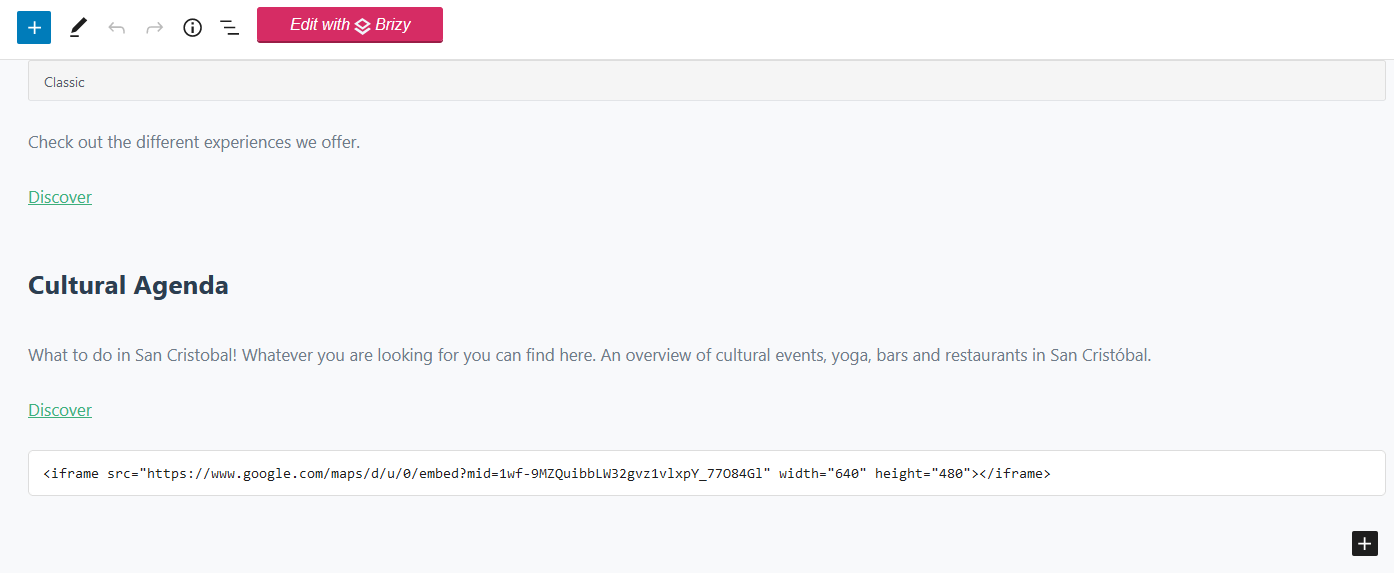
I am new to this, but I would think that even though i edit something in the WP editor it will show up on my site, even after switching back to Brizy. Am I wrong with that assumption, or am I doing something wrong?
My question is twofold:
1) What causes the difference in what my site looks like when I edit something with the WP-editor and then look at my site, or when I edited with Brizy and then look at my site? I also have to first edit with brizy again before the site looks 'normal'.
2) How can I make the my google map show up on my site?
I hope this makes any sense :)
Kind regards
Jarko
-

Hi,
Thank you for contacting us.
- When you change template different to "Brizy Template" not all styles of Brizy elements are applied in the page. That's why you have to use "Brizy Template".
- To paste iframe code in your page you can use both "Text" and "Embed" elements: View screenshot.
Please, let me know if this worked for you.
Kind regards,
Denis.0 -
Hi,
Thank you for answering. Okay, so it's about the template :) I just need som etime to get used to how these things work in WP :)
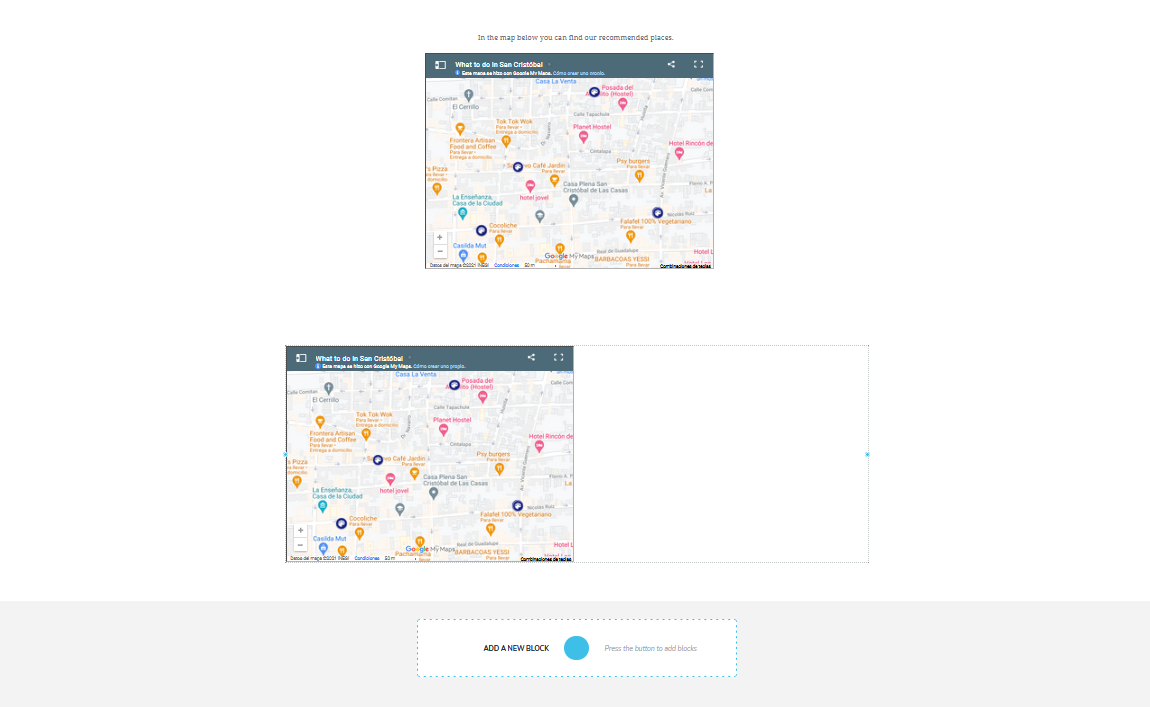
Embedding the iframe code with that element worked, thank you! I do have another question (I haven't yet had time to figure this out myself), but when I embedded to map with the ifram code after adding text element > adding embed element it come up like this:
The lower one shows that the map only covers half of the block, the top one is once I adjust it. Is there a way to show the map on the whole lengt of the page?
Thank you for helping peeps :)
 0
0 -
Hi Jarko,
Sorry for late reply.
In iframe code you can set width 100%. Try to use code below and check if this will display map full width. You can change iframe height as well.
<iframe src="https://www.google.com/maps/d/u/0/embed?mid=1wf-9MZQuibbLW32gvz1vlxpY_77O84Gl" width="100%" height="480"></iframe>
Best regards,
Denis.0
Please sign in to leave a comment.
Comments
3 comments