Hiding related products

How do I delete this section at the bottom of my products page? I don't want to show these related products as I do not intend to advertise them currently on my website, but people can still navigate to them by clicking the links on the related products section at the bottom of the page.
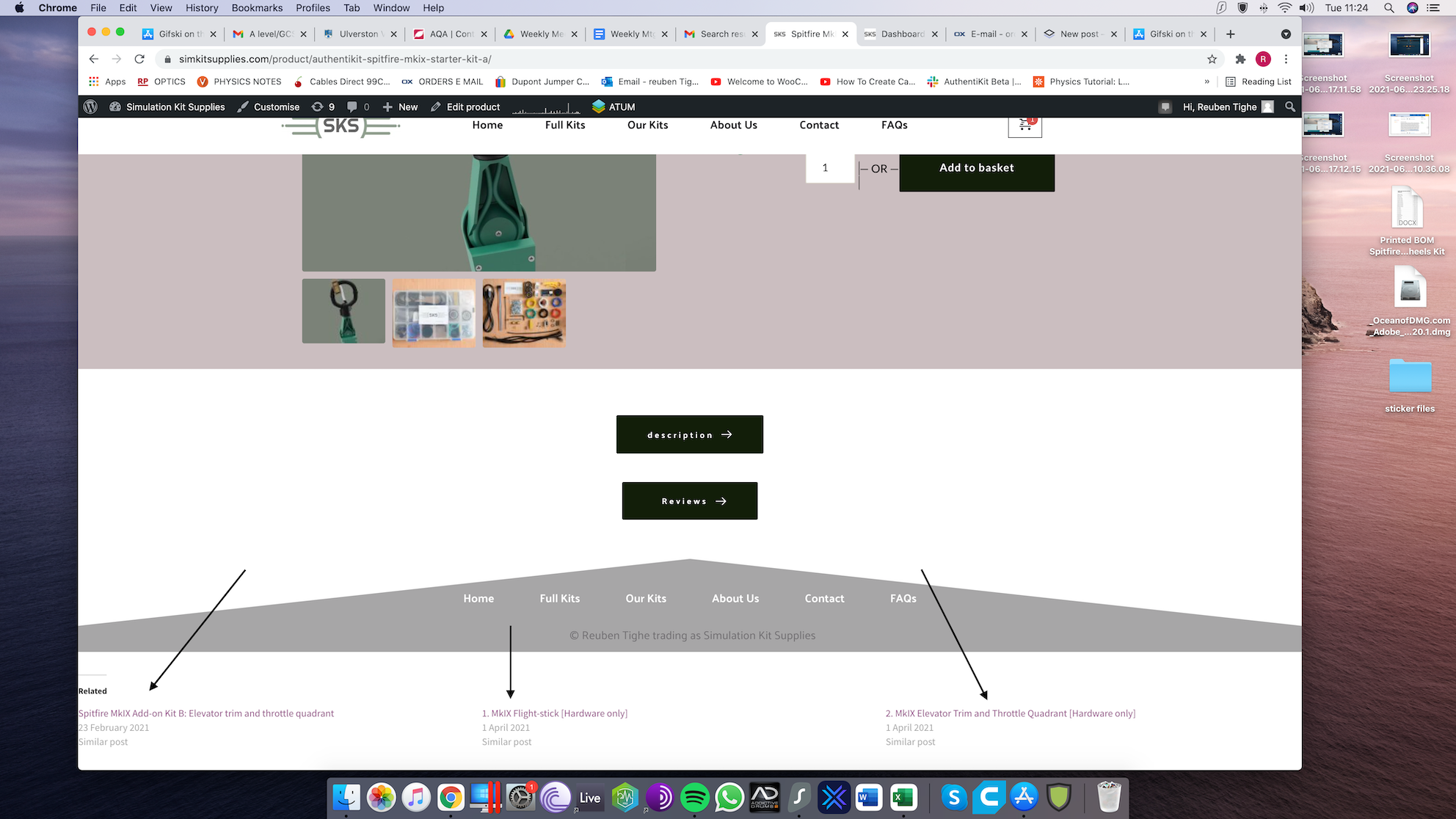
-

Hi,
Thank you for your message.
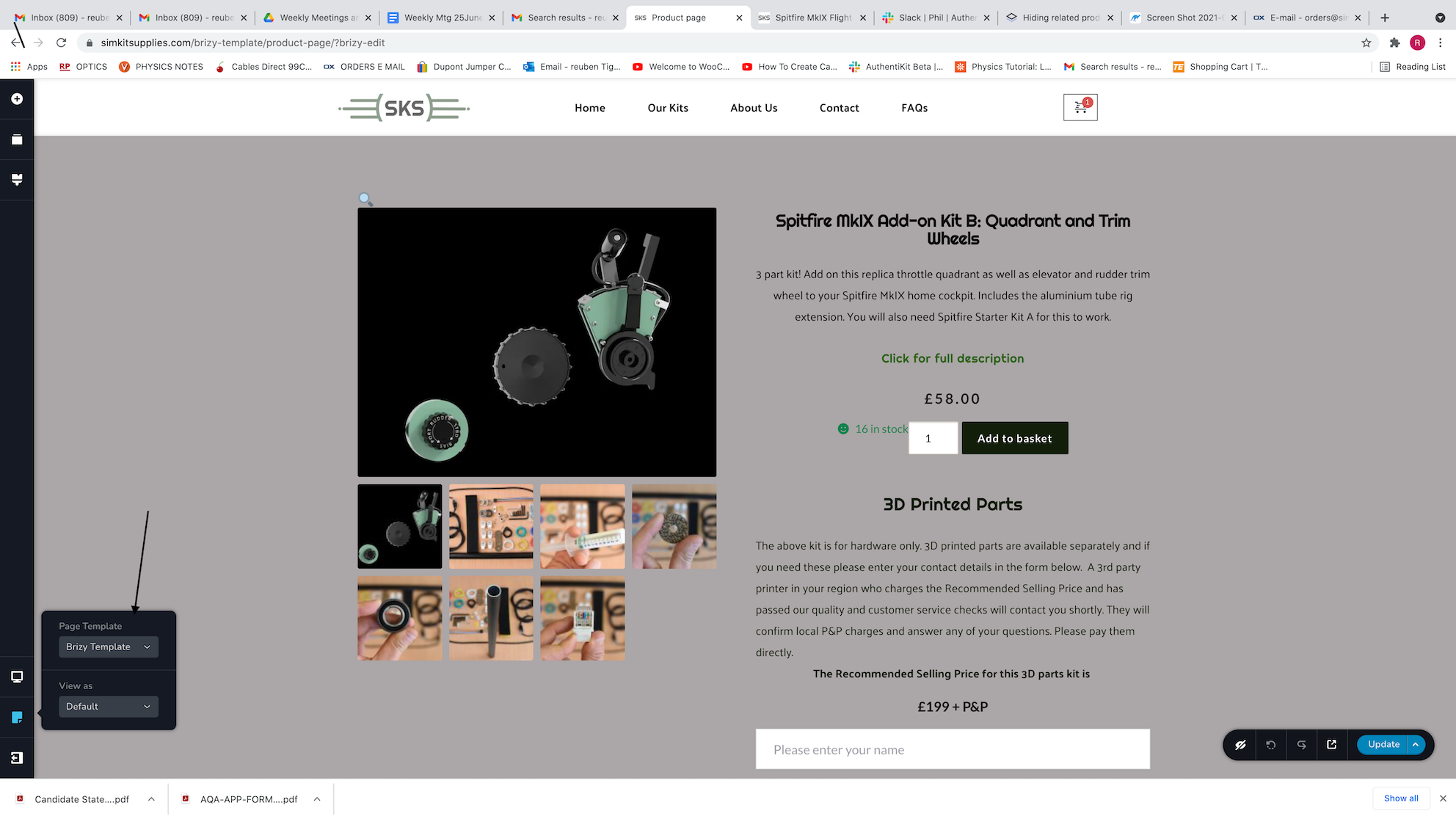
Seems that you have the “default” page template. Having this page template, you import the theme header and footer. If you want to exclude them from the page, please use the “Brizy template” as the page template. From here you can change it.
Please let us know if we can help you with something else.
Best regards,
Nelea.
0 -
Hi Nelea,
Thanks for getting back to me. Unfortunately that doesn't seem to be the case, I went to change the template as per your instruction and it seems as though I was using the "Brizy Template" as the page template all along. Could there be another reason for it?
Thanks for your help,
Reuben
0 -
 0
0 -
Hi Reuben,
Just now I have checked your page and the section from the bottom of your products page disappeared. Please see here. Did you change something on your page?
Best regards,
Nelea
0 -
Hi Nelea,
Yes I just now found the issue. I was about to let you know. I have "Jetpack" installed as a free plug in and it was causing related products to appear on the bottom of the product page. I have unchecked that option and they are no longer appearing.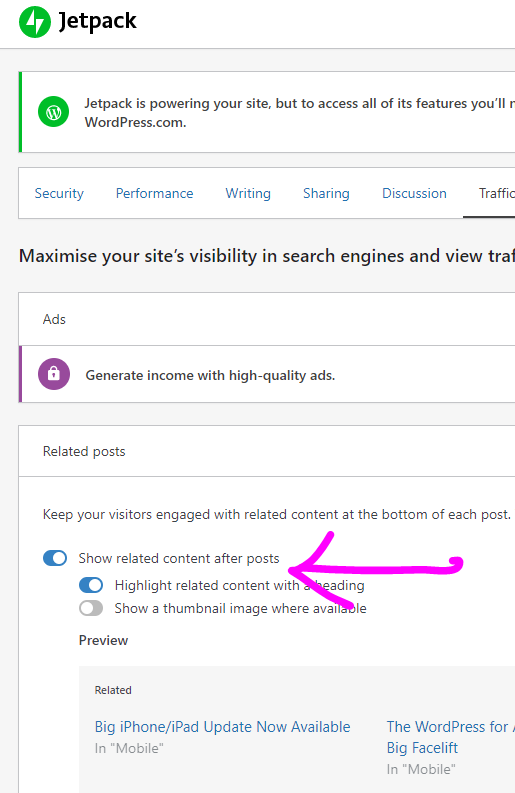 0
0 -
Thanks for your help anyway.
0 -
Hi Reuben,
Great to know that all is working fine on your site now.
Have a nice day!
Nelea.
0
Please sign in to leave a comment.
Comments
7 comments