Blog Setup

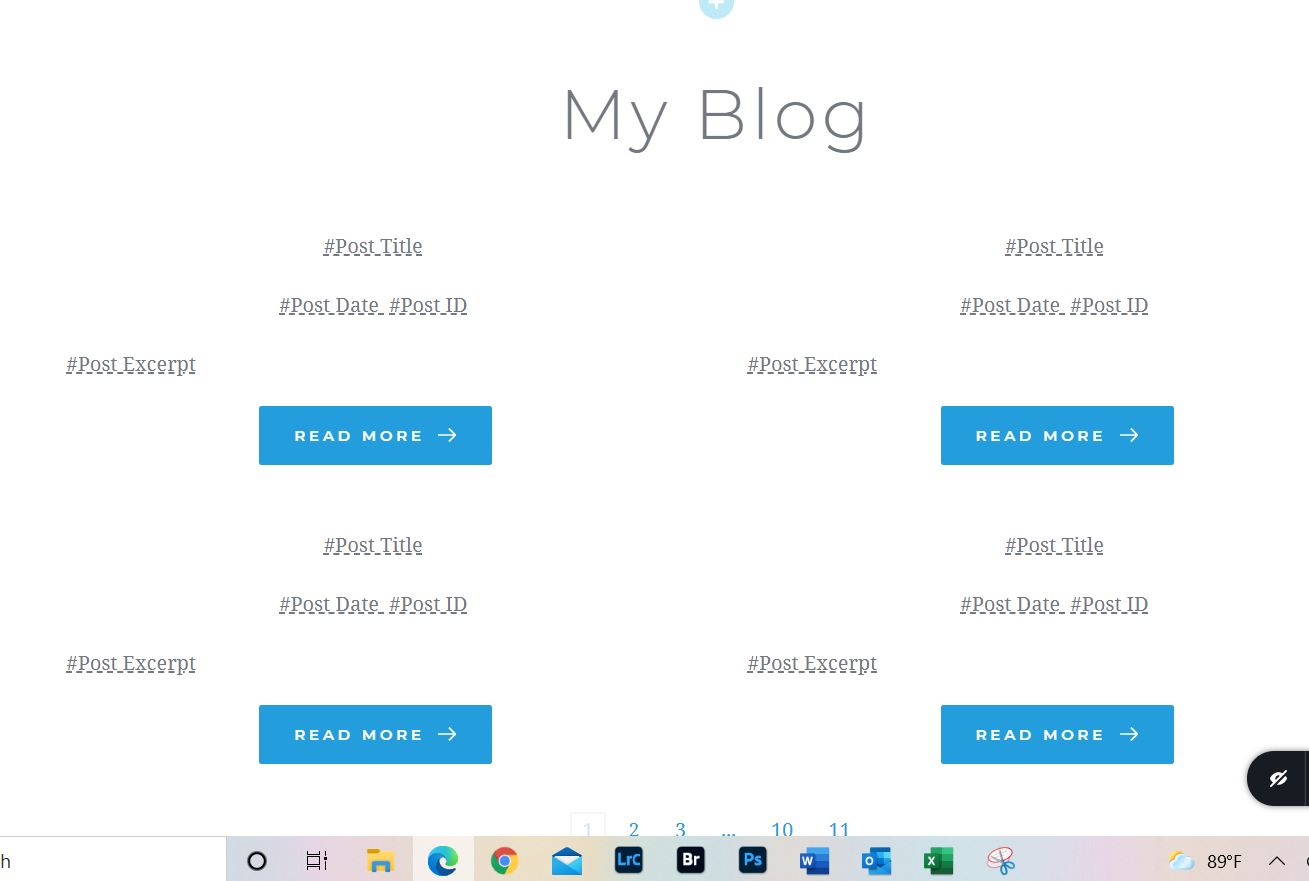
I have tried setting up a blog both using a template and a straight page. Using the page only one post shows. Using the template only two posts show. Is thwee any straight forward tutorial showing how to correctly set up a blog. I found two videos (Brizy) following the instructions doesn't work for me.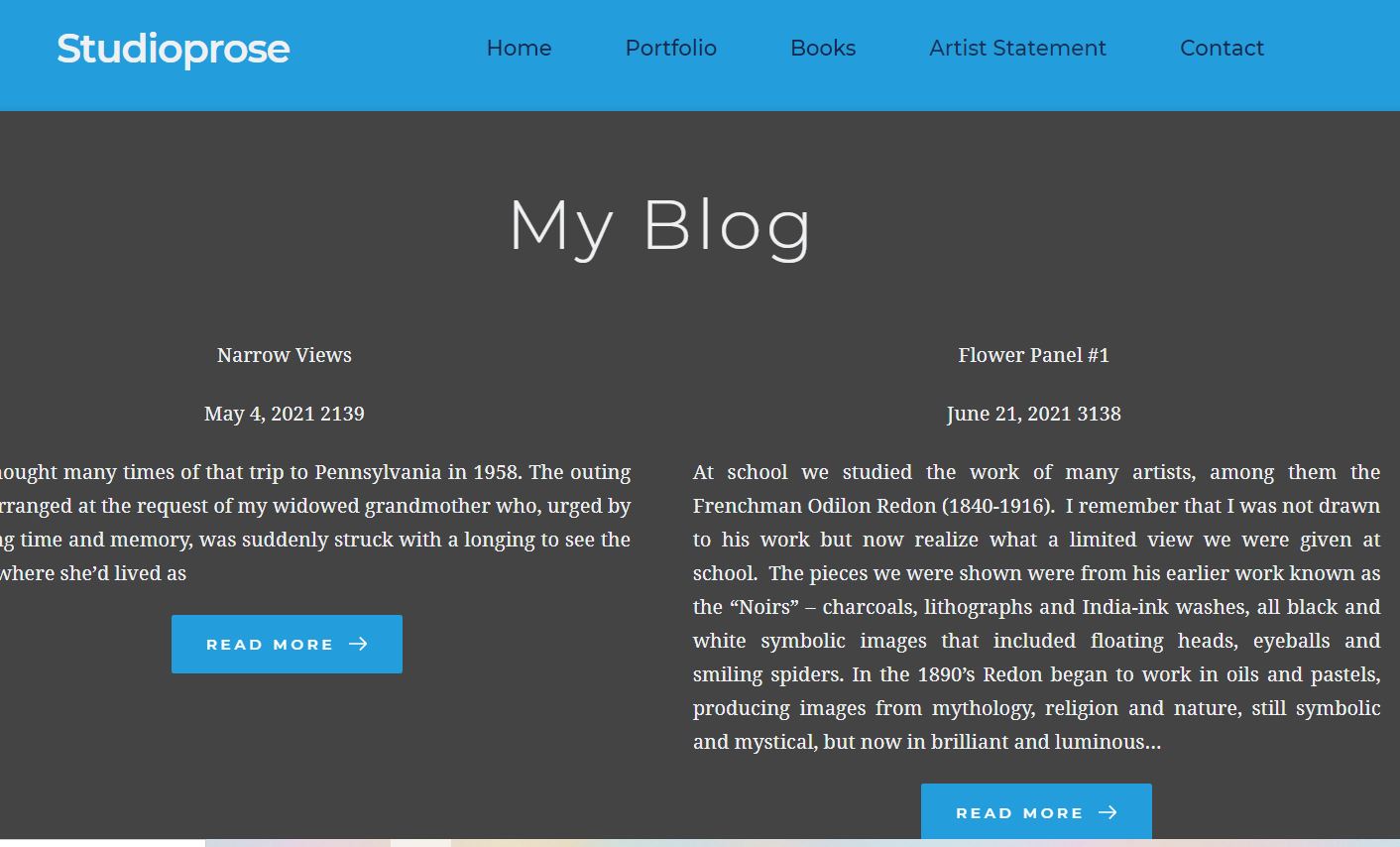
-

Hi,
Thank you for your message.
Can you please tell me how did you create the blog page? what kind of elements did you use to display the posts. For a Blog page, it is recommended to create a template and to add an Archive element. See here a step-by-step guide to find how to create a Blog page with a Brizy template.
1 - Create a new page and name it "Blog" for example;
2 - Go to the Settings -> Reading and select this page ("Blog" page) for the Posts page https://jmp.sh/qdf311o;
3 - Go to the Brizy -> Templates -> Add new and create a new template;
4 - For this newly created template add a specific name and set the right display condition. For the Blog page, the right condition is - template type Archive and the condition "Blog/Posts page". See here
5 - Publish the template;
6 - Inside the template, you can add the elements and blocks you need to display.An important detail is to check if on the Blog page from the "Pages" if there isn't activated the Brizy editor. If you see in the Pages this, you have to deactivate the Brizy editor for this page in such a way https://jmp.sh/ma1flFo.
If you will have any other questions, please, let us know.
Best regards,
Nelea
0 -
Hi
When I try everything that you suggest, my blog page is blank. If I go into Brizy editor and drag the post element into the page and add text boxes and use the # sign to select section of the blog, I only get one post to show. I doing this in Brizy Builder not the Brizy Cloud. I guess I must be doing something wrong, but I don't know what it is. Does it make an difference what I name the template?
If I use Wordpress theme and one of their themes, the Blog page just automatically populates with posts and is styled well. Why can't Brizy work this way.
0 -

Hi,
The steps you receive in our previous message is related to the Brizy plugin for Wordpress, not for the Cloud environment.
For creating a Blog page it is mandatory to use the Archive element not the Posts element. The Archive element will display all posts from each category. For the Posts element, it is necessary to select a post category and therefore, you will have only posts from that certain category.
Another important detail is to add the right display condition. Could you please send us a screenshot with the display conditions you set for the Blog page? They must be like here.
template type: Archive;
Condition: Include -> Blog Posts page.And the last and not least important detail, please make sure that in the Pages, the Blog page isn't edited with Brizy. If it is edited, please deselect it like in this video https://jumpshare.com/v/mZDinUQcJfJweD6TXrdf.
Best regards,
Sandra0 -
HI,
I admit I'm not the sharpest guy on the blog, but setting up a blog seems very hard for me,
I have followed all of your suggestion to no avail.
1. Post were created in wordpress editor not Brizy.
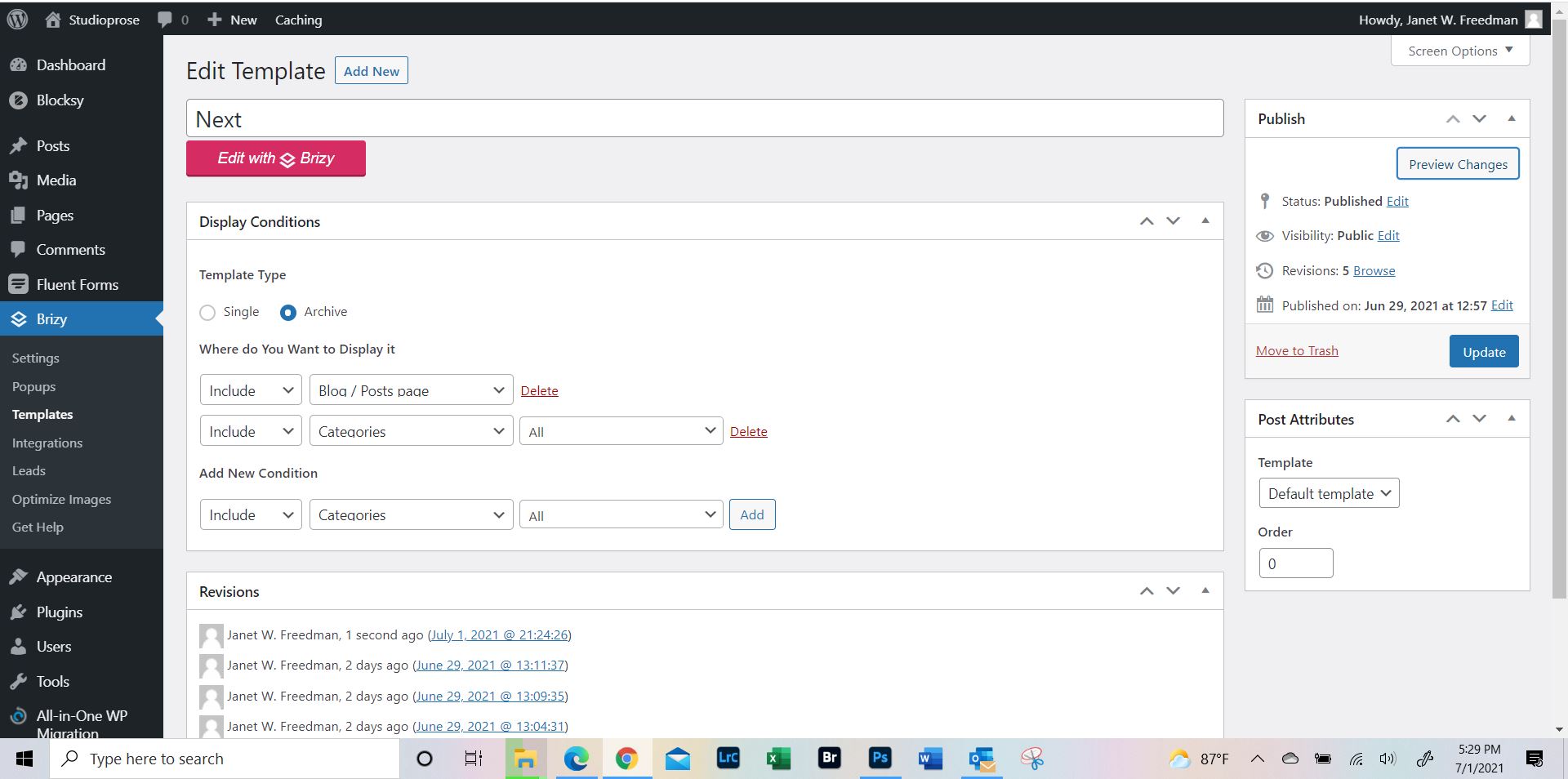
2. Archive and Blog Posts page were selected.
I have named the template page "Next", does it make any difference what I name it?
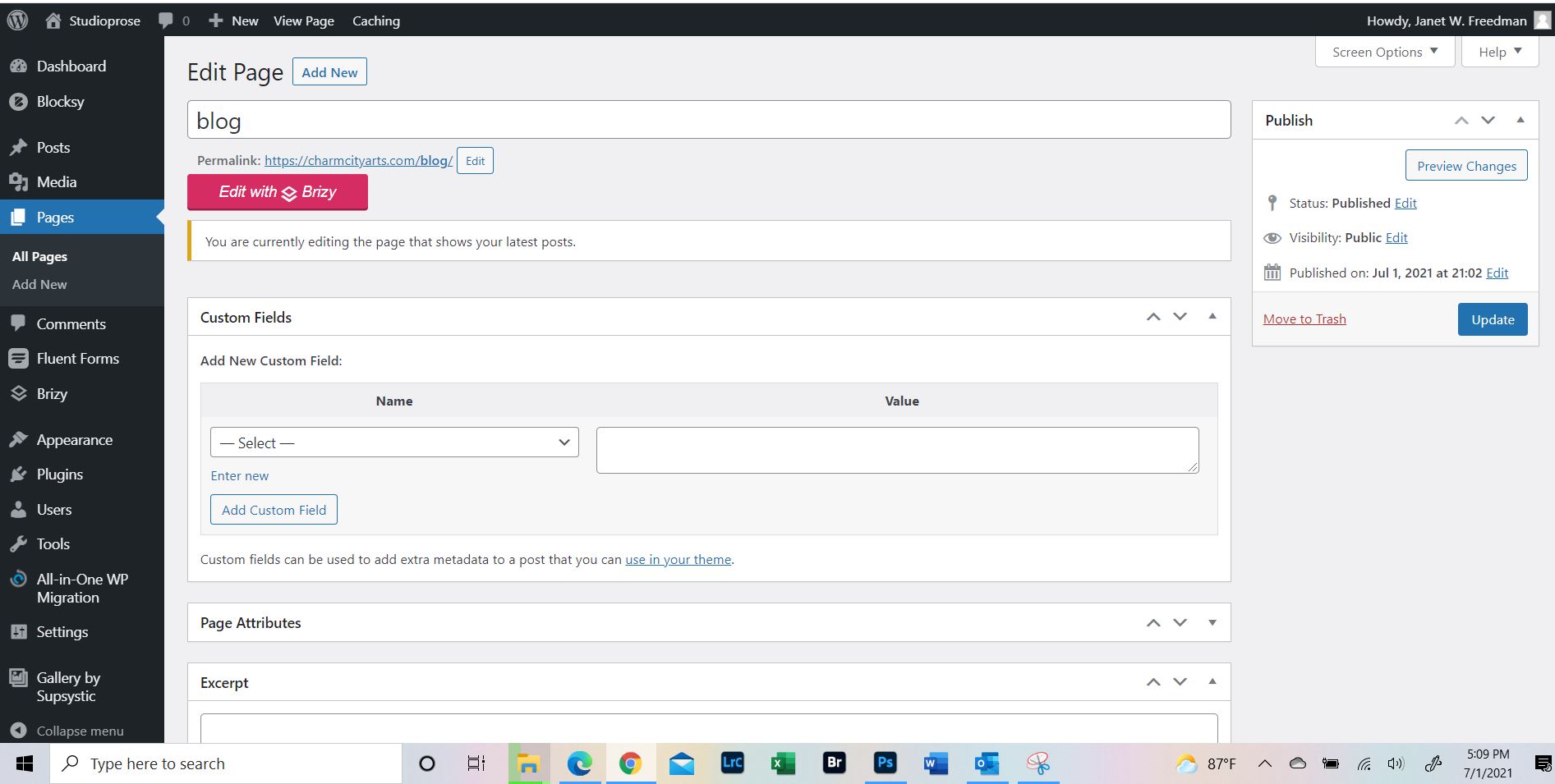
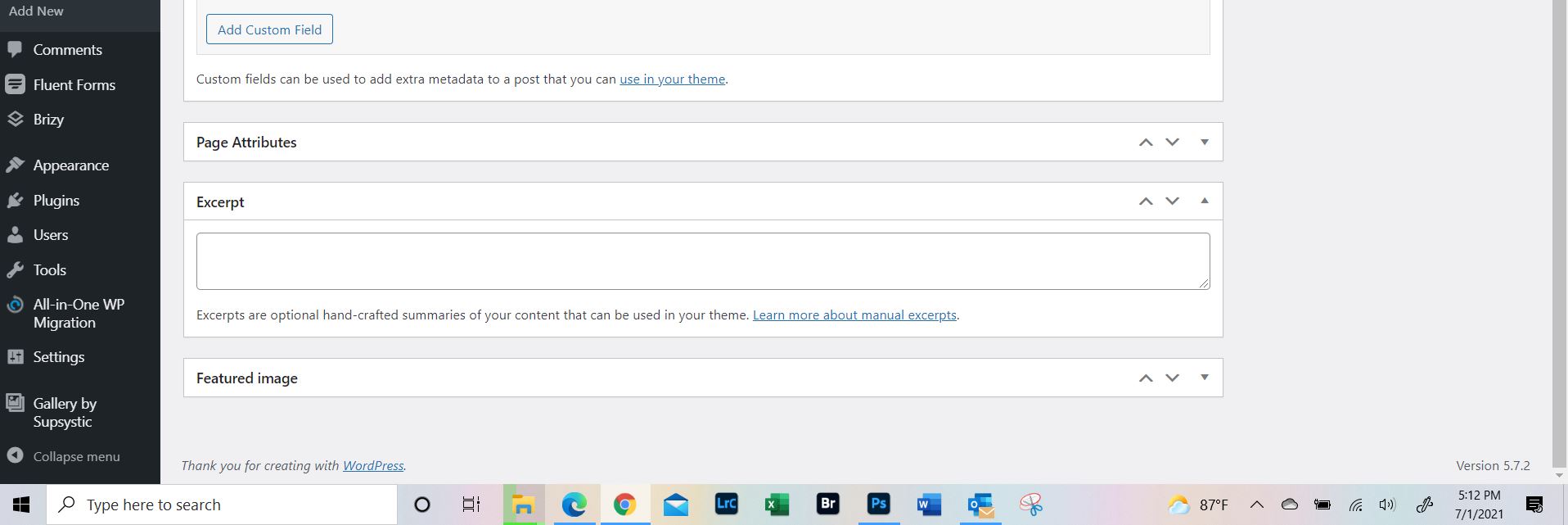
Is there something else i am supposed to do with the template page?I have included snips of various pages.
What the template setup looks like
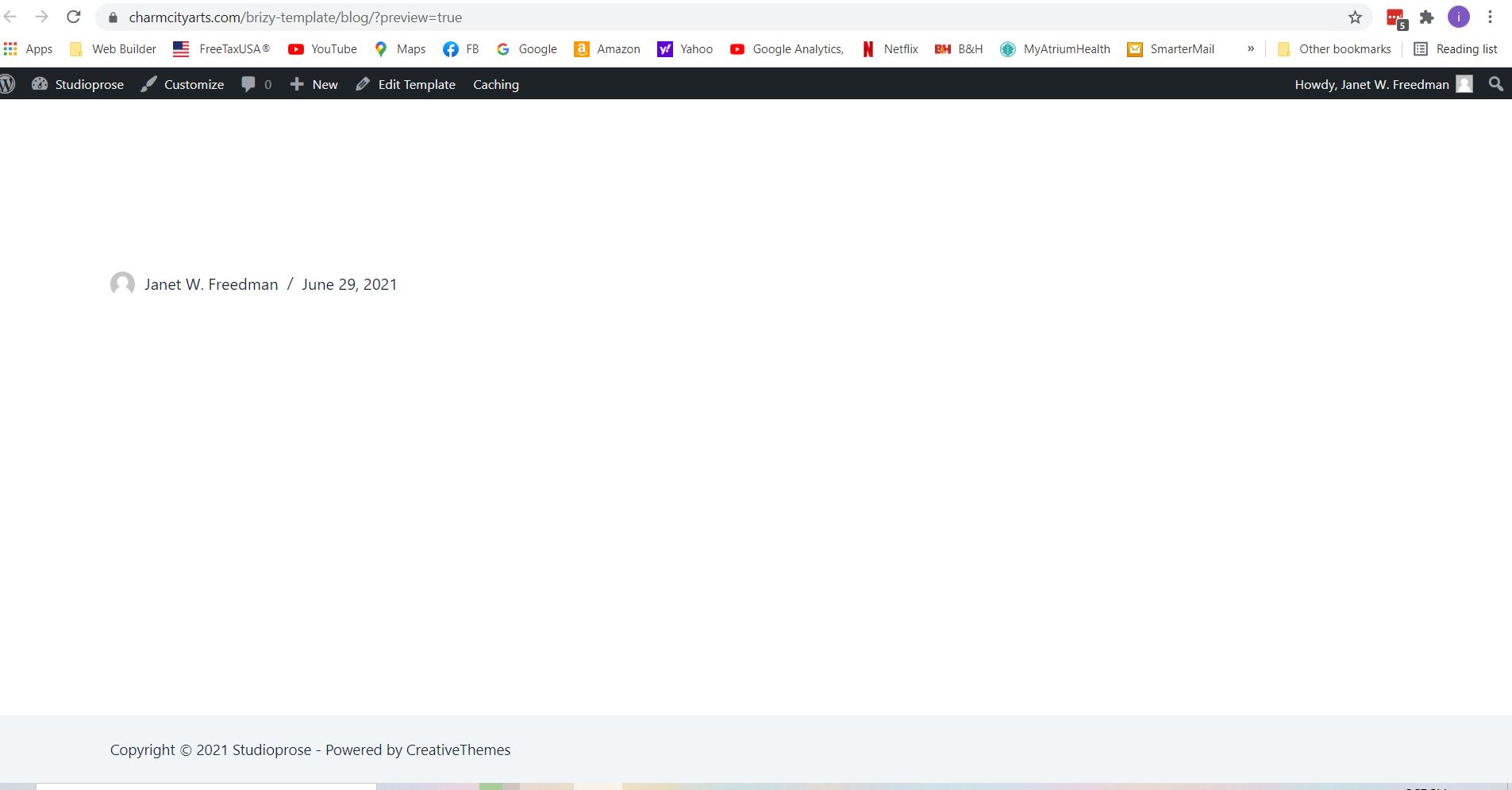
What the preview of the template looks like
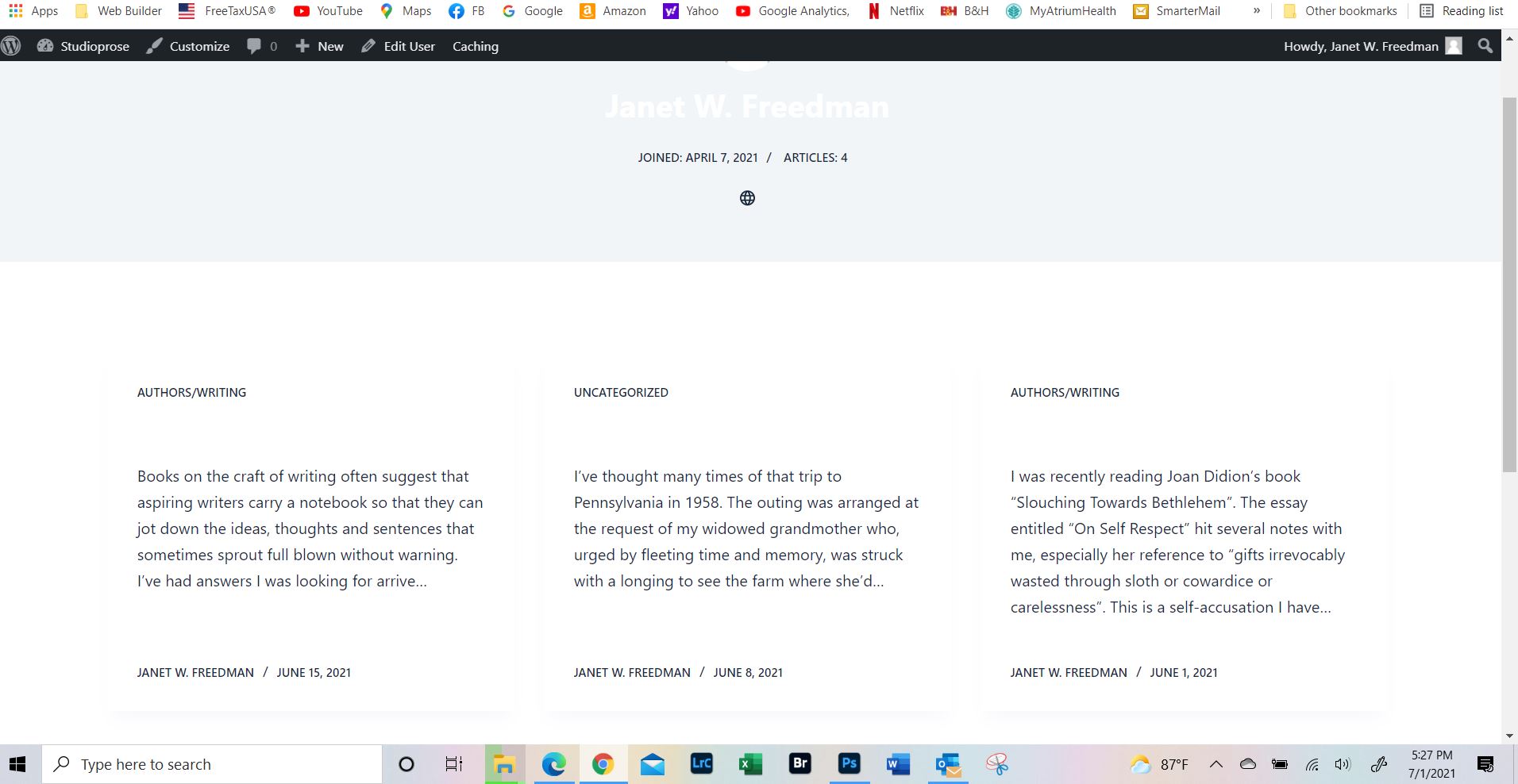
What the page looks like if I click on the Janet Freedman link
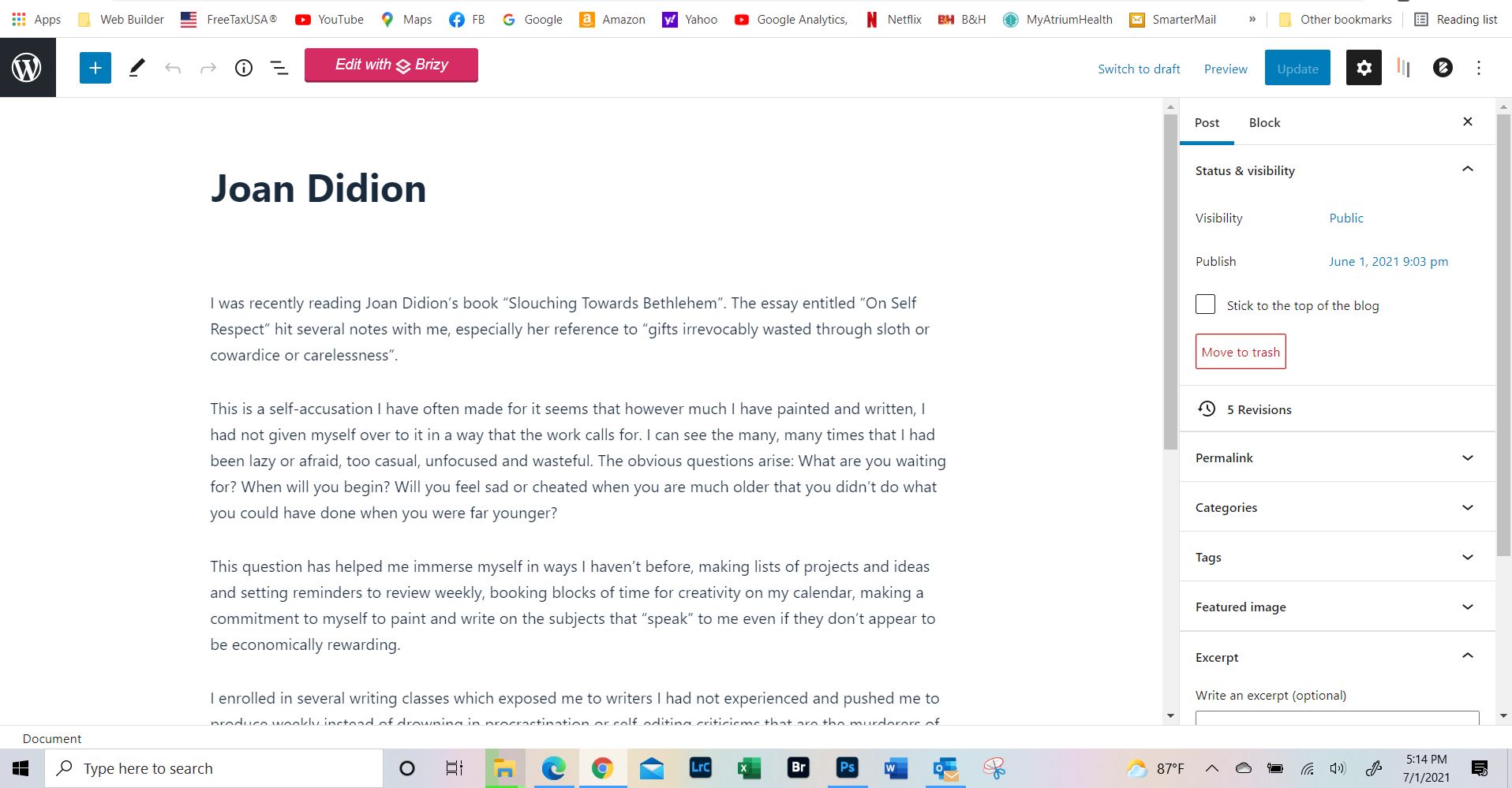
What the Blog page edit looks like.And I am using the Blocksly theme.
Please let me know what I am doing wrong.
 0
0 -
Hi,
Thank you for these details. I will create then a private ticket. You will receive a private message soon. Please send to us in that private message the WP credentials to this site?
Best regards,
Nelea.
0
Please sign in to leave a comment.
Comments
5 comments