Brizy WP plugin not showing menu element correctly

Hi,
I am using the Brizy builder for WP to build a site and when I try to add a menu element to header I am facing an issue. I have setup the menu with few sub menu items but after saving the page it is not showing in the page.
it only happens on pages designed with Brizy. Default builder shows menu items as intended.
Can someone help me with it?
Thank you.
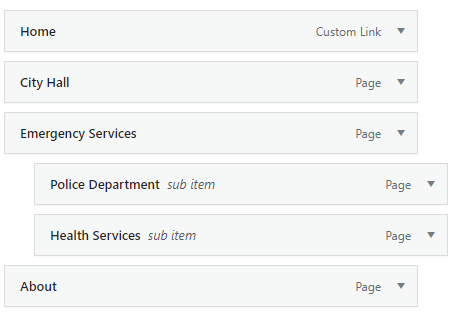

-

Hi,
can you please confirm that we are talking about the latest Brizy versions - Free 2.2.17. and PRO 2.2.11? Also, do you have the same problem if you disable all your external plugins? Please send the link to your website and we will look into it.
0 -
Hi Alex,
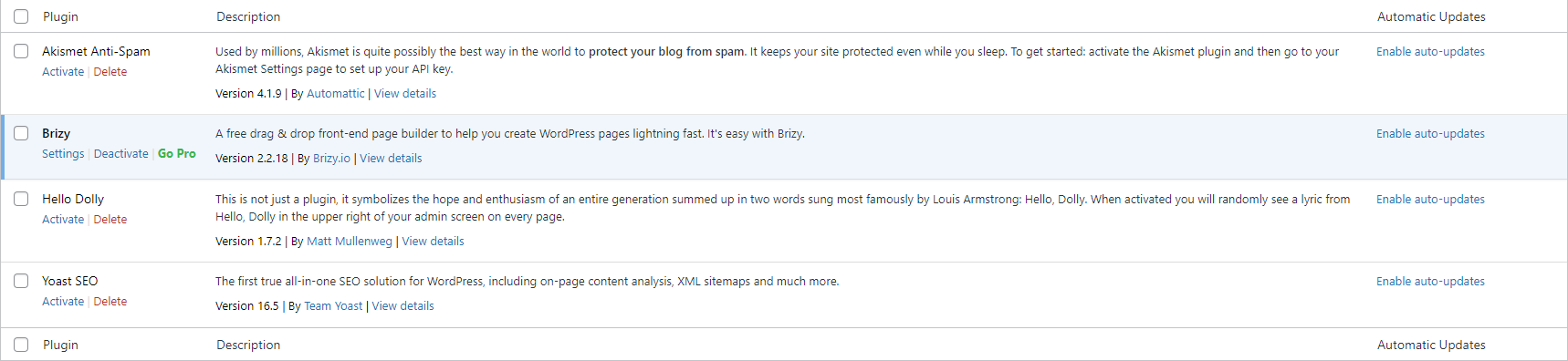
Yes, I am on the latest free version 2.2.18. I tried disabling other plugins but its still the same. Following is the link to my site and current plugin list.
 0
0 -
It's strange. The sub-menu does not appear in the HTML code either. We have created a private ticket for you so please send your login details there and we will look into it. Thanks.
0 -

Hi!
I bought Brizy just a couple of days ago, and I am new to building websites. To me it looks like I have exactly the same problem though. I turned of all other plug ins (only installed like 6 atm), and the menu won't show by default (like it does in the header even before creating a custom menu) when Brizy is active.
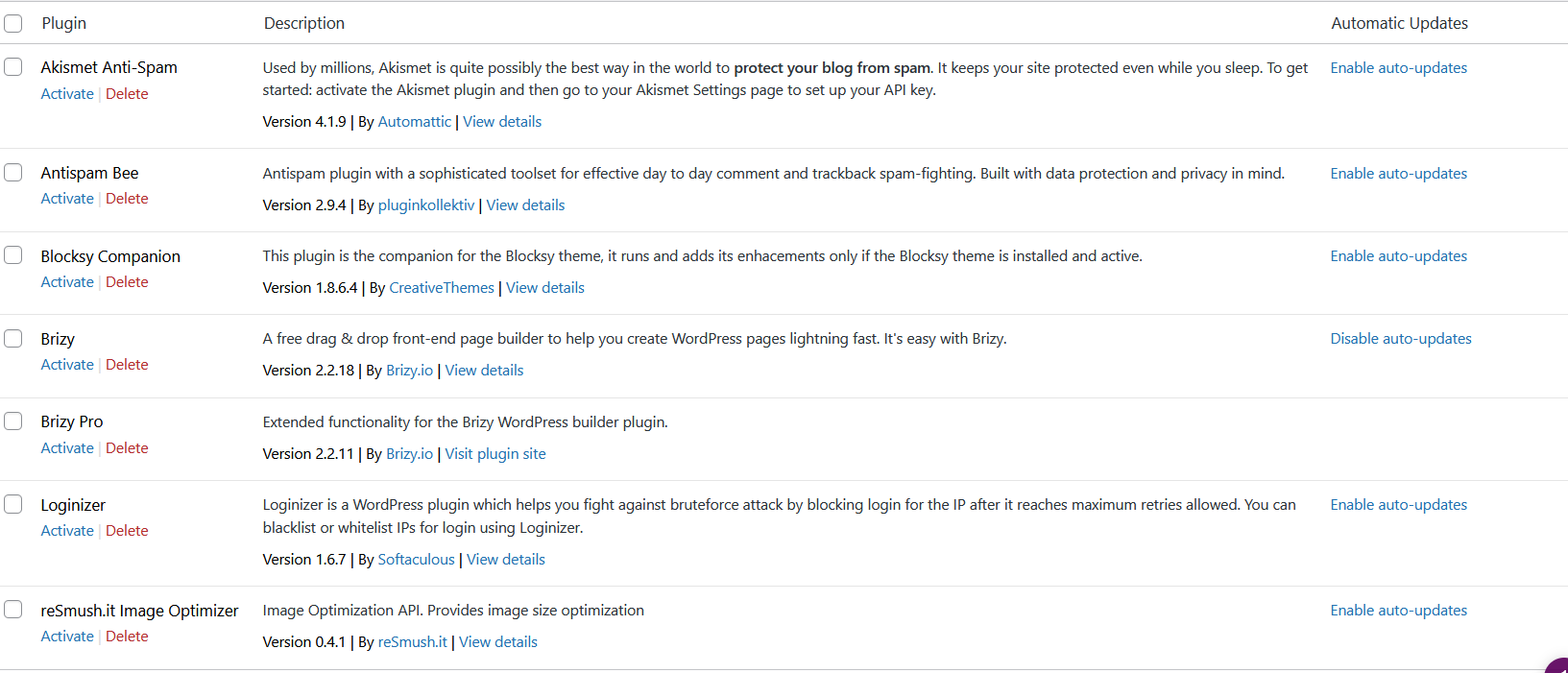
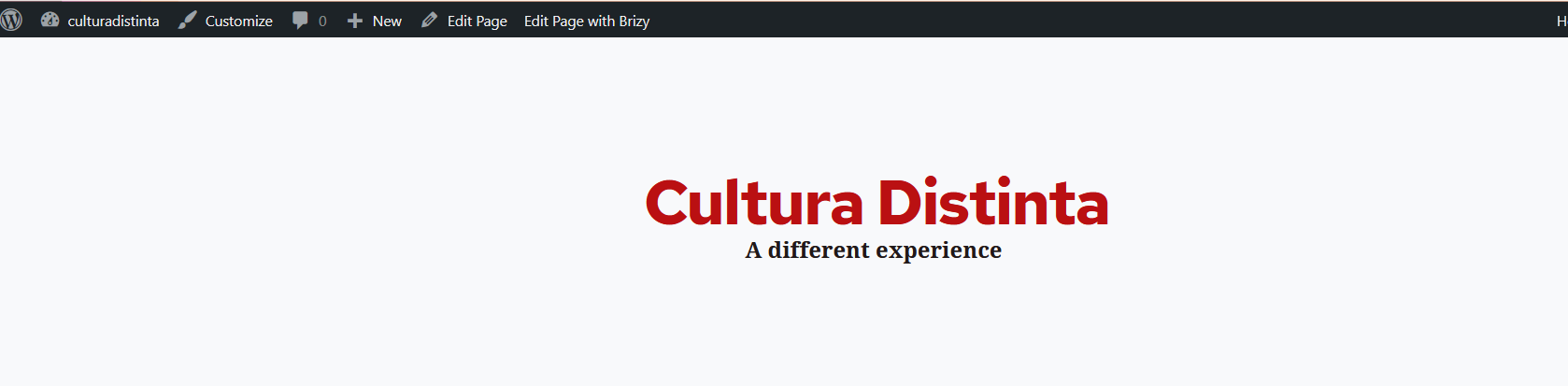
The screenshot above is of the website with only Brizy plug-in installed (this is without creating a custom menu).
Below is when I've deactivated Brizy. Now the default menu shows. I have also added a custom menu without Brizy (then it shows), and activated Brizy after that, and then it is gone.
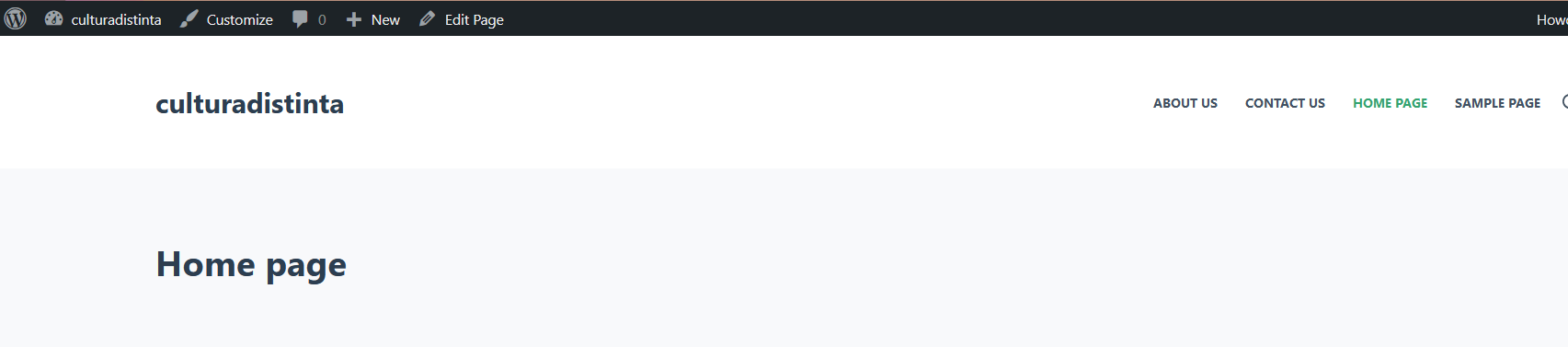
It would be really nice with some feedback :)
Kind regards,
Jarko
0 -
Hey,
Sorry it wouldnt let me upload 3 screen shots, so here is the screenshot of the page when Brisy plug in is activated:
 0
0 -
Hi,
it seems to be the cause in the page template. If you select "default template" then you will see the header&footer (including menu) that comes with the theme: https://jmp.sh/4oSM2EA -> https://jmp.sh/TU5G0sP if you select "Brizy Template": https://jmp.sh/ubrWdGu you will need to add all the elements from Brizy, including menu: https://youtu.be/4u3g9nKYKFo
0 -
Hi Alex!
Thank you, this worked! It soes feel a bit confusing with templates, brizy builder, wordpress and themes (learning curve I guess).
I watched the 'beginner corner' series from brizy, and in the video 'how to make a menu' JP shows how to make a custom menu in WP. He says you need make a custom menu in WP first, whether you gonna use Brizy or something else to design the menu (headers/footers). So it was weird to not see the meny. Disabling the theme didn't work either, only disabling Brizy :) Maybe I changed the default template before, when I was just looking around.
Thank you for your quick response! I am enjoying working with Brizy so far :D
0 -
Hi,
these are the rules of WordPress and that's how it works at the moment so it might look a bit confusing at first. But once you understand the logic of work you will solve many things intuitively without ever having learned how to do it and Brizy will help you do this through a friendly interface.
Let us know if you need anything else.
0 -
Hi,
Yeah, in between I will just hop in here if I am lost. It is also a nice part of working with this, to learn about how to do things. I've seen in multiple video's and tutorials that starting to work with WP can be a bit confsing (as you stated), but it will work out :)
0 -
great. I will be happy to help you so let us know if you need anything else.
0
Please sign in to leave a comment.
Comments
10 comments