Not able to set tooltips on The Core Child Wordpress Theme

Hello there!
I'm trying to set tooltips for the images in the widget area in this website: https://www.enfam.jus.br/.
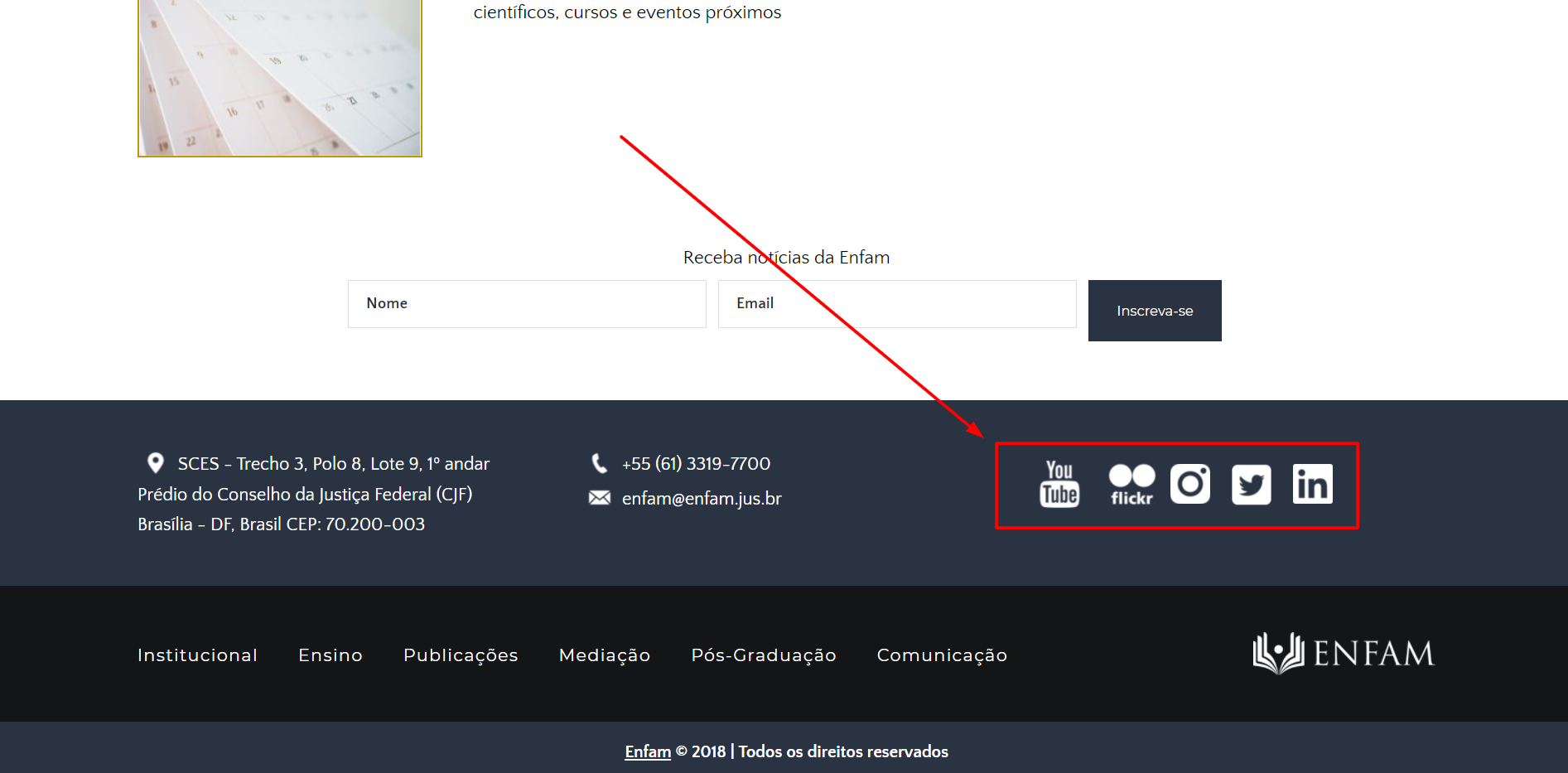
But when I add the code, it doesn't work. I've added the following code in the style.css:
.tooltip {
  position: relative;
  display: inline-block;
  border-bottom: 1px dotted black;
}

.tooltip .tooltiptext {
  visibility: hidden;
  width: 120px;
  background-color: #e5e5e5;
  color: black;
  text-align: center;
  border-radius: 6px;
  padding: 5px 0;

  /* Position the tooltip */
  position: absolute;
  z-index: 1;
}

.tooltip:hover .tooltiptext {
  visibility: visible;
}
.size_of_img{
width:60px
}
And the following one on the widget area, to show the tooltip for the first image (Flicker):
<div class="tooltip">
	<a target="_blank" href="https://www.youtube.com/channel/UCjre_X1L2Iwqwn8m7xdx9GQ/featured" hidefocus="true" style="outline: none;">
		<img src="https://www.enfam.jus.br/wp-content/uploads/2021/01/i%CC%81cone-rodape-youtube.png" class="image wp-image-19705  attachment-medium size-medium" alt="Youtube" style="width: 60px; height: auto;vertical-align: middle;" /><span class="tooltiptext">Flicker</span>>
	</a>
	<a target="_blank" class="textwidget custom-html-widget"  href="https://www.flickr.com/photos/140331253@N08/albums/with/72157713002841943" hidefocus="true" style="outline: none;">
		<img src="https://www.enfam.jus.br/wp-content/uploads/2021/01/ícone-rodape-flickr.png" class="image wp-image-19705  attachment-medium size-medium" alt="Flickr" style="width: 60px; height: auto;vertical-align: middle;" >
	</a>
	<a target="_blank" href="https://www.instagram.com/enfamoficial/" hidefocus="true" style="outline: none;">
		<img src="https://www.enfam.jus.br/wp-content/uploads/2021/06/Logo-Insta-branca-reduzida.png" class="image wp-image-19705  attachment-medium size-medium" alt="Instagram" style="width: 35px; height: auto;vertical-align: middle;" >
	</a>
	<a target="_blank" href="https://twitter.com/enfamoficial" hidefocus="true" style="outline: none;">
		<img src="https://www.enfam.jus.br/wp-content/uploads/2021/06/Logo-Twitter-branca.png" class="image wp-image-19705  attachment-medium size-medium" alt="Twitter" style="width: 35px; height: auto;vertical-align: middle; margin: 1em" >
	</a>
	<a target="_blank" href="https://www.linkedin.com/company/enfamoficial/" hidefocus="true" style="outline: none;">
		<img src="https://www.enfam.jus.br/wp-content/uploads/2021/06/Logo-LinkedIn-branca.png" class="image wp-image-19705  attachment-medium size-medium" alt="LinkedIn" style="width: 35px; height: auto;vertical-align: middle;" >
	</a>
</div>
Whenever I do that, the images disappear, so i need to clear the "tooltip" from the div class.
What should be done in this case?
-

Dear Pedro,
Thank you for getting in touch with us.
I would like to help you with the problem you encounter but it not related to Brizy builder. If you have any other questions about Brizy builder please contact us.
Best regards,
Nelea
0 -
You don't give any support for the The Core, which is created by ThemeFuse?
0 -
Hi Pedro,
Since March 1, 2020, we canceled the support for ThemeFuse themes. If you want to move from ThemeFuse to Brizy, I can recommend re-creating pages in Brizy. We have 400+ premade blocks, 50+ layouts, and a lot of elements that will help you with this. Also, for you as a ThemeFuse user, we can offer 2 years of access to Brizy Pro. Unfortunately, we can't offer lifetime access to the Brizy Pro feature and updates because Brizy is a different product. For this, we will need the email of the Brizy account and ThemeFuse account.
Best regards,
Nelea
0 -
Brizy Pro feature doesn't suit me right now, but thanks for the offer.
Does The Core theme have any other support now?
0 -
Hi Pedro,
Unfortunately, we do not have any information regarding Core Theme support.
Best regards,
Nelea
0
Please sign in to leave a comment.
Comments
5 comments