Does Multiple categories work in Brizy?

Does Multiple categories work in Brizy?
I tried this in my URI: https://glamboxtt.com/product-category/eye-cream,massages,contour/ and only the products for the first category (eye-cream) showed up. However the rest did not show up, it seems only to work partially, accepting the first category and that's it. Is there a work around?
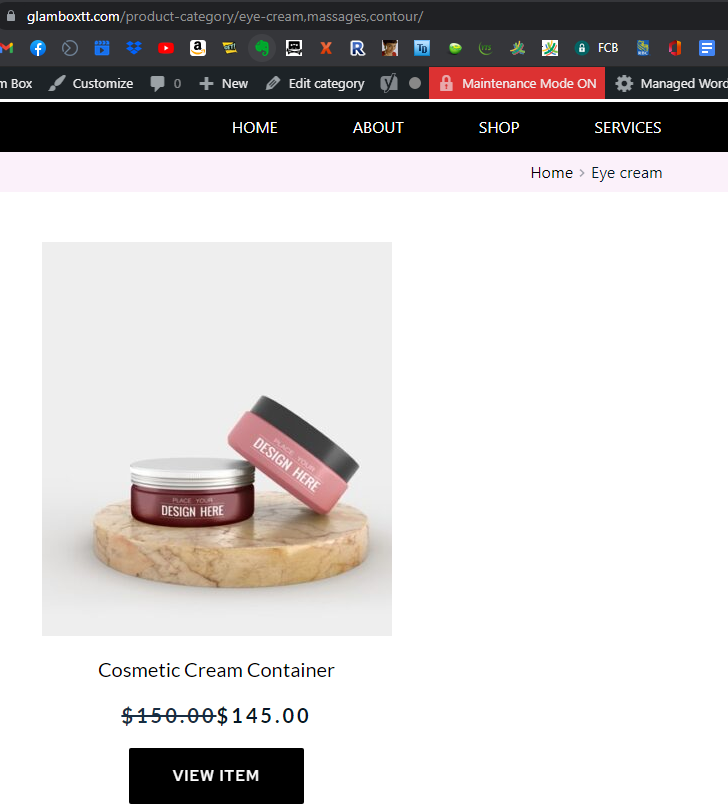
By default I know WooCommerce allows you to find multiple categories in the URI: /product-category/category1,category2,category3. It works perfectly on a default theme.
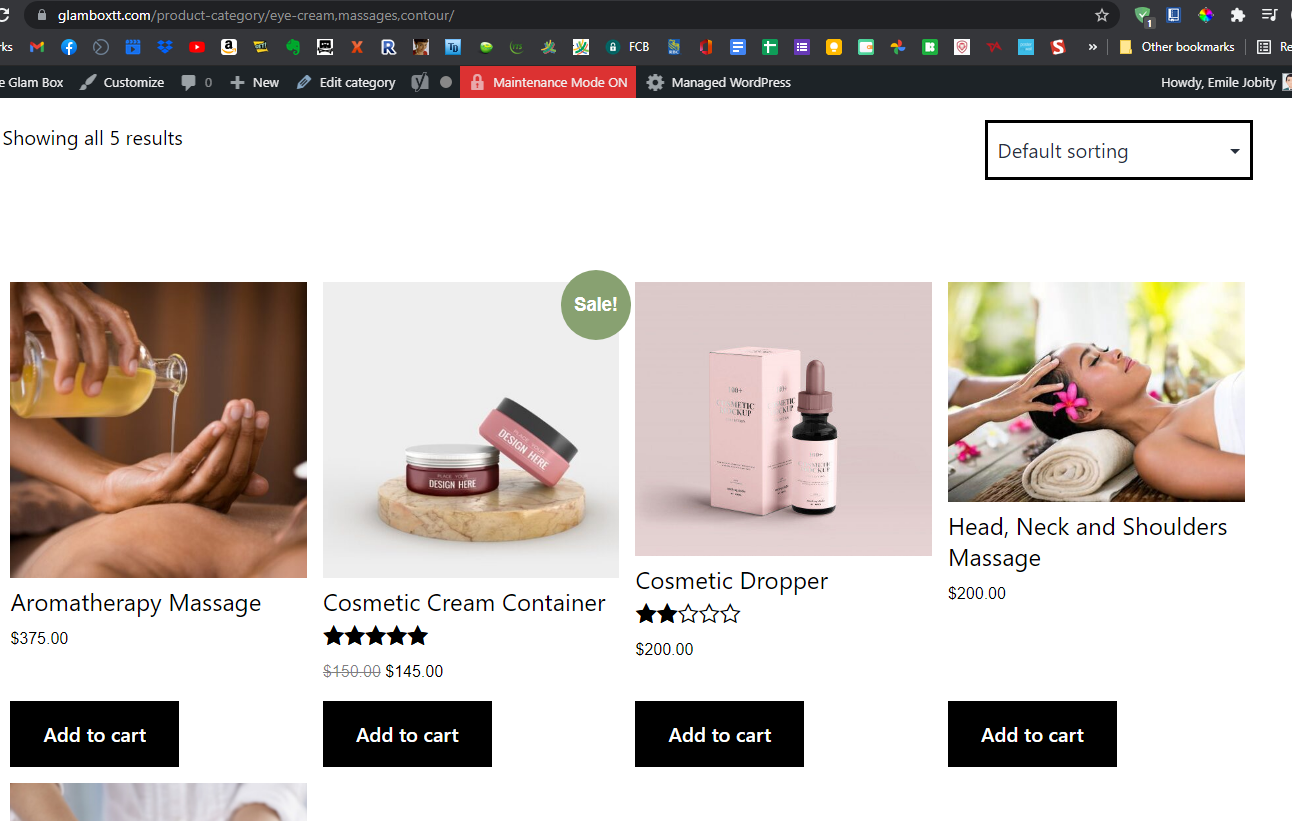
Some other work arounds that should work but does not work is: http://www.sitename.com/products/?product_cat=category1%2Ccategory2&product_count=36&product_orderby=name
To separate the categories, you use %2C between each category name.
Any suggestions?
0
-

Hi,
Unfortunately, at the moment, the Brizy builder is integrated with the standard WooCommerce plugin. The WooCommerce Filter is an external plugin and Brizy isn't integrated with it too. For this reason, the multiple categories don't work in Brizy. This option with multiple categories is a bit unapproachable to users because they need to know the slug of the categories and add them to the URL link.
Best regards,
Sandra0
Please sign in to leave a comment.
Comments
1 comment