Dev to live site

Hi there,
Just moved a site from dev https://wh.freshspacegroup.com/ to live https://www.wildhuman.com/.
SIte's workong fine but can't edit Brizy pages. It just spins when I try to edit.
I've gone to permalinks and saved as that's worked in the past. Also cleared cache.
-

Hi Darren,
Could you please share temporary WP Admin access so we can take a closer look at the issue? You can add us as an Admin user in your WordPress dashboard and send the details to communitysupport@brizy.io:
Community post: https://support.brizy.io/hc/en-us/community/posts/41104825001362
WordPress Admin URL:
Username:
Password:Best regards,
Ariel H.0 -
Hi Darren,
The issue is now resolved, and everything is working as expected.
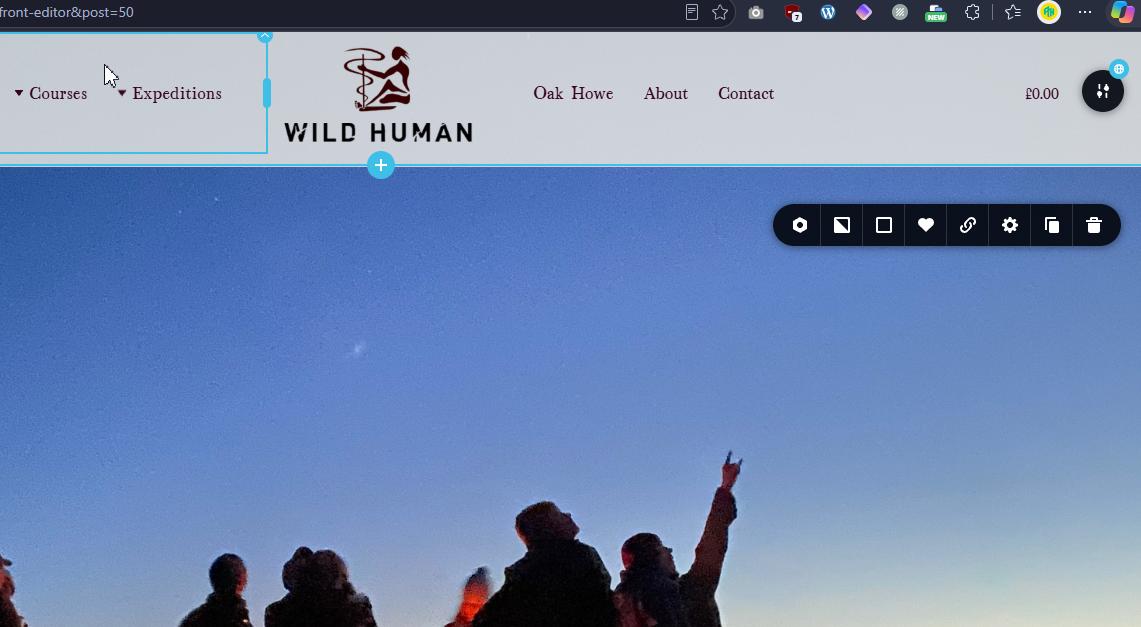
For newly migrated websites, we recommend uninstalling and reinstalling Brizy Pro. Sometimes, after migration, plugin files, configurations may not be properly transferred. Reinstalling Brizy Pro ensures that you have a fresh and properly configured installation, which can help resolve issues caused by the migration. I also recommend installing the Smush plugin to help images load faster.
Please let us know if you need any further assistance.
Kind regards,
Ariel H.0 -
Hi Ariel,
I can now edit pages in Brizy too.
That's handy to know and will keep that in mind.
Yes, they're using some really big images and haven't really compressed them.
Thanks,
Darren0
Please sign in to leave a comment.
Comments
3 comments