Brizy Shop Question

I purchased Brizy shop and have been trying to build an e-commerce site. I stepped away from the project for about 10 days. When I went back to the website, I tried adding products, but Brizy says I need to activate the shop.
The shop is already active on my account and I confirmed it by looking at the subscriptions associated with my account. Please help me resolve this issue.
-

Hello Keith,
You can easily activate your Shop Venture license in your project by following these two simple steps:
-
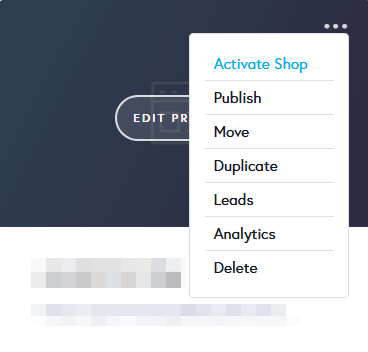
Click the three dots (...) on your project thumbnail and select Activate Shop.
-
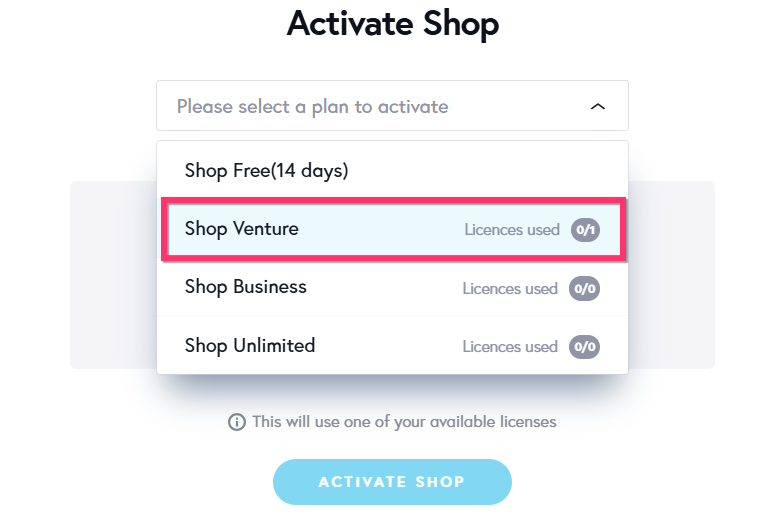
From the dropdown menu, select Shop Venture, then click the Activate Shop button to complete the activation.
Your Shop Venture license should now be activated in your project. If you run into any difficulties during the process, please don't hesitate to reach out. We'll be happy to assist you.
0 -
-
Thank you for the reply.
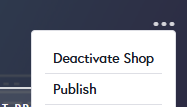
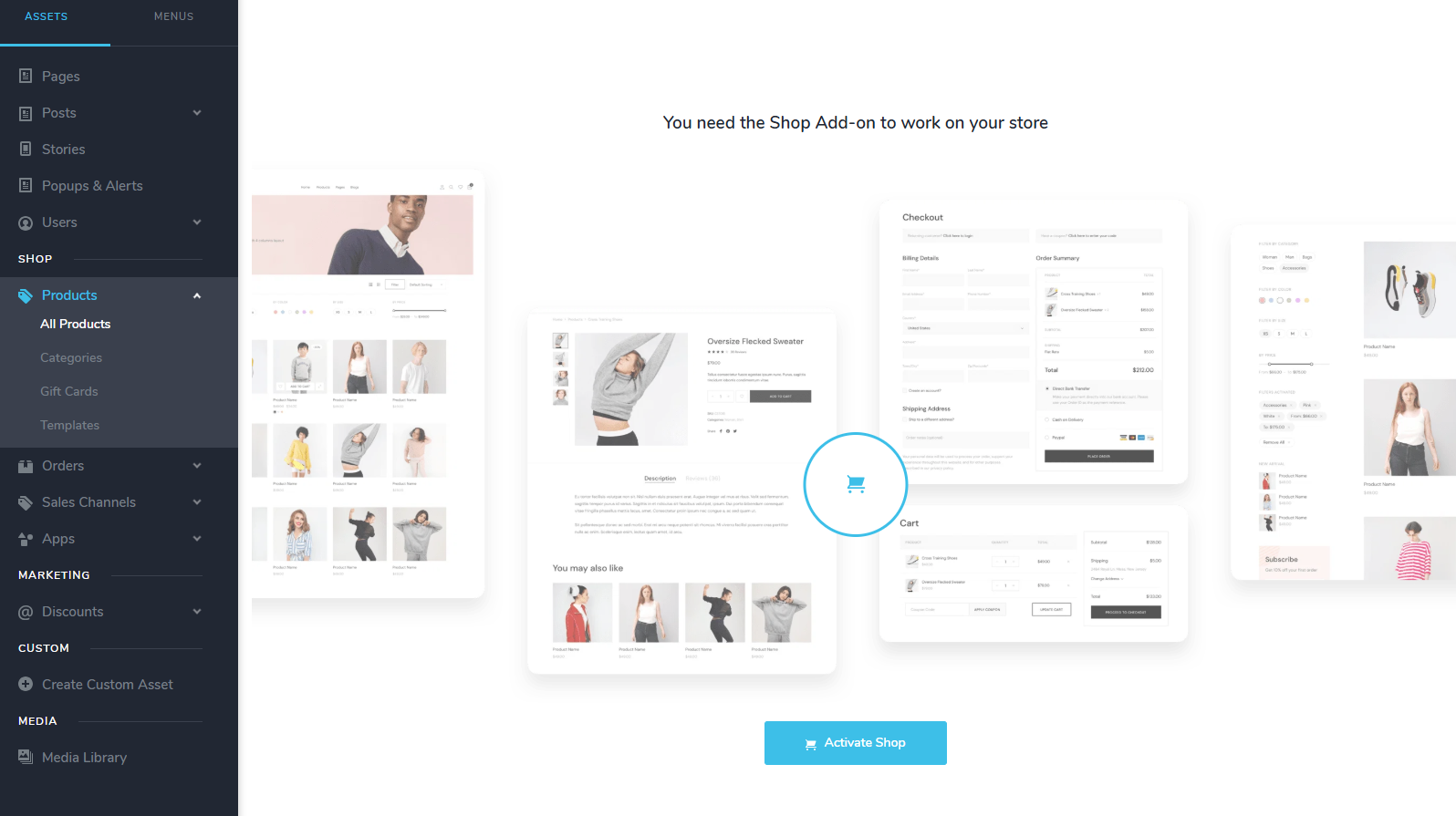
The problem I go into the project, to add products, i see this. Any suggestions?
 0
-
Hello Keith,
The free trial plan was activated instead of your "Shop Venture" plan. I've now deactivated the trial plan and activated your Shop Venture plan by following the steps we shared earlier. You should now have access to the "Products" section in your website's backend and be able to manage your products as expected.
Could you please check and confirm that everything is working correctly on your end? If you run into any difficulties, we'll be happy to help.
0 -
That did it! Thanks!
0
Please sign in to leave a comment.
Comments
4 comments