Customer Login in Brisy Cloud as an editor

I have given editor access to my client so that they may edit and post news.
There are two points I need your help on:
1. When the cliente logs in he is not directed to the workspace.
2. How can I give them direct acces o the nain editing oage instead of the Dashboard?
Thank you for your help.
-

Hi Sadik,
Thank you for reaching out. About your first concern, team members using a free Brizy account can work on your projects without needing a PRO subscription, provided they remain in the workspace they were invited to.
However, if they switch to "My Personal Projects", Brizy Cloud may change their default workspace and prompt them to start a 14-day PRO trial. Once the trial expires, they may lose access to their personal workspace.
To restore your workspace as their default:
Simply ask your client to find the original invitation email titled "You've been invited to collaborate!" and click the "Get Started" link again.
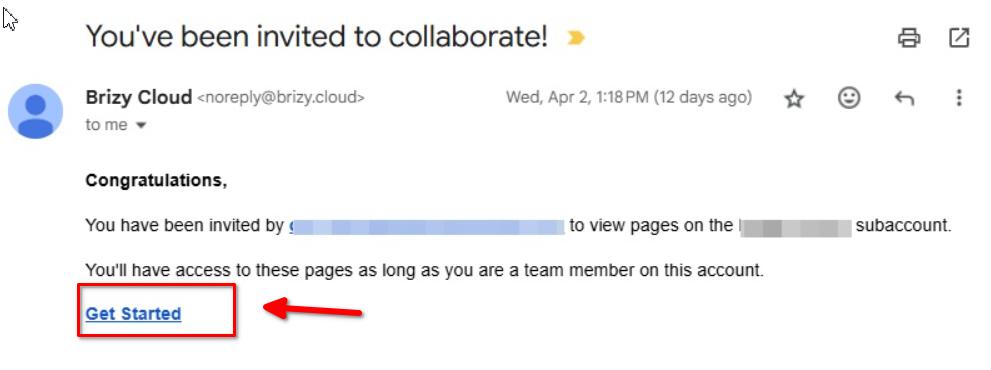
We recommend that they avoid switching to "My Personal Projects" and work exclusively within your invited workspace.
About your second question, Brizy Cloud currently doesn't offer an option to redirect team members directly to a specific editing page after login. They will need to open the project from the Dashboard.
I hope this clarifies things. If you have any further questions, please let us know.
Best regards,
Ariel H.0
Please sign in to leave a comment.
Comments
1 comment