Carousel NOT working

All the website that i activated the carousel Element. The carousel doesn't not show data
-

Hi Omoya,
Thank you for reaching out.
Could you please check if there's an update notification in your WordPress Plugins area for Brizy and Brizy Pro? If available, please update both plugins to their latest versions. Otherwise, you can download the latest versions directly from your Brizy account console and install them manually.
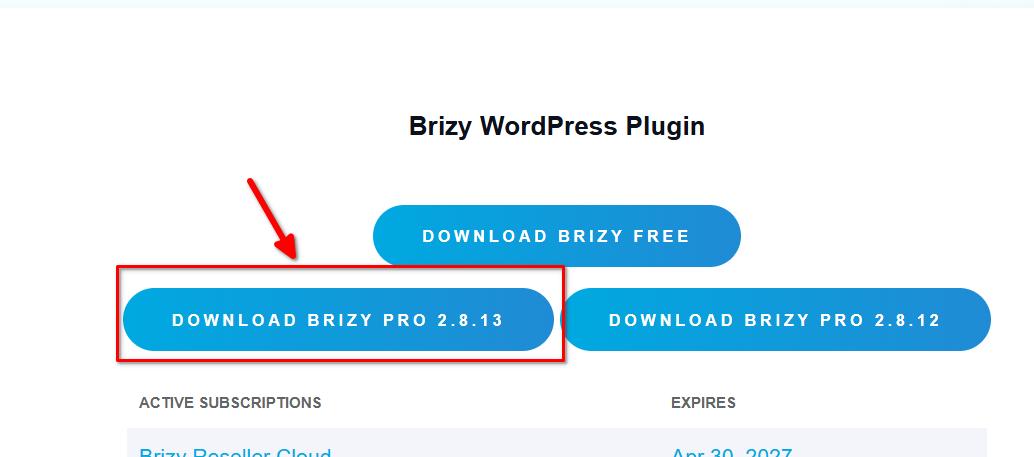
After updating, please clear your website cache and check if the carousel is displaying correctly.
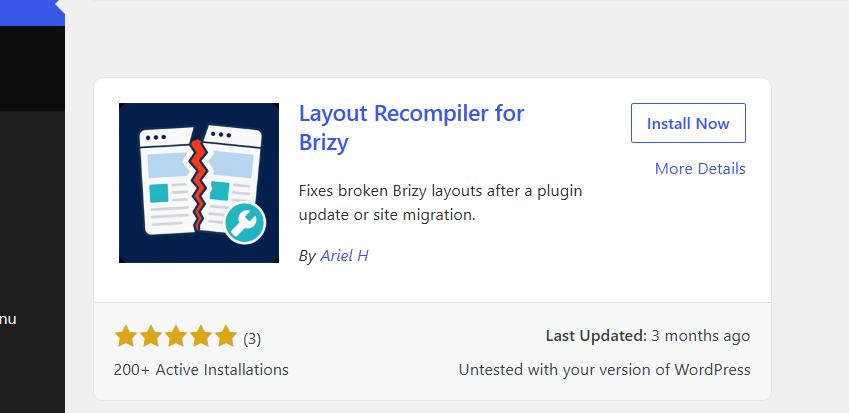
If the issue persists, please install the "Layout Recompiler for Brizy" plugin to help recompile your pages and resolve the issue.
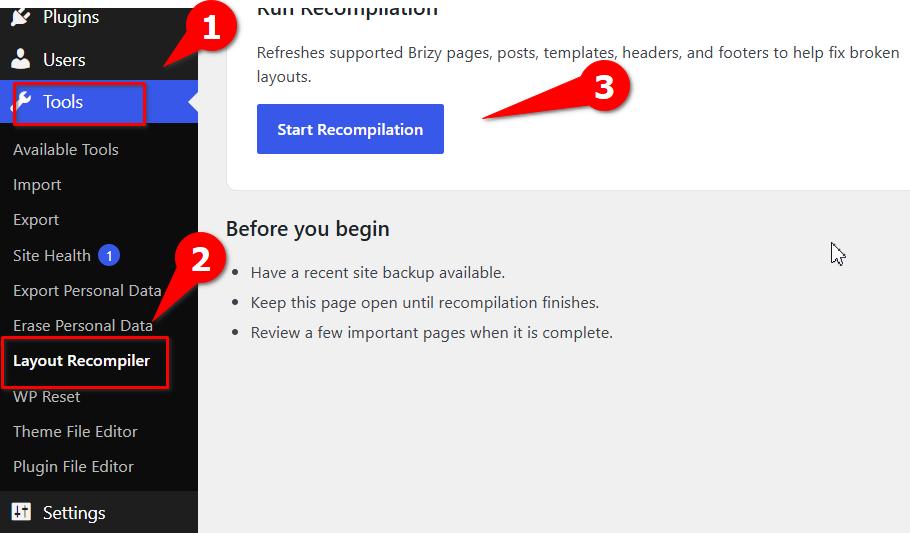
To use the plugin, click the Start Recompilation button and allow the process to finish. Please wait until the progress reaches 100%. Once completed, clear your website cache again and visit your website and check whether the carousel elements are now displaying their content correctly.
Please try this and let me know how it goes.
Best regards,
Ariel H.0 -

Ours were broken too. Update fixed it.
0
Please sign in to leave a comment.
Comments
2 comments