All post previews goes to the latest post

Hi, all posts when previews show the latest post.
When I click Edit the post is clearly there.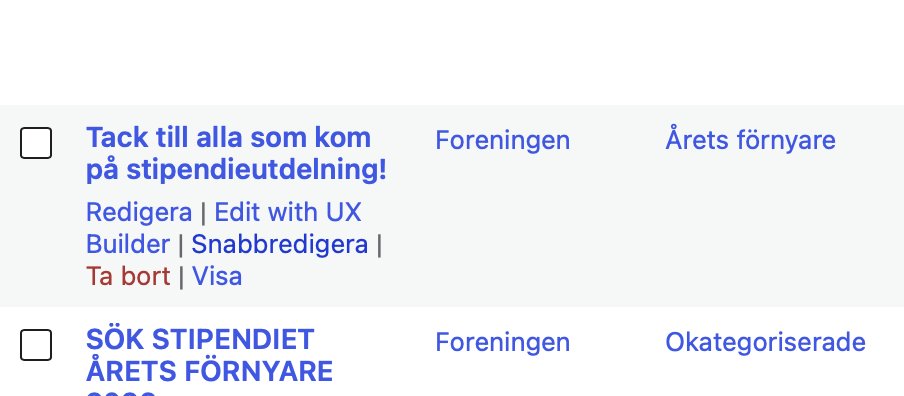
The post:
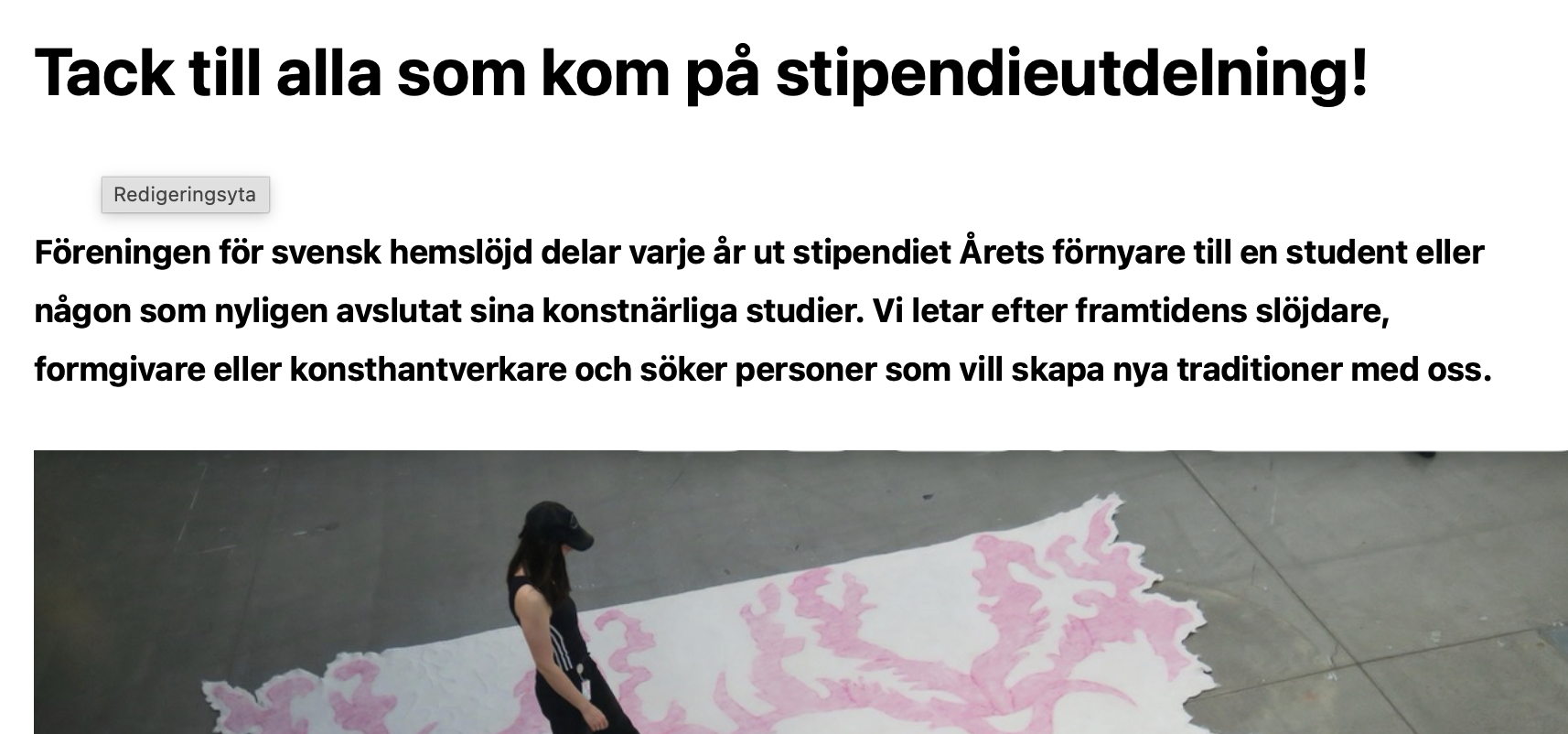
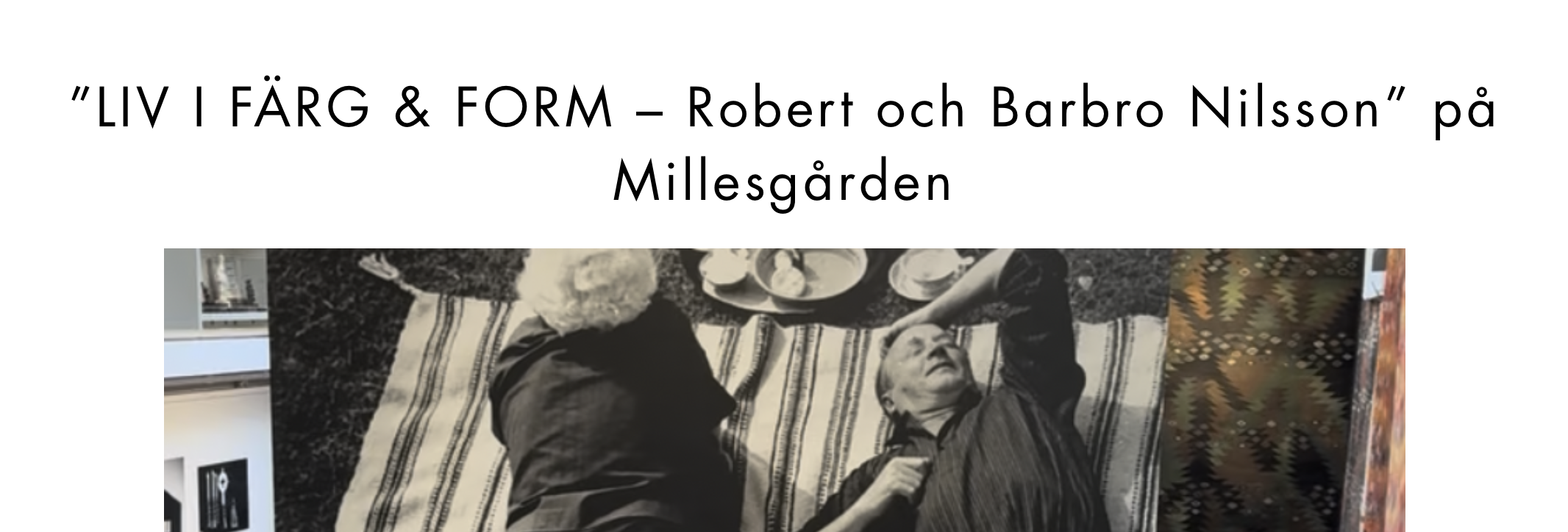
But when I click preview I end up on the latest post. This happens with all posts.
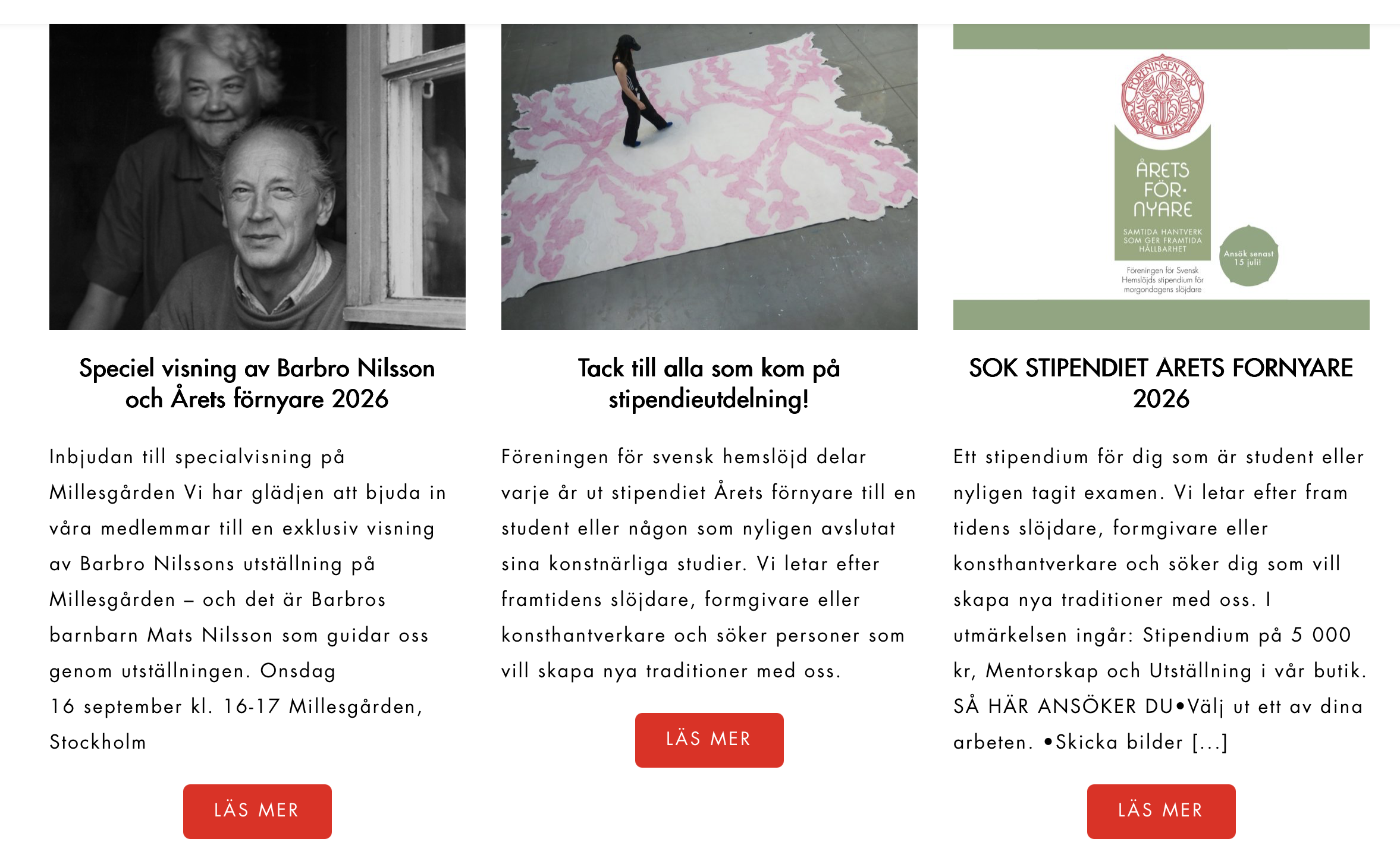
It also happens on the main page. All "Read more" is directed to the latest post.
Thanks a lot for the help.
Odd
-

Hello Odd,
Based on your explanation, I understand that you’ve added unique content to each blog post and that everything appears correctly in the Gutenberg editor. However, when you preview the posts, they all display the content from the last blog post.
There are two common approaches to creating blog posts with Brizy:
- Add content using Gutenberg and design posts with a Brizy template: You write the content of each blog post in the Gutenberg editor and use a Brizy Single Post template to control the layout and design. The template provides a consistent design while displaying the unique content of each post.
- Create blog posts directly in Brizy: You use Brizy to build your posts, combining Global Blocks for reusable elements with regular blocks for content specific to each post.
Based on the screenshots you’ve shared, it’s possible that these two approaches have been mixed. For example, if you initially used Gutenberg with a Brizy Single Post template but later edited individual posts directly in Brizy, the individual Brizy designs will take precedence over the template. This could be contributing to the issue you’re experiencing, although we’ll need to verify your setup to confirm.
To help us identify the issue and recommend the most appropriate solution while preserving your existing content and design as much as possible, could you please provide our support team with access to your WordPress Admin dashboard? For security, we recommend creating a separate WordPress user account for our support team rather than sharing your personal administrator credentials.
Please email the following details to communitysupport@brizy.io:
- Support forum reference: https://support.brizy.io/hc/en-us/community/posts/40038115310226
- WordPress Admin URL:
- Username:
- Password:
Important: Please include a link to this support thread in your email so our team can locate your case. Once you’ve sent the email, kindly let us know here so we can follow up.
0 -
Hello Odd,
Thank you for sharing your website access credentials with us. We appreciate your cooperation. However, when attempting to access your WordPress Admin dashboard, we encountered the error shown below.
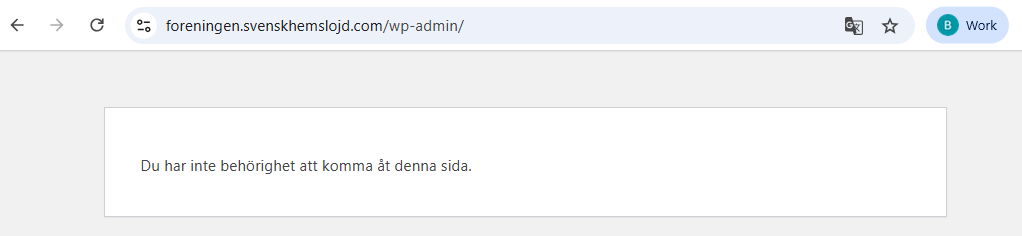
Could you please check the permissions assigned to the “Brizy Boys” user and update the role to Administrator? This will allow us to access the necessary settings and investigate the issue more thoroughly. Once you’ve updated the role, please let us know here so we can investigate and work toward a resolution.
0 -
Hello Odd,
We’ve fixed the issue that caused all your blog posts to display the content from the last blog post.
After investigating your setup, we found that the Brizy Single Post template wasn’t configured correctly. The Brizy "Posts" element was being used to display the blog post content, which isn’t the appropriate element for this purpose in a Single Post template. To resolve the issue, I made the following changes to your template:
- Removed the Posts element. This element is intended for displaying a list of posts rather than the content of an individual post.
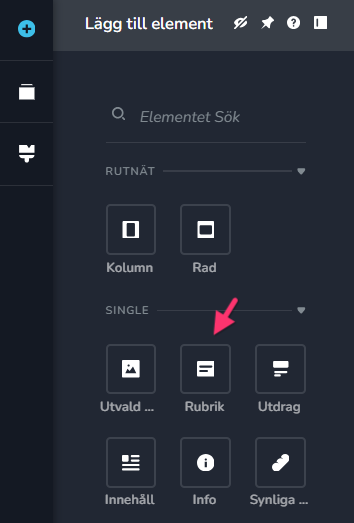
-
Added the Title element. This displays the title of the current blog post.
-
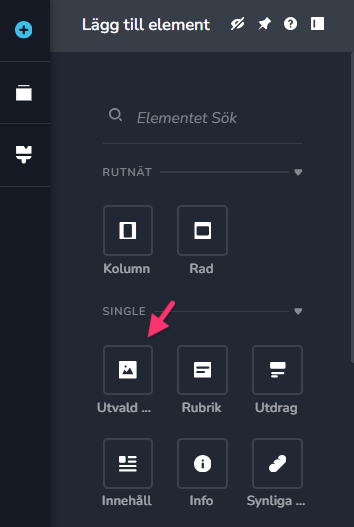
Added the "Featured Image" element. This displays the featured image assigned to the current blog post.
-
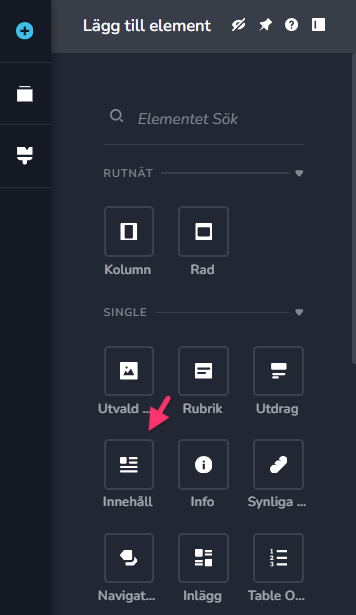
Added the "Content" element. This displays the unique content you’ve written for each post in the Gutenberg editor.
With these changes, each blog post should now display its own title, featured image, and content correctly.
Could you please preview a few of your blog posts and confirm that everything is working as expected? If you notice anything that still doesn’t look right, please let us know. We’ll be happy to help.
0 -
Hello, it seems to work fine. Thanks a lot. But just saying, the used set up worked on this site for months and work an all my other sites. But now I know if I have any problems in the future.
Thanks!
Odd
0
Please sign in to leave a comment.
Comments
4 comments