How do we get our page to feature on Google?

We currently followed your settings to have Search Visibility turned on over the past month, but there is no sign of our website being featured on Google.
-

Hello there
Enabling the "Search Visibility" option in your Brizy Cloud project allows search engines to access your website. However, this alone doesn’t guarantee that Google will index your pages. To help Google discover and index your website, please follow these steps:
- Sign in to Google Search Console. Visit Google Search Console and sign in using your Google account.
- Add your website to Search Console. Follow our step-by-step guide to add your Brizy Cloud website as a property in Google Search Console: Add a Brizy Cloud website to Search Console
- Submit your sitemap. Once your website is added and verified:
- Open Google Search Console and select your website property.
- Click "Sitemaps" in the left sidebar.
- Enter your sitemap URL in the field provided and click Submit.
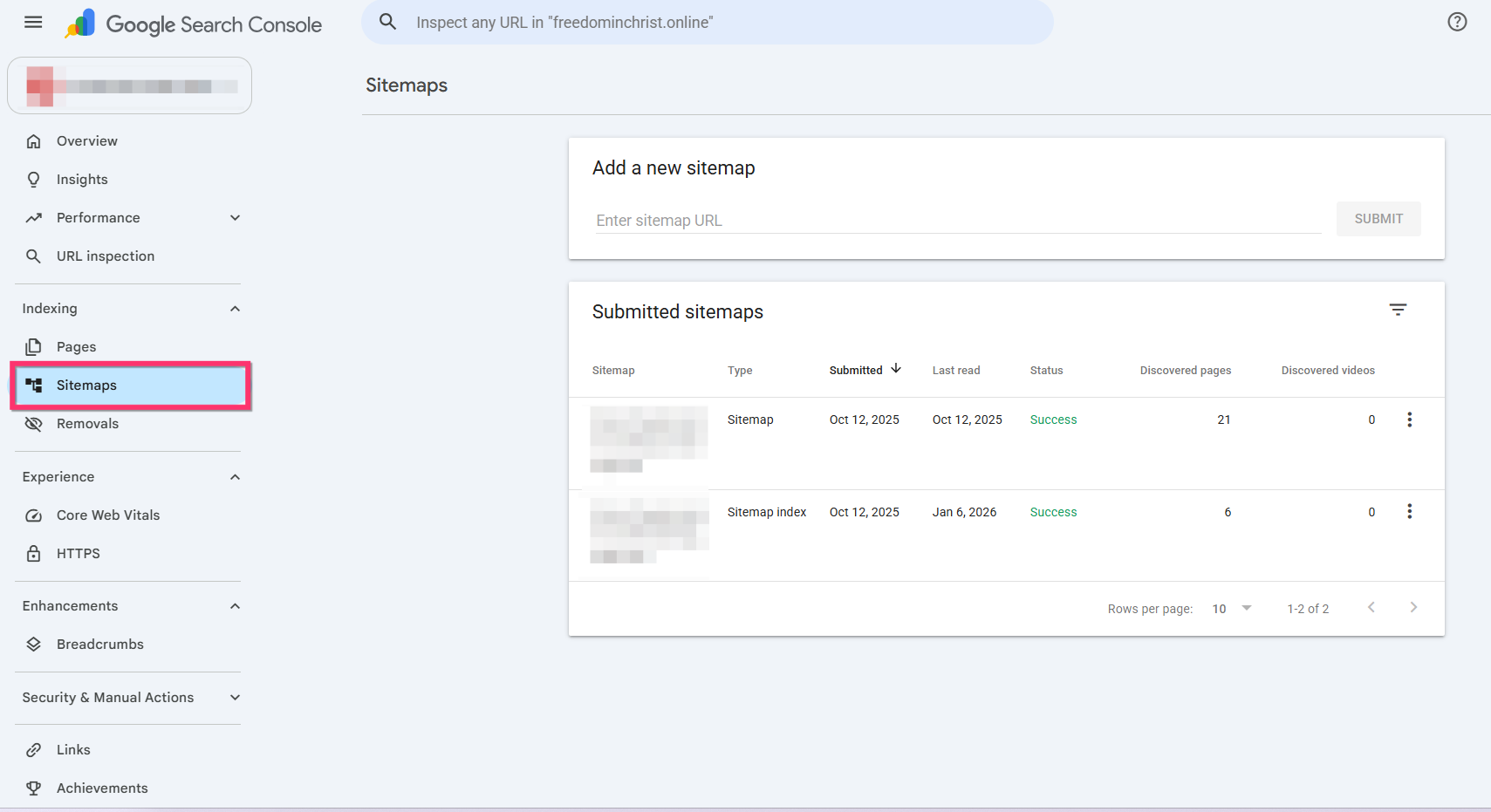
Your sitemap URL follows this format:
https://www.domain.com/sitemap.xml. For example, if your website ishttps://www.speedsterracing.com/, your sitemap URL is: https://www.speedsterracing.com/sitemap.xmlSubmitting your sitemap helps Google discover your website’s pages more efficiently. Please keep in mind that indexing is controlled by Google and may take some time, so your pages may not appear in search results immediately. Google typically takes anywhere from a few days to a month to crawl and index a website after you submit a sitemap to Google Search Console, though established sites can see updates within hours.
0 -
Hi KC George, thank you for the feedback. Will try that route and revert once the pages are searchable.
0
Please sign in to leave a comment.
Comments
2 comments