Brizy Cloud Builder Menu Button Not Working (Cannot Access Site Settings)

Hello,
It seems like the menu button in the Brizy editor is not clicking and we're unable to access deeper menu options like Site Settings, pages etc.
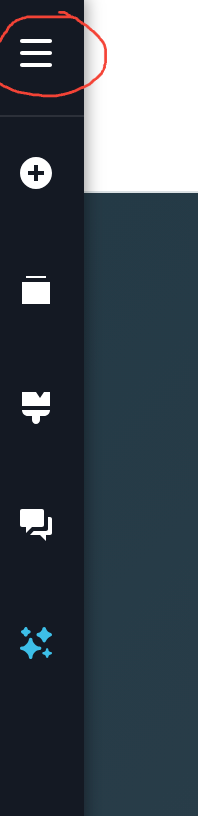
All other button on the page are working.
Please advise how to fix.
Thank you.
-

Hello Encompass Global,
I checked a few of your projects at random, but couldn’t reproduce the issue with the hamburger icon in the left sidebar. Could you please share the details of the specific project where you’re experiencing this issue? This will help us investigate it.
Please provide the following details:
- Workspace:
- Project Name:
- Project URL:
Once we have these details, we’ll be happy to take a closer look and help you resolve the issue. Thank you for your cooperation.
0 -
Hi KC George,
It was happening across all projects built with AI and HTML import.- Workspace: GS / LE / LX / PP
- Project Name: Future Proof Leader
- Project URL: futureproof.brizy.site
However, the issue seems to have resolved itself today as the menu is now clickable again.
Thank you and I will update if more issues repeat.0
Please sign in to leave a comment.
Comments
2 comments