Table element

https://www.gabrielevasario.com/it/COI
Hi I am trying to delete the last two rows of the table, but I do not seem to be able to do it in any way. Also, the table element does not adapt well to smartphone viewing.
Is there another workaround I can use instead of this element? It seems to integrate very poorly with the rest of the platform. Thank you.
-

Hello Dr. Vasario,
To remove the last two rows from the table, click the top-right corner of the Table element and change the "Rows" value to 4.
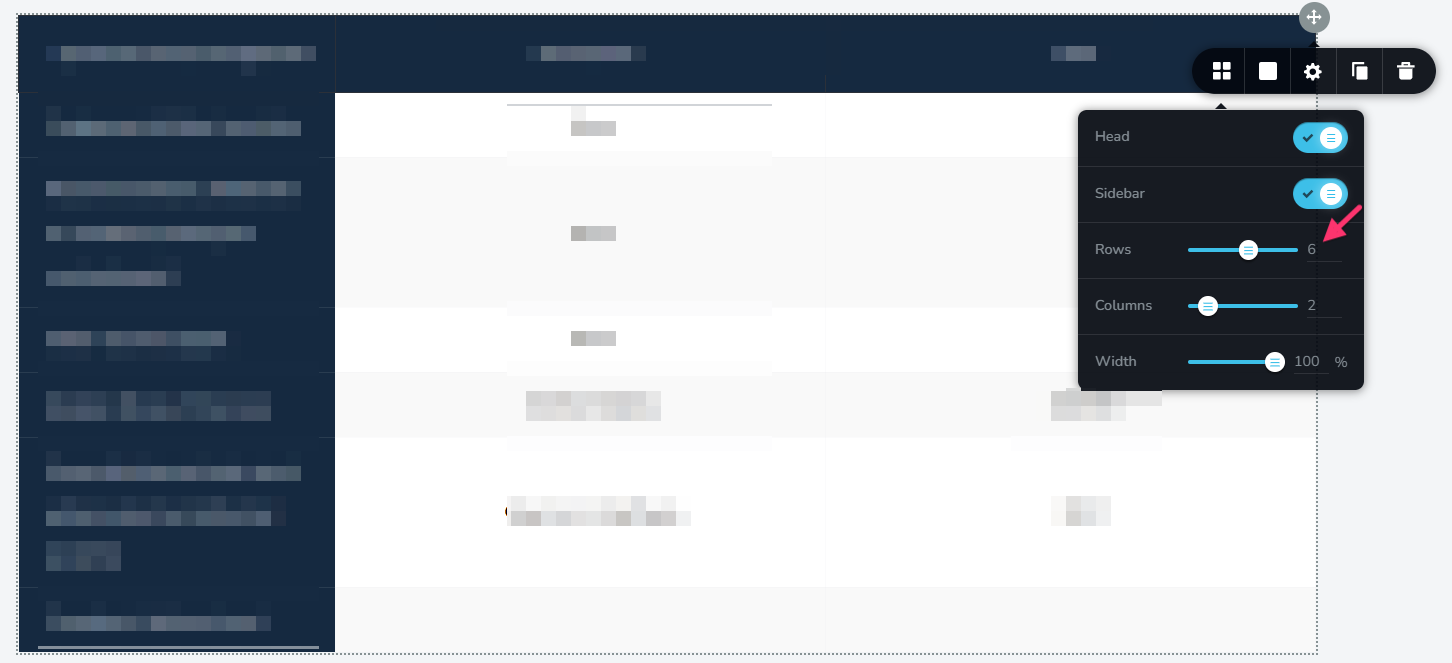
On smaller screens, such as smartphones, the Table element uses horizontal scrolling. To make the table easier to navigate on mobile devices, you can reduce the width of the columns.
Another implemtation option is to use a three-column layout. While a three-column design may look good on desktop and tablet screens, it may not provide the best experience on smaller mobile screens.
0
Please sign in to leave a comment.
Comments
1 comment