Constant Contact Inline Form Not Displaying

I've added an inline opt-in field for Constant Contact into a Brizy website: charlottebronze.org. I used the Embed Code module, but also am using WPCode to insert a snippet of code sitewide. Have I implemented this incorrectly because I am not seeing the input field display where it is supposed to?
-

Hello Lawrence,
I tested the “Join Our Mailing List” form on your website, and the submission was successful. I received the confirmation message shown below.
Could you please check whether my test email address, support@brizy.com, was successfully added to your mailing list?
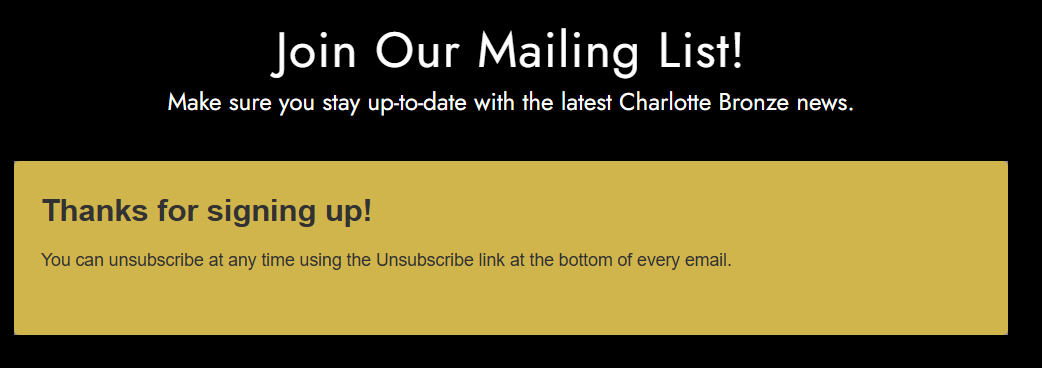
If you are referring to another form, please provide the following so we can reproduce the issue?
- The exact page URL where the form should appear.
- A screenshot showing its intended location and what you currently see.
- The code added to the Brizy Embed element and the WPCode snippet, including its insertion location and settings. Please remove any passwords or API keys.
- Whether the issue occurs in the Brizy editor, on the published page, or both.
This will help us check how the two code snippets work together and whether their placement is affecting the form.
0 -
Thanks, KC. I realized that once someone subscribes, they won’t get the submission field again. When other non subscribers tested it, it showed up fine. And yes, the email,was added to the constant contact list. We will remove it. Thanks!
0
Please sign in to leave a comment.
Comments
2 comments