Brizy WP AI

Hi the AI builder creates a websit but when I hit install I get (see attached)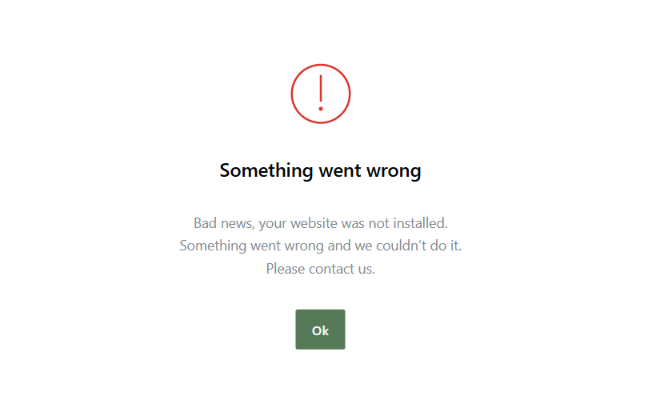
-

Hi Tanya,
Please make sure both Brizy and Brizy Pro are updated to their latest versions.

If the issue persists after updating, please share your site’s login details so we can investigate on our end.
Kindly send the following details to communitysupport@brizy.io:
- Community Support Link: https://support.brizy.io/hc/en-us/community/posts/38911837258002
- WordPress Admin URL:
- Username:
- Password:
We’ll review it as soon as we receive the access.
Best regards,
Ariel H.0 -
Hi Tanya,
Thank you for your cooperation.
We were able to replicate the issue on your website and encountered an Error 500 when trying to install the website.
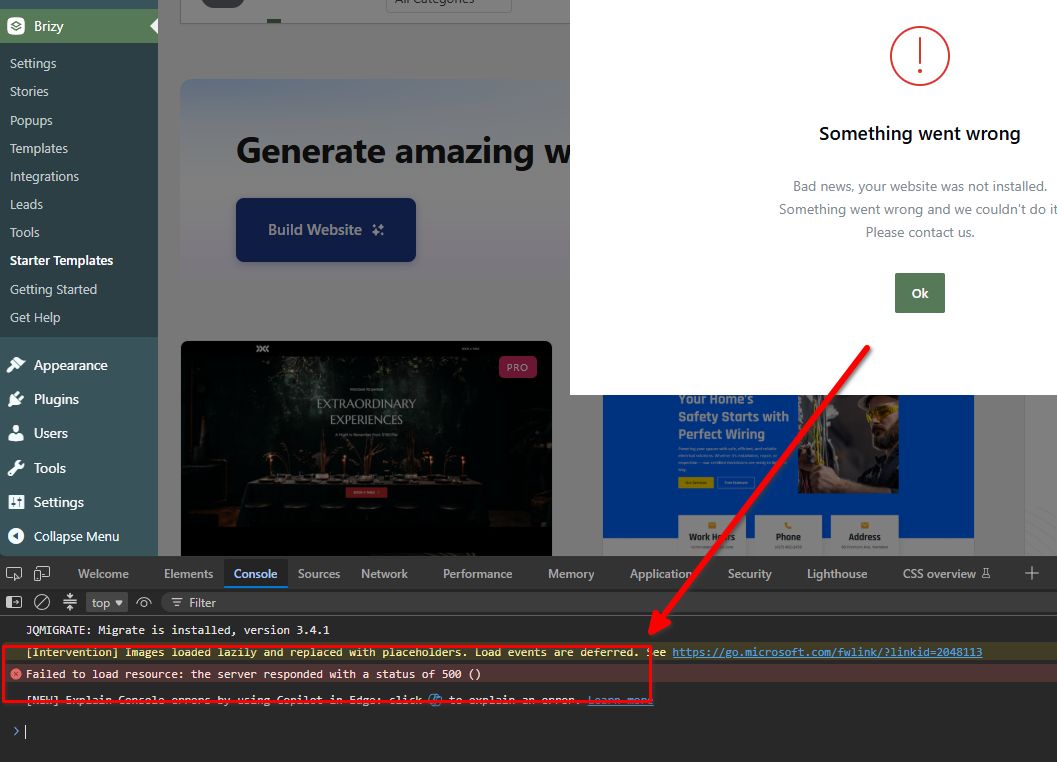
We don’t experience the same issue on our test website, so the issue appears to be isolated to your website. This is demonstrated in this screencast: https://youtu.be/S03Cy9eq_9w
Could you please try increasing your PHP Max Input Variables from 3,000 to 8,000 and your PHP Memory Limit from 256M to 512M, then try the installation again?
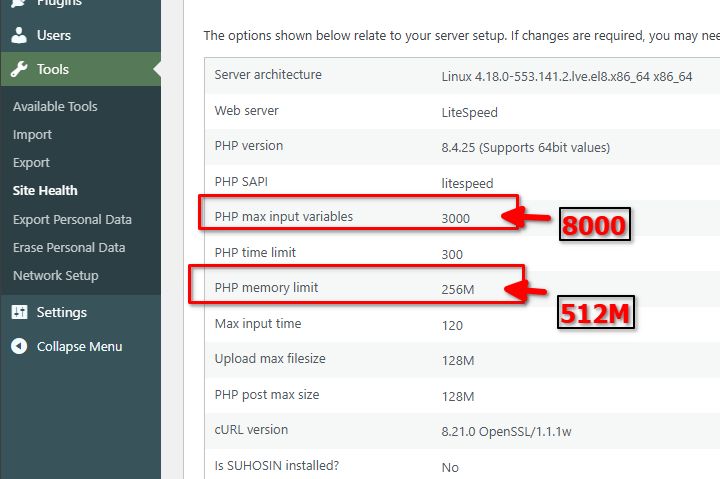
If you don’t have access to these settings in your hosting control panel, you may need to contact your hosting provider and ask them to make these changes for you.
Please let us know if the issue persists after making these adjustments.
Best regards,
Ariel H.0
Please sign in to leave a comment.
Comments
2 comments