Hindi Translation

Hi,
I am unable to find Hindi as a language for translation. It is supported by Google translate
Can you pls assist
Regards
Vijay
-

Hello Vijay,
I can see that you’ve already added Hindi as a translation language in one of your projects.
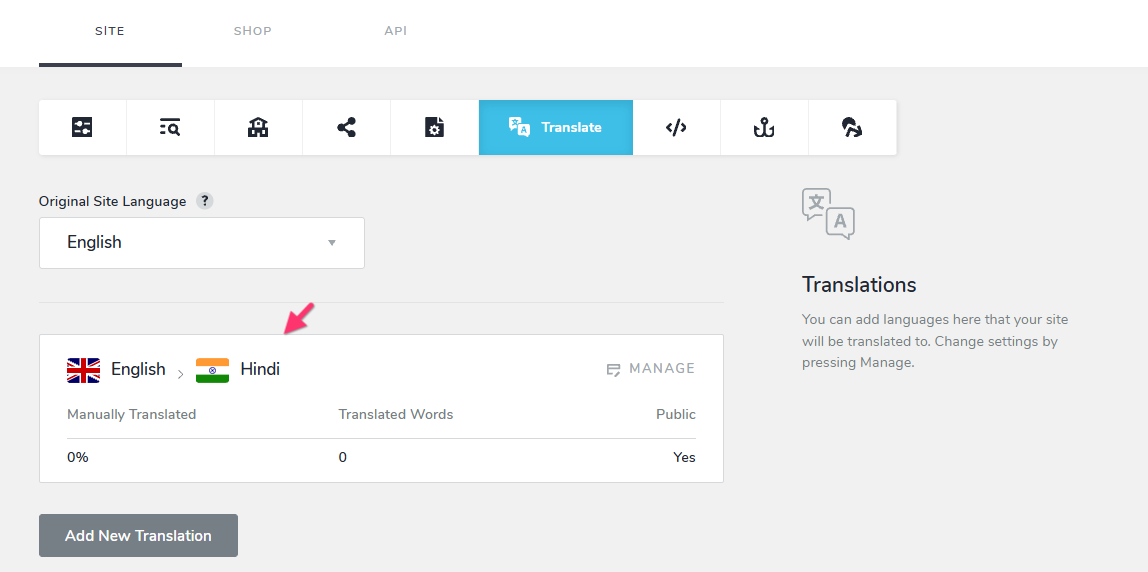
Before you can use "Google Cloud Translation" to automatically translate your Brizy Cloud website into Hindi, you’ll first need to add a Google Cloud Translation API key to your project. Please follow the step-by-step instructions in our guide: Generate Google Cloud Translation API key for Brizy Cloud automatic translations. Once the API key is added, you’ll be able to use Google Cloud Translation for automatic Hindi translations. If you have questions regarding the procedure to add the API key, kindly get back to us.
0
Please sign in to leave a comment.
Comments
1 comment