Update Brizy Pro 2.7.12 - WPML translated pages don't show up in front end

Hi, we have a new problem after updating this page:
Front end: The German pages are perfect. If we switch to english (in the header the flag)
In the Brizy Builder the english pages look ok too. They just don't show up. We tried to make one minor change in the page and saved it, but this did not help.
Can you fix it?
All the best, Leslie
0
-

Hello Leslie,
Kindly try these steps to fix the issue with the English language pages. Take a backup of your website as a precaution, before you follow these steps.
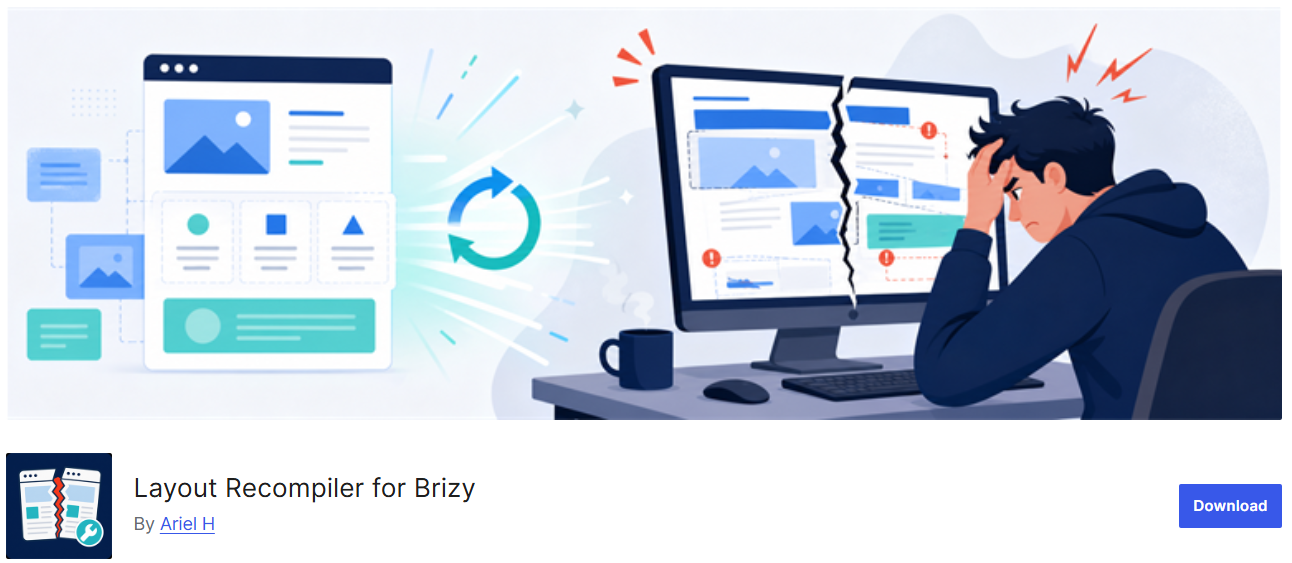
- Install and activate the plugin Layout Recompiler for Brizy
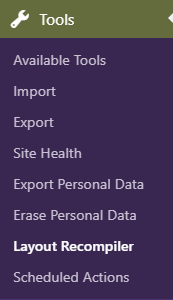
- In your WordPress Admin sidebar, select Tools > Layout Recompiler
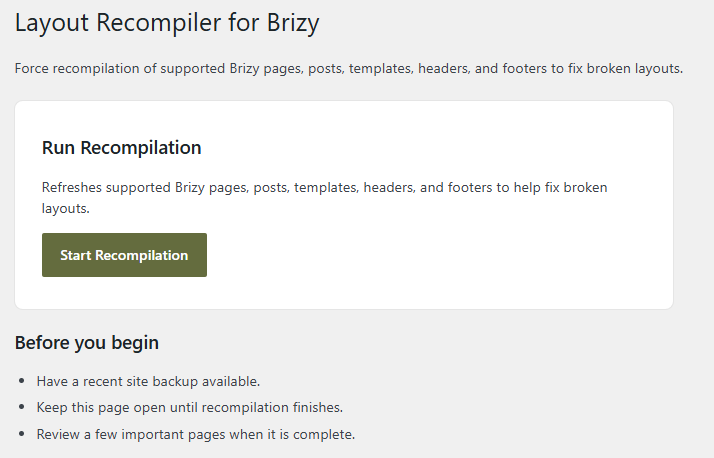
- Click the "Start Recompilation" button, wait for the compilation process to complete, and then verify if all English pages work properly in the website's frontend.
0 - Install and activate the plugin Layout Recompiler for Brizy
-
Hey KC, this just saved my life! Thank you. It helped and everything looks fine. All the best, Leslie
0
Please sign in to leave a comment.
Comments
2 comments