AI website creation error

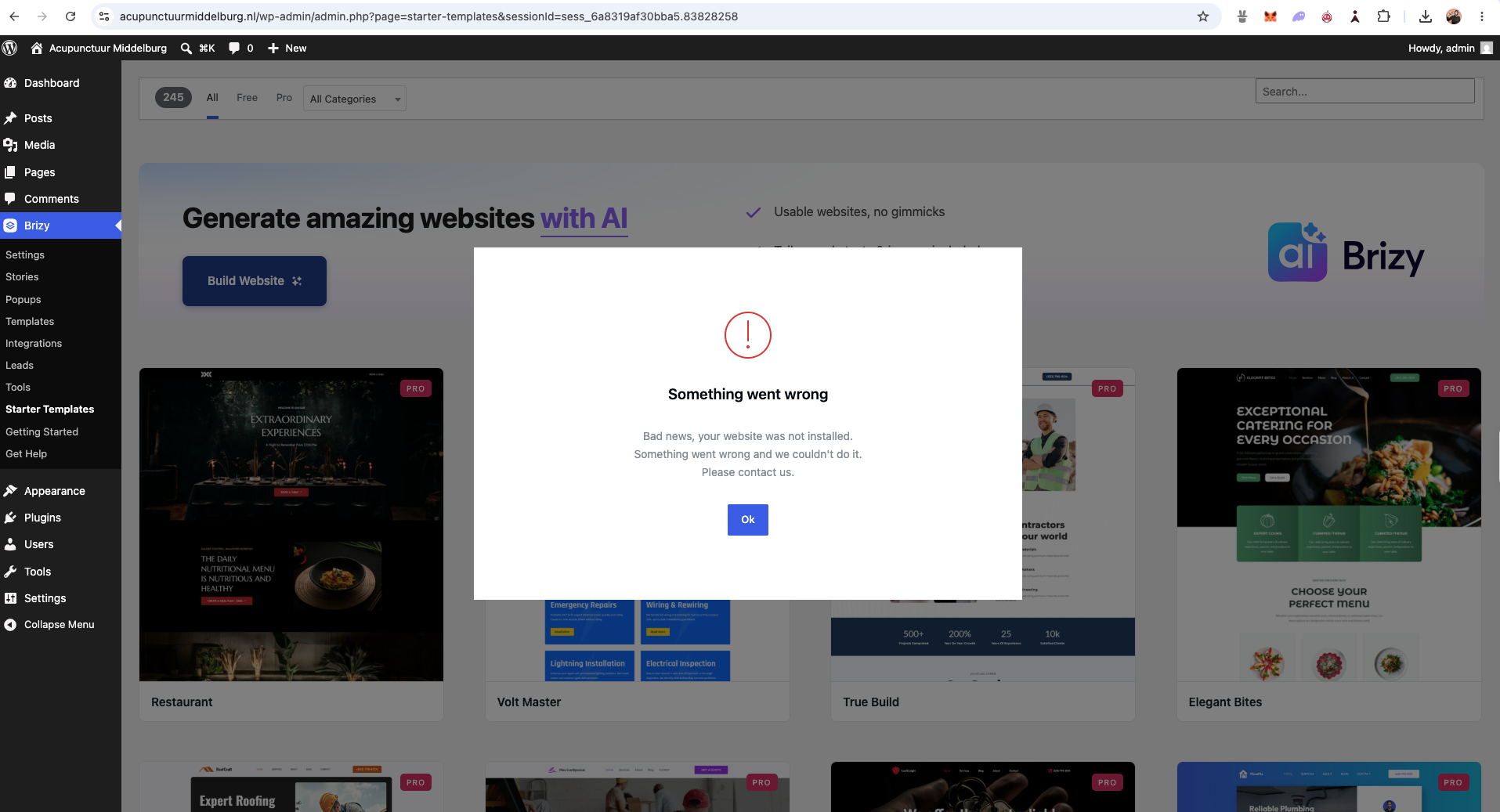
While trying to create a first site with Brizy I got this error. What is going wrong? I am working on a site for a local acupunctirst in The Netherlands: https://acupunctuurmiddelburg.nl/
If you need more info, let me know.
Best,
Thijs van der Hoorn
-

Hi,
Thank you for contacting us.
Please open another browser tab and log in to your Brizy account. Once logged in, return to the site and try creating it again.
If the issue continues, please try using a different browser and let us know if that makes any difference.
Best regards,
Ariel H.0 -
Hi Ariel,
Thank you for responding, I am using chromse version 151.0.7922.109 and logged in again, same problem.0 -
Hi Thijs,
Could you please provide temporary administrator access to your WordPress dashboard so we can take a closer look at the issue?
Kindly send the following details to communitysupport@brizy.io:
- Community post link: https://support.brizy.io/hc/en-us/community/posts/38145614863762
- WordPress Admin URL:
- Username:
- Password:
We’ll be glad to assist as soon as we have access.
Best regards,
Ariel H.0 -
Hi Thijs,
Thank you for the update.
We’re unable to replicate the issue from our end, as demonstrated in this screencast:
This suggests that the issue may be related to a browser extension or security software running in the background on your device.
To help us narrow this down, could you please temporarily disable any security software running in the background and test again? You can also try using a different browser such as Firefox, or other Chromium-based browser such as:
Thorium: https://sourceforge.net/projects/thorium.mirror/
Helium: https://helium.computer/Please let us know if the issue still occurs after testing with another browser.
Best regards,
Ariel H.0 -
Hi Ariel,
You are welcome, and thank you for the quick action and response!
Right now, I am able to generate an ai tamplate. But when I want to pulish it, an error occurs. I have used Firefox this time. And I have made a screenshot. Do you need more input form my side fo see what is going on?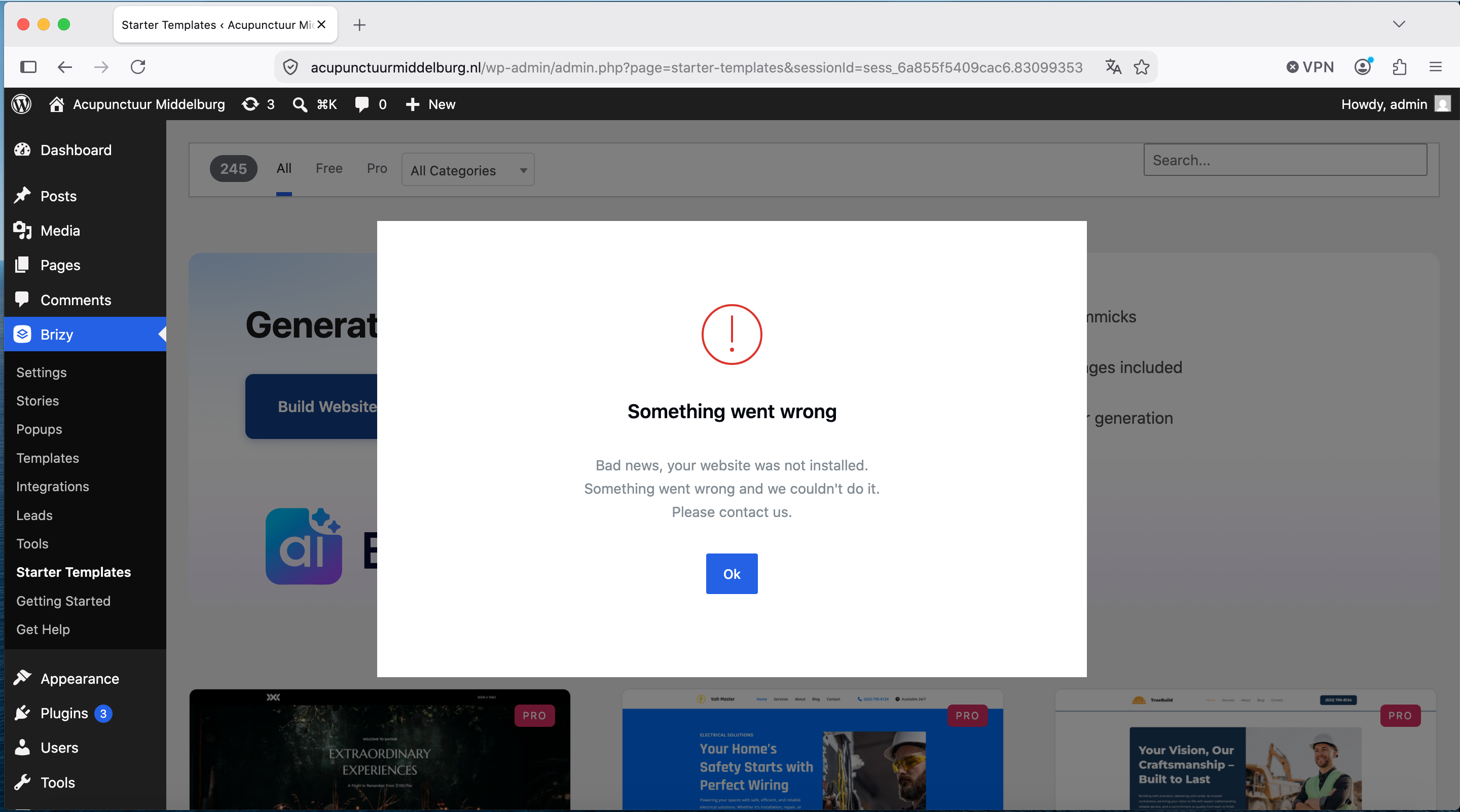
Best,
Thijs
0 -
Hi Thijs,
Could you please reach out to your web hosting provider and ask them to increase the following PHP limits:
* PHP max_input_vars: from 5000 to 8000
* PHP memory_limit: from 256M to 512M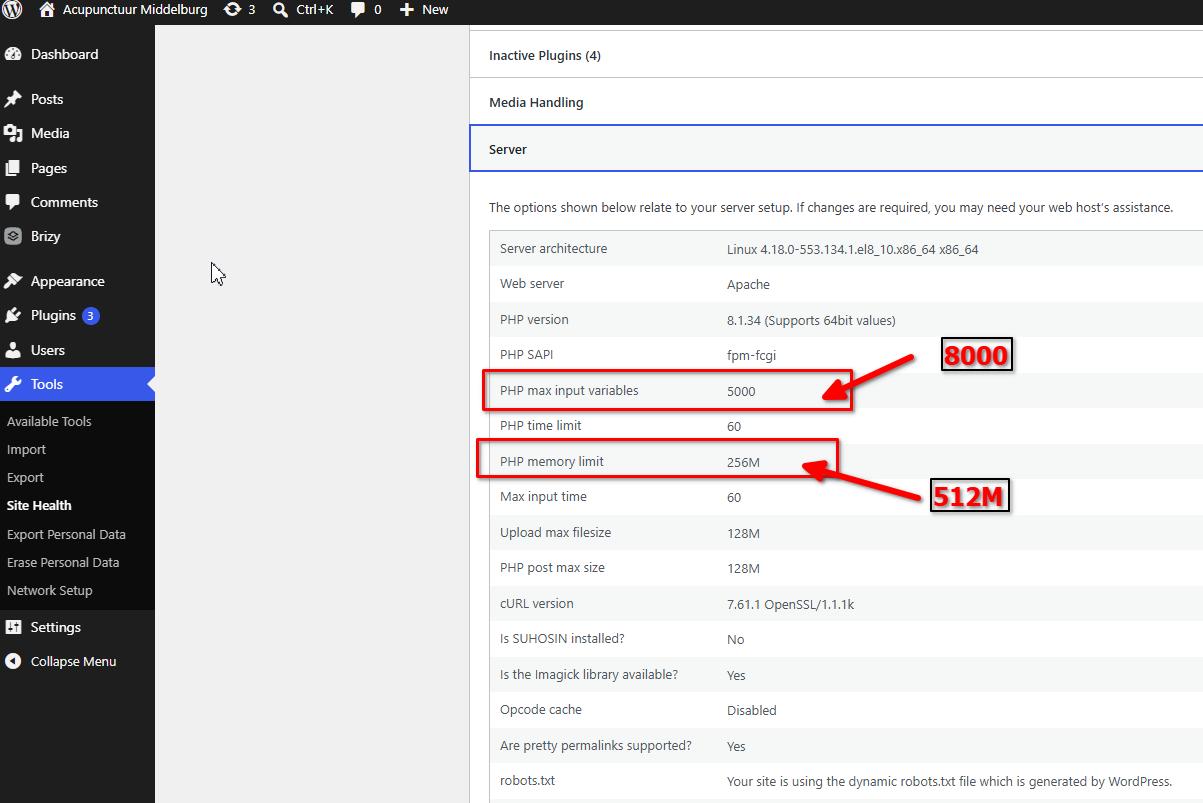
Once these limits have been updated, please try again and let us know if this helps resolve the issue.
Best regards,
Ariel H.0 -
Hi Ariel,
I just checked, and the above suggestion is done. But I still get an error.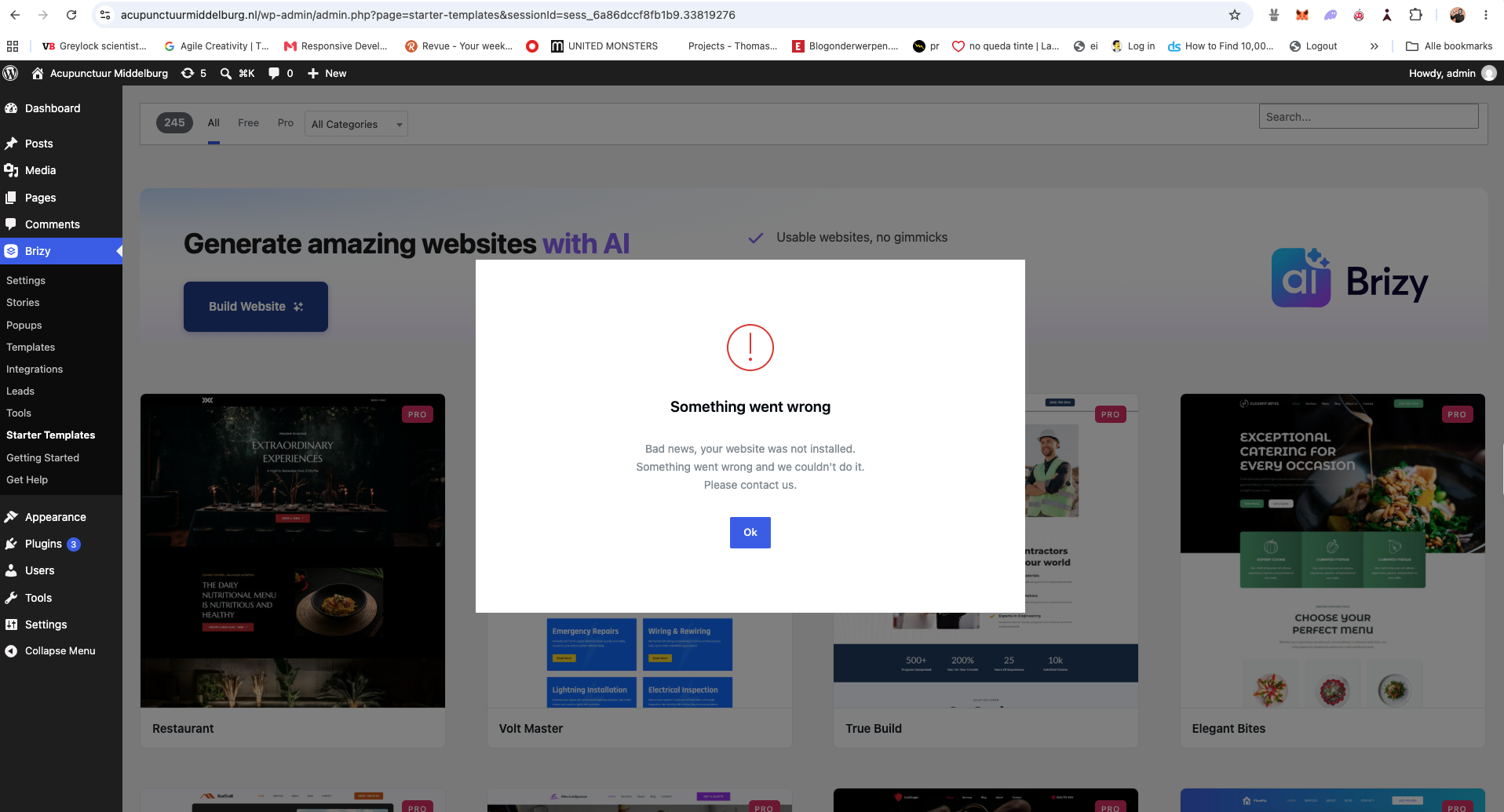 0
0 -
Hi Thijs,
We tried replicating the issue on our end while using Brizy AI in WordPress. During our test, the server returned an HTTP 413 error. This means the server is rejecting the save request because it exceeds the allowed request size.
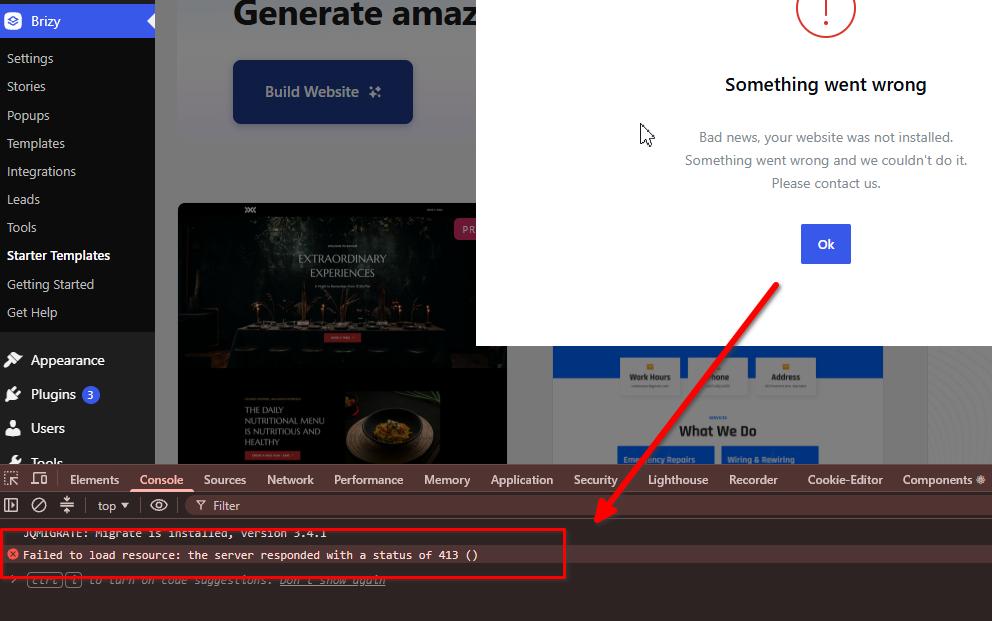
To resolve this, please contact your hosting provider and ask them to temporarily disable ModSecurity for testing. If they are unable to disable it, please ask them to increase the following values:
SecRequestBodyLimit 4194304 # Limit request bodies to 4 MB
SecRequestBodyNoFilesLimit 2097152 # Limit non-file request bodies to 2 MBThis is documented further in the following article:
https://support.brizy.io/hc/en-us/articles/22590197512210
Once these settings have been updated, please get back to us so we can check the issue again.
My apologies for the inconvenience.
Kind regards,
Ariel H.0 -
Hi Ariel,
Thank you for your patience and for explaining the steps. My hosting changed the settings. I just tried it again. No luck, see my screenshot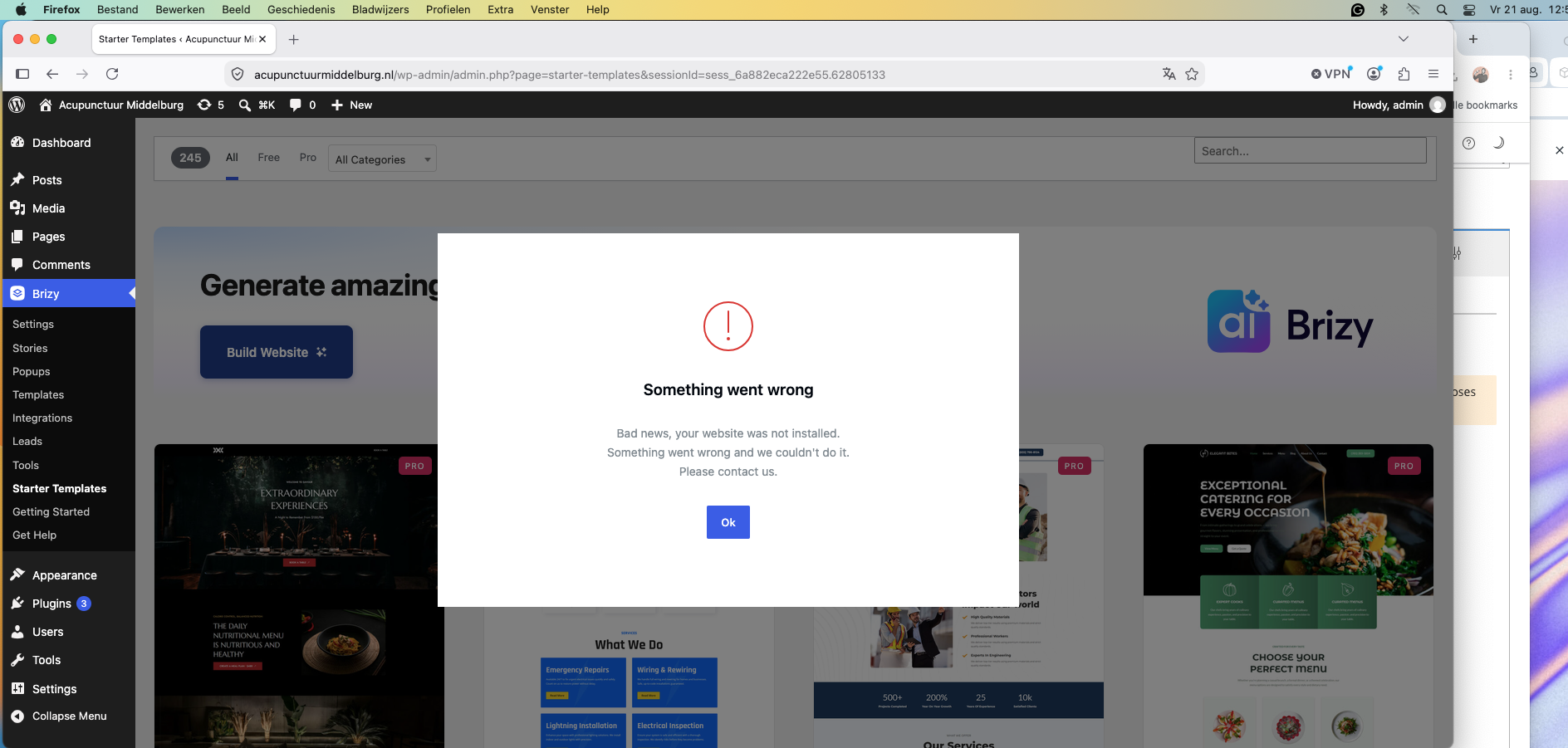 0
0 -
Hi Thijs,
Thank you for your patience.
Could you also provide us with temporary access to your hosting control panel so we can investigate the issue further? Please send the control panel credentials to communitysupport@brizy.io.
If we’re unable to resolve the issue on our end, we may need to escalate it to our development team for further investigation.Best regards,
Ariel H.0 -
Hi Thijs,
The credentials you previously provided are for your WordPress website. Could you also please provide the username and password for your hosting control panel so we can investigate the issue further?
You may send the credentials securely to communitysupport@brizy.io
Best regards,
Ariel H.0
Please sign in to leave a comment.
Comments
11 comments