The social media widget doesn't work

I tried using the social media widget. So far, I tried LinkedIn and Instagram.
Neither works. When added to the page, you get an empty placeholder with no controls (LinkedIn) or an empty "Loading..." placeholder (Instagram); nothing is presented, etc. (see screenshots).
On the page itself (preview or live), you see an empty placeholder that says "Loading..." and "See more on Instagram/LinkedIn". No content.
Is that there just for show, or is that supposed to work?
LinkedIn (edit)
LinkedIn (live)
Instagram (edit)
Instagram (live)
-

Hello Joe,
Your can display a LinkedIn post and Instagram profile on your Brizy Cloud website. In the website frontend it would look like this: https://restaurant-1.brizy.site/socia-media. No, these two elements are not just for show; it is supposed to work.
The LinkedIn post should look like this in the editor.
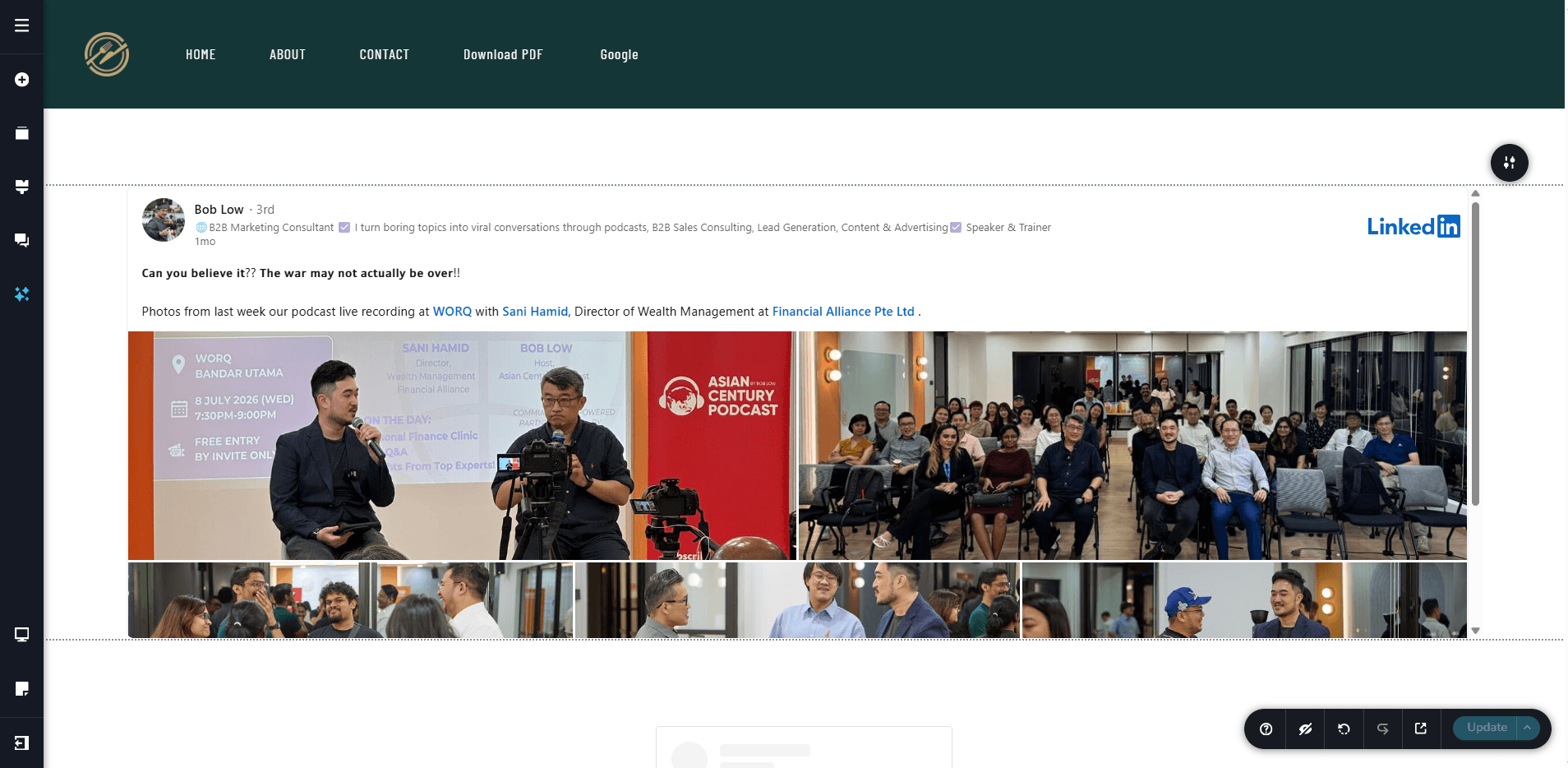
Kindly paste the SRC URL of the linkedin post's Embed code following the procedure below.- Open any LinkedIn post like https://www.linkedin.com/feed/update/urn:li:activity:7482358877980741632/
- Click on the three dots (...) at the top right corner and select the "Embed this post" option from the drop down menu.
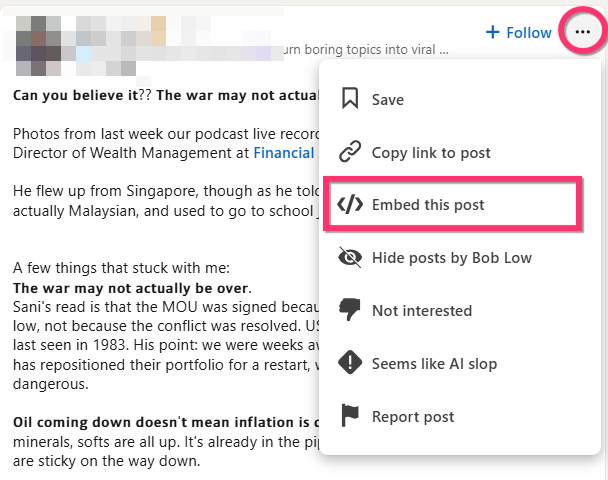
- Copy the SRC URL from the Embed code. It would look like https://www.linkedin.com/embed/feed/update/urn:li:ugcPost:7482358876378386432
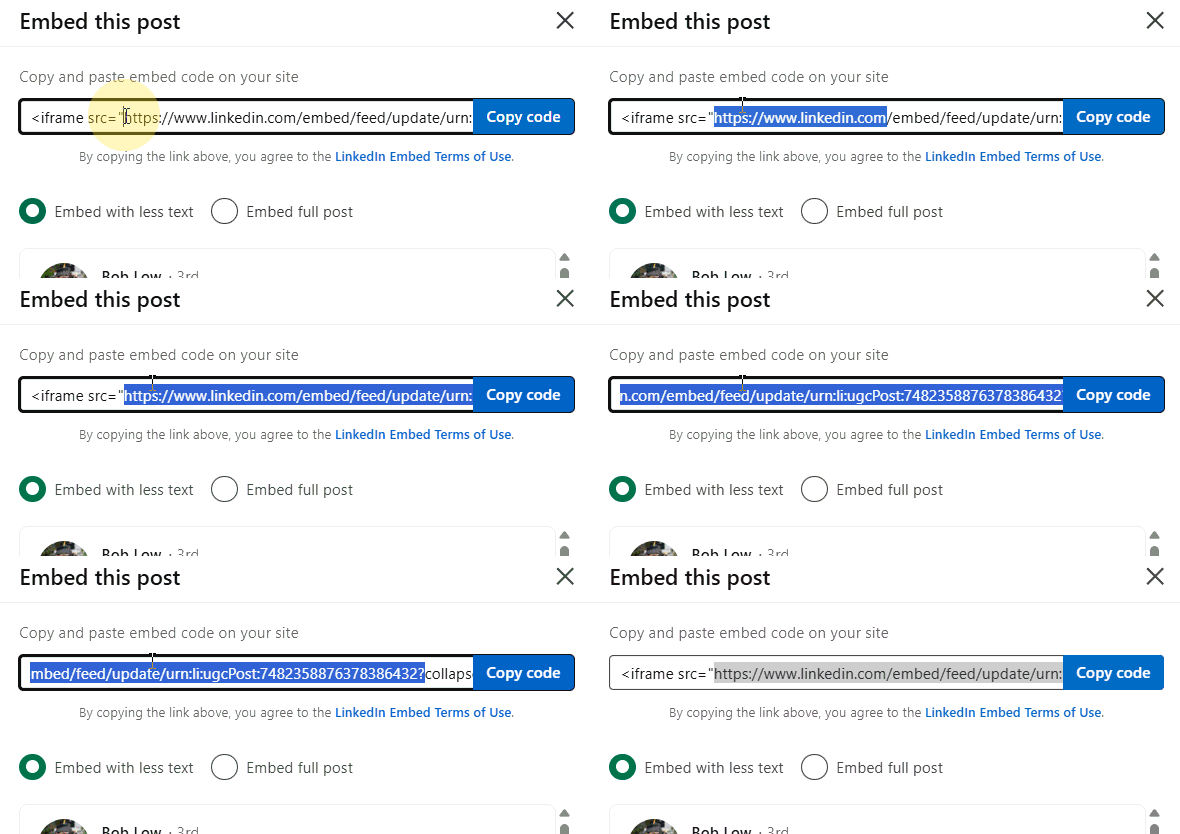
- Paste the URL into the Brizy LinkedIn element.
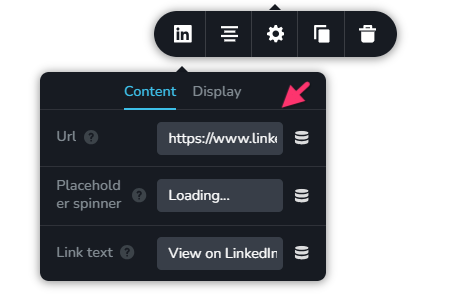
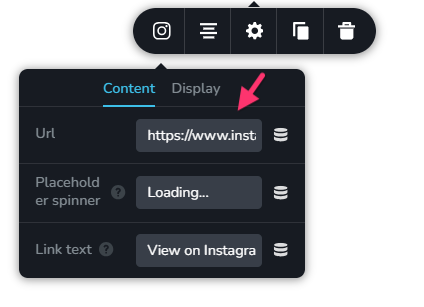
In the Instagram element, paste any Insta profile URL like https://www.instagram.com/virat.kohli/. The Instagram profile would not display in the editor, but it should display well in the frontend.
After following the above instructions, if you are still unable to make it work, kindly share with us the frontend URL of your webpage. We will take a look.
0 -
Thank you for the reply.
It doesn't work. For the LinkedIn one, there's nowhere to change the configuration (see the screenshot from the first post).
The LinkedIn post (one example): https://www.linkedin.com/posts/joeshachaf_cybersecurity-artificialintelligence-aisecurity-activity-7493652512030228481-L8P_
The embed URL is: https://www.linkedin.com/embed/feed/update/urn:li:share:7493652508809105408?collapsed=1
The Instagram issue is one of my extensions (I don't know which, yet, but disabling them all, made the feed appear in design and in runtime).
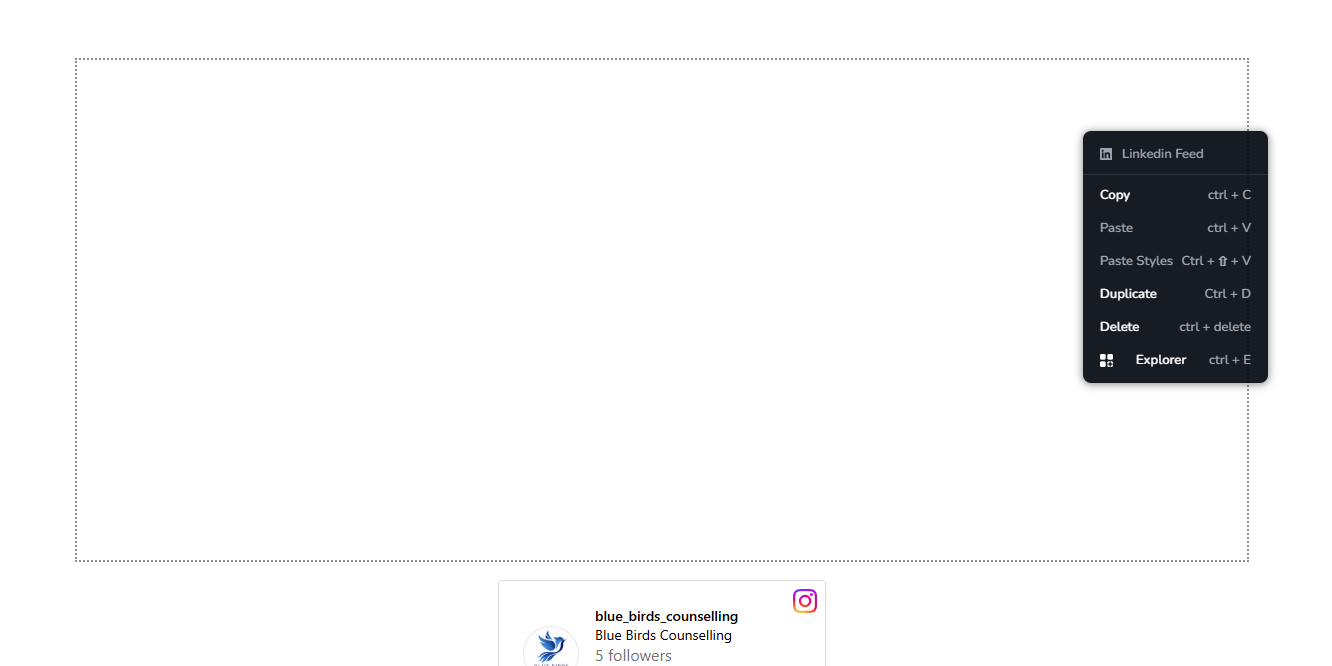
The test page I created is: https://www.aregularjoe.ca/social-posts-testHere's the LinkedIn widget in edit mode:
 0
0 -
OK, the issue is not an extention, but Brave's shields.
Disabling that makes the rest works. However, I won't lower my security posture for Brizy, so you still need to check that.
0 -
Hello Joe,
I see your LinkedIn post and the blue_birds_counselling instagram profile at https://www.aregularjoe.ca/social-posts-test
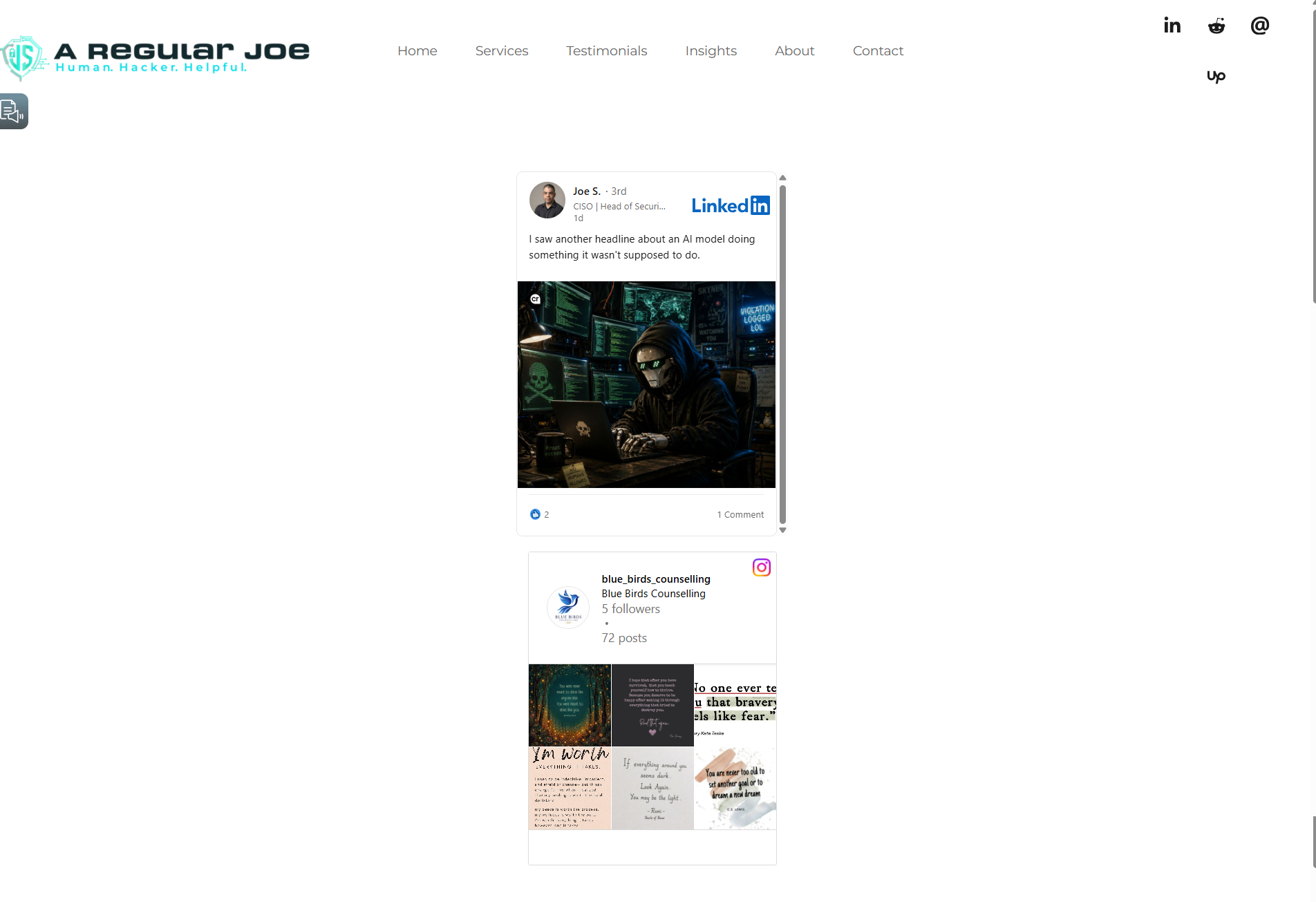
Visitors to your website should be able to view the same content. Do you see both social media content when using another browser, such as Chrome or Safari?
0 -
Thank you. The problem is that I can't see it in the builder, so I don't see what I'm actually publishing. Hence, I stopped using that and opted for a 3rd party widget.
Are there any plans to create something more robust? There are many widgets out there that solve this issue.
0 -
Hello Joe,
When I open the page https://www.aregularjoe.ca/social-posts-test in the Brizy Cloud editor, both the LinkedIn and Instagram widgets are displaying correctly on my end.
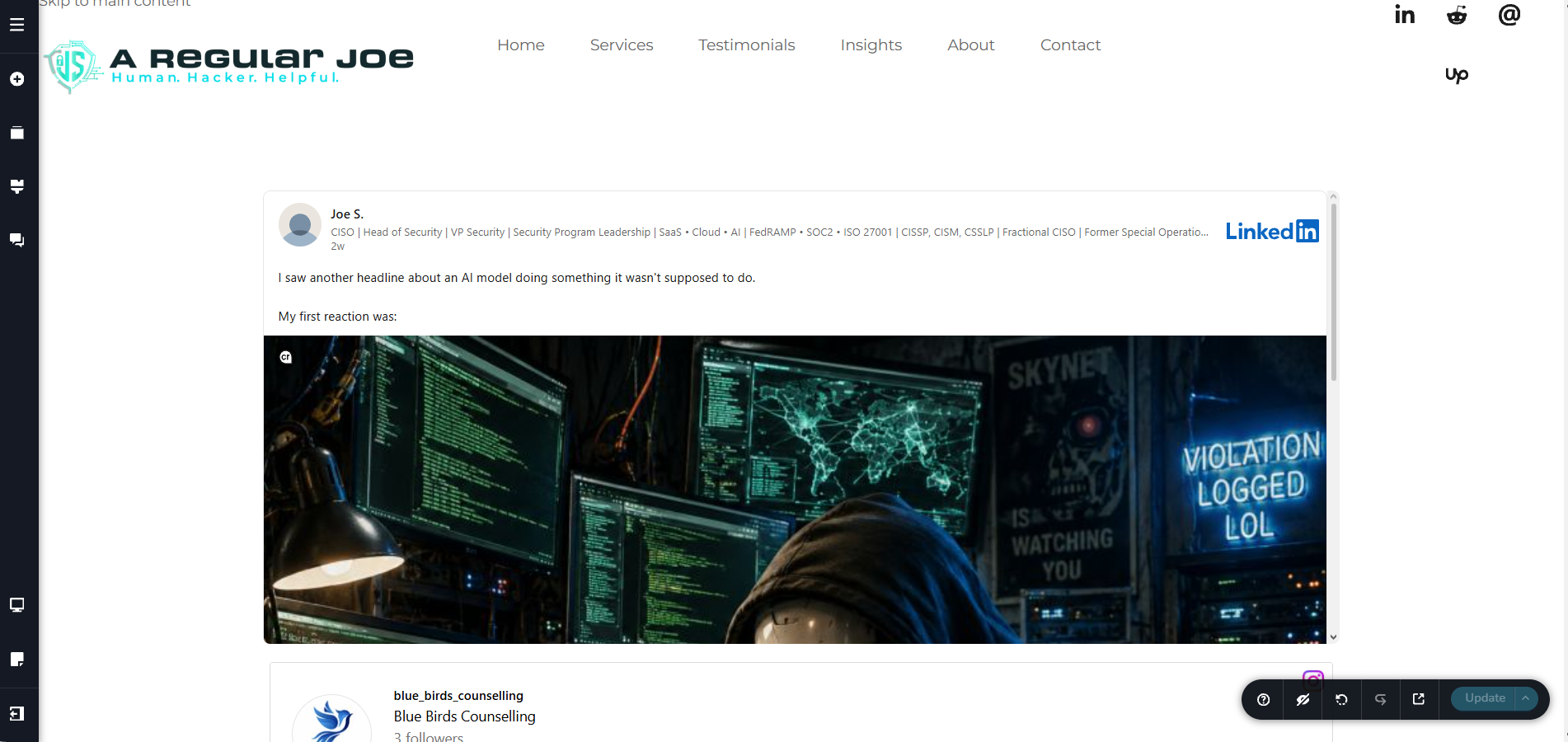
Could you please try signing in to Brizy Cloud using an alternate browser and opening the same page? Let me know whether both the LinkedIn and Instagram widgets are visible there as well. This will help us determine whether the issue is specific to the browser you’re currently using.
0
Please sign in to leave a comment.
Comments
6 comments