Gallery layout masonry

Hello,.
Ik have a problem with the masonry layout in gallery. On first install it does the masonry layout but switching to something else, say grid, and back, masonry never works again.
You can see on https://brizy.fritsdewolf.com
This is a staging website so no harm done
What is going on here?
Bets regards,
Frits de Wolf
-

Hello Frits,
Thanks for reporting the bug. We will work to fix it. In the meanwhile, please delete and re-add the gallery to use the "Masonry" layout.
0 -
Ok
0 -
fresh install of the Gallery doesn't hold. It switches to grid itself.
0 -
This takes to long. Despite my Brizy license I have to move to an other builder now. Brizy is a bit buggy I gues..
0 -
Hello Frits,
Yes; the gallery element is buggy at the moment. We are still working on fixing it.
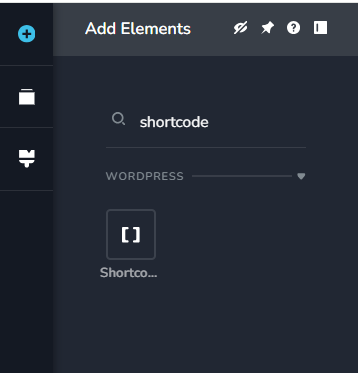
Check out the article "8 WordPress Gallery Plugins to Create Stunning Photo Galleries" for a list of WordPress plugins for creating photo galleries. Once you've created a gallery within the plugin, you can add it to a Brizy page by dragging the "Shortcode" element to the page and pasting its shortcode.
 0
0
Please sign in to leave a comment.
Comments
5 comments